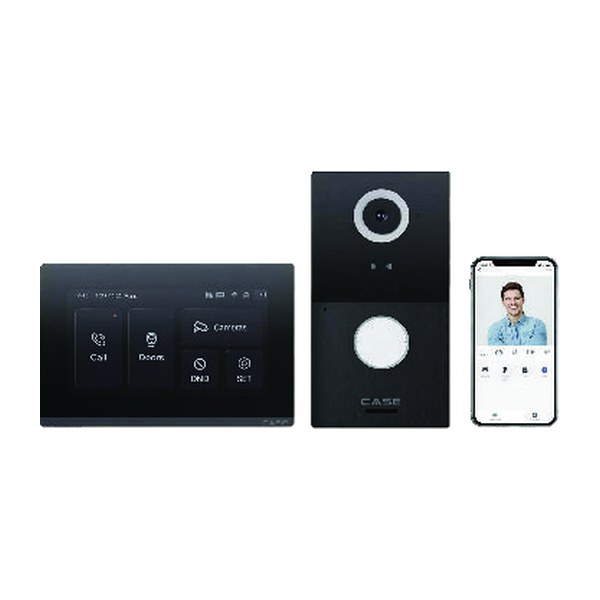
Quick answer: The CASE CS-VIK 27 is a two-part door-entry kit: an outdoor panel with a 2MP camera, a 13.56 MHz / 125 kHz RFID reader, 2 relay outputs, Wiegand + RS485, IP65 / IK08 protection and an operating range down to −40 °F (−40 °C), plus a 7-inch indoor monitor with Wi-Fi, Ethernet, PoE, MicroSD support and 8 alarm zones. It suits a gate, a commercial front door or a small multi-tenant entrance. Anything not printed, including app functions and the multi-tenant capacity, is confirmed on the spec sheet before you quote it.
What is in the kit, exactly as printed?
The kit is new in the CASE Catalog 2027 Q1 and carries no series label. The catalog lists one outdoor panel and one indoor monitor. Read the printed rows as two devices:
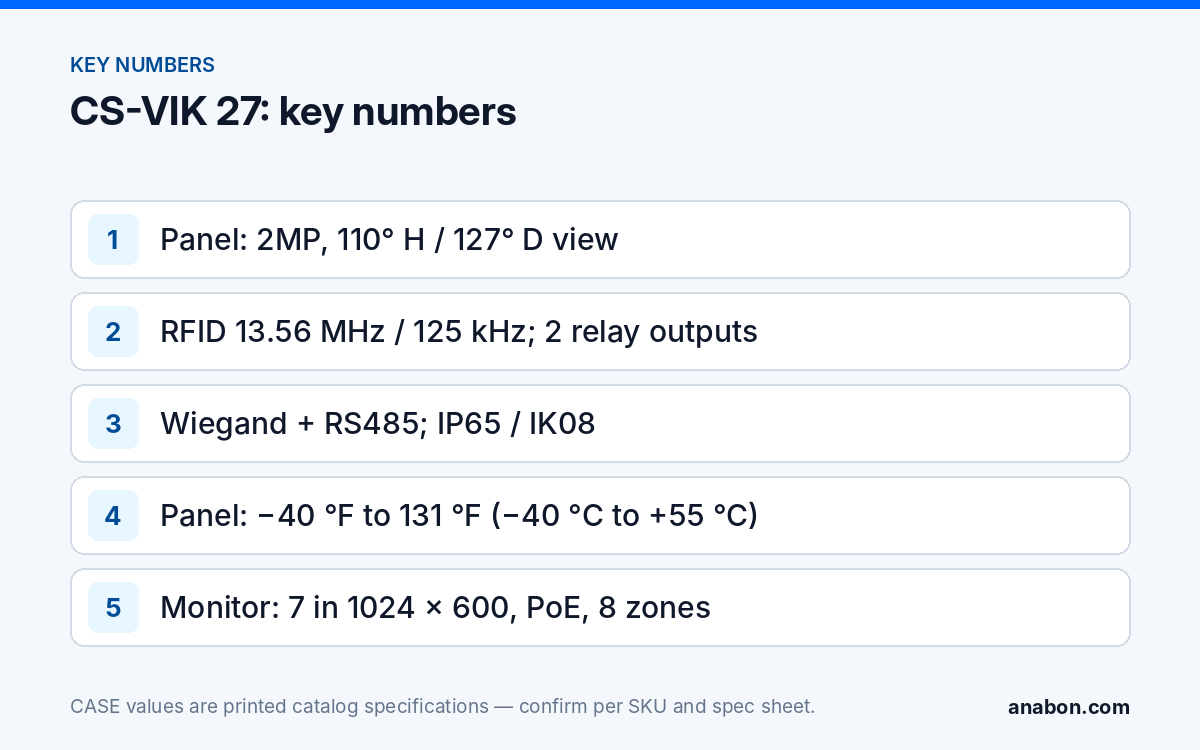
- Outdoor panel: 2MP camera, 110° horizontal / 127° diagonal viewing angle, RFID 13.56 MHz / 125 kHz, 2 relay outputs, Wiegand + RS485 interface, IP65 / IK08 protection, operating temperature −40 °F to 131 °F (−40 °C to +55 °C).
- Indoor monitor: 7-inch TFT display at 1024 × 600, Wi-Fi + Ethernet, PoE, MicroSD support, 8 alarm zones, 14+ languages, operating temperature 14 °F to 131 °F (−10 °C to +55 °C).
Four things the catalog rows do not print, and which you take from the spec sheet before they go into a proposal: how the panel is powered and how it connects to the monitor; the relay contact rating; the audio specification; and whether one panel can call more than one monitor. The catalog photo shows a phone screen, but no app name or app function is printed, so do not promise remote answering from a phone until the spec sheet confirms it for this kit.
Which gate and multi-tenant jobs does it fit?
A video intercom system for commercial sites has one job: let the person inside see who is at the entrance, talk to them and release the door or gate without walking out. The CS-VIK 27’s printed rows point to these scenarios:
| Scenario | Printed rows that matter | Confirm before quoting |
|---|---|---|
| Vehicle or pedestrian gate at a business park, yard or HOA | 2 relay outputs; IP65 / IK08; −40 °F (−40 °C) low limit | Panel power and cable path from the gate to the building; relay rating against the gate operator input |
| Commercial front door with a reception desk | RFID 13.56 MHz / 125 kHz; 110° horizontal view; 7-inch monitor | Credential formats; how many cards the panel stores |
| Small multi-tenant entrance (offices or apartments) | Wiegand + RS485; 2 relays (main door and a second door or gate) | Whether one panel can call more than one monitor, and how tenants are selected |
| Shipping office or warehouse side door | 8 alarm zones on the monitor; MicroSD support | Zone wiring and what the monitor stores on the card |
For an HOA or managed community, read this together with HOA, gates and managed communities: the intercom answers the visitor, while the cameras and the recorder cover the gate and the vehicles.
Where a site needs a directory of many tenants, more doors than two relays can handle, or central management across buildings, the requirement belongs in a project review. Bring us the opportunity before you say no: Anabon checks the spec sheet against the requirement in writing.
How do you wire the relays, Wiegand and RS485?
Relay outputs: door strikes and gate operators
The panel prints 2 relay outputs. Typical uses are one output to an electric strike or maglock controller and one to a gate operator’s open input. Because the contact rating is not in the catalog row, plan each output as a dry contact switching a separate lock or operator circuit:
- Power the lock from its own supply, not from the panel, unless the spec sheet says otherwise.
- Use an interposing relay when the lock or operator draws more than the rated contact current on the spec sheet.
- Add a flyback diode across DC lock coils, or use a lock with built-in suppression.
- Decide fail-safe or fail-secure with the owner and the authority having jurisdiction; maglocks on egress doors need request-to-exit and fire alarm release under the life-safety code (NFPA 101 and the local building code in the US; the National Building Code of Canada and provincial codes in Canada). Verify the local code.
- Label each relay and its function at the panel, at the lock supply and in the as-built.
Wiegand: connecting to an access control panel
Wiegand is the common reader-to-controller interface in access control. With an access control panel on site, the Wiegand interface can let the intercom’s card reads feed the panel’s access decisions, so card rights stay in one system, once the spec sheet confirms how the port is used. Signal direction, bit format and the supported card formats are on the spec sheet; match them to the controller before ordering cards. Run Wiegand on shielded multi-conductor cable, grounded at one end.
RS485: the serial bus
RS-485 is a differential serial bus that tolerates long runs, about 4,000 ft (1,200 m) at low data rates under the standard. The catalog prints the RS485 interface but not its use on this kit, so confirm on the spec sheet which devices and protocols it supports before you design around it. Use twisted pair, terminate the ends of the bus, and keep it away from high-voltage gate operator wiring.
Indoor monitor: network and alarm zones
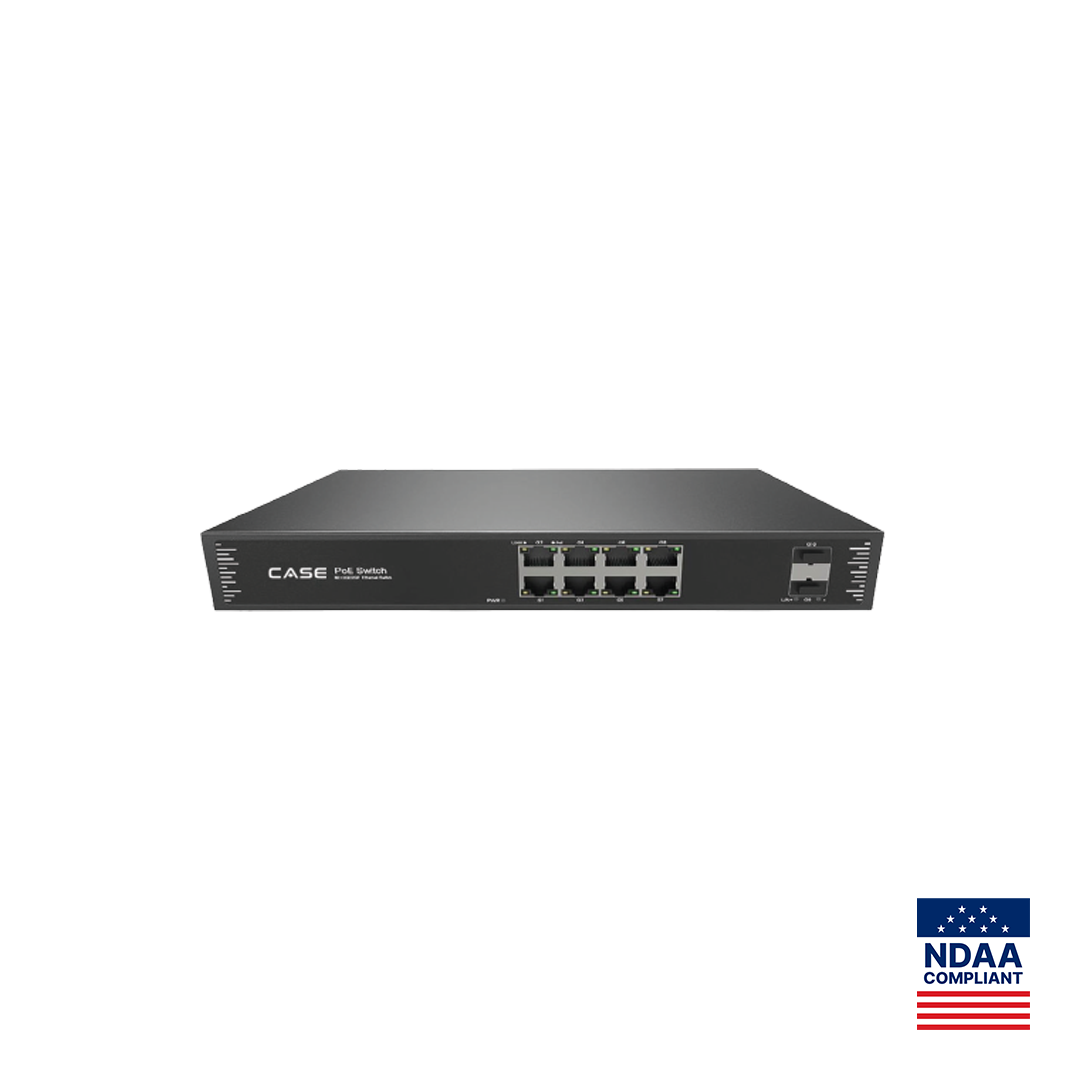
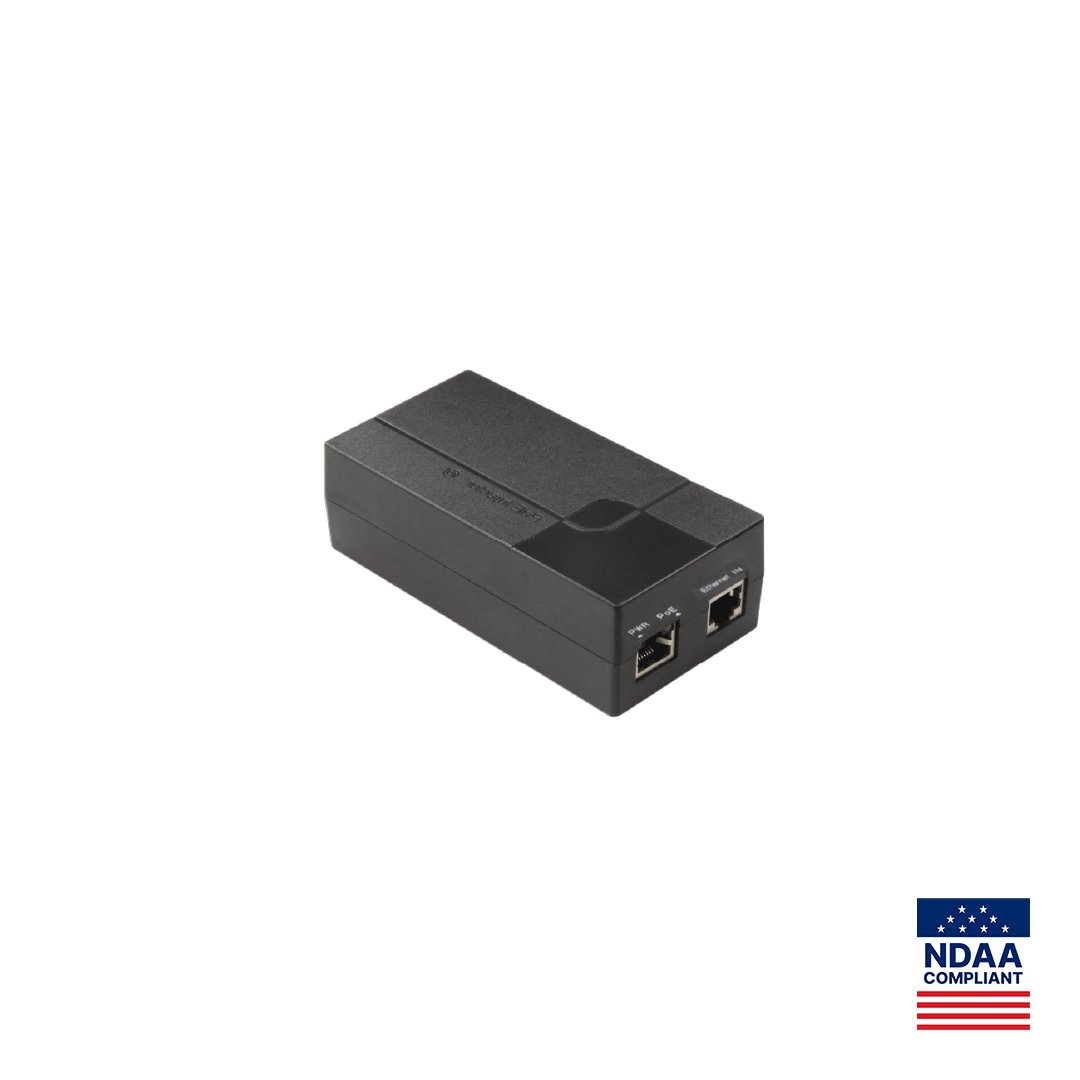
The monitor prints Wi-Fi + Ethernet and PoE. Prefer a wired Ethernet drop with PoE: one cable, no dependence on the customer’s wireless network. A switch port on a CS-POE33108PF or a single CS-PSE3301AC injector (both IEEE 802.3af/at as printed) can supply it once the monitor’s spec sheet confirms an 802.3af/at PoE class; until then, do not assume compatibility. The 8 alarm zones accept sensors at the monitor; zone types and wiring are per spec sheet. Low-voltage wiring follows the NEC in the US (CEC in Canada).
Spec table: CS-VIK 27 as printed
| Device | Printed row | Value |
|---|---|---|
| Outdoor panel | Camera | 2MP |
| Outdoor panel | Viewing Angle | 110° Horizontal / 127° Diagonal |
| Outdoor panel | RFID | 13.56 MHz / 125 kHz |
| Outdoor panel | Relay | 2 Outputs |
| Outdoor panel | Interface | Wiegand + RS485 |
| Outdoor panel | Protection | IP65 / IK08 |
| Outdoor panel | Operating Temperature | −40 °F to 131 °F (−40 °C to +55 °C) |
| Indoor monitor | Display / Resolution | 7-inch TFT / 1024 × 600 |
| Indoor monitor | Network / PoE | Wi-Fi + Ethernet / Yes |
| Indoor monitor | Storage | MicroSD Support |
| Indoor monitor | Alarm Zones / Languages | 8 / 14+ |
| Indoor monitor | Operating Temperature | 14 °F to 131 °F (−10 °C to +55 °C) |
Not printed: panel power, panel-to-monitor cabling, audio, relay rating, card capacity, monitor count per panel, recorder integration and app functions. The warranty term for the kit is confirmed by Anabon per the spec sheet; warranty support runs through the installer or dealer.
What should you check on site before quoting?
- Mounting height and reach for visitors on foot and in vehicles; accessibility rules apply (the ADA in the US; provincial accessibility rules in Canada; verify the local code).
- Camera view: the 110° horizontal angle should show a face, not the sky or a backlit glass door.
- Cable path and length from the panel to the monitor and to the lock or operator.
- Credential plan: 13.56 MHz cards for new systems where possible; 125 kHz proximity credentials are older and easier to copy.
- Privacy and signage: an entrance camera records visitors, so post signage and follow state laws in the US and PIPEDA and provincial laws in Canada; see video surveillance signage.
- Compliance: for projects with NDAA or other compliance requirements, Anabon provides the relevant per-SKU documentation and project-specific confirmation.
What to tell your customer
“The panel at the entrance shows you who is there on the 7-inch screen inside, reads access cards and can release the door or the gate. It is rated for outdoor use and for winter temperatures down to −40 °F (−40 °C). We confirm the details for your entrance, such as how many doors and tenants it serves, from the product documentation before installation, and all service goes through us.”
FAQ
Can the CS-VIK 27 serve several tenants from one panel?
The catalog lists one outdoor panel and one 7-inch indoor monitor and does not print how many monitors a panel can call or how tenants are selected. For a multi-tenant entrance, confirm the monitor count and the call method on the spec sheet before quoting, and send larger directories or several doors to a project review with Anabon.
Does the kit work with a phone app?
No app name or app function is printed for the CS-VIK 27, even though the catalog photo shows a phone screen. Do not promise remote answering, door release from a phone or notifications until the spec sheet confirms them for this kit. Quote what is printed: the indoor monitor, the RFID reader, the relays and the Wiegand and RS485 interface.
Can the relay outputs drive a maglock directly?
The panel prints 2 relay outputs but no contact rating in the catalog row. Treat each output as a dry contact switching a separate lock supply, use an interposing relay where the lock draws more than the spec sheet rating, and follow the life-safety code for egress doors, including request-to-exit and fire alarm release. Verify the local code.
Is the outdoor panel suitable for Canadian winters?
The panel prints an operating temperature of −40 °F to 131 °F (−40 °C to +55 °C) and IP65 / IK08 protection. The indoor monitor prints 14 °F to 131 °F (−10 °C to +55 °C), so it belongs inside a heated space. Seal the panel’s cable entry and use a drip loop, as with any outdoor device.
What warranty applies to the kit?
The warranty term for the CS-VIK 27 is confirmed by Anabon per the spec sheet; ask for it in writing with your quote. Warranty support runs through the installer or dealer and their business account. If an end user asks, the answer is: for warranty and service, please contact the installer or company that supplied your system.