



Plan a smart office around occupancy, sensing and useful actions. Check privacy, integration, network coverage and handover before choosing devices.
On this page
- Choose a job the system can actually do
- Separate sensing, communication and control
- Check the actual device and platform combination
- Plan the network and privacy together
- Keep video security as a separate design decision
- Commission one room before rolling out
- Hand over a system the customer can maintain
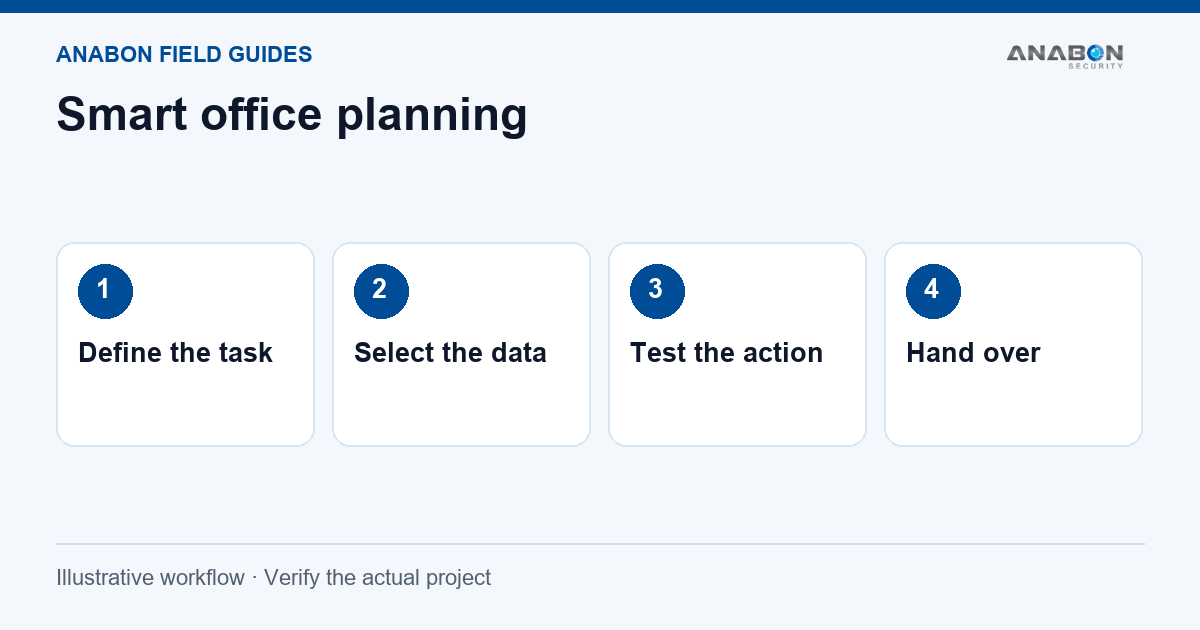
Choose a job the system can actually do
A meeting room looks empty in the booking calendar, but people are using it. A light stays on after the last person leaves. A door is left open overnight. These are different problems, even when they happen in the same building. A useful smart office project names the problem and the person who will act on the result.
For an installer or system integrator, that means agreeing on a small first scope. Write down the rooms involved, the operating hours, the expected action and the way the customer will judge the result. Do not start by promising a whole smart building. Review how IoT and AI fit into a project before listing devices.
Separate sensing, communication and control
A sensor measures or detects something. A communications path moves its messages. An application displays the result or applies a rule. A controller may then act on a connected load. Check each link rather than treating a device list as a working solution.
| Task | What to establish |
|---|---|
| Meeting room use | Define occupied, vacant and temporarily empty; compare the readings with observed room use. |
| Door or window status | Confirm the mounting position, reporting interval, alert recipient and after-hours schedule. |
| Lighting control | Confirm the controller, load rating, electrical design and a manual override. |
| Environmental monitoring | Choose the measured quantity, sensor location and an agreed action threshold. |
An occupancy reading is not an identity check or proof that an area is safe. Keep access control, fire protection and other required safety systems within their approved designs.
Check the actual device and platform combination
Milesight offers a CoWork smart space solution and CoWork kits that illustrate how sensors, a gateway and applications can be combined. The included devices and platform services vary. Use the current kit sheet and confirm regional radio settings, supported functions and service terms before quoting.
A gateway does not make every sensor compatible with every dashboard. Confirm message formats, network server support, integration work and who owns the configuration. If an application needs an API, obtain the current API documentation and test the required transaction.
See how IoT and AI fit into a project for a clearer way to separate measurements, analytics and the action that follows.
Plan the network and privacy together
Survey coverage in the actual rooms, with doors closed and normal occupancy. Agree on gateway placement, power, backhaul and access to the network with site IT. A range claim from an open field does not establish coverage through the building. For the camera-network part of a mixed project, use the network and cybersecurity guides when agreeing access with IT.
Collect the smallest amount of data needed for the agreed task. Ask who can view it, how long it is retained, whether it leaves the site and how access is removed when staff change. A product described as anonymous still needs a review of the complete deployment and the data it exports.
Keep video security as a separate design decision
Office sensing and video recording can support different needs. If the project also needs cameras, define the required views and recording policy before choosing IP cameras or an NVR. Do not assume an occupancy sensor can replace an evidence-quality camera view.
For an open-area camera option, review the exact CASE CS-I86V I-180 documentation. Its 2.8mm fixed lens is recorded in the current catalog; confirm whether its view and supported functions suit the scene. A wider image does not automatically provide the detail needed at every desk or doorway.
Commission one room before rolling out
- Observe the room and record a short baseline before enabling automation.
- Test occupied, vacant and briefly empty conditions; record delays and incorrect readings.
- Disconnect an approved part of the communications path and confirm how missing data is shown.
- Test schedules, manual override and the alert destination with the responsible staff.
- Expand only after the agreed first-room checks pass.
Measure the outcome that was agreed at the start. If energy use is the target, compare an appropriate baseline and operating conditions. Do not turn a device installation into a guaranteed savings percentage.
Hand over a system the customer can maintain
Provide the device list, locations, network diagram, rule settings, reporting intervals and support contacts. Keep passwords in the approved handover system. Explain battery replacement or power requirements for the selected devices, and agree on who checks missed messages or failed actions.
For any camera in the project, request the correct IP camera user manual and setup resources for its exact model. For camera-network problems, work through the NVR IP and DHCP checks before replacing equipment.