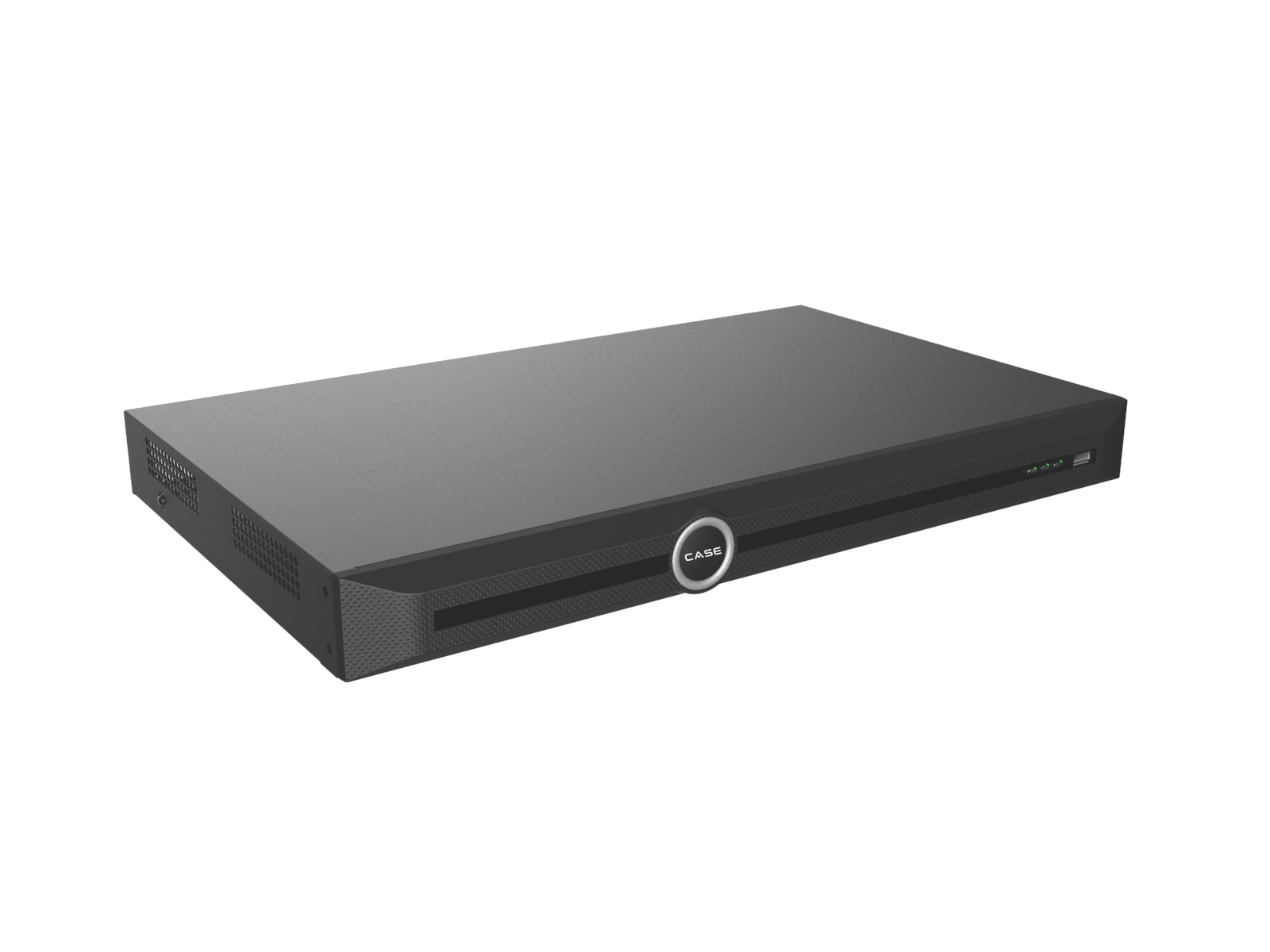
Quick answer: Two monitor connectors do not necessarily provide two independent views. Read the selected NVR’s display row, then verify supported layouts, resolution and concurrent playback on the actual firmware. Design a larger monitor wall as a viewing-system task rather than assuming extra connectors create extra decoding capacity.
On this page
Start with simultaneous versus independent
Simultaneous HDMI/VGA wording points to a different capability from independent outputs. Do not promise that one screen can keep a live grid while another performs a separate playback task solely from the connector count or the word independent.
Write down what each screen must show, who can control it and whether it is private or public-facing. A mirrored management screen can expose menus, private channels or playback that should not be visible at an entrance.
| Model | Printed display row | Design implication to verify |
|---|---|---|
| CS-N105 P4 / CS-N105 P4H-AI | HDMI and VGA simultaneous | Do not assume separate layouts or hidden menus on one output. |
| CS-N110 P8 / CS-N110 P8H-AI | HDMI and VGA simultaneous | Check what is mirrored before connecting a public-facing screen. |
| CS-N220 P16H-AI | HDMI and VGA simultaneous | Confirm supported resolution, layouts and concurrent operations. |
| CS-N440 M-AI | 1×HDMI and 1 ×VGA independent | Confirm the actual independent display functions for the firmware. |
| CS-N880 N / CS-N880 H-AI | HDMI1/VGA1 and HDMI2/VGA2 independent output wording | Confirm pairing, layouts, resolutions and playback behavior before specifying the wall. |
The catalog’s 40-channel PoE model has a naming difference: the index uses CS-N440 P16H-AI while its product page prints CS-N440 P16-H-AI. Confirm the orderable identifier and revision before quoting it. Its display row is described as independent, but detailed behavior still needs a model-specific check.
Confirm the output resolution and screen requirements
A 16 MP input/support figure is not a monitor-output resolution. The reviewed catalog display rows do not provide a complete output-resolution and refresh-rate specification. Obtain the actual revision sheet and supported menu options for each connector.
Check monitor inputs, accepted resolution/refresh rates, aspect ratio and the readable viewing distance. Where adapters, extenders or long cable runs are involved, verify compatibility for the whole signal path rather than promising a fixed cable distance from a generic HDMI or VGA name.
Test the layouts the operator will use
- List the channels and layout required on each display.
- Test normal live viewing at the intended stream settings.
- Test playback, export and menu use while the required live view remains available.
- Check whether changing a layout or entering a menu affects another screen.
- Verify account restrictions and what a public-facing display can reveal.
- Record the tested firmware, output settings and any operating limits.
The maximum number of incoming channels is not proof that every high-resolution stream can be displayed simultaneously in every layout. Confirm decoding, stream selection and concurrent functions before accepting a control-room requirement.
When does the design need a viewing workstation?
A multi-recorder or larger screen wall may need a suitably specified workstation, desktop software, decoder or wall controller. CASE Station is catalog-described for desktop monitoring across multiple sites, playback and export. The catalog does not establish every monitor count, hardware requirement or layout.
Confirm the supported software version, graphics/display arrangement, network load, recorder outgoing bandwidth and required integration. Do not transfer a generic ONVIF profile list into a promise that every decoder, event or audio function will work.
Use the NVR versus VMS guide and CASE NVR selection guide to prepare the project brief. The site’s viewing workload includes remote clients as well as the wall.
Hand over the operating layout
Document which screen connects to which output, the approved default layout and the roles allowed to change it. Label the cables and keep a configuration record with the project. Include a recovery step for a replaced monitor that does not accept the previous output setting.
For public-facing displays, verify the actual visible content with the customer. Do not mirror an administrator workspace into a public area and rely on staff to remember not to open a menu.
FAQ
Will HDMI and VGA always show different cameras?
No. Several reviewed models print simultaneous outputs. Even where independent outputs are listed, confirm the exact layout and operating functions.
Does 16 MP camera support mean a 16 MP monitor output?
No. Camera input, decoding and display-output specifications are separate.
Can CASE Station drive any screen wall?
Do not assume that. Confirm the software, workstation, display count, workload and device support for the project.
Compare NVRs against a written screen plan and send exact SKUs, required views and concurrent tasks to Anabon technical support before specifying the display system.
References
Product descriptions were checked against the current CASE Catalog 2027 Q1. Confirm the exact model/revision and current software scope through the Anabon Download Center or technical support before a project commitment.