Quick answer: An NVR records, displays, analyzes and serves the cameras of one site, and with CASE Connect it already gives the customer remote viewing of several recorders from one device list. A VMS or management server is justified when several sites, several simultaneous operators, central user management and one search across recorders are real requirements, typically hundreds of channels. On CASE systems that layer is CASE Station, the desktop VMS for macOS and Windows, and for large deployments the CS-MS2000 management server; both are described here as technical options, with features confirmed per version, while CASE Connect stays the main software for the customer’s daily use.
Single site or multi-site: the questions that decide it
“Do we need a VMS?” is rarely answered by channel count alone. Ask the owner these questions during the survey; the answers usually settle it before the quote is written.
| Question | NVR is enough when | VMS / management server when |
|---|---|---|
| How many sites? | One building, or a few sites each with its own owner looking at its own recorder | Several sites watched from one security desk |
| How many people watch at once? | An owner or manager on a phone, a monitor at reception | Several operators with their own workstations and layouts |
| Who manages users? | Accounts set on each recorder at handover | Central roles across all recorders, changed often |
| How is evidence found? | Search and export on the recorder where the camera lives | One search across recorders and sites |
| What does the spec say? | “Recorder”, “NVR”, channel counts | “VMS”, “client workstations”, “central management” |
| Who maintains it? | You, on a service visit | An IT department that will own a server and its updates |
If every answer sits in the middle column, a VMS adds a server, an operating system and a maintenance contract to a job that did not need them. If two or more sit in the right column, read on.
What a CASE NVR already does
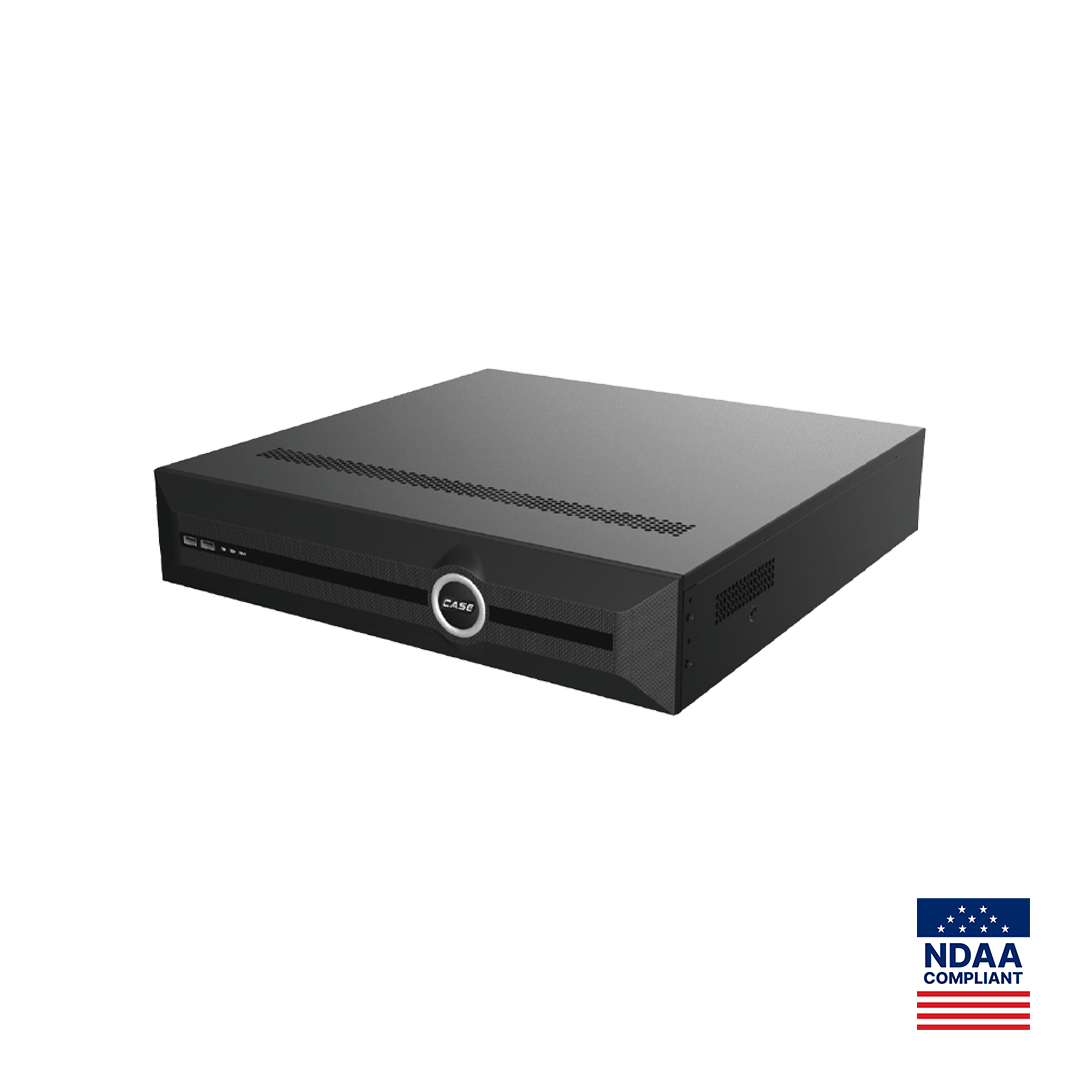
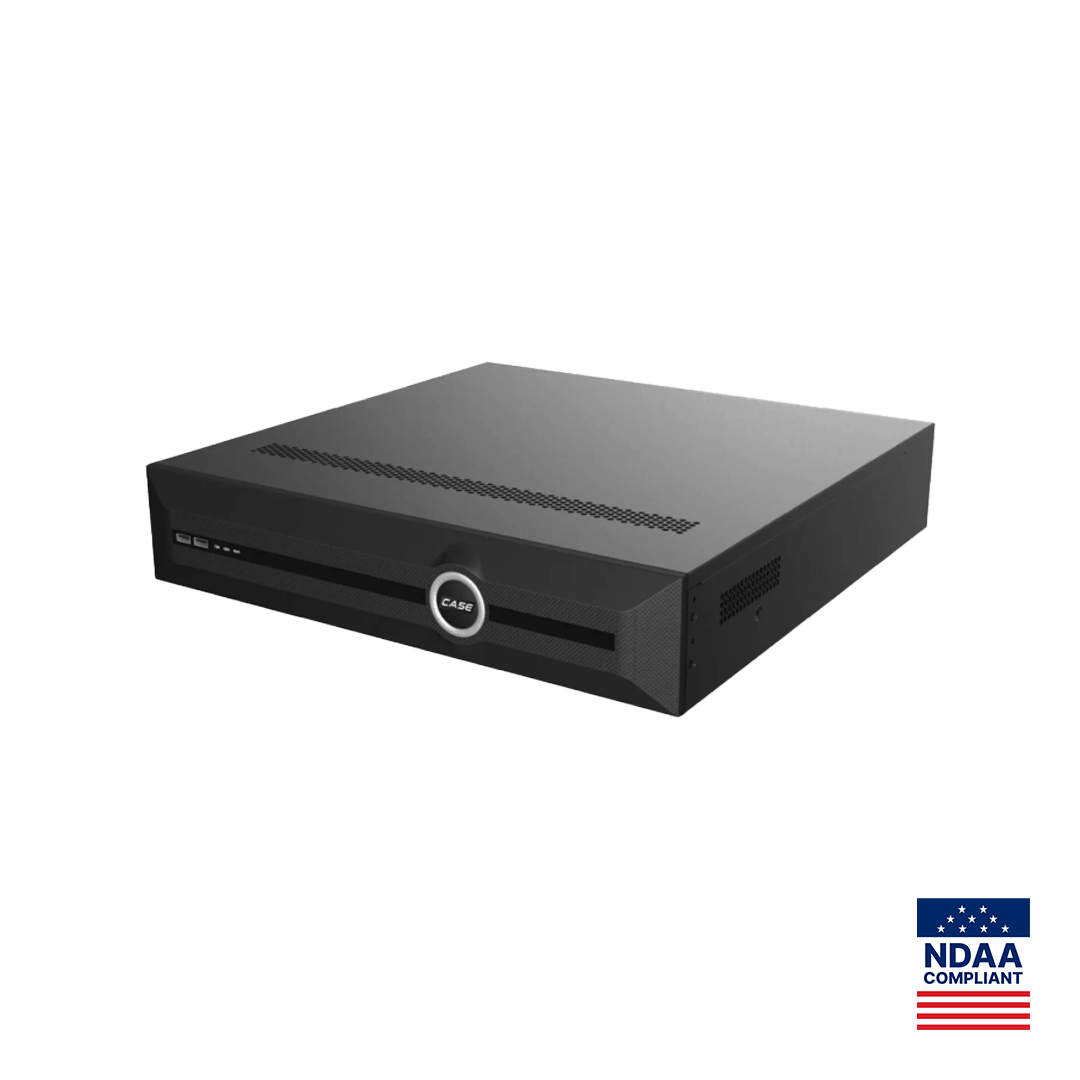
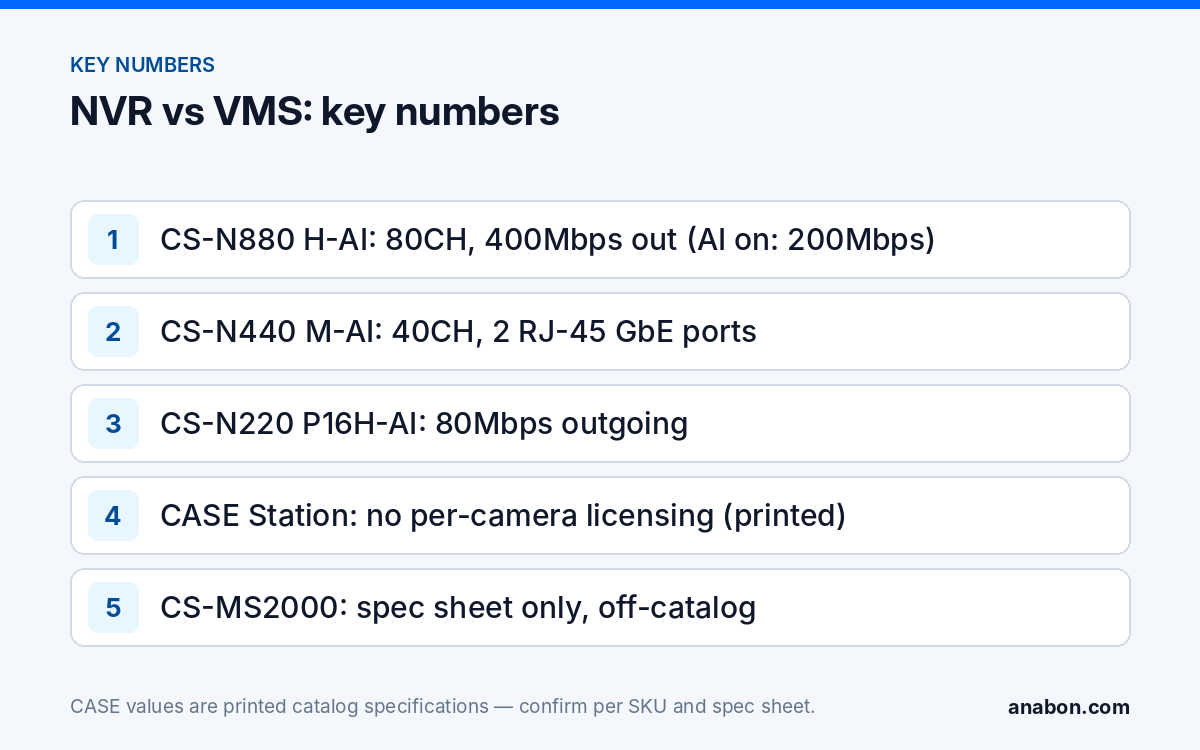
A current CASE NVR is a complete single-site system, and the larger units cover what many customers imagine a VMS is for. The CS-N880 H-AI prints 80CH, 400Mbps / 400Mbps incoming and outgoing bandwidth (AI on: 320Mbps / 200Mbps), 8x24TB HDD, two independent output pairs (HDMI1 and VGA1, HDMI2 and VGA2), 16 alarm inputs and 4 outputs, two RJ-45 10/100/1000 Mbps ports, the full AI by NVR set and VCA Search including License Plate Search, an NVR search function. The CS-N440 M-AI prints 40CH, 400Mbps / 400Mbps (AI on: 200Mbps / 200Mbps), 4x10TB HDD, one HDMI and one VGA output (independent) and two RJ-45 10/100/1000 Mbps ports. One recorder, two monitors, alarm wiring and event search: the security desk of a warehouse or a school without a server in the rack.
Remote viewing is also already covered. CASE Connect is the official app experience for CASE systems, and its printed functions include Device List & Preview, Device Sorting & Management, Device Sharing, Live View & Playback and Alarm Information & Details. A customer with three stores and three recorders adds three devices to one list; that is multi-site viewing for most small chains, without a VMS. App features and remote access options should be confirmed by model, software version, and project configuration. The handover routine is in CASE Connect: setting up remote viewing for your customer, and recorder selection in Choosing the right CASE NVR.
When is a VMS or management server justified?
A VMS earns its place when the requirement is about people and process rather than about pixels. The reliable signals:
- A staffed security desk watching several buildings or sites on several monitors, with operators who log in and out across shifts.
- Central user and role management: a security manager who adds, removes and audits users across all recorders from one place, instead of logging into each NVR.
- One search and one export workflow across recorders, because an incident crosses from the parking structure (recorder A) into the lobby (recorder B).
- Channel counts beyond one or two recorders, where the question is no longer which NVR but how many, and how they are managed as a fleet.
- A written specification that names a VMS, client workstations or a management server as a deliverable.
- Integration requirements with access control or alarm systems, which are confirmed per platform and project, never assumed.
Two signals that do not justify it on their own: “we want it on the big screen” (an NVR’s independent outputs do that) and “we want to see it from home” (CASE Connect does that). Keep the honest line: the recorder layer is the system; the VMS is a management layer on top of recorders, not a replacement for them.
CASE Station and CS-MS2000: a technical overview
CASE Station is the CASE desktop VMS, listed for macOS and Windows. The CASE catalog describes it as an easy-to-use VMS for monitoring, playback and video management and prints these points: No Per-Camera Licensing; Simple, User-Friendly Operation; Playback & Video Export; Monitor Cameras Across Multiple Sites in One Interface. The catalog’s headline for it is 2,000-channel management. An older software name still appears on some web pages; CASE Station is the current name and the one to write in a proposal. Every feature is confirmed per version: the version you install is the one you document, and nothing is quoted from a version that does not exist yet.
CS-MS2000 is listed as a 2000-channel VMS management server for large multi-site systems. It is an active product that is not printed in the current CASE catalog, so every specification for it, from server hardware to the number of concurrent clients, comes from the official spec sheet, which Anabon supplies on request; nothing is quoted here, and no warranty term is stated for it until Anabon confirms the term in writing for your project. In practice the server is specified with Anabon’s project review, together with the recorders, the workstations and the network between them.
What does not change with either product: the cameras still record to the NVRs, and the customer’s daily interface stays CASE Connect. CASE Station and the management server are the operator and administrator layer. Where a third-party VMS is already on site, the question becomes a stream question; see RTSP stream URL: pulling a CASE camera stream into a third-party VMS, and remember that ONVIF profiles supported are S, T, and G, with M on pinhole models, with third-party behavior confirmed per platform and project.
Licensing and client workstations
The licensing line is short: the CASE catalog prints No Per-Camera Licensing for CASE Station as of its 2027 Q1 edition. Quote it with that source, as a catalog statement, and not as “free forever”, and confirm it for the version you deploy. The workstation line is longer, because the client PC and the network do the work that people forget to size:
- Decoding. Every live tile is a stream the workstation decodes. Sixteen 8MP main streams on one screen is a heavy load; use sub-streams for multi-view and the main stream for the selected tile, and specify a workstation with a current CPU and a dedicated GPU. Confirm the system requirements for the CASE Station version you install.
- Outgoing bandwidth of the recorders. Every client pulls its streams from the NVR, and the catalog prints the limit: the CS-N220 P16H-AI prints 80Mbps outgoing, the CS-N440 M-AI 400Mbps (AI on: 200Mbps), the CS-N880 H-AI 400Mbps (AI on: 200Mbps). Two workstations and three phones pulling main streams add up against that figure.
- Network. Workstations belong on the camera network or on a routed path with the bandwidth above, not on a Wi-Fi link in the manager’s office.
| SKU | Channels | Outgoing bandwidth, as printed | Display outputs, as printed |
|---|---|---|---|
| CS-N220 P16H-AI | 20CH | 80Mbps | HDMI and VGA (Simultaneous) |
| CS-N440 M-AI | 40CH | 400Mbps (AI on: 200Mbps) | 1xHDMI and 1xVGA (independent) |
| CS-N880 H-AI | 80CH | 400Mbps (AI on: 200Mbps) | HDMI1 and VGA1 – HDMI2 and VGA2 Independent Outputs |
Getting a supported-today statement in writing
Procurement reviews and consultants will ask what the software does. Give them the dated answer, not an improvised yes: “Here is what is supported today: CASE Connect, on mobile and on the web, is the main CASE software. For desktop viewing, remote NVR configuration, and deployment there are CASE Station, CASE Cloud, and the Search Config Tool. Capability is confirmed per model, firmware, and deployment. For a specific requirement, we confirm it in writing for your project.” Then send Anabon the specific requirement list: number of sites and recorders, channels, concurrent operators, the user-management model, the search and export workflow, the operating system of the workstations and any integration the specification names. You receive a written statement for the project, which goes into the submittal with the recorder spec sheets. No roadmap, no future platform, no feature from a version that is not released.
What to tell your customer
“Each building records on its own recorder, which is what keeps the footage safe and the system simple. You will see all of them in one list on your phone through the CASE Connect app. If you later staff a security desk that watches every site at once, we add the desktop management layer on top of the same recorders rather than replacing them, and we will put exactly what that software does in writing before you decide.” For warranty and service, please contact the installer or company that supplied your system.
FAQ
Do I need a VMS to let a customer see two buildings on one screen?
Usually not. Each building records on its own CASE NVR, and both recorders are added to the customer’s device list in CASE Connect, whose printed functions include Device List and Preview and Live View and Playback. A VMS becomes relevant when several operators, central user management or one search across recorders are required. App features are confirmed by model, software version and project configuration.
Does CASE Station need a license for each camera?
The CASE catalog prints No Per-Camera Licensing for CASE Station in its 2027 Q1 edition. Quote it with that source, as a catalog statement for the version you deploy, and never as an open-ended promise. The workstation hardware, operating system and network still need to be specified and sized for the number of streams the operators will watch.
What is the CS-MS2000 and when should I quote it?
The CS-MS2000 is listed as a 2000-channel VMS management server for large multi-site systems. It is an active product that is not printed in the current CASE catalog, so its specifications come only from the official spec sheet, and no warranty term is stated until Anabon confirms it in writing. Quote it through Anabon’s project review when a specification calls for a central management server.
Which software do I hand to the customer at the end of the job?
CASE Connect, on mobile and on the web, is the main CASE software; its mobile app is the customer’s daily interface for live view, playback and alarm information. CASE Station is the desktop operator and administrator layer for sites that need it, and CASE Cloud is remote NVR configuration for technicians, not a customer tool and not cloud recording. Name only what you installed and tested.