Quick answer: A WDR camera holds detail in the bright and the dark parts of one frame: the glass entrance at 4 pm, the open dock door, the gate with headlights in it. Digital WDR (DWDR) stretches a single exposure; true WDR (TWDR) merges two or more exposures per frame and is the one to specify at doors and docks. CASE prints the Wide Dynamic Range row per SKU, for example 120dB, True WDR (TWDR) on CS-I8TS I-2.7-13.5mm and CS-I5XQ II-2.8mm and Digital WDR on CS-I4KS L-2.8mm. When the printed figure is not enough, camera position fixes more than any menu setting.
Why does the entrance camera go black at 4 pm?
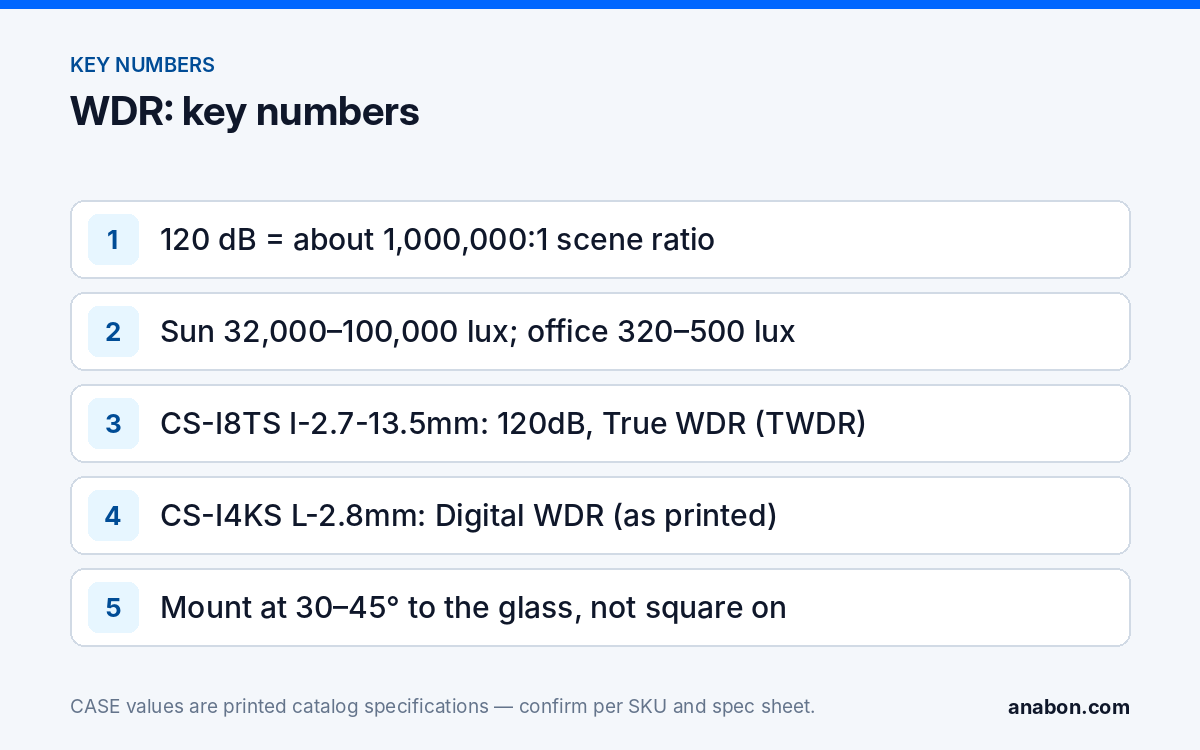
The scene outside a glass door in afternoon sun sits somewhere between 32,000 and 100,000 lux. The vestibule behind the person walking in is lit to office levels, roughly 320 to 500 lux. That is a ratio of roughly 60:1 to 300:1 inside the same frame, and the auto-exposure has to choose. The bright glass dominates the metering, the shutter shortens, and the person becomes a silhouette in front of a correctly exposed parking lot. At 4 pm the low sun lights the exterior at the camera’s eye line, or enters the lens directly, and the complaint arrives.
The night version is the same problem reversed: a lit lobby behind glass, a dark sidewalk, and the camera records its own reflection and a black rectangle where the door is. Loading docks add a third version: an open door framing bright sky over a dark interior, with a trailer in the middle that is neither.
Dynamic range is the span between the darkest and brightest detail a sensor can hold at one setting. Spec sheets quote it in decibels using the 20·log10 convention for image sensors, so 120 dB corresponds to a ratio of about one million to one. The figure is the maker’s own measurement under its own conditions; makers do not all measure it the same way. Read the row as a category marker (DWDR, TWDR, 120dB) and test the camera on the door, rather than comparing one number against another.
Digital WDR vs true WDR: what the sensor actually does
Digital WDR (DWDR) works on a single exposure. The processor applies a tone curve and a local contrast adjustment that lifts the shadows and compresses the highlights. It costs nothing in frame rate and helps in moderate contrast. It cannot recover what the sensor clipped: a face that recorded as pure black stays black, with more noise.
True WDR (TWDR), also called multi-exposure WDR, has the sensor capture two or more exposures of every frame: a short one that keeps the bright glass readable and a long one that opens up the vestibule. The processor merges them into one image, and this is the mode that produces a readable face in front of a sunlit parking lot. The side effects are physical: a subject moving fast between the two exposures can show a faint double edge, and some sensor designs reduce the effective frame rate while WDR is active. Both are acceptable at a door; neither matters on a scene with no backlight, where TWDR should stay off.
Backlight compensation (BLC) and highlight compensation (HLC) are exposure strategies rather than range extensions; most IP cameras offer them in the image menu next to WDR, confirmed per model and firmware. BLC meters a region you draw (the door) and lets the background blow out. HLC masks very bright point sources such as headlights so they do not drive the exposure down for the whole frame. Use BLC when the background is irrelevant and the face is everything; use HLC at gates and dock aprons at night.
| Mode | What it does | Where it helps | What it costs |
|---|---|---|---|
| Digital WDR (DWDR) | Tone curve on one exposure | Moderate contrast, interior scenes | Noise in lifted shadows; clipped areas stay clipped |
| True WDR (TWDR) | Merges two or more exposures per frame | Glass entrances, dock doors, canopies | Possible motion edge; frame rate on some designs |
| BLC | Meters a region you define | Face at the door, background irrelevant | Background overexposes |
| HLC | Masks bright point sources | Headlights at gates and aprons | Detail inside the masked area is lost |
Which CASE cameras print TWDR, and which print 120dB?
The catalog prints a Wide Dynamic Range row for every fixed camera; the table shows the row exactly as printed for the SKUs most often placed at entrances and docks. TWDR names the method; a bare 120dB is the rated range without a method label; Digital WDR is DWDR. Confirm the row on the SKU spec sheet before it goes into a submittal.
| SKU | Form · series | WDR row as printed | Typical position |
|---|---|---|---|
| CS-I4XS L-2.8mm | 4MP turret · Value | TWDR | Staff door, with white light 49 ft (15 m) as printed |
| CS-I4US L-2.8-12mm | 4MP motorized varifocal bullet · Value | TWDR | Dock face from across the yard, IR 262 ft (80 m) |
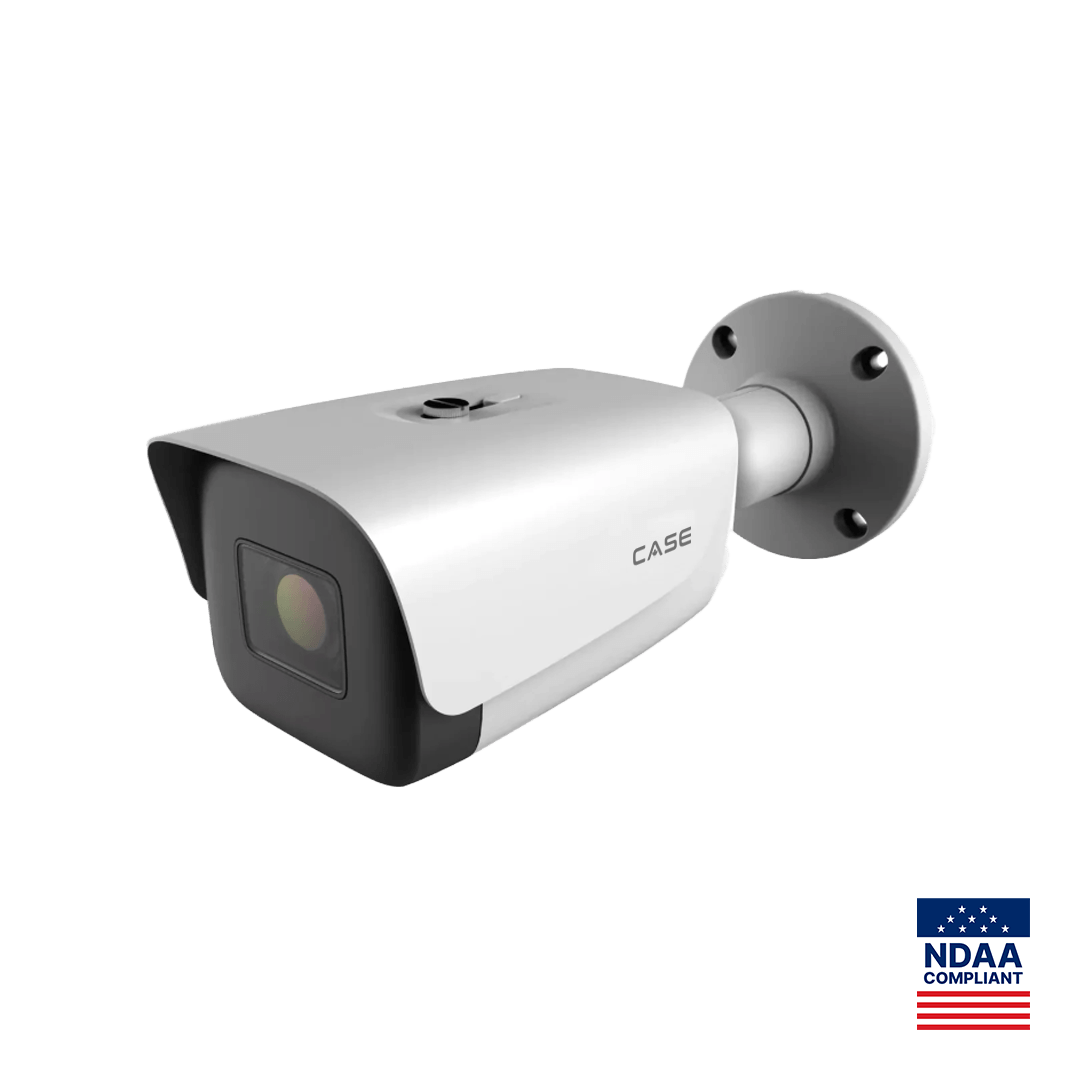
| CS-I8TS I-2.7-13.5mm | 8MP varifocal AI bullet · Intelligent | 120dB, True WDR (TWDR) | Dock doors and canopies, IR 262 ft (80 m) |
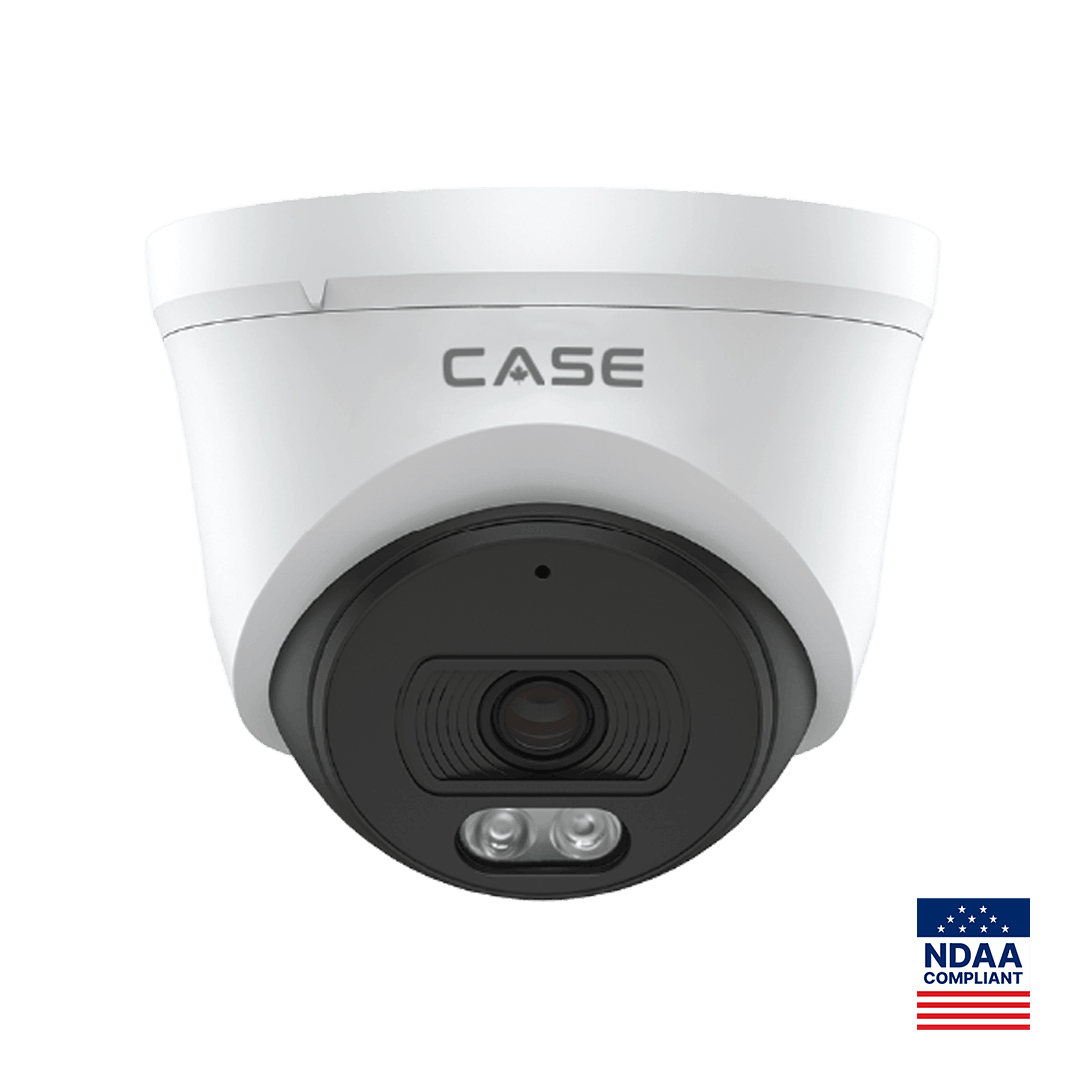
| CS-I5XQ II-2.8mm | 5MP deterrence turret · Intelligent | 120dB, True WDR (TWDR) | Main entrance with EW light and speaker |
| CS-I8XQ II-2.8mm | 8MP deterrence turret · Intelligent | 120dB, True WDR (TWDR) | Main entrance where 8MP is specified |
| CS-I8KS SD-2.8mm | 8MP dome · Sharp | 120dB | Lobby or corridor dome, IP67 and IK10 as printed |
| CS-I4KS L-2.8mm | 4MP dome · Value | Digital WDR | Interior rooms without a window in frame |
Two reading notes. CS-I8TS I-2.7-13.5mm shares its catalog page with CS-I8US I-2.7-13.5mm; the WDR row is common to both, while the white light of 98 ft (30 m) is printed for CS-I8US I-2.7-13.5mm only. The II turrets are printed as the second column of a comparison page with no operating temperature row; do not borrow one from the first-generation column.
Placement tricks when WDR isn’t enough
WDR extends what the sensor can hold; it does not change the scene. When a test clip still shows a silhouette, change the geometry before you change the camera.
- Angle off the glass. A camera square to a glass wall sees the maximum of sky. Mount it at 30 to 45 degrees to the door line so the glass is a strip, not the frame, and the vestibule wall fills the background.
- Put the camera outside, looking in. Under the canopy the face is lit by daylight, and the background is the interior, which the exposure can afford to lose. Pair it with an interior camera for the exit direction.
- Lower the mount at the door. A camera at 8 to 9 ft (2.4 to 2.7 m) looking slightly down sees a face; one at 14 ft (4.3 m) sees a cap. Height and angle are covered in security camera mounting height and angle.
- Docks: keep the sky out. Mount above the door header on the inside, aimed down the leveler at 20 to 30 degrees, so the frame holds the trailer floor and the apron, not the horizon. A camera on the far wall facing the open door is the worst case for any WDR; warehouse security cameras shows the dock alternatives.
- Headlights: height and HLC. At a gate, raise the camera so lamps sit low in the frame, enable HLC, and let IR carry the night view. Plate capture is a separate camera at its own angle.
- Add light, not range. One fixture over the vestibule raises the interior level and narrows the ratio for every camera in the lobby; it is often the simplest fix on the list.
Night scenes at the same door are a different problem (illuminator type and low-light sensor), covered in full color night vision explained.
A ten-minute WDR test on site
- Ask the customer when the door is worst (hour and season) and arrive then; a clip at 10 am proves nothing about 4 pm.
- Hold a phone at the proposed position and angle; one photo with HDR off and one with HDR on shows how much range the scene demands.
- Mount a test camera on a temporary bracket. Walk a colleague in and out three times: WDR off, WDR on, and WDR on with a BLC region on the door.
- Review the clips on the NVR monitor at full resolution; a phone screen hides clipped faces.
- Score the face: visible, recognizable, identifiable. If it fails with TWDR on, move the camera; do not add more cameras.
- Record position, angle, WDR mode and clip reference in the commissioning report (see the installation checklist and commissioning report); the same clip answers the callback six months later.
What to tell your customer
“Your entrance has bright glass and a dim lobby in the same picture, so a standard camera exposes for one and loses the other. We specify a camera with true wide dynamic range at that door, we mount it at an angle to the glass, and we test it at the hour the sun is worst before we sign off. The WDR value is printed on the specification sheet for that exact model, and we confirm it on site rather than promise it from the catalog.”
FAQ
What does 120dB WDR mean on a camera spec sheet?
It is the rated span between the darkest and brightest detail the sensor can hold at one setting, expressed with the 20·log10 convention, so 120 dB is roughly a million to one. The figure is the maker’s measurement under its own conditions; makers do not all measure it the same way. CASE prints 120dB on most fixed cameras, with True WDR (TWDR) added on models such as CS-I8TS I-2.7-13.5mm.
Is digital WDR good enough for a glass entrance?
Usually not for a sunlit one. Digital WDR adjusts a single exposure, so a face that recorded black stays black. A door with sky or a sunlit lot behind it needs true WDR, which merges multiple exposures per frame, plus an angled mount. Digital WDR is fine for interior rooms and corridors where the window is small in the frame; CS-I4KS L-2.8mm prints Digital WDR.
Does WDR help with headlights at night?
Partly. WDR keeps the apron visible while the lamps are in frame, but a headlight is a point source brighter than anything WDR is designed to balance. Enable highlight compensation (HLC) to mask the lamps, raise the camera so they sit low in the image, and let IR carry the scene. Plate capture needs its own camera and angle, not the entrance view.
Should WDR stay on all the time?
No. True WDR costs a little motion sharpness and, on some sensor designs, frame rate, and it adds nothing on a scene with no backlight. Leave it on at glass entrances, dock doors and canopies; turn it off in evenly lit rooms and on long exterior views. Where the firmware offers scheduled image profiles, switch it by time of day on doors the sun only hits in the afternoon.
Which CASE cameras print True WDR?
In the 2027 Q1 catalog the Wide Dynamic Range row prints TWDR on CS-I4XS L-2.8mm and CS-I4US L-2.8-12mm, and 120dB, True WDR (TWDR) on CS-I8TS I-2.7-13.5mm, CS-I8US I-2.7-13.5mm, CS-I5XQ II-2.8mm and CS-I8XQ II-2.8mm; the pinhole CS-I2PN S-3.7mm prints True WDR. Most other fixed cameras print 120dB without a method label. Confirm the row on the SKU spec sheet before it goes into a submittal.