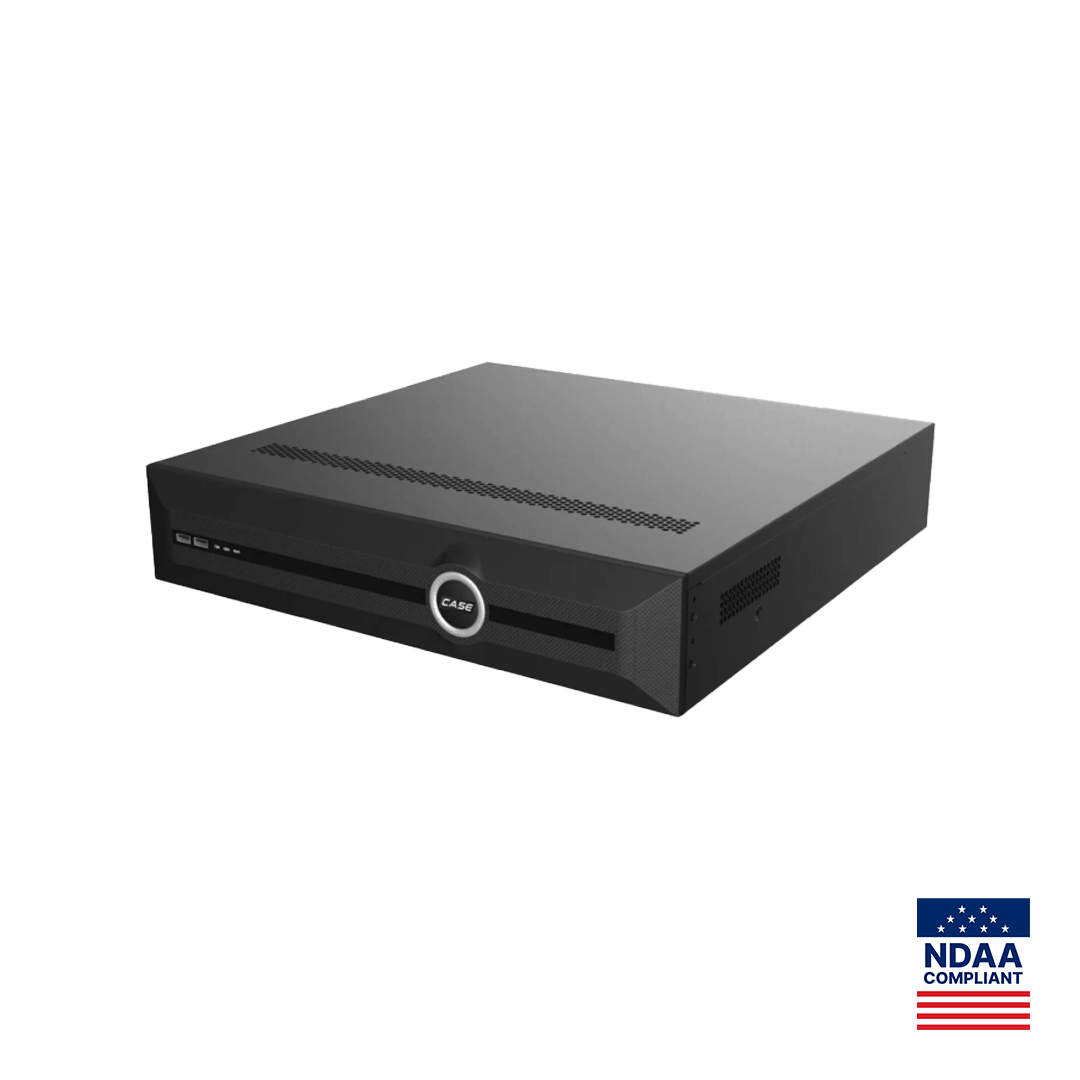
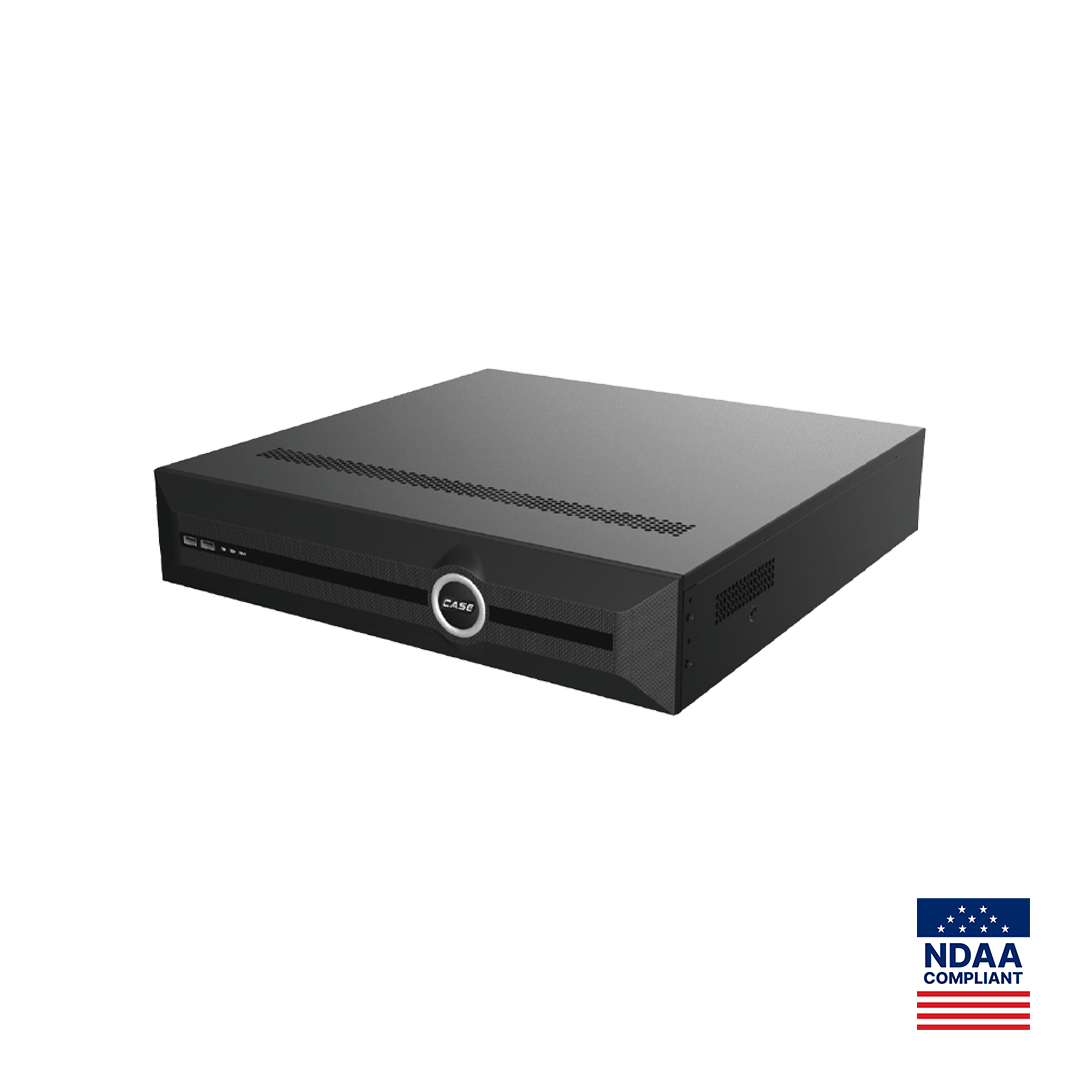
Quick answer: Storage = cameras × bitrate (Mbps) × 10.8 GB per day × retention days, plus 10% headroom. One camera at 4 Mbps writes about 43 GB a day, so 16 cameras for 30 days need roughly 20.7 TB before headroom. Size on H.265 continuous recording, then check the result against the drive figure printed for the CASE NVR: up to 10 TB per HDD on CS-N105 P4H-AI, CS-N110 P8H-AI and CS-N220 P16H-AI, 4x10TB on CS-N440 M-AI, 8x24TB on CS-N880 H-AI.
The storage formula explained
Every NVR storage calculator, including the one built into the Search Config Tool, runs the same arithmetic. Bitrate is set in megabits per second; storage is sold in bytes. One megabit per second for a full day is 86,400 Mb, or 10,800 MB, or 10.8 GB. That constant is all you need:
GB per camera per day = bitrate (Mbps) × 10.8
TB required = cameras × bitrate (Mbps) × 10.8 × days ÷ 1,000 × 1.1 (headroom)
The 10% headroom covers the file system and index the NVR writes, the gap between the decimal “10 TB” on the drive label (10,000 GB) and the formatted capacity the recorder reports, and bitrate overshoot when a scene gets busy. With variable bitrate (VBR), size on the camera’s configured maximum, not the average: the maximum is what the drive absorbs on a snowy night with headlights sweeping the lot.
Bitrate depends on resolution, frame rate, codec and scene. The table gives planning figures for H.265 at 15 fps in a typical commercial scene; the camera’s configured bitrate overrides them, and constant movement (traffic, trees in wind, falling snow) can double them.
| Resolution | Planning bitrate, H.265 at 15 fps | GB per day | GB per 30 days |
|---|---|---|---|
| 2MP (1080p) | 2 Mbps | 21.6 | 648 |
| 4MP | 3 Mbps | 32.4 | 972 |
| 5MP | 4 Mbps | 43.2 | 1,296 |
| 8MP (4K) | 6 Mbps | 64.8 | 1,944 |
Going from 15 to 30 fps raises the bitrate substantially but by less than double; dropping to 10 or 12 fps is the simplest way to extend retention on channels that only need to show who was there.
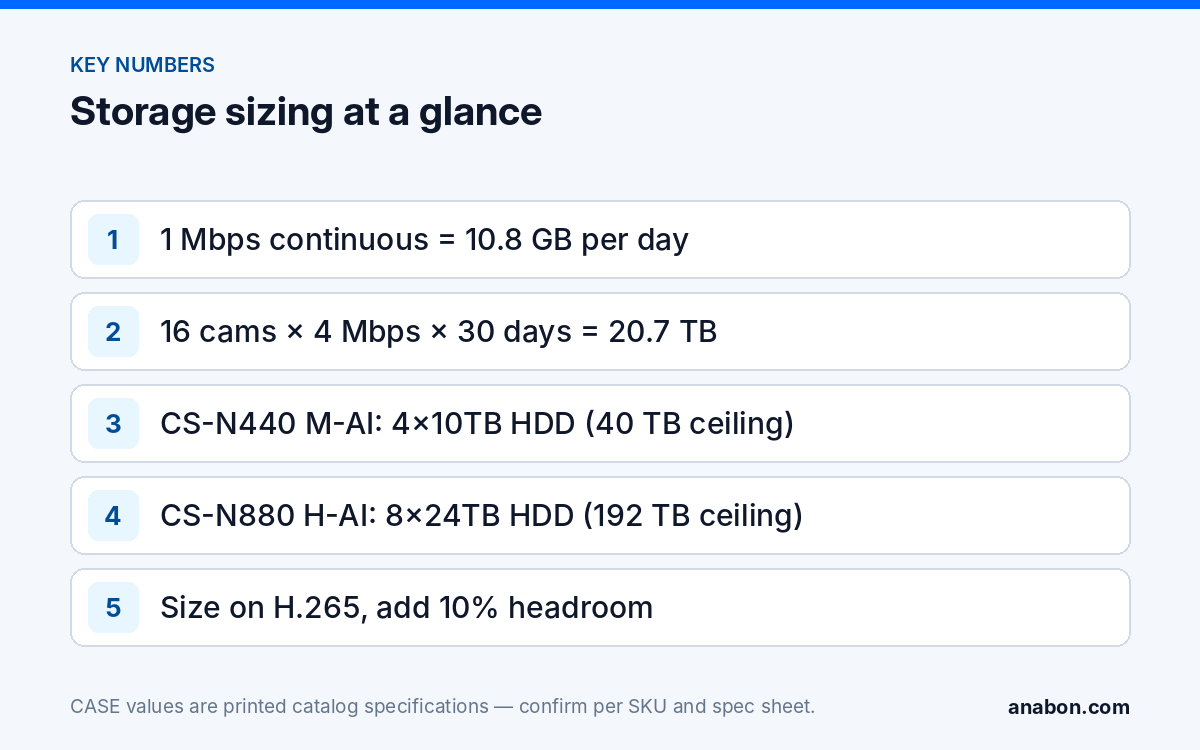
How do I run the numbers for my own site? (worksheet)
Run this before you open any tool, so you can sanity-check its output.
- List every camera with resolution and the frame rate the customer needs; separate evidentiary views (entrances, cash, docks) from overview channels.
- Assign a planning bitrate from the table, or the configured maximum if the cameras already exist.
- Decide the recording type per channel; size motion channels at 100% unless the customer accepts in writing that retention on them will vary.
- Multiply cameras × Mbps × 10.8 × days per group, add the groups, divide by 1,000 for TB, add 10% headroom.
- Compare with the printed storage figure for the NVR you intend to quote. If it does not fit, change bitrate, frame rate, retention or recorder, in that order.
- Check incoming bandwidth: the sum of camera bitrates must stay under the figure printed for the NVR in the mode (AI on or off) in use.
Worked examples: 10, 20, 40 and 80 channels on CASE NVRs
All four examples assume 4 Mbps per camera (the 5MP H.265 planning figure), continuous recording and a 30-day target. The printed storage row is the ceiling; the bay count on the three smaller models is on the SKU spec sheet, not in the catalog.
| Site | CASE NVR | Daily write | 30 days + 10% | Printed storage | Result |
|---|---|---|---|---|---|
| 10 cameras | CS-N110 P8H-AI (10CH, 8 PoE) | 10 × 4 × 10.8 = 432 GB | 12.96 TB → 14.3 TB | Up to 10 TB per HDD | Two 10 TB drives if the spec sheet allows two bays; one drive gives about 23 days at 4 Mbps or 30 days at 3 Mbps |
| 20 cameras | CS-N220 P16H-AI (20CH, 16 PoE) | 20 × 4 × 10.8 = 864 GB | 25.9 TB → 28.5 TB | Up to 10 TB per HDD | Three 10 TB drives nominal; at 3 Mbps the need is 19.4 TB (21.4 TB with 10% headroom), so two 10 TB drives are at the limit |
| 40 cameras | CS-N440 M-AI (40CH) | 40 × 4 × 10.8 = 1,728 GB | 51.8 TB → 57 TB | 4x10TB HDD (40 TB) | Does not fit: 40 TB holds about 23 days at 4 Mbps. For 30 days, average 2.5 Mbps (32.4 TB) |
| 80 cameras | CS-N880 H-AI (80CH) | 80 × 4 × 10.8 = 3,456 GB | 103.7 TB → 114 TB | 8x24TB HDD (192 TB) | Five 24 TB drives (120 TB); all eight bays give about 55 days at 4 Mbps |
The 40-channel row is the lesson. A 40-channel recorder with four 10 TB bays is a 40 TB recorder, and 40 cameras at 4 Mbps write 1.7 TB a day. Either the bitrate or frame rate comes down, some channels move to motion recording with the customer’s written agreement, or the project needs the 80-channel chassis for its drive bays rather than its channel count. Decide that on paper.
Bandwidth works the same way. CS-N880 H-AI prints an incoming bandwidth of 400Mbps (AI on: 320Mbps): eighty cameras at 4 Mbps are 320 Mbps, exactly the AI-on figure with no headroom, while 3 Mbps gives 240 Mbps. The 40- and 20-camera sites sit comfortably inside the figures printed for CS-N440 M-AI and CS-N220 P16H-AI (table below).
The classic retail case, 16 cameras at 30 days, is 20.7 TB at 4 Mbps (22.8 TB with headroom) and 31.1 TB at 8MP and 6 Mbps: same store, same days, 50% more drives. Resolution decisions are storage decisions.
Codec effect: H.264 vs H.265 vs S+265
H.265 (HEVC) typically needs about half the bitrate of H.264 (AVC) for the same picture, which is why the planning table is written for H.265: a 5MP camera near 8 Mbps in H.264 at 15 fps sits near 4 Mbps in H.265, halving the drive count on every row above. Use H.264 only where a third-party platform or an older decoder requires it, and size that channel accordingly.
S+265 is the CASE smart codec printed in the Video Compression row of most CASE cameras (S+265/H.265/H.264). It spends fewer bits on static background and more on moving subjects. The catalog headline figure for S+265 is “90% Storage Savings”; treat it as a headline, not a sizing input, because the saving depends on how static the scene is, and a busy loading dock saves far less than an empty corridor. Size the drives on H.265 and let S+265 become extra retention once the system runs: if the customer sees 45 days where you promised 30, you delivered a margin, not an explanation.
For the 16-camera store: H.264 at 8 Mbps is 86.4 GB per camera per day and 41.5 TB for 30 days; H.265 at 4 Mbps is 43.2 GB and 20.7 TB.
Choosing the CASE NVR and drive count
Pick the recorder by three printed numbers, in this order: drive ceiling, incoming bandwidth, channel count.
| SKU | Channels / PoE | Incoming bandwidth as printed | Storage as printed | Full house at 4 Mbps, 30 days |
|---|---|---|---|---|
| CS-N105 P4H-AI | 5CH / 4 PoE | 100Mbps | Up to 10 TB per HDD | 7.1 TB; one 10 TB drive |
| CS-N110 P8H-AI | 10CH / 8 PoE | 100Mbps | Up to 10 TB per HDD | 14.3 TB; two drives or 3 Mbps |
| CS-N220 P16H-AI | 20CH / 16 PoE | 160Mbps (AI on: 120Mbps) | Up to 10 TB per HDD | 28.5 TB; three drives nominal |
| CS-N440 M-AI | 40CH / none | 400Mbps (AI on: 200Mbps) | 4x10TB HDD | 57 TB exceeds 40 TB; lower bitrate |
| CS-N880 H-AI | 80CH / none | 400Mbps (AI on: 320Mbps) | 8x24TB HDD | 114 TB in five of eight bays |
On the three PoE models the catalog prints the per-drive cap and not the number of bays, so the drive count above is nominal until you read the spec sheet. Use surveillance-rated drives: hard drives are supported through back-to-back manufacturer warranty, while CASE NVRs carry a 6-year warranty, both through you. For the fuller selection logic, including AI by NVR and VCA Search differences, see choosing the right CASE NVR, and browse the line at shop.anabon.com (business account login). After installation, confirm real retention on the playback timeline; if it falls short, the not-recording checklist covers schedule, bitrate and overwrite.
Retention days by industry: planning ranges, not rules
Retention is a customer decision with legal edges; put it in writing before you size drives. The figures below are planning starting points, not legal requirements; confirm them against the customer’s policy, their insurer and the applicable law. Regulated verticals (gaming, cannabis, banking) have regulator-set minimums; verify the current figure for the state or province. Privacy law pushes the other way: PIPEDA in Canada and state privacy laws in the US expect footage to be kept only as long as the stated purpose needs, so longer is not automatically safer.
- Retail and restaurants: 30 to 90 days, longer on cash and stockroom channels.
- Offices and multi-tenant buildings: 30 days is the common baseline.
- Warehousing and logistics: 30 to 60 days, driven by the shipping-dispute window.
- Education, healthcare and municipal: institutional policy, often 30 to 90 days.
- Regulated gaming, cannabis and financial sites: the regulator’s figure, verified in writing per jurisdiction.
What to tell your customer
“We size storage for continuous recording on every channel, at the resolution and frame rate we agreed, for the number of days in the contract, with 10% headroom. The recorder has a printed drive limit, and the drive count follows from that math; if you want more days or higher resolution later, we can show you exactly which number changes.” Keep the retention figure, bitrate assumptions and drive count on the quote, so the promise and the arithmetic travel together.
FAQ
How much storage do 16 security cameras need for 30 days?
At 4 Mbps per camera (a 5MP H.265 planning figure) and continuous recording, 16 × 4 × 10.8 GB × 30 days is 20.7 TB, or 22.8 TB with 10% headroom; at 8MP and 6 Mbps it rises to 31.1 TB. On a CS-N220 P16H-AI that means three 10 TB drives nominal, with the bay count confirmed on the spec sheet.
How many days does a 10 TB drive hold?
Divide 10,000 GB by the daily write. Eight cameras at 4 Mbps write 8 × 43.2 = 346 GB a day, so one 10 TB drive holds about 29 days before headroom and roughly 26 days in practice; four cameras at the same bitrate hold about 58 days. Lower the bitrate or frame rate to stretch it, or add drives.
Should I size for motion recording to save drives?
Not where you promise a retention period. Motion recording cuts storage on quiet channels, but activity varies by season and tenant, so the days on the timeline move. Size continuous, quote continuous, and let motion recording or S+265 deliver extra days as margin. Where the customer accepts variable retention on specific channels, write it into the scope.
What is the largest drive a CASE NVR accepts?
Use the printed storage row for the exact model. CS-N105 P4H-AI, CS-N110 P8H-AI and CS-N220 P16H-AI print up to 10 TB capacity for each HDD; CS-N440 M-AI prints 4x10TB HDD (40 TB) and CS-N880 H-AI prints 8x24TB HDD (192 TB). A larger drive may not be recognized or used in full, so match the drive to the recorder before ordering.