Quick answer: A DVR records analog cameras over coax and compresses the video inside the recorder; an NVR records IP cameras that compress their own video and send it over Ethernet, usually powered by PoE on the same cable. Going IP changes the cabling (Cat5e/Cat6 instead of coax plus power), the resolution ceiling (set by the camera and the recorder, not the coax format), where analytics run and how remote access is delivered. CASE NVRs run from 5 to 80 channels, so a legacy analog site can be migrated in stages.
Where is the video encoded, and why does that decide everything else?
One architectural difference explains every other difference on site. In a DVR system the analog camera sends a continuous video signal down the coax; the DVR digitizes it, compresses it and writes it to disk, so the capture hardware inside the DVR fixes the resolution, the frame rate and the channel count for the life of the box.
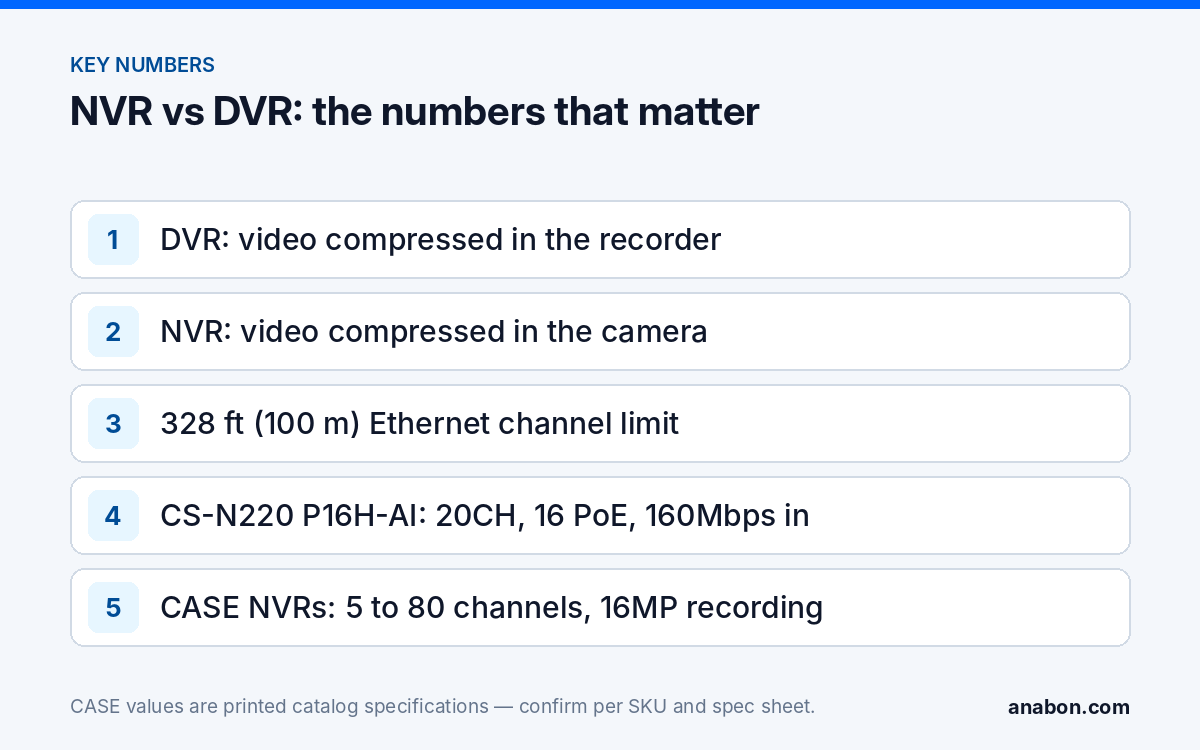
In an NVR system the camera carries the sensor, the encoder and a network interface. It produces compressed streams (H.264, H.265 and on CASE cameras the S+265 codec); the NVR receives them over IP, writes them to disk and decodes only what is shown on the monitor. The NVR’s limits are its channel count and its incoming bandwidth in Mbps; the CASE NVRs below record up to 16MP per channel as printed.
| Item | DVR (analog) | NVR (IP) |
|---|---|---|
| Where video is compressed | In the recorder | In the camera |
| Signal on the cable | Uncompressed analog video | Compressed IP stream (H.264 / H.265 / S+265) |
| Camera power | Separate 12 VDC / 24 VAC pair | PoE on the same Cat5e/Cat6 |
| Resolution ceiling | The DVR’s capture format | Camera sensor and NVR decoding (CASE NVRs: 16MP as printed) |
| Distance per run | Per the DVR and camera spec sheets | 328 ft (100 m) per Ethernet channel; extenders or fiber beyond |
What changes in cabling and power when you go IP?
Analog sites run RG59 Siamese: coax for video plus a 12 VDC or 24 VAC power pair, with voltage drop on long runs. IP sites run one Cat5e or Cat6 cable per camera (specify Cat6 for new work) carrying data and PoE together. The channel limit is 328 ft (100 m) under TIA-568 (in Canada, CSA T529; verify the local code). Beyond that you use a PoE extender, a switch with an extend mode, or fiber to a PoE switch near the camera cluster. The CS-H1108PLS prints a transmission distance of 100m standard / 250m in extend mode, which is 328 ft (100 m) and 820 ft (250 m); see our guide to PoE max distance and PoE extenders.
Power is the second habit to change. With PoE you count a budget, not ports: IEEE 802.3af delivers 15.4 W at the switch port, 802.3at delivers 30 W and 802.3bt is the 60 W / 90 W class for PTZs with heaters. The CS-POE33024PF prints 30W max per port with a total PoE budget of 400W / 600W depending on the version, so 24 ports never mean 24 × 30 W. Code still applies: camera cabling is a Class 2 circuit under NEC Article 725 (CEC Section 16 in Canada), and cable in air-handling spaces must be plenum rated, CMP in the US and FT6 in Canada; verify the local code.
Site survey checklist before you quote the migration
- Type and condition of the existing coax (RG59 vs RG6, splices, water ingress).
- Measured run length of every camera, not the length on the old drawing.
- Whether the analog power-supply location can host a PoE switch and a UPS.
- Pathway: can Cat6 be pulled, or is the coax the only route?
Resolution, analytics and remote access: what the customer actually gains
Resolution. IP removes the recorder format as the ceiling: CASE fixed cameras are commonly 4MP, 5MP or 8MP (4K), and every CASE NVR below records up to 16MP per channel as printed; the practical limit becomes incoming bandwidth.
Analytics. On IP, analytics run in two places. In the camera, Human/Vehicle Classification is printed on many CASE Sharp and Intelligent cameras and cuts weather and headlight alarms; it is confirmed per SKU. In the recorder, the CASE AI NVRs print an AI by NVR set that runs on the cameras connected to them: on the CS-N105 P4H-AI, CS-N110 P8H-AI and CS-N220 P16H-AI it is printed as Face Detection, Face Recognition, Tripwire, Double Tripwire, Perimeter and Smart Motion Detection, with VCA Search to find the event afterwards. Face recognition is a project-review item: confirm the use case, region and legal requirements (state privacy laws in the US; provincial laws and PIPEDA in Canada) before you offer it. AI and app features are confirmed per model, firmware, software version and project configuration.
Remote access. CASE Connect is the official app experience for CASE systems. App features and remote access options should be confirmed by model, software version, and project configuration. For the technician, CASE Cloud provides remote NVR configuration and troubleshooting over a secure P2P connection with no port forwarding required, as printed; it is a configuration tool, not a recording service. Avoid open port forwarding; see P2P vs port forwarding vs VPN.
Alarm integration. The CS-N105 P4H-AI prints 4-ch TTL inputs (3mA, 3.3VDC) and a 1-ch relay output (1A, 24VDC): the relay can drive a panel zone and the inputs can take a panel output to trigger recording and alarm events. Wiring and behavior are confirmed per panel and NVR firmware; bench it first.
How do you migrate a legacy analog site?
Three paths work; the cable survey decides which one.
Option 1: Full replacement
Pull new Cat6 to every camera, install a PoE switch or an NVR with built-in PoE ports, fit IP cameras and decommission the DVR. Cleanest result, most labor; best where ceilings are accessible, runs are under 328 ft (100 m) and the customer wants analytics on every camera.
Option 2: Reuse the coax with Ethernet-over-coax adapters
Where the coax tests sound, an adapter pair at each end carries the IP stream, and many adapter models pass PoE as well. Reach and PoE pass-through belong to the adapter model and the cable condition, so test every run with the actual camera and mark the adapter runs on the drawing.
Option 3: Run both recorders through a phased changeover
Leave the DVR recording the analog cameras, add a CASE NVR for the new IP cameras and migrate camera by camera as access allows. Consolidating the two views is confirmed per platform and project. Size the NVR for the finished site.
- Survey and test every run; mark each as new Cat6, coax reuse or leave-on-DVR.
- Choose the NVR by the finished channel count and the summed camera bitrate.
- Place the PoE switch or NVR within 328 ft (100 m) of the farthest camera, or plan an extender.
- Install, set addressing deliberately, verify every night image and hand over a labeled drawing that shows which cameras sit on which recorder.
When does a hybrid or phased approach still make sense?
- The coax is sound and the ceiling is sealed, so a pull means patching every corridor.
- The customer is funding the upgrade over more than one fiscal year.
- Some analog cameras still deliver a usable image and are not the ones generating callbacks.
It stops making sense when the real requirement is analytics, higher resolution or AI search on every camera, when the coax fails the test, or when a legacy hybrid recorder caps the IP channels and codecs it accepts. The CASE catalog has no hybrid DVR: the recorders below are IP only, and a third-party hybrid unit that stays on site is governed by its own spec sheet. Never claim that any analog camera can stay on an IP recorder without a tested encoder path.
Which CASE NVR for the job? (5 to 80 channels)
CASE NVRs carry a 6-year warranty. Hard drives are supported through back-to-back manufacturer warranty. Figures are as printed in the CASE Catalog 2027 Q1; check the bandwidth row against your summed camera bitrates, especially with AI on.
| SKU | Channels | PoE ports | Bandwidth in / out (as printed) | Storage (as printed) | AI |
|---|---|---|---|---|---|
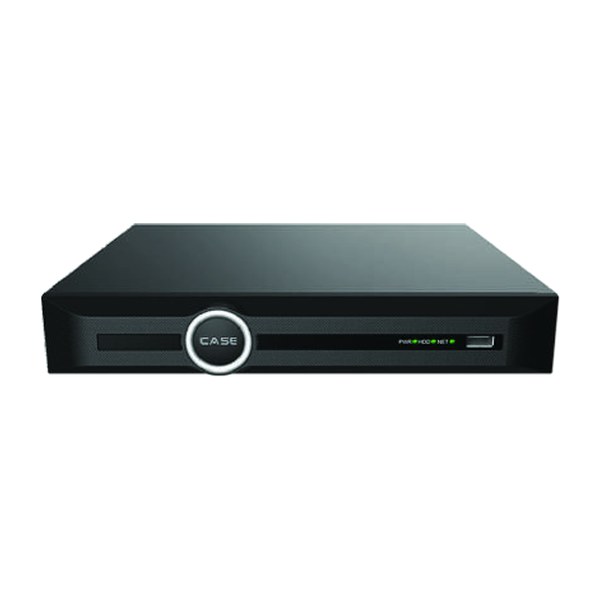
| CS-N105 P4H-AI | 5CH | 4 | 100Mbps / 80Mbps | Up to 10 TB per HDD | AI by NVR (basic set) + VCA Search |
| CS-N110 P8H-AI | 10CH | 8 | 100Mbps / 80Mbps | Up to 10 TB per HDD | AI by NVR (basic set) + VCA Search |
| CS-N220 P16H-AI | 20CH | 16 | 160Mbps (AI on: 120Mbps) / 80Mbps | Up to 10 TB per HDD | AI by NVR (basic set) + VCA Search |
| CS-N440 M-AI | 40CH | N/A | 400Mbps / 400Mbps (AI on: 200Mbps / 200Mbps) | 4x10TB HDD | AI by NVR (full set) + VCA Search |
| CS-N880 H-AI | 80CH | N/A | 400Mbps / 400Mbps (AI on: 320Mbps / 200Mbps) | 8x24TB HDD | AI by NVR (full set) + VCA Search |
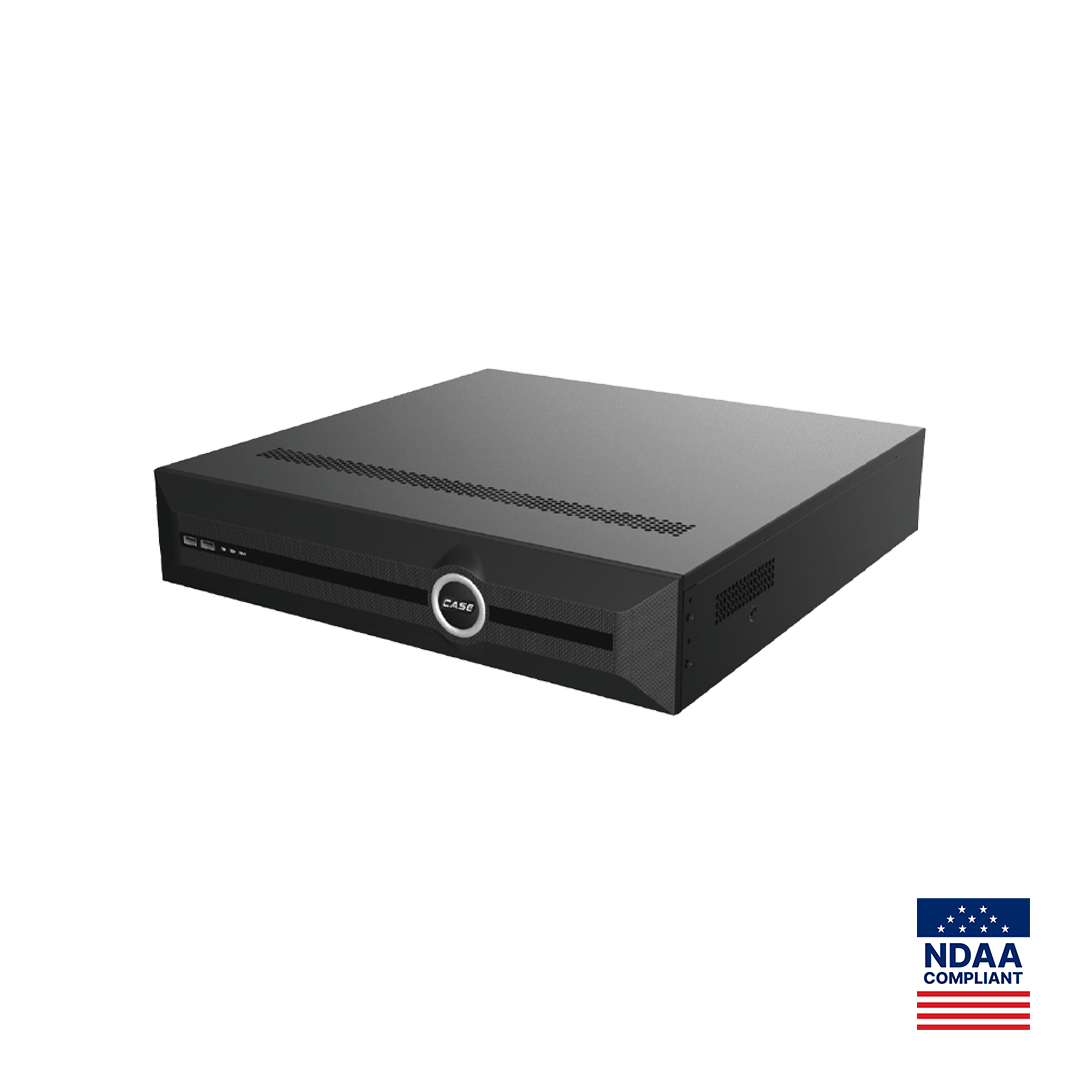
A small store or single office goes on the CS-N105 P4H-AI or CS-N110 P8H-AI with the cameras on the built-in PoE ports; a 12- to 20-camera site goes on the CS-N220 P16H-AI; 40- and 80-channel sites use external PoE switches on the Gigabit ports of the CS-N440 M-AI and CS-N880 H-AI. The full table is in Choosing the right CASE NVR; size the drives with the NVR storage calculator before you quote.
What to tell your customer
“Your current recorder compresses the video itself, so the cameras can never be better than the recorder allows. With IP, each camera does its own encoding over a network cable that also powers it, so we can raise resolution camera by camera, add human and vehicle detection where you need it and search recordings by event instead of scrolling. We will test your existing cable runs and reuse the ones that pass.” For warranty and service, please contact the installer or company that supplied your system.
FAQ
Can I connect my existing analog cameras to a CASE NVR?
Not directly. The CASE NVRs in the catalog are IP recorders with no analog inputs. An analog camera reaches an IP recorder only through a separate video encoder, and whether a given encoder stream is accepted is confirmed per platform and project. Do not promise compatibility with every analog camera; test the exact combination first.
Do I have to replace the coax when I move a site to IP?
Not always. Sound RG59 or RG6 can carry Ethernet and PoE through Ethernet-over-coax adapter pairs, which keeps the pathway and avoids re-pulling through finished ceilings. Reach and PoE pass-through depend on the adapter model and the cable condition, so test each run with the real camera before committing the site.
How far can I run a PoE camera on Cat6?
The structured-cabling channel limit is 328 ft (100 m) per TIA-568, which Canada mirrors in CSA T529; verify the local code. Beyond that you need a PoE extender, a switch extend mode such as the 820 ft (250 m) extend mode printed for the CS-H1108PLS, or fiber to a PoE switch near the cameras.
Does an NVR need an internet connection to record?
No. Recording, PoE power and local display run on the NVR’s own network without internet. Internet is only needed for remote viewing and notifications, and even then prefer a P2P or VPN path over open port forwarding. CASE Connect features and remote access options are confirmed by model, software version and project configuration.