Quick answer: To back up NVR footage from a CASE recorder you export a time range or an event clip to a USB drive at the unit, to a PC through the web interface or CASE Station, and you leave the original on the recorder’s hard drive. Hand the customer the clip in the recorder’s own format with its player when the footage may become evidence, and a standard container such as MP4 when it only needs to be watched; record both in an export log. Formats, menu names and export options are confirmed per NVR model, firmware and software version.
What does backing up footage from an NVR actually mean?
Three words get mixed up on site and in customer emails. Retention is how long the recorder keeps video before overwriting it, set by drive capacity and the schedule; sizing for it is in video retention policy by industry. Export is copying a chosen time range or event from the recorder to another medium. Backup is what customers usually mean when they ask whether the footage is safe: a second copy of the parts that matter, stored somewhere other than the recorder. A CASE NVR records to its own drives; it does not copy all of its footage somewhere else on its own, and the remote tools around it (CASE Connect for viewing, CASE Cloud for remote NVR configuration) are not cloud recording. So NVR backup footage, in practice, means a documented export routine for incidents plus a retention period long enough that the customer notices an incident before it is overwritten.
Which backup and export paths does a CASE NVR offer?
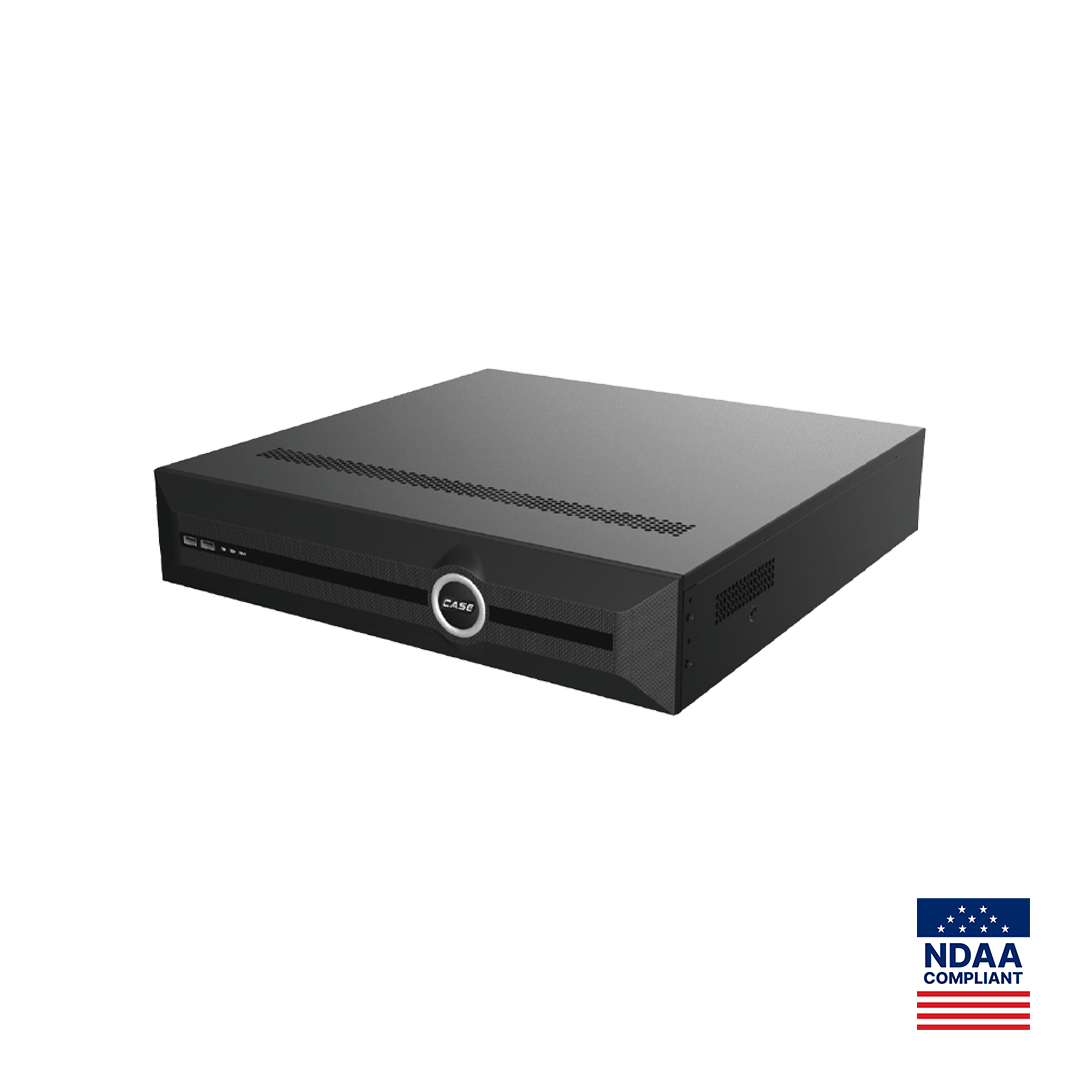
Every current CASE NVR records up to 16MP per channel to internal drives (up to 10 TB per HDD on the 5-, 10- and 20-channel units; 4x10TB HDD on the 40-channel units; 8x24TB HDD on the CS-N880 N and CS-N880 H-AI, as printed). Getting a clip off those drives follows one of four paths; which menus and options appear is confirmed per model and firmware.
| Path | Where you work | Best for | Notes |
|---|---|---|---|
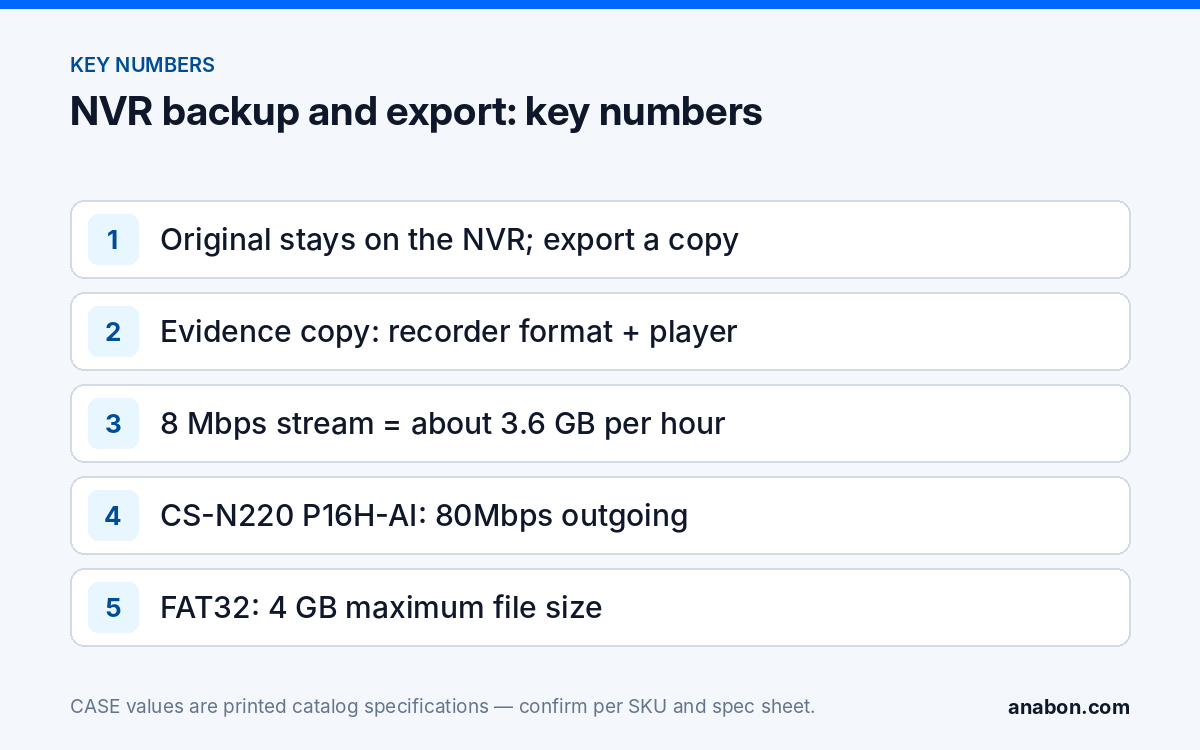
| USB drive at the recorder | NVR local interface, mouse and monitor | Incident clips, evidence for police or insurers | USB port count and type per SKU spec sheet; drive file system confirmed per model and firmware (FAT32 limits a single file to 4 GB) |
| Web interface over the LAN or VPN | Browser on a PC; Plugin-Free where supported | Remote export without a site visit | Uses the recorder’s printed outgoing bandwidth; export length per firmware |
| CASE Station | Desktop VMS on Windows or macOS | Multi-channel or multi-recorder export, operator desks | Playback and export as printed; functions confirmed per version |
| CASE Connect | Mobile app or web | Viewing and playback for the customer | Live view and playback are printed for the app; saving clips from it is confirmed per model, software version and project configuration |
On the AI units, finding the clip is the faster part: VCA Search on the CS-N105 P4H-AI, CS-N110 P8H-AI, CS-N220 P16H-AI, CS-N440 M-AI, CS-N440 P16H-AI and CS-N880 H-AI narrows playback to the events the recorder classified, with the search list printed per SKU and the behavior confirmed per model and firmware; the method is in VCA Search. The exact on-screen procedure for locating, clipping and exporting on a CASE NVR is in finding, clipping and exporting evidence from a CASE NVR; this guide covers the workflow around it.
Which clip format and player should you hand over?
Recorders generally offer two kinds of export, and the right choice depends on what the clip is for.
- The recorder’s own format with its player. Keeps the original stream, timestamps and any integrity information the firmware embeds, and plays only in the supplied player. This is the evidence copy: it is what a police service or an insurer’s investigator should receive, together with the player.
- A standard container (MP4 or AVI, as the firmware offers). Plays on any PC or phone and can be shared with a manager or a tenant. It is a convenience copy; re-encoding may drop metadata, so never hand it over as the only copy of an incident.
Which formats appear in the export dialog is confirmed per CASE NVR model and firmware; do not quote a format list in a proposal without checking the unit. Two habits protect you. Play every export on a clean PC that is not the one you exported from, with the supplied player, before you hand it over. And compute a hash of the file (SHA-256 is the common choice) and write it in the export log; a recipient who computes the same hash knows the file is unchanged. Also export a still image of the key frame with the on-screen date and time visible; many requests end with a single photo.
How do I export a clip step by step?
- Confirm the recorder’s clock is right before you search; a clip with the wrong timestamp is argued over later. NTP and time zones are covered in time sync, logs and certificates.
- Find the footage: by time range on any model, by event or VCA Search on the AI units.
- Add 60 seconds before and after the incident; investigators want context, not a cut that starts mid-action.
- Export in the recorder’s own format with the player, then a second time as a standard container if the customer needs to share it.
- Verify on a clean PC, compute the hash, and fill in the export log (template below).
- Protect the original on the recorder: use the firmware’s lock or protect function on that recording where offered (confirmed per model and firmware), or extend retention and note the overwrite date.
- Deliver the evidence copy by hand or on a labeled drive; a shared cloud link is a convenience copy, not the evidence chain.
Over the network, export speed is bounded by the recorder’s printed outgoing bandwidth and the link: 80Mbps on the CS-N220 P16H-AI and 400Mbps (AI on: 200Mbps) on the CS-N880 H-AI is shared with live viewers and the app. A camera recording at 8 Mbps produces about 3.6 GB per hour, so an hour of one 8MP channel takes minutes over the LAN and much longer over a site’s upload link; schedule large exports outside the customer’s business hours.
How should the customer run exports and protect the originals?
A CASE NVR does not schedule off-site copies of its whole archive by itself, so the honest customer-facing design is a routine, not an automation. Write it into the handover document and, where you have one, the service agreement.
- Who exports: the operator-level account holder, trained on site; viewers do not export. Account structure is in user roles and permissions on CASE NVRs.
- When: the same day an incident is noticed, before the retention window closes; the customer should know the overwrite period in days.
- Where it goes: a labeled USB drive kept in a locked drawer and a copy on the customer’s own file server or document system, under the customer’s data retention policy and state laws (US) / provincial laws and PIPEDA (Canada).
- Periodic test: once a quarter, export a one-minute clip, play it on a clean PC and file it; a service visit is a good moment to do this with the customer and log it.
If the requirement is a continuous off-site copy of all recordings, that is not an NVR feature and needs a separate system design confirmed in writing per project; see NVR vs VMS and bring the project to Anabon for review before you commit to it in writing. What is supported today for cloud questions is set out in cloud vs NVR storage.
Export log template
Copy this table into the customer’s job folder or spreadsheet; one row per export. It is the record an investigator, an insurer or a lawyer asks for, and it is the record that shows the clip was handled properly.
| Field | Example entry |
|---|---|
| Export date and time (time zone) | 2026-10-20 14:32 EDT |
| Recorder and location | CS-N220 P16H-AI, rack in back office |
| Channels and time range exported | Ch 3 and 5, 2026-10-19 02:10 to 02:18 |
| Reason or incident reference | Rear door forced; police file number |
| Format and player | Recorder format plus player; MP4 convenience copy |
| File names and SHA-256 hashes | Per file |
| Exported by (account name) | j.smith (operator) |
| Delivered to, and how | Officer name, by hand on labeled USB drive |
| Original protected until | Locked on recorder or retention date |
What to tell your customer
“Your recorder keeps footage for the number of days we set at handover, then overwrites it. When something happens, your trained operator exports the clip the same day, in the recorder’s own format with its player for police or insurance, plus a normal video file for sharing, and logs it. The original stays on the recorder. If you need every recording copied off site automatically, that is a different system design and we will quote it separately.” For warranty and service, please contact the installer or company that supplied your system.
FAQ
Can a CASE NVR back up all of its footage automatically to another location?
Not as an NVR function: a CASE NVR records to its own drives and exports the ranges you choose. CASE Cloud is remote NVR configuration over P2P, not cloud recording, and CASE Connect is for viewing and playback. A continuous off-site copy of every recording needs a separate system design confirmed per project; ask Anabon for a written scope before promising it.
Which file format should I give the police?
The recorder’s own export format together with its player, because it preserves the original stream, timestamps and any embedded integrity data, plus a still image of the key frame. Add a standard container such as MP4 only as a convenience copy. The formats available in the export dialog are confirmed per CASE NVR model and firmware, so check the unit before you promise one.
How long does exporting an hour of video take over the network?
A camera recording at 8 Mbps produces about 3.6 GB per hour. Over a wired LAN that is minutes; over a site’s upload link it can be an hour or more, and it shares the recorder’s printed outgoing bandwidth (80Mbps on the CS-N220 P16H-AI) with live viewers. Schedule large exports outside business hours or export at the recorder to USB.
How do I prove an exported clip has not been altered?
Compute a hash of each file (SHA-256) right after export, write it in the export log with the date, time zone, account name and recipient, and keep the original on the recorder, locked or protected where the firmware offers it. Anyone who later computes the same hash from their copy knows the file matches the one you exported.
Does the USB drive need a particular file system?
The file systems a CASE NVR accepts for export are confirmed per model and firmware, so test the customer’s drive on the recorder at handover rather than on site during an incident. FAT32 is the most widely accepted and limits a single file to 4 GB, which is why long exports often arrive as several segments; keep a tested drive in the customer’s drawer.