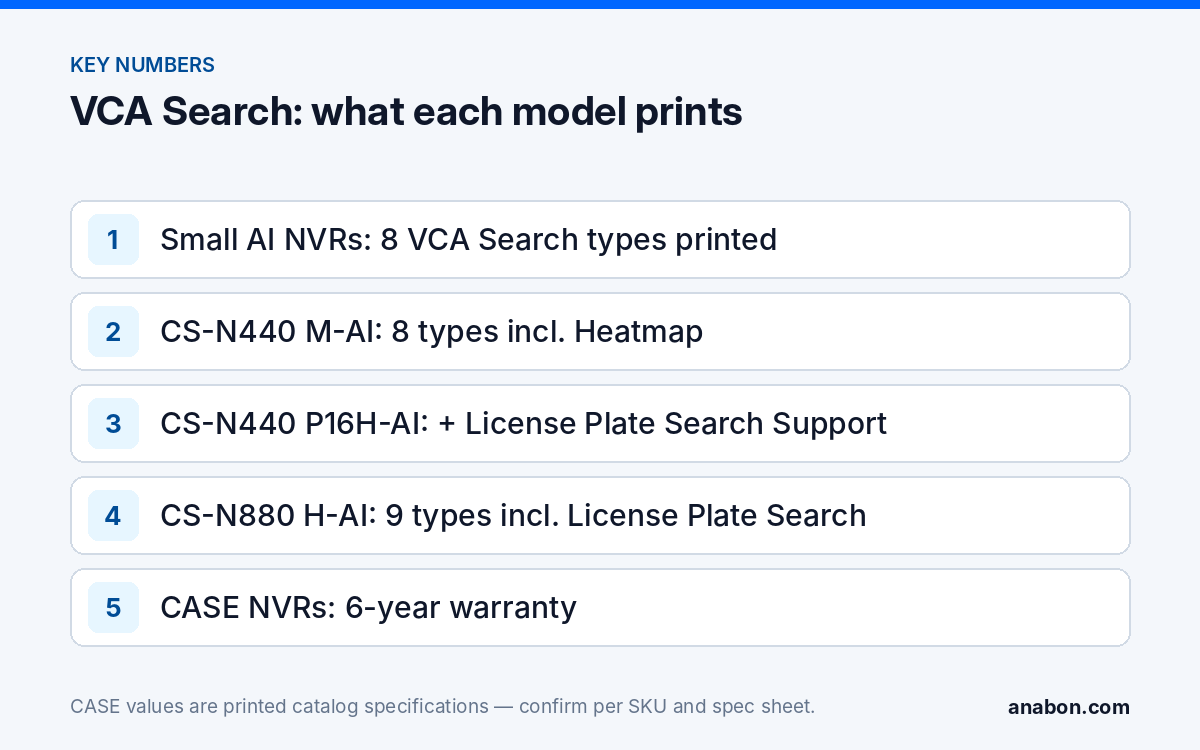
Quick answer: VCA Search is the event and attribute search on CASE AI NVRs. Instead of scrubbing a timeline, you pick a search type (for example Behavior, Early-warning, Face, Safety Helmet or Smart Motion Detection on the 5-, 10- and 20-channel AI units; Heatmap, without Smart Motion Detection, on the 40- and 80-channel AI units; License Plate Search only on the CS-N440 P16H-AI and CS-N880 H-AI), the channels and the time window, and the recorder returns thumbnails you can jump into and export. It finds only what the analytics flagged while recording, so the rules have to be on before the incident, and the printed list differs per model.
What is VCA Search, and what is it not?
VCA stands for video content analysis: software that watches the stream and writes down what it saw, a line crossed, a face captured, a plate read, a person loitering. VCA Search is the other half of that work. The NVR stores those events and attributes next to the video, and the search screen lets you filter them by type, channel and time, then jump straight to the footage behind each hit. “Sometime last week, a man in a high-visibility vest went through the side gate” becomes a Behavior Search on two channels over seven nights, and a dozen thumbnails instead of 168 hours of playback.
Three things it is not. It is not a retroactive scan: the searches work on the events and attributes the system recorded while the video was being written, so a rule that was never enabled has nothing to find. It is not a camera feature: the list that matters is the VCA Search row printed for the NVR model. And it is not uniform across the range: the small AI NVRs print eight search types, the 40- and 80-channel units print a different list with Heatmap, and only two models print License Plate Search. The background on where analytics run is in AI NVR explained: AI by NVR vs AI on the camera.
Before you can search: what must be on at install time
Most disappointing VCA Search calls trace back to commissioning, not to the search screen. Check these at handover, not on the day the customer calls:
- The model prints the search. Face Search, Behavior Search and Smart Motion Detection are printed on the CS-N105 P4H-AI, CS-N110 P8H-AI and CS-N220 P16H-AI; Heatmap and License Plate Search appear only on the 40- and 80-channel units listed below.
- The rule is enabled on that channel. A tripwire or perimeter rule, with the target type set, must exist on the camera or in AI by NVR for Behavior Search to have events. Face Search needs face detection running on the channel where faces are actually large enough to capture.
- AI is on, and the bandwidth allows it. The CS-N220 P16H-AI prints 160Mbps incoming, 120Mbps with AI on; the CS-N440 P16H-AI prints 400Mbps, 200Mbps with AI on. Keep the sum of the camera bitrates under the AI-on figure.
- The clock is right. A time window is only useful if the NVR time is correct; set NTP and the time zone and verify them, as covered in NVR time and date wrong.
- Retention and rights. Enough disk that last week is still there, and a user role with playback and export rights set at handover, not during an incident.
- How many channels can run AI by NVR at once, and which camera models each search supports, is confirmed per NVR model, firmware and project configuration, in writing from Anabon before the quote.
Step by step: finding a person without scrubbing the timeline
Menu labels differ between models and firmware versions, so treat the sequence as the constant and the wording as variable. The same flow applies on the NVR’s local monitor and, where the model and firmware offer search there, in its web interface.
- Narrow the question. Which door or fence line, which days, roughly which hours, and whether the customer wants a person, a vehicle or a face.
- Open the search function on the NVR and choose the type: Behavior Search for tripwire and perimeter crossings, Early-warning Search for events raised by EW cameras, Face Search to filter by face attributes where printed, Smart Motion Detection for filtered motion on the small units.
- Select the channels and the time window. Start wide on time and narrow on channels; widening later costs another search, narrowing costs nothing.
- Apply the filters the menu offers, such as target type or face attributes. Where the menu does not offer an attribute, the model does not support filtering by it; do not promise it to the customer.
- Review the thumbnails. Each hit is an event with a time stamp. Click into the footage and watch a few seconds either side.
- Mark the clip you want to keep, and note the channel name, the NVR time of the event and the NVR time of the export.
- Export as described below, and record what you searched for, on which channels and over which window.
If the search returns nothing, go back to the previous section before you blame the recorder: no rule, wrong channel, wrong time zone or AI switched off are the usual causes.
Vehicle and plate search: an NVR function, not an LPR camera claim
Vehicles come up two ways. Early-warning Search lists early-warning events; where an EW camera that differentiates people and vehicles covers a yard gate, it can narrow a search to vehicle events at that gate, with the event sources confirmed per camera model, NVR model and firmware. Behavior Search returns tripwire and perimeter events whose rule was set for vehicles. One printed caution: the full AI by NVR set on the 40- and 80-channel units prints “Video Structuralization (excludes vehicle detection)”, so do not promise vehicle-attribute filtering from that function.
Plates are a separate case. The CS-N880 H-AI prints License Plate Search in its VCA Search row and the CS-N440 P16H-AI prints License Plate Search Support. Both are NVR search functions: they filter plates that the system captured. They are not a camera claim, and they do not make a 2.8mm dome into a plate camera. Capture depends on the camera, lens, mounting angle, vehicle speed, distance and lighting, and LPR performance is confirmed per project against the spec sheet and the site conditions. Where a dedicated plate camera is needed, the CSP-I4LQ I-LPR-8-32mm is a CASE Project Series item: project-quoted, with availability, certificates and lead time confirmed in writing before anything is promised. The camera layout side is covered in our parking lot guide.
Exporting and sharing the clip
A clip that cannot be opened, or whose time cannot be trusted, is worth less than no clip. Keep the export routine boring and identical every time:
- Export from the NVR to a USB drive you brought, in the format and with the player the menu offers for that model and firmware; confirm the format opens on a plain workstation before you leave.
- Leave the original recording on the NVR, and use the lock or protect function if the model offers one so overwrite does not remove it.
- Write a one-page note: site, NVR SKU and serial, channel name, NVR time of the event, NVR time of the export, who exported it and to whom it was handed. That note is the start of the chain of custody.
- Hand the clip to the customer, who owns the footage; requests from police or insurers go through them. Keep a copy in the job folder until the matter is closed.
For large clips, a shorter window is better than a file that will not send. The full evidence workflow is in Finding, clipping and exporting evidence from a CASE NVR.
Which CASE NVRs print which searches?
Every row is the VCA Search row as printed for that exact SKU; quote only the row for the model you are selling.
| SKU | Channels / PoE ports | VCA Search, as printed |
|---|---|---|
| CS-N105 P4H-AI | 5CH / 4 | Early-warning Search, Behavior Search, Safety Helmet Search, Thermographic Retrieval, Duty Search, Electric Bicycle Retrieval, Face Search (Search by face attributes), Smart Motion Detection |
| CS-N110 P8H-AI | 10CH / 8 | Same list as the CS-N105 P4H-AI |
| CS-N220 P16H-AI | 20CH / 16 | Same list as the CS-N105 P4H-AI |
| CS-N440 M-AI | 40CH / N/A | Heatmap, Early-warning Search, Behavior Search, Thermographic Retrieval, Duty Search, Electric Bicycle Retrieval, Face Search, Safety Helmet Search |
| CS-N440 P16H-AI | 40CH / 16 | Heatmap, Early-warning Search, Behavior Search, Thermographic Retrieval, Duty Search, Electric Bicycle Retrieval, Face Search, Safety Helmet Search, License Plate Search Support |
| CS-N880 H-AI | 80CH / N/A | Heatmap, Early-warning Search, Behavior Search, License Plate Search, Safety Helmet Search, Thermographic Retrieval, Duty Search, Electric Bicycle Retrieval, Face Search |
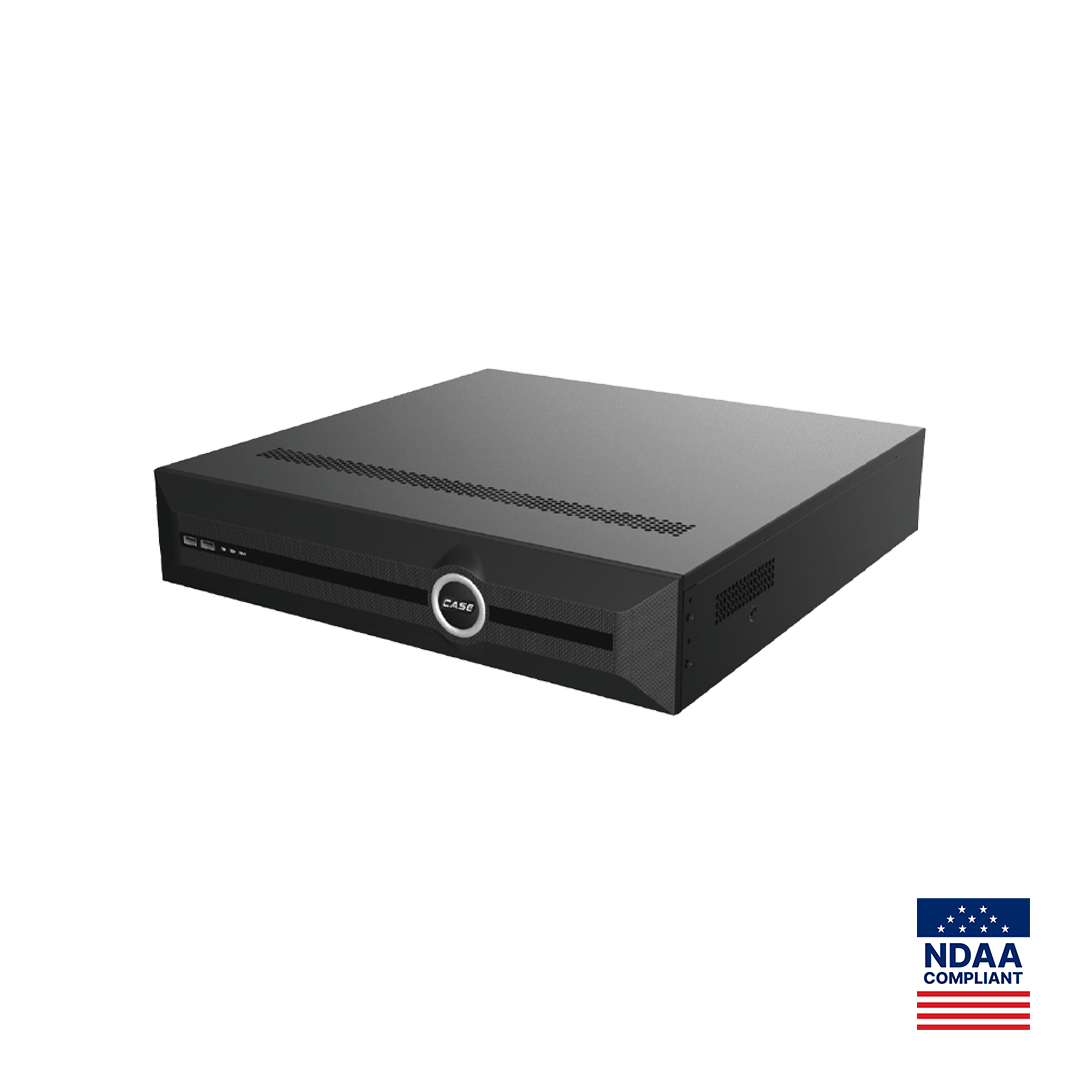
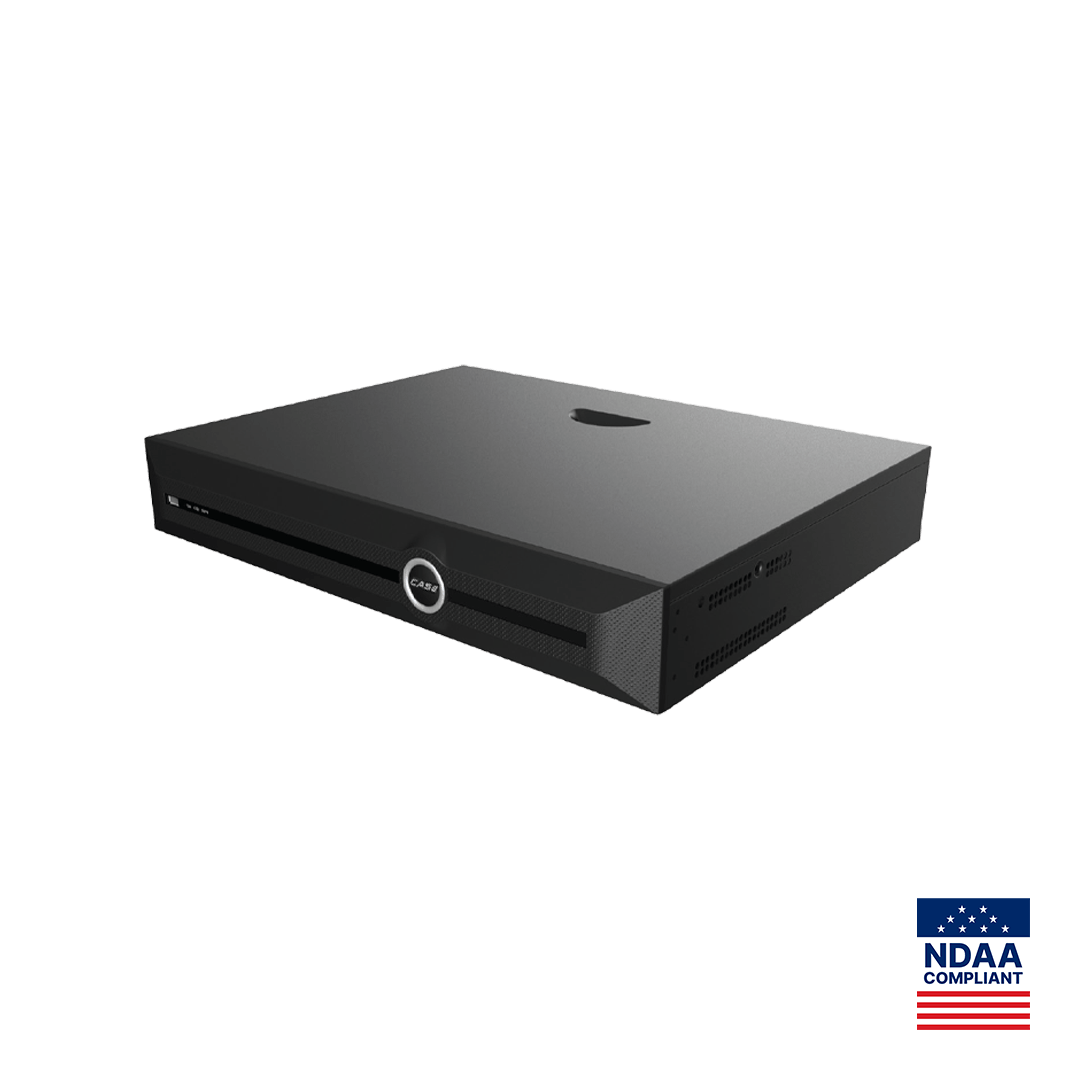
AI functions, including the searches, are confirmed per model, firmware and project configuration. CASE NVRs carry a 6-year warranty; hard drives are supported through back-to-back manufacturer warranty. If the customer wants to see the search before committing: for approved demo products we provide a 90-day test period under the approved demo return process. This is not a general return policy. The two largest units are profiled in CS-N880 H-AI and CS-N440 P16H-AI: AI NVRs with VCA Search.
What to tell your customer
“When something happens, you will not scroll through a week of video. You tell us the door and the days, we pick the event type, and the recorder shows the moments that match, which we can export for you the same day. That only works for the rules we switch on now, which is why we are setting them up on every camera that matters before we leave.” For warranty and service, please contact the installer or company that supplied your system.
FAQ
Can VCA Search find a person in footage recorded before the rules were enabled?
No. The searches filter the events and attributes the system recorded while the video was being written, so footage from before a tripwire, perimeter or face rule was enabled has no events behind it. You can still play that footage back manually. Enable and test the rules on every relevant channel at commissioning, and record which channels carry which rules.
Which CASE NVRs offer license plate search?
Two models print it: the CS-N880 H-AI prints License Plate Search and the CS-N440 P16H-AI prints License Plate Search Support in their VCA Search rows. Both are NVR search functions that filter plates the system captured. Capture itself depends on the camera, lens, angle, speed and lighting, and LPR performance is confirmed per project rather than assumed from the recorder.
Does searching by vehicle work on the 40- and 80-channel AI NVRs?
Through events, where the rules exist: Early-warning Search lists early-warning events (sources confirmed per camera model, NVR model and firmware), and Behavior Search returns tripwire and perimeter events whose rule was set for vehicles. What you should not promise is vehicle-attribute filtering from Video Structuralization, because the catalog prints that function as excluding vehicle detection on the CS-N440 M-AI, CS-N440 P16H-AI and CS-N880 H-AI.
What should go into the note that accompanies an exported clip?
Site name, NVR SKU and serial number, channel name, the NVR time of the event, the NVR time of the export, the file name and format, the person who exported it and the person who received it. Keep the original recording on the NVR, protected from overwrite where the model offers it, and keep a copy in the job folder until the customer closes the matter.