Quick answer: An AI NVR can process supported analytics at the recorder; a camera may also run its own analytics. Specify the required event, where it runs, compatible streams and processing limits. An AI label does not add every camera feature to every channel or guarantee a useful result.
On this page
Decide where the event is created
For camera-side analytics, the camera processes its view and the recorder/software must support the event information you need. For AI by NVR, the recorder processes supported video sources using its own resources. A deployment may combine these approaches. A supported NVR function can be useful with a simpler camera, but verify the exact camera, encoding, stream, firmware and required analytics together. Do not promise that every Value or Sharp camera gains the recorder’s full list on every channel merely by connecting it.
Detection, notifications, output actions, search and export form a chain. Confirm each step. A local camera speaker or deterrence light requires suitable camera hardware and a supported event/action configuration; software alone cannot create those physical parts. Check the NVR firmware download resources and request the exact revision’s companion instructions; do not assume one release or manual fits every configuration.
Read the exact AI by NVR list
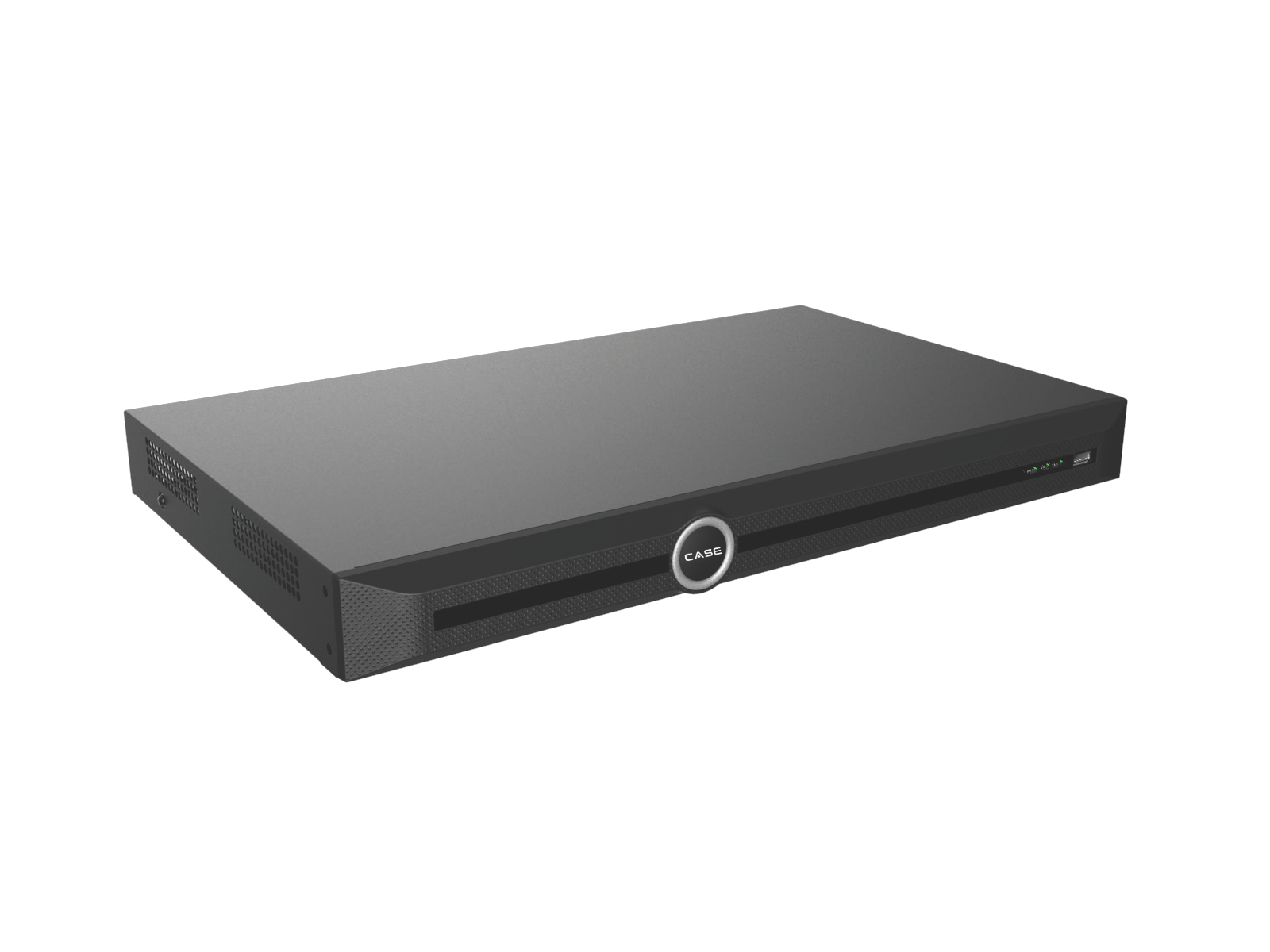
The catalog lists Face Detection, Face Recognition, Tripwire, Double Tripwire, Perimeter and Smart Motion Detection for CS-N105 P4H-AI, CS-N110 P8H-AI and CS-N220 P16H-AI. The larger AI models CS-N440 M-AI, the 40-channel PoE model and CS-N880 H-AI list additional functions including Object Abandon, Object Missing, Running, Parking, Heatmap, Sleeping on Duty, On Duty and Loitering. Their Video Structuralization label explicitly excludes vehicle detection. Confirm the model’s complete row; a family headline is not the specification for every recorder.
The catalog’s detailed 40-channel PoE page spells CS-N440 P16-H-AI while its family index uses CS-N440 P16H-AI. Resolve the orderable SKU/revision before a commitment. VCA Search has its own model-dependent list; an analytics entry does not establish the same search type for every recorder.
Budget streams, AI processing and viewing separately
| Recorder | Incoming / outgoing bandwidth | AI-on incoming / outgoing |
|---|---|---|
| CS-N220 P16H-AI | 160 / 80 Mbps | 120 / 80 Mbps |
| CS-N440 M-AI | 400 / 400 Mbps | 200 / 200 Mbps |
| CS-N880 H-AI | 400 / 400 Mbps | 320 / 200 Mbps |
The figures above are catalog limits, not a suggested operating target. Keep suitable design allowance and confirm how the selected modes affect the actual stream load. The 5- and 10-channel AI models print 100 Mbps incoming and 80 Mbps outgoing; their pages do not establish unlimited simultaneous analytics. Review the VCA Search guide separately from these bandwidth figures before promising a search workflow.
Example only:16 cameras configured at 6 Mbps total 96 Mbps before other relevant load. At 8 Mbps they total 128 Mbps, above the CS-N220 P16H-AI’s 120 Mbps AI-on incoming figure. Those bitrates are assumptions, not CASE camera performance specifications. Confirm peaks and settings, and do not reduce evidence quality silently to fit a recorder. The catalog does not provide complete per-function AI channel counts or every concurrency combination. Incoming bandwidth, decoding, storage and AI processing are separate constraints. A free input channel does not prove spare analytics capacity.
Make the event work in the actual view
- Describe the customer’s event in plain language: for example a person crossing the rear boundary after hours.
- Confirm supported device/firmware, processing location, channel count and stream requirements.
- Place the camera and draw the supported rule where the target will be visible.
- Test representative approaches, occlusion, changing light and relevant day/night conditions.
- Check both missed events and nuisance events, then tune through supported controls.
- Verify recording, the intended notification/action and the required search/export workflow.
Do not set a universal “zero false alarms” target. Agree acceptance conditions the installer can actually test and record limits such as glare, obstructions or target size. Demonstrate the manual review fallback.
Review sensitive and safety-related uses first
A face function printed in the catalog is not permission to enable it at a site. Confirm what data is processed, the purpose, the customer’s applicable obligations and the supported configuration. Even a function labelled detection may process biometric information depending on its implementation. Use the face-function privacy review. Do not treat an analytics label for smoke, fire, duty or similar conditions as a listed life-safety system or guaranteed prevention measure. Any safety-related requirement needs its own approved design, certifications and responsible review; it cannot be established from an AI menu name.
Quote and hand over the tested scope
List exact SKUs/revisions, versions, analytics by channel, processing source, enabled rules, recording/search behavior and approved recipients/actions. Identify unanswered capacity or integration questions before ordering. Keep the record with the commissioning handover. Recheck important rules after relevant firmware, scene or camera-position changes. The firmware procedure makes that verification part of the change window.
FAQ
Does an AI NVR make every camera an early-warning camera?
No. Physical light/audio hardware and supported event actions require their own confirmed design.
Can every input channel run every AI function?
That is not established by the catalog. Confirm processing and concurrency limits for the exact configuration. Compare each network video recorder against its documented operating mode and confirmed workload, rather than assuming all free inputs have spare AI resources.
Does detection guarantee accurate identification?
No. Detection, search and identity matching are different functions with different limits.
Send the exact camera/recorder versions, configured streams and event requirements to security camera technical support for unresolved capacity or compatibility questions. Compare the documented operating mode and workload, not just the nominal channel count.
References
The figures and function lists were checked against CASE Catalog 2027 Q1. Confirm the supplied model/revision and actual software documentation before a project commitment; a catalog row is not a completed integration test.