Quick answer: A security camera upsell that sticks starts from a problem the customer already has: false alarms point to Human/Vehicle Classification, unusable night footage to PhotonX or white light, an open lot to a 180° camera, slow searches to an AI NVR with VCA Search, and repeat incidents to Early Warning (EW) deterrence. Raise it at the periodic site visit, show the customer their own footage, and offer one change with a clear way to verify it worked.
Why should an upsell start from the customer’s problem, not the catalog?
A customer who already owns a working system does not buy features. They buy relief from something that annoys them or costs them: phone alerts at 3 a.m. for headlights, a parking-lot clip where the plate is a white smear, an hour spent scrubbing a timeline to find when a pallet went missing. When you lead with the problem, the upgrade is a fix you recommend. When you lead with the product, it is a sale you are making, and that invites the “let me think about it” that ends the conversation.
The rule: one observed problem, one proposed change, one way to prove it worked. Every CASE figure below is as printed for that exact SKU; behavior on site is confirmed per model, firmware, software version and project configuration.
Which customer problem points to which upgrade?
Use this table in two directions. In the conversation, read it left to right: complaint, cause, fix. When you plan the visit, read it right to left: decide first how you will show the result, because the proof is what turns a recommendation into a signed change order.
| What the customer says | What is usually behind it | Upgrade to propose | CASE example (as printed) | How you prove it worked |
|---|---|---|---|---|
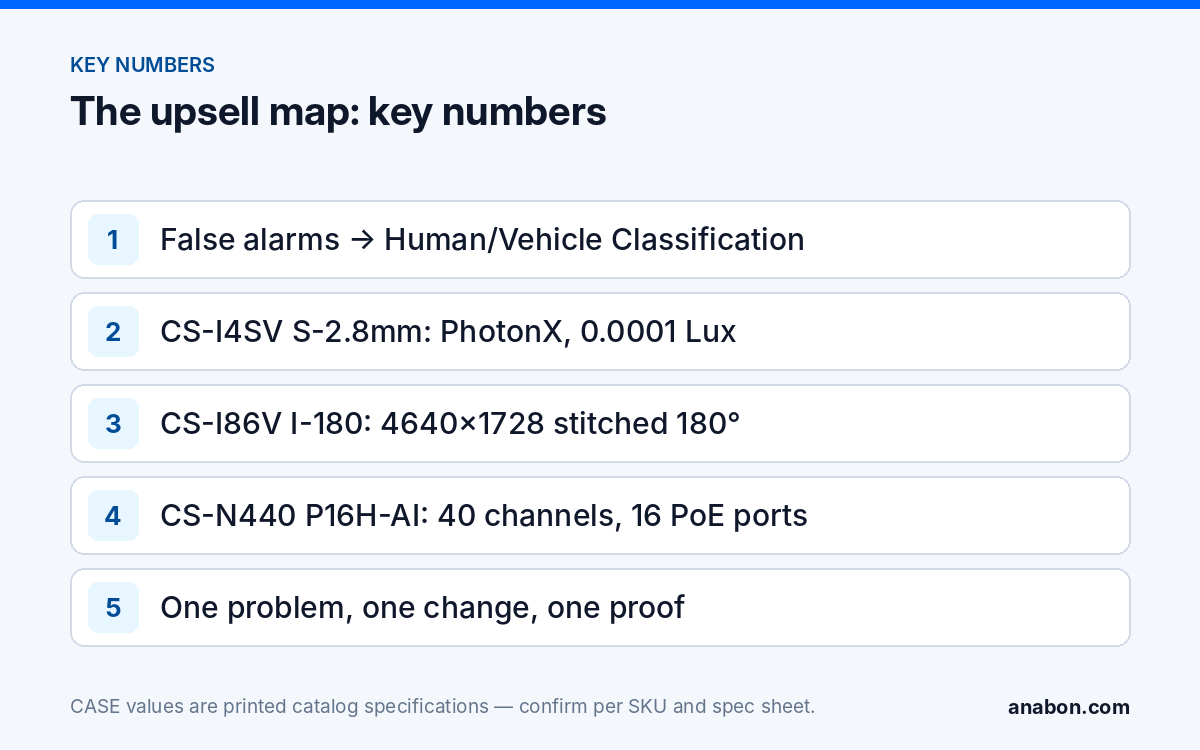
| “My phone goes off all night for nothing.” | Pixel-based motion detection triggered by headlights, rain, shadows and animals | Alarm rules on people and vehicles only | CS-I4SV S-2.8mm: Tripwire, Perimeter, Human & Vehicle Classification | Alerts per week, before and after |
| “At night everything is gray; we can’t tell the color of the car.” | IR monochrome image, little or no site lighting | Full-color night imaging with PhotonX or white light | CS-I4SV S-2.8mm: PhotonX, 0.0001 Lux, 33 ft (10 m) white light, no IR | Two clips at the same hour of the night |
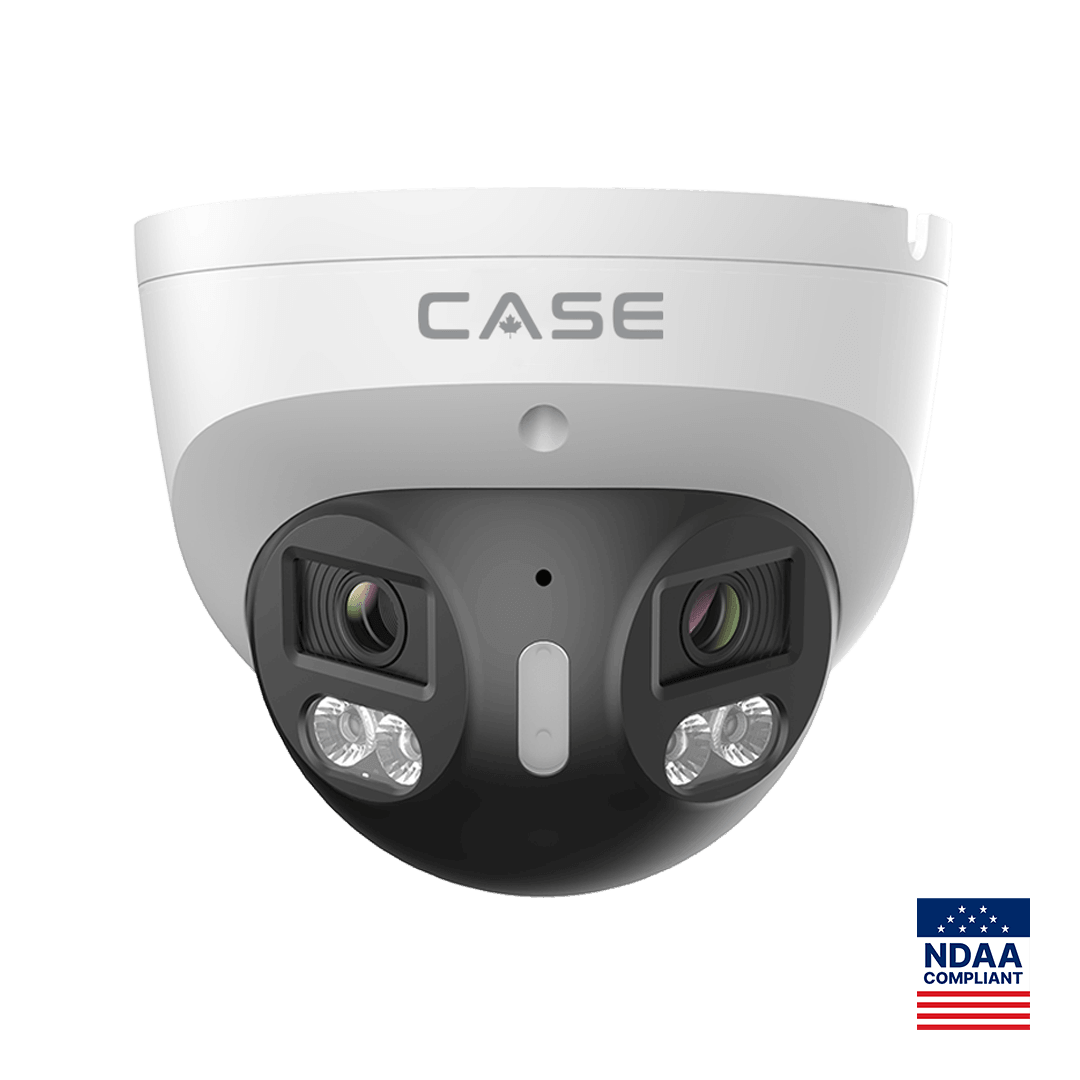
| “They broke in again; the video just shows it happening.” | Recording only, nothing responds on site | Active deterrence with EW light and audio | CS-I8XQ II-2.8mm: red and blue light, built-in mic and speaker, 98 ft (30 m) white light | Incident log over the next season |
| “The lot is too big; there are gaps between cameras.” | Narrow lenses aimed at an open area | One stitched 180° camera per open area | CS-I86V I-180: 8MP (4+4) stitched, 4640×1728@25fps | Coverage drawing before and after |
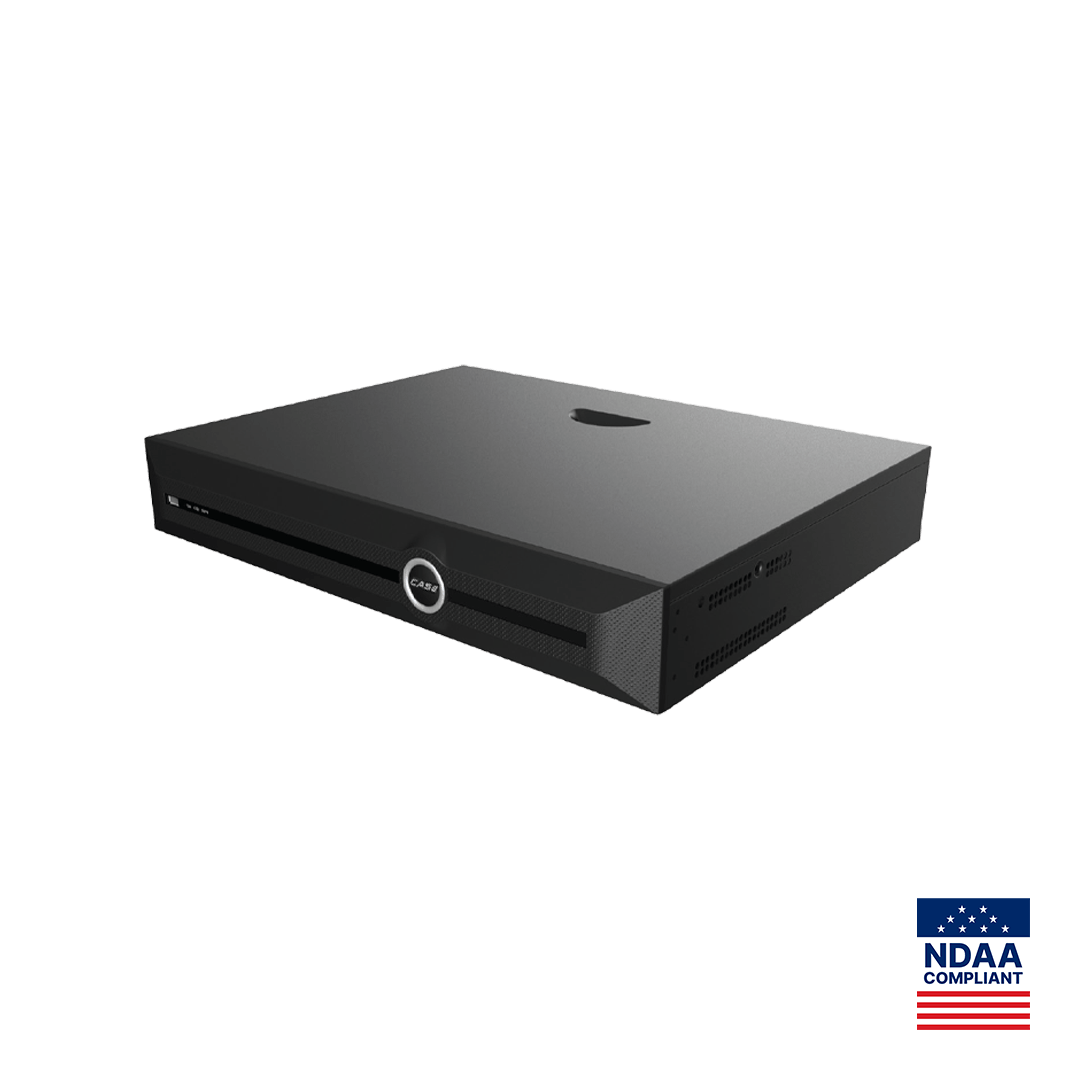
| “It takes forever to find anything.” | Timeline scrubbing on a recorder without search analytics | AI NVR with VCA Search | CS-N440 P16H-AI: 40CH, 16 PoE ports, Behavior Search, Face Search | Time to find a staged test event |
The three levels of analytics behind the first row are explained in smart alarm vs classification vs full AI.
What does each step on the upgrade path change on site?
Step 1: Classification before anything else
Fixing false alarms earns the right to the next conversation. First check whether the existing cameras already print a classification row; sometimes the fix is configuration, not hardware. Where a camera change is needed, the CS-I4SV S-2.8mm prints Tripwire, Perimeter and Human & Vehicle Classification. Draw tight zones, set the rule to people or vehicles, and record the alert count for two weeks so the improvement is a number, not an opinion.
Step 2: Night evidence with PhotonX or white light
The CS-I4SV S-2.8mm is a 4MP PhotonX turret: 0.0001 Lux minimum illumination, IR printed as N/A, 33 ft (10 m) white light, IP67, Metal housing and an operating range of −40 °F (−40 °C) to 149 °F (65 °C), which matters for northern US and Canadian sites. Low-light and full-color behavior is stated per SKU on the specification sheet and should be confirmed for the site. Test at the darkest camera position before you quote the rest.
Step 3: Deterrence where incidents repeat
The CS-I8XQ II-2.8mm prints an 8MP sensor, 3840×2160@30fps, 164 ft (50 m) IR, 98 ft (30 m) white light, red and blue light, a built-in mic and speaker, a 1 TB memory slot, IP66 and Metal housing. EW and AEW are deterrence features. Availability is confirmed per SKU. The laser is a deterrent, not an illuminator, and is offered on selected models only. If the microphone will be enabled, check state laws (in Canada, provincial laws and PIPEDA) on audio recording; the active deterrence guide covers placement and talk-down.
Step 4: 180° for open areas
The CS-I86V I-180 stitches two 4MP sensors into one 4640×1728@25fps image, with 98 ft (30 m) IR, 98 ft (30 m) white light, 0.0009 Lux, IP67, a built-in mic and loudspeaker, Metal housing and −31 °F (−35 °C) to 149 °F (65 °C) operation. One mount and one cable replace a pair of narrow cameras. The pixels are spread across 180°, so keep a narrow-lens camera at the entrance where you need identification, and use the panoramic for overview and movement.
Step 5: An AI NVR when search is the pain
The CS-N440 P16H-AI prints 40 channels, 16 PoE ports, 1xHDMI and 1xVGA (independent), 16 alarm inputs and 4 outputs, and Bandwidth I/O of 400Mbps / 400Mbps, dropping to 200Mbps / 200Mbps with AI on. Plan the camera load against the AI-on figure. Its VCA Search list includes Early-warning Search, Behavior Search, Face Search and License Plate Search Support; the last is an NVR search function, not an LPR camera claim. The VCA Search guide shows how to demonstrate it.
When is the right time to raise an upgrade?
The best moment is the scheduled visit, when you are already on site, the customer expects a report and nothing is broken. Good triggers:
- A maintenance or health-check visit under a service agreement (see periodic site visits).
- Right after you export footage for an incident and the clip falls short.
- Early fall, when nights get longer and night footage becomes most of the recording.
- A business change: a new lot, extended hours, new inventory in the yard, a second building.
- A recorder approaching its channel, PoE port or disk limit.
Bad moments: a callback where the customer is upset about something you have not fixed yet, and handover day of a new install. Fix first; suggest later.
What should you collect during the visit before you suggest anything?
- Ask one open question: “What annoyed you about the system since my last visit?” Write the answer down word for word.
- Count alert notifications for the last month from the NVR event log or CASE Connect.
- Export one night clip per exterior camera at the same hour.
- Note channels used versus available, PoE ports used, and days of retention against the requirement.
- Walk the perimeter and mark blind spots on the site drawing.
- Photograph mounting points and cable paths for any camera you might replace.
- Record firmware versions of the recorder and cameras.
- Ask whether an insurer, landlord or public contract now sets documentation or compliance requirements.
How do you present an upgrade without pressure?
- Show, then suggest. Play their own clip or alert count first. The problem sells; you only name the fix.
- One problem, one change. Offer three choices: fix it now, fix it at the next visit, or leave it as it is, with what each means for the site.
- One page in writing. Problem, proposed change, what stays the same, and how you will check the result together.
- Let them see it working. For approved demo products we provide a 90-day test period under the approved demo return process. This is not a general return policy. A remote look at the online demo also helps before a site trial.
- Follow up once. A short call 30 days later, then leave it for the next visit.
What do you confirm before the upgrade goes into the proposal?
Mixed systems are where upgrades go wrong. If new cameras will join an existing recorder, ONVIF profiles supported are S, T, and G, with M on pinhole models. Third-party behavior is confirmed per platform and project, and analytics events from the camera may not appear on every recorder. For the handover, CASE Connect is the official app experience for CASE systems. App features and remote access options should be confirmed by model, software version, and project configuration.
State warranty by category: CASE cameras and CASE NVRs carry a 6-year warranty. CASE PTZ cameras carry a 3-year warranty. CASE accessories carry unlimited warranty. Hard drives are supported through back-to-back manufacturer warranty. Warranty runs through you, not around you. If the site has compliance requirements, CASE offers NDAA-compliant options for compliance-sensitive projects. Anabon confirms the exact products and provides the official compliance documentation for each project.
What to tell your customer
“We looked at what actually happened on your site since our last visit. The one change I would recommend is this, because it fixes the problem you mentioned; here is the clip that shows it, and here is how we will show you it is fixed. CASE cameras and CASE NVRs carry a 6-year warranty, handled through us. If you would rather wait, nothing breaks, and we will look at it again at the next visit.”
FAQ
What is the easiest security camera upsell for an existing customer?
The one tied to a complaint they already made. On most commercial sites that is false alarms, which human and vehicle classification addresses, or unusable night footage, which a full-color low-light camera addresses. Both are easy to prove with a before-and-after alert count or two clips recorded at the same hour of the night.
Can I add new AI cameras to a customer’s existing NVR?
Often, but confirm it before you quote. ONVIF profiles supported are S, T, and G, with M on pinhole models. Third-party behavior is confirmed per platform and project. Video usually works over the profile, while analytics events and search features depend on the recorder, so test one camera on the bench first.
Does a 180° camera replace the entrance camera?
No. A stitched panoramic such as the CS-I86V I-180 spreads its pixels across 180°, which suits overview and movement in an open lot. Where you need to identify a face or read detail at a door or gate, keep a narrow-lens camera aimed at that choke point and let the panoramic cover the area around it.
How can a customer see an upgrade working before committing?
Install one unit at the problem position and compare it with the old footage for two to four weeks. For approved demo products we provide a 90-day test period under the approved demo return process. This is not a general return policy. Agree up front what result counts as success, such as fewer alerts or a usable night clip.