Quick answer: A security camera installation proposal that wins is short, built from the site survey, and ordered the way the customer reads: the problem in their words, the design that solves it, the equipment with full SKUs and spec sheets, the installation scope and exclusions, warranty and support stated exactly, maintenance options, the timeline and the investment summary by section. Lead every section with the consequence for the site, not with megapixels, and put the camera schedule where the decision maker will see it.
What goes into a security camera installation proposal, and in what order?
A proposal is a sales document and a scope document at once: the customer decides from it, your technician installs from it. The order below follows the questions a commercial customer asks.
- Cover and summary — the site, the problem and the outcome in three sentences.
- The site and the problem — survey findings: blind spots, incidents, night lighting, pathways, recorder location.
- Design — the coverage plan and the camera schedule (one row per camera, with its purpose).
- Equipment — recorder, cameras, switches, mounts and junction boxes with full SKUs and quantities; spec sheets in an appendix.
- Installation scope and exclusions — pathway, lifts, after-hours work, electrical work by others to the NEC (US) / CEC (Canada), and permits where the local code requires them.
- Configuration, handover and training — recording schedule, retention target, user accounts and roles, CASE Connect access for the people the customer names.
- Warranty and support — exact wording by category and who the customer calls.
- Maintenance options — what a service agreement includes and how often you visit.
- Timeline — the steps from acceptance to handover.
- Investment summary and terms — totals by section, quote validity, payment stages, change-order rule, acceptance signature.
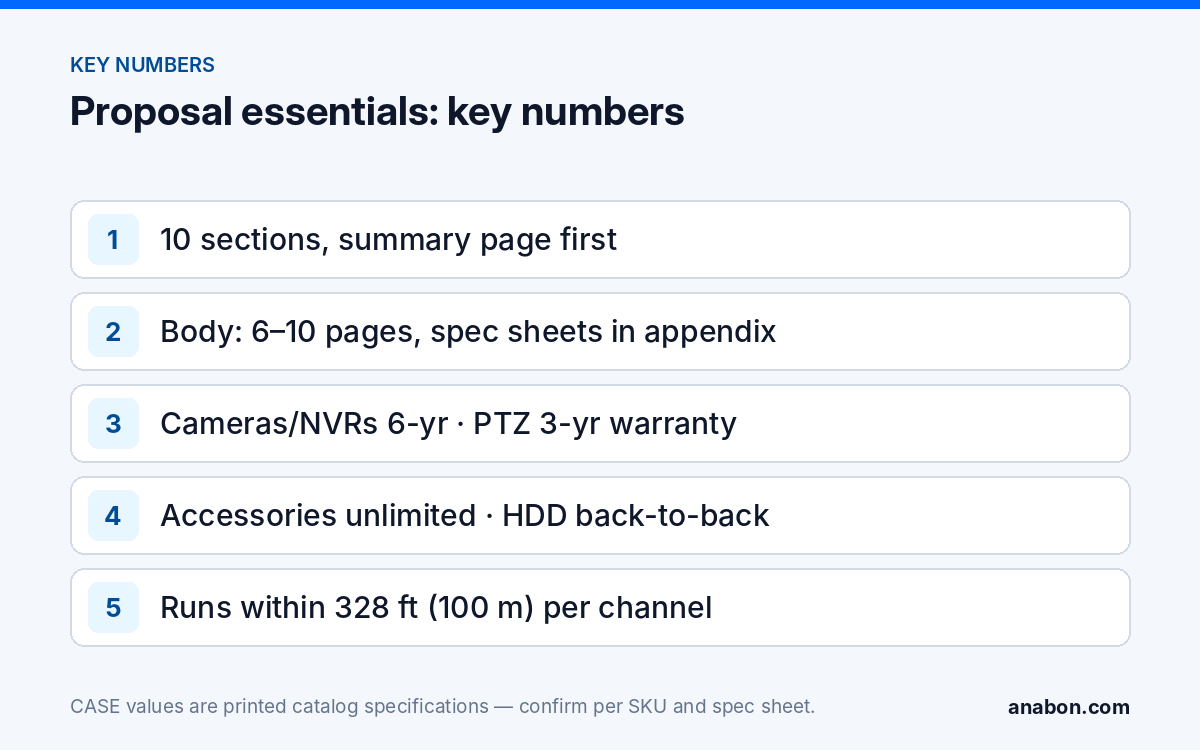
Keep the body to six to ten pages; appendices carry the spec sheets and the full schedule. The section approach for the investment summary is covered in how to quote the installation.
Why should the proposal lead with consequence, not megapixels?
The most common losing proposal is a spec dump: a list of resolutions, lens sizes and IR distances that the customer cannot connect to their own site. The customer then compares the bottom line. A winning proposal translates each line into what changes on the site, and keeps the spec as the proof underneath.
| Spec-dump line | Consequence-first line | The proof underneath |
|---|---|---|
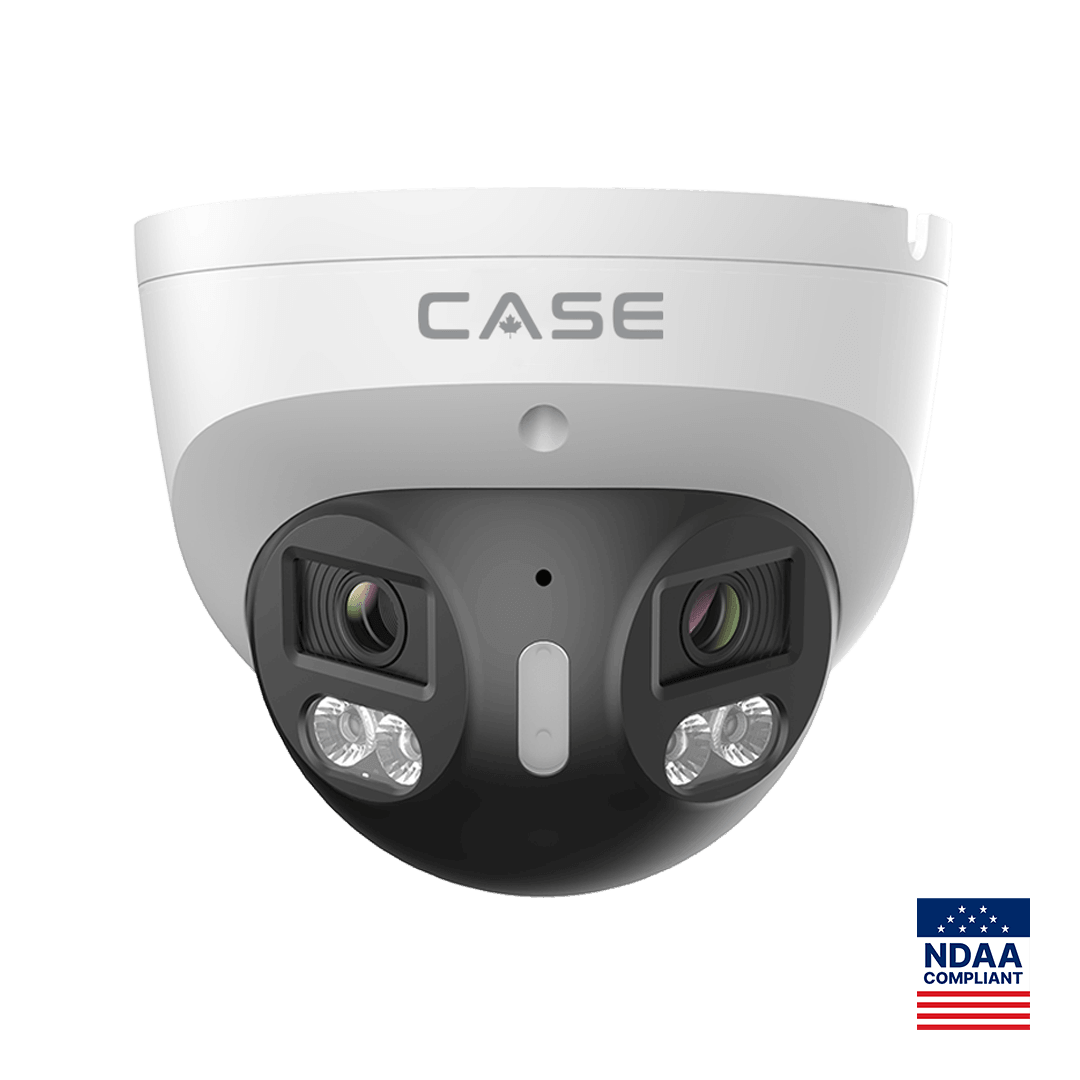
| 8MP turret, 2.8 mm lens, built-in speaker | A person detected at the rear door after hours is met with light and an audio warning, and the clip is on the recorder. | CS-I8XQ II-2.8mm: 8MP, built-in mic and speaker, red and blue light, 98 ft (30 m) white light as printed; EW availability confirmed per SKU |
| 4MP camera, 0.0001 Lux | The side lot is recorded in color at night, so the clothing color and the vehicle color are on the clip, not a gray shape. | CS-I4SV S-2.8mm: PhotonX, 0.0001 Lux, 33 ft (10 m) white light as printed |
| 20-channel NVR, AI | When the customer says “sometime last week,” you search by event type instead of scrubbing the timeline, and the recorder has 20 channels for its 16 PoE ports, leaving room for cameras on an external switch later. | CS-N220 P16H-AI: 20 channels, 16 PoE ports, AI by NVR and VCA Search as printed |
| 180° camera | The front lot is one continuous image from one mount and one cable, with no seam to explain. | CS-I86V I-180: 8MP (4+4) stitched, 4640×1728 at 25 fps as printed |
Two rules keep this honest. First, never promise an outcome the spec sheet does not support: low-light and full-color behavior is stated per SKU on the specification sheet and should be confirmed for the site. Second, write the consequence for the problem you found on the survey, not a generic benefit.
How should the camera schedule and spec sheets appear?
The camera schedule shows the customer you planned each view, and it becomes the install sheet and the as-built record. Put a short version in the body and the full version in the appendix. The full method is in the camera schedule and BOM guide.
| Cam | Location | Purpose | SKU | Mount / box | Run | Port |
|---|---|---|---|---|---|---|
| C-01 | Rear door, exterior | Deter and record entry | CS-I8XQ II-2.8mm | Per spec sheet | 140 ft (43 m) | NVR PoE 1 |
| C-02 | Front lot | Overview, vehicle movement | CS-I86V I-180 | Per spec sheet | 210 ft (64 m) | NVR PoE 2 |
| C-03 | Side lot, unlit | Night color record | CS-I4SV S-2.8mm | Per spec sheet | 260 ft (79 m) | NVR PoE 3 |
Every run stays inside the 328 ft (100 m) Ethernet channel limit, patch cords included; anything longer is designed with a switch closer to the camera or a fiber link. Write each SKU in full, with its series letter. One letter can change the series, the housing and the specs, so “the 8MP turret” is not a specification.
For the appendix, attach the spec sheet of every SKU in the schedule. If the project has compliance requirements, use this sentence rather than a general claim: CASE offers NDAA-compliant options for compliance-sensitive projects. Anabon confirms the exact products and provides the official compliance documentation for each project. For integration with a platform the customer already owns, write the profile, not a promise: ONVIF profiles supported are S, T, and G, with M on pinhole models. Third-party behavior is confirmed per platform and project.
How do you write the warranty and support section exactly?
This is the section customers reread. A blanket line fails the first time a PTZ or a hard drive needs service. Use the category wording as it stands:
CASE cameras and CASE NVRs carry a 6-year warranty. CASE PTZ cameras carry a 3-year warranty. CASE accessories carry unlimited warranty. Hard drives are supported through back-to-back manufacturer warranty.
Then add three lines of your own:
- Who to call: warranty and service requests go to your company; your distributor supports you behind the scenes. Never give the customer a distributor contact.
- Your workmanship warranty: state your own labor and workmanship term separately from the equipment warranty, with what it covers and what voids it.
- Project Series items: if the design includes a CASE Project Series (CSP-) item, state no warranty term in the proposal; the term, availability, certificates and lead time are confirmed per project in writing before you commit.
The category breakdown is explained in CASE warranty by category.
What belongs in the maintenance and next-steps section?
The maintenance section turns a one-time job into a relationship. Offer two or three options: an annual health check, a twice-yearly visit with lens cleaning and firmware review, and a quarterly visit for sites with high incident rates. List what each visit includes: lens and housing condition, IR and white-light function, cable and connector check, hard drive health, firmware review, retention check, time sync, and user account review.
Close with a numbered timeline so the customer knows what happens after they sign:
- Signed acceptance and deposit per your terms.
- Equipment order; lead times confirmed at order and stated in writing, not assumed.
- Bench test and pre-configuration in your shop.
- Installation window agreed with the site contact.
- Commissioning, walkthrough and handover with user training.
- First follow-up call within seven days.
Security camera installation proposal template
Copy this table into your own document or job folder and fill one row per section.
| Section | What to write | Length | Common mistake |
|---|---|---|---|
| Summary | Site, problem, outcome in three sentences | Half a page | Starting with your company history |
| Site and problem | Survey findings, incidents, night lighting, pathways | One page | Skipping the survey and guessing |
| Design | Coverage plan, short camera schedule, purpose per camera | One to two pages | No purpose column |
| Equipment | Full SKUs, quantities, spec sheets in appendix | One page | Shortened or generic model names |
| Scope and exclusions | Pathway, lifts, after-hours, electrical by others, permits | One page | Exclusions missing, leading to change-order disputes |
| Handover | Retention target, user roles, CASE Connect access, training | Half a page | Handing over the admin account |
| Warranty and support | Exact category wording, who to call, workmanship term | Half a page | A blanket warranty line |
| Maintenance | Two or three visit options with contents | Half a page | “Maintenance available” with no detail |
| Timeline and terms | Steps to handover, quote validity date, change-order rule | Half a page | No validity date |
| Investment summary | Totals by section, acceptance signature | Half a page | Per-item lines that invite comparison |
Before it goes out, check it against this list:
- Every camera in the schedule has a purpose and a full SKU.
- Every number in the equipment section matches the spec sheet of that exact SKU.
- Warranty is written by category, never as one term.
- Compliance and integration are stated per SKU and per project.
- The customer’s privacy obligations are flagged for their review (state laws / provincial laws and PIPEDA), without legal advice.
- There is one clear next step and one person to call.
What to tell your customer
“This proposal starts with the problems we found on your site and shows which camera solves each one. Every model is listed in full with its specification sheet, and the warranty is stated by category: CASE cameras and CASE NVRs six years, CASE PTZ cameras three years, CASE accessories unlimited, and hard drives through back-to-back manufacturer warranty. You call us for service, and we handle it with our distributor behind the scenes.”
FAQ
How long should a security camera installation proposal be?
For a typical commercial job, six to ten pages in the body, with spec sheets and the full camera schedule in appendices. The summary page matters most, because many decision makers read only that page and the investment summary. A longer proposal is not more convincing; a clearer one is. Cut anything the customer cannot connect to their own site.
Should the proposal list every spec of every camera?
No. List the full SKU and the one or two printed specs that prove the consequence for that camera position, such as the white-light distance on a night camera. Put the complete spec sheets in an appendix. A spec dump in the body pushes the customer to compare the only number they understand, which is the total.
Can I use the same proposal template for every job?
Yes, keep the same section order and checklist for every job, and rewrite the summary, the site findings and the camera purposes each time from the survey. The template saves time on structure; the site-specific parts are what win. A proposal that could describe any building tells the customer you did not look closely at theirs.
How should I describe NDAA compliance in a proposal?
Describe it per product and per project, never as a blanket statement. CASE offers NDAA-compliant options for compliance-sensitive projects; Anabon confirms the exact products and provides the official compliance documentation for each project. Ask for that documentation before the proposal goes out and attach it, so the answer is a document rather than a sentence.
Should I include the customer’s privacy and signage obligations?
Flag them, but do not give legal advice. Note that recording, audio and signage rules vary by state and province, that Canadian sites fall under PIPEDA or provincial privacy laws, and that the customer should confirm their obligations with their own counsel. Showing you know the issue builds trust without taking on a legal role.