Quick answer: Winning the bid starts a second paperwork cycle. Security system submittals (product data per SKU, shop drawings, compliance documents, warranty statement) must be approved before anything is ordered; samples and demo units need a log and a return path; training is planned for operators, administrators and IT separately; and the as-built package closes the job with final drawings, a serial-numbered camera schedule, the commissioning report and a warranty letter stated by product category. Copy the checklist at the end into your job folder.
What goes into a security system submittal package?
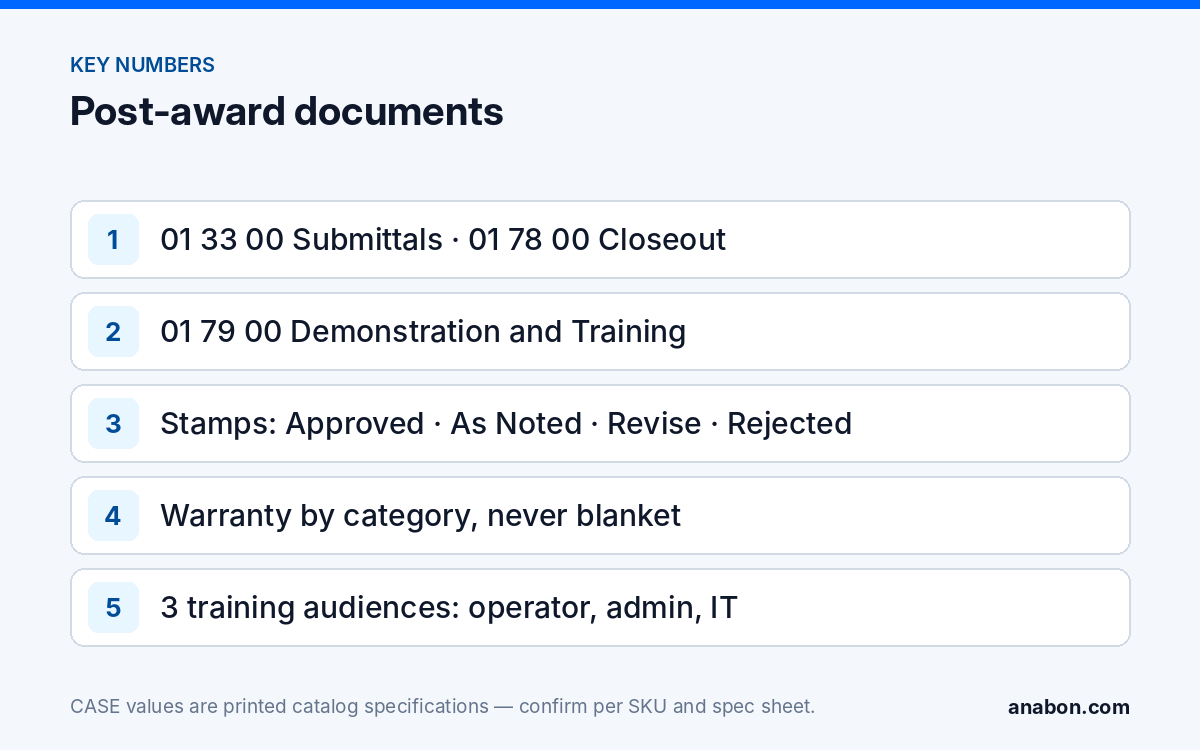
On a specified project the submittal procedure sits in Division 01 (01 33 00 Submittal Procedures) and the Division 28 section lists what the video surveillance scope must submit. Nothing is ordered until the reviewer stamps the package, so the schedule you quoted starts at approval, not at award. Submit as the specification says: transmittal form, file format, numbering, one package per section.
| Submittal item | What it contains | Common rejection reason |
|---|---|---|
| Product data | One spec sheet per full SKU, specified rows highlighted, deviations listed | Generic brochure; SKU letter not matching the schedule |
| Shop drawings | Device location plans, riser, rack elevation, network diagram with VLAN and IP plan, mounting details per camera type | The consultant’s plan repeated without field dimensions or mounting heights in ft (m) |
| Compliance documentation | Per-SKU documents for every clause that demands one: NDAA Section 889 and the FCC Covered List in the US, case-by-case requirements in Canada, listings (UL / ULC), emissions (FCC Part 15 / ICES-003) | A brand-level letter where product-level evidence was asked |
| Warranty statement | Product warranty by category plus your workmanship warranty and its start date | “6-year on everything” or a PTZ term copied from the camera row |
| Qualifications | Installer licenses (state / provincial), low-voltage license where required | Expired documents; wrong jurisdiction |
| Test and commissioning plan | How each camera and recorder will be verified; the report form | No night-time or time-sync check |
| Closeout list | What the as-built package, training and spare parts will contain | Submitted at closeout, not up front |
Review stamps follow a pattern: Approved, Approved as Noted, Revise and Resubmit, Rejected. “Approved as Noted” is an instruction, not a pass; carry every note into the order and the as-built.
How do you build product data per SKU without blanket claims?
A reviewer compares your sheet against the numbered requirements of Part 2:
- One sheet per full SKU, spelled as the schedule spells it: CS-I8XQ II-2.8mm, not “8MP turret”. The sheet prints 8MP / 2.8mm fixed lens, IR 164 ft (50 m), white light 98 ft (30 m), IP66, 120dB True WDR (TWDR), 1 TB memory slot; highlight the rows the spec asks for.
- For the recorder, the same rule: CS-N220 P16H-AI prints 20 channels, 16 PoE ports, 160Mbps incoming (120Mbps with AI on) and 80Mbps outgoing, HDMI and VGA simultaneous, up to 10 TB per hard drive. Attach any storage calculation with the frame rate, compression and retention days used.
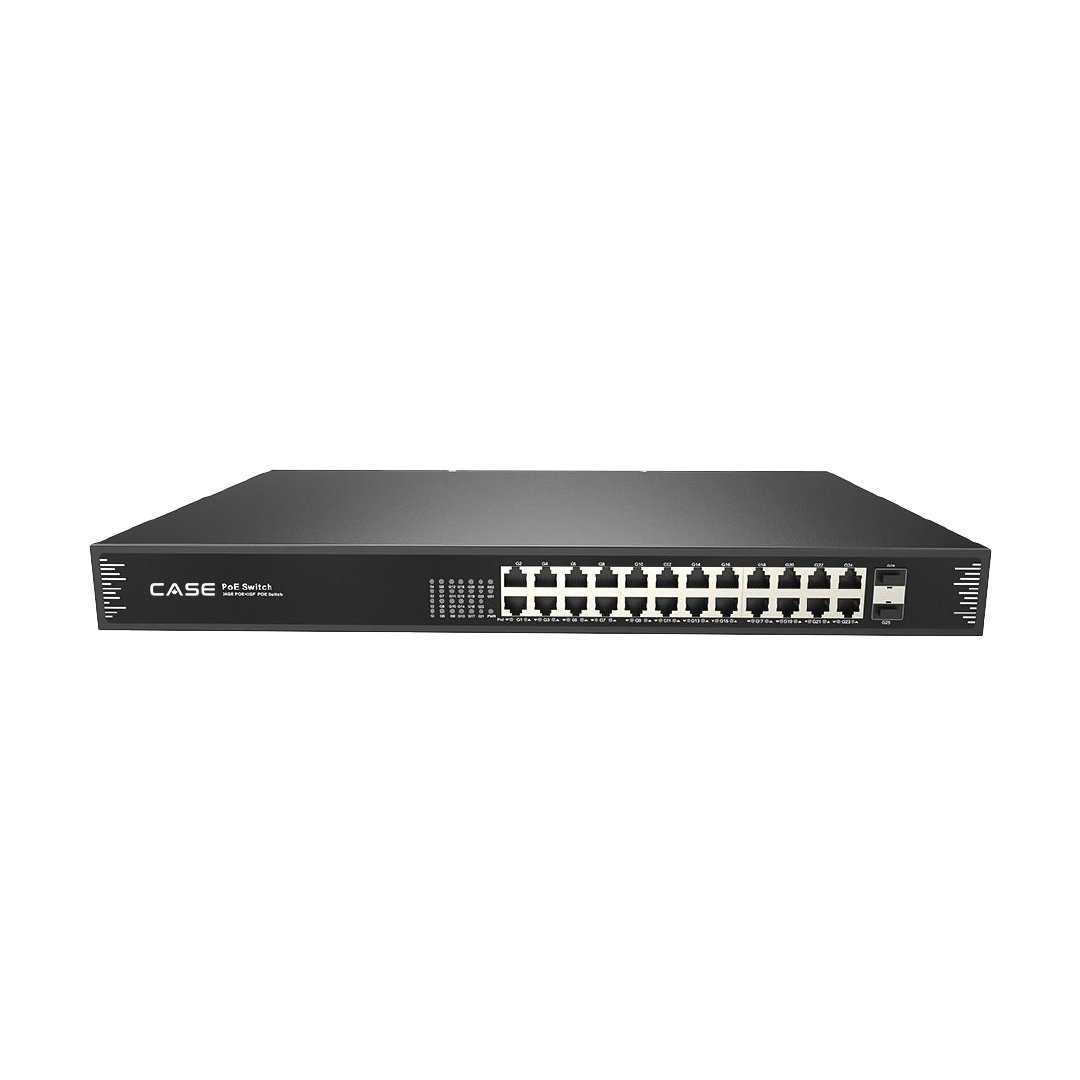
- For network equipment, answer listing and emissions clauses from the printed certifications row; the CS-POE33024PF, for example, prints FCC Part 15 Class B and CE/LVD EN62368-1 among its certifications and no UL or ULC listing. A mark that is not printed is a question, not an assumption.
- Compliance: CASE offers NDAA-compliant options for compliance-sensitive projects. Anabon confirms the exact products and provides the official compliance documentation for each project. Attach the per-SKU documents, never a sentence about “all products”.
- Integration clauses: ONVIF profiles supported are S, T, and G, with M on pinhole models. Third-party behavior is confirmed per platform and project.
- Software and analytics: CASE Connect is the official app experience for CASE systems. App features and remote access options should be confirmed by model, software version, and project configuration. For any AI function the spec names, list what the spec sheet prints for that SKU and nothing more.
Where a row deviates, say so on a deviation sheet in front of the product data. A disclosed deviation is the reviewer’s decision; an undisclosed one is your liability.
When do you need samples or demo units, and how do you manage them?
Specifications sometimes call for samples (a camera or mount approved for appearance before release), and owners sometimes ask for a demo unit before accepting a product. The two need different paperwork.
| Item | Purpose | Paperwork | End of life on the project |
|---|---|---|---|
| Sample for approval | Owner or consultant approves finish, size, appearance | Sample transmittal citing the spec paragraph; tag “SAMPLE, not for installation” | Returned or incorporated as the spec allows, recorded |
| Approved demo product | Evaluation of the product on site or on the bench | Serial number, date out, condition, holder; for approved demo products we provide a 90-day test period under the approved demo return process. This is not a general return policy. | Returned under the demo process; project equipment ordered separately |
| Mock-up | One complete camera position showing mounting, cable entry and labeling | Photographed and signed off; the standard for the rest of the install | Stays installed if it matches |
Two rules save arguments later. Never let a demo unit become project equipment by default; the project order is separate, with its own documentation. And log every serial number that leaves your shop; a sample “around somewhere” at closeout is a deduction from your final payment.
What does the owner training plan contain?
Division 01 79 00 (Demonstration and Training) or the Part 3 execution clauses usually set hours and attendance. Write the plan for three audiences; the person who watches the cameras, the one who manages users and the one who owns the network need different sessions.
| Session | Audience | Topics | Deliverable |
|---|---|---|---|
| Operator | Security staff, front desk, managers who view video | Live view and playback, searching by time and event, exporting a clip, CASE Connect on their phone (device list and preview, live view and playback, alarm information as printed for the app, confirmed for this project’s models and software version) | Sign-in sheet; one-page quick guide |
| Administrator | Facilities or security manager | User roles and permissions, adding and removing users, device sharing in CASE Connect, retention and overwrite behavior, service contact | Admin credentials in a sealed envelope; permissions matrix |
| IT and network | Owner’s IT staff or managed service provider | VLAN and IP plan, remote-access method as installed, firmware updates, time synchronization, log retention | Network diagram; firmware record |
Where the spec requires desktop viewing, CASE Station is the desktop software; state its features as confirmed per version. Hand the owner the administrator account and keep a service account only with the owner’s written agreement; User Roles and Permissions on CASE NVRs covers that handover, and CASE Connect: Setting Up Remote Viewing for Your Customer covers the app step by step.
What goes into the as-built and closeout package?
Closeout submittals (01 78 00) are the documents the owner opens in year four when a camera fails. Build them from the submittal package, updated to what was actually installed.
- As-built drawings: final device locations, mounting heights in ft (m), cable IDs, patch panel and switch ports, head-end layout as installed, every review note resolved.
- Final camera schedule: each position with full SKU, serial number, MAC and IP address, firmware version and mount; labels match the schedule. Labeling and Documentation Standard for Camera Installs gives the naming pattern.
- Network documentation: VLAN and IP plan, remote-access method, sealed credentials, time source.
- Commissioning report: per camera, day and night image checked, field of view photographed, recording and time sync verified; per recorder, storage and retention.
- O&M manuals: spec sheets and manuals for every SKU installed, plus the firmware record.
- Warranty letter (next section) and spare parts as the spec requires, with serial numbers.
How do you write the warranty letter?
The warranty letter is the closeout document most often written wrong, because it is written from memory. State it by category and route service through you:
| Letter section | What to write |
|---|---|
| Project and date | Project, owner, date of substantial completion (per phase if phased), your workmanship warranty period |
| Product warranty by category | CASE cameras and CASE NVRs carry a 6-year warranty. CASE PTZ cameras carry a 3-year warranty. CASE accessories carry unlimited warranty. Hard drives are supported through back-to-back manufacturer warranty. |
| Project Series items | For any CSP- item, only the term, certificate and support arrangement confirmed in writing by Anabon for this project |
| Service route | “Warranty and service requests are made to [your company], which coordinates replacement with its distributor.” Support flows through the installer or dealer, never direct to the end user |
| Exclusions and contacts | Exclusions as your contract states; your service phone and email; the owner’s administrator of record |
An owner who contacts the distributor directly hears one sentence: For warranty and service, please contact the installer or company that supplied your system. Anabon supports warranty and technical service through our installer, dealer, and business-account network.
Post-award checklist
Copy this into your job folder:
- Submittal package per 01 33 00, with a deviation sheet in front of the product data.
- Submittal approved or approved as noted; notes carried into the order and the as-built; lead time per SKU re-confirmed in writing at release.
- Samples and demo units logged by serial number, tagged, with a return date; mock-up signed off.
- Training delivered to operators, administrators and IT; commissioning report completed per camera and recorder, day and night.
- As-builts, final camera schedule, network documentation and O&M manuals delivered; warranty letter by category; administrator credentials handed over sealed.
What to tell your customer
“Before we order anything, you approve a submittal package with the specification sheet for every model, our drawings and the compliance documents your project requires. At closeout you receive as-built drawings, a camera schedule with every serial number, a commissioning report, training for your staff, and a warranty letter stated by product category. Service requests come to us.”
FAQ
What is a submittal package for a security camera system?
The set of documents the owner or consultant approves before equipment is ordered: product data per model, shop drawings, compliance documents, the warranty statement, qualifications, a test plan and the closeout list. On specified projects the procedure sits in Division 01 (01 33 00) and the Division 28 section lists the required items. Approval, not award, starts the ordering clock.
What does “Approved as Noted” mean on a submittal?
The reviewer accepts the submittal subject to the comments written on it: a conditional approval, not a pass. Every note must be carried into the purchase order, the installation and the as-built documents. If a note changes a model or a quantity, confirm the lead time again before you release the order, and keep the stamped copy in the job file.
Do compliance letters belong in the submittal or at closeout?
In the submittal, because the reviewer must see them before equipment is ordered. Supply per-SKU documents for every clause that demands one: NDAA Section 889 and the FCC Covered List on US public work, case-by-case requirements in Canada, listings and emissions where specified. CASE offers NDAA-compliant options, and Anabon confirms the exact products and provides the official compliance documentation for each project.
Who gets the administrator password at handover?
The owner, in a sealed envelope recorded in the closeout package. You keep a separate service account only with the owner’s written agreement, so the owner controls access and you can still service the system. Record user roles in a permissions matrix during administrator training, and never leave default credentials on any camera, recorder or switch.