Quick answer: The security camera RMA process for CASE products runs through your business account, never through the end user. You diagnose the fault, open a case with Anabon technical support, send the details listed below, ship the unit under the RMA instructions you receive, and reinstall the repaired or replacement unit yourself. Warranty is stated by category, and timing is confirmed when the RMA is issued, not assumed in advance.
Which warranty applies before you open an RMA?
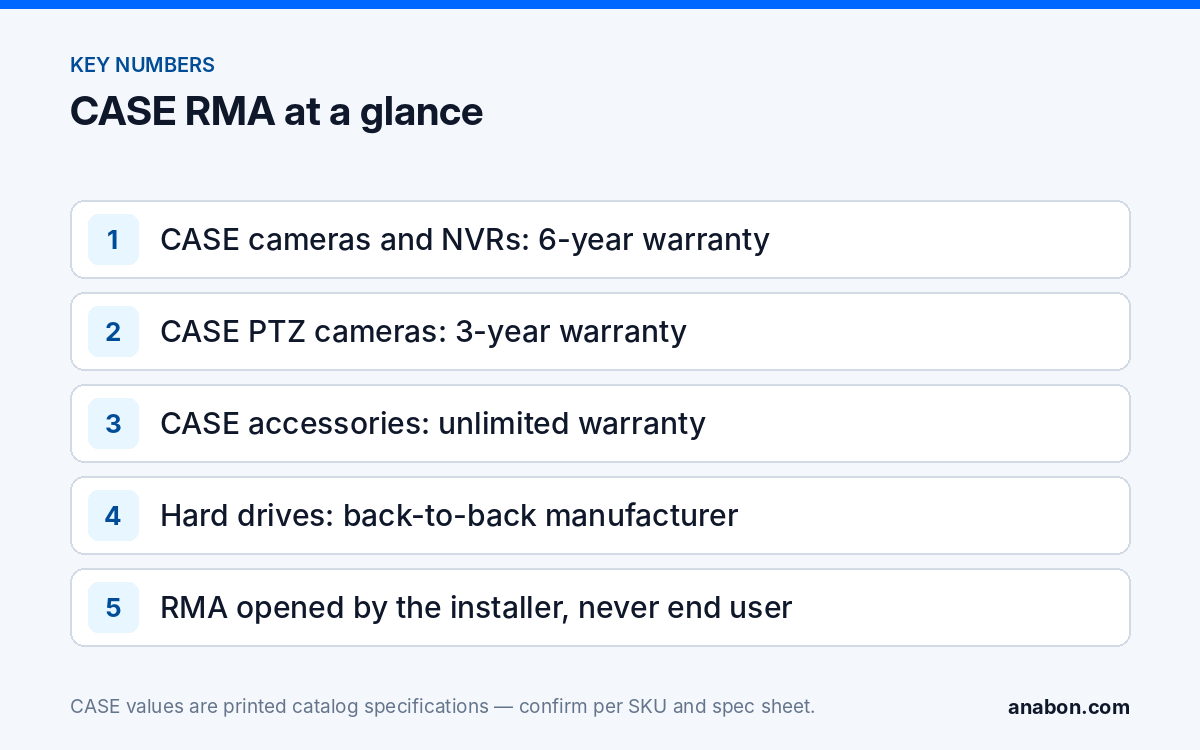
The first question on any return is which term covers the unit in your hand. Use the exact statement and apply it line by line: “CASE cameras and CASE NVRs carry a 6-year warranty. CASE PTZ cameras carry a 3-year warranty. CASE accessories carry unlimited warranty. Hard drives are supported through back-to-back manufacturer warranty.” A system is not covered by one blanket term, so check the category of the failed unit against its install date before you call it a warranty case.
| Category | Warranty | RMA note |
|---|---|---|
| CASE cameras (for example CS-I8XQ II-2.8mm) | 6-year | Note the firmware version and the mounting position before removal |
| CASE NVRs (for example CS-N220 P16H-AI) | 6-year (recorder) | Keep the hard drives on site unless the RMA instructions ask for them |
| CASE PTZ cameras / speed domes | 3-year | The term most often written wrongly; check the install date against three years |
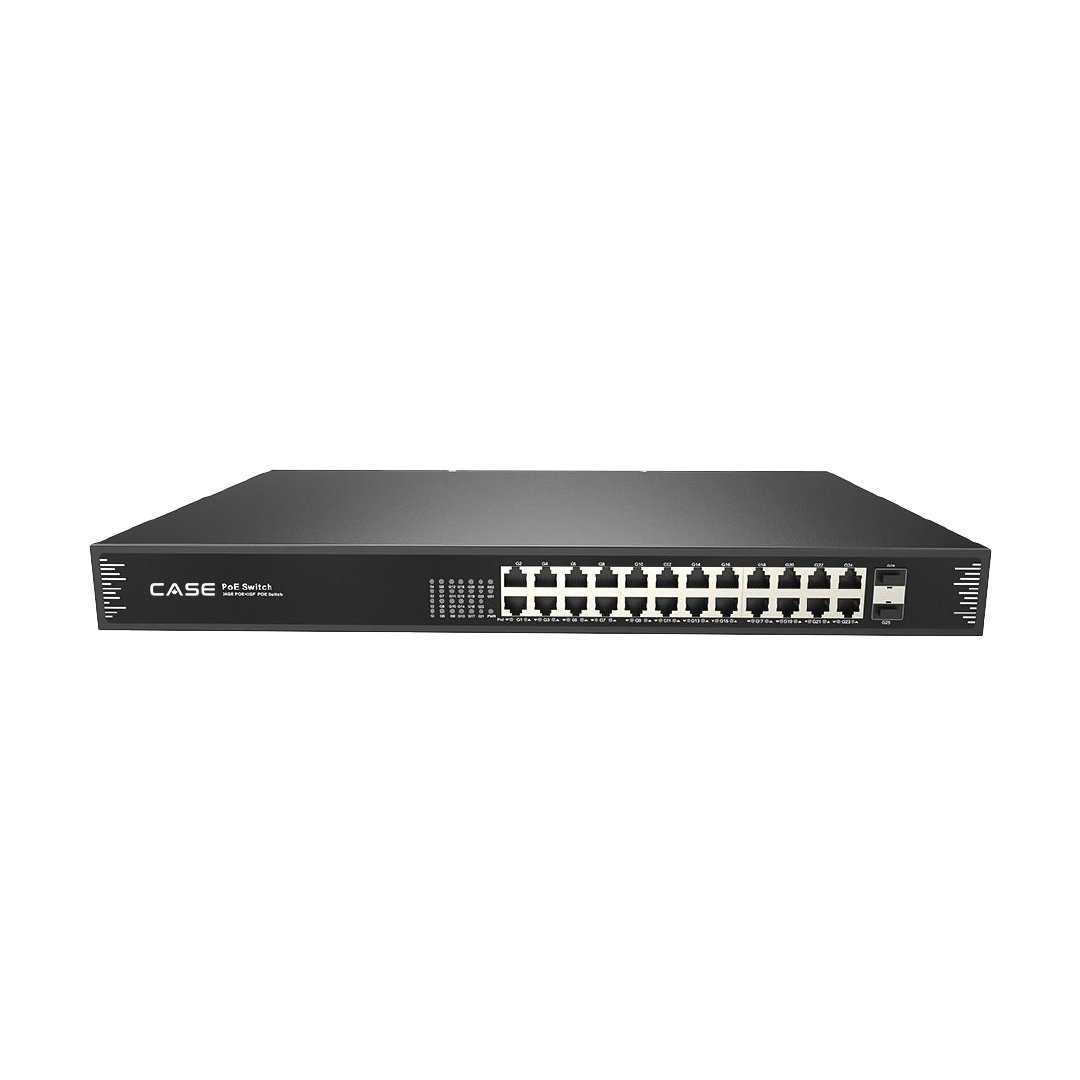
| CASE accessories (PoE switches such as CS-POE33024PF, mounts, junction boxes) | Unlimited | Record which port or load was in use when the fault appeared |
| Hard drives | Back-to-back manufacturer warranty | The drive maker’s own term and process apply; Anabon supports the claim through that route |
| CASE Project Series (CSP- prefix) | Confirmed per project in writing | Follow the written project confirmation you received at quote stage |
For CASE WiFi cameras, the term is 3-year as printed in the 2027 Q1 catalog; confirm it with Anabon before you write it on a service ticket. The full category breakdown, including how to write it into a proposal, is in CASE warranty by category.
How does the security camera RMA process work, step by step?
The sequence is the same for a camera, an NVR, a PTZ unit or a switch. What changes is the detail you collect, not the route.
- Your customer reports the fault to you. Log the date, the symptom and who reported it.
- You diagnose on site or remotely. Rule out power, cabling, network and configuration first, using the checklist in the next section.
- You open a case under your business account. Contact technical support from your company, not from the end user’s address, so the case is tied to your account.
- Anabon reviews the case with your technician. Some faults turn out to be configuration, firmware or power issues and are closed without a return.
- If a return is approved, Anabon issues the RMA. The RMA comes with its reference and the return instructions: where to ship, what to include and how to pack it.
- You ship the unit as instructed. Use the original packaging or an anti-static bag with padding, and put the RMA reference on the outside of the box and on the paperwork inside.
- Anabon coordinates the repair or replacement. The authorized unit comes back to you, not to your customer.
- You reinstall, re-commission and close the case. Update the site record with the new serial number.
On timing: Anabon confirms the next step and the return route when the RMA is issued. Plan the customer conversation around that written confirmation, and do not promise your customer a date you have assumed. A short call before you open the case often settles whether a return is needed at all; what to prepare before you call support covers that conversation.
What should you check before you request an RMA?
A unit that comes back with no fault found costs you two truck rolls and some credibility with the customer. Run these checks first and write down the result of each one:
- Power: move the camera to another PoE port or a known-good injector, and check the switch load against its budget. The CS-POE33024PF, for example, is printed with 30 W per port and a 400 W or 600 W total PoE budget.
- Cabling: test the run and re-terminate suspect connectors; keep each Ethernet channel within 328 ft (100 m).
- Network: look for IP address conflicts and DHCP changes before you blame the hardware.
- Swap test: connect a known-good camera to the same cable and port. If the fault moves with the camera, the camera is the suspect; if it stays, the problem is upstream.
- Firmware: note the installed version and whether a reboot or a settings restore changes the symptom.
- Recorder drives: on an NVR, check the drive health status first; a failing drive is a different claim from a failing recorder. See NVR hard drive errors.
- Condition as found: photograph the unit, the mount and the cable entry before removal. The photos help Anabon assess the fault.
What to send with an RMA request
Most delays in a warranty case come from missing details, not from the repair itself. Send everything in the first message. Copy this table into your service ticket template or job folder so every technician collects the same fields.
| Field | Why it matters |
|---|---|
| Business account name and contact person | Ties the case to your account; replies come to you |
| Full SKU with the series letter | One letter changes series and specs: CS-I8XQ II-2.8mm and CS-I8XQ I-2.8mm are different cameras |
| Serial number | Identifies the exact unit |
| Purchase reference (order or invoice number) | Links the unit to your account history |
| Install date | Checks the date against the category term |
| Firmware version | Separates a firmware issue from a hardware fault |
| Fault description | Symptom, when it started, what changed on site |
| Checks already done | Avoids repeating the same tests on the support call |
| Logs, screenshots and photos | Evidence of the fault and of the unit’s condition |
| Site context | Switch or NVR port, cable length, power source, weather exposure |
For an NVR, add the channel count in use and the drive models installed. For a CASE Project Series item, add the reference of the written project confirmation. Keeping this record from commissioning day onward turns a year-five claim into a short task.
Who talks to the customer during an RMA?
You do. Warranty support flows through the installer, dealer or approved business account, never directly to the end user. Anabon does not contact your customer, ship to your customer or open a case for your customer, including on tenders and large projects, where Anabon supports you behind the scenes. If an end user contacts Anabon, the answer is always: “For warranty and service, please contact the installer or company that supplied your system. Anabon supports warranty and technical service through our installer, dealer, and business-account network.”
That route protects the relationship you built. The customer sees one company handle the fault from report to repair, and the site history stays in your files.
One more reason to keep the recorder’s drives on site: recorded video can be personal information under state privacy laws in the US and under PIPEDA and provincial laws in Canada. Do not ship a customer’s recordings with a returned NVR unless the RMA instructions ask for the drives and the customer has agreed; verify the obligations that apply with counsel.
How do you keep the site covered while a unit is out?
A camera off the wall is a gap in coverage your customer will notice. Plan the interim before you remove the unit:
- Re-aim a neighboring camera to cover the most important part of the missing view, where the layout allows.
- Decide whether to install a temporary unit from your own stock; that is your call and your arrangement with the customer.
- Note the gap, its start date and the affected channel in the service log and tell the customer in writing.
- Leave the NVR channel configured so the replacement drops back into the same slot.
When the unit comes back, re-commission it as if it were new: reserve the same IP address or DHCP lease, restore the settings and user accounts, bring the firmware to the level the rest of the site runs, confirm the recording schedule and motion settings, and check remote viewing. CASE Connect is the official app experience for CASE systems. App features and remote access options should be confirmed by model, software version, and project configuration. Finally, record the new serial number against the site so the next claim starts from accurate data.
How to use this with your customers
When a customer reports a fault, say: “We have confirmed the fault and opened a warranty case. The unit is covered by the CASE warranty for its category, and we will confirm the next date as soon as we have it in writing.” If they ask whether they can deal with the brand directly, explain that warranty and service on their system go through you as their installer, and Anabon supports you behind the scenes.
FAQ
How long does a CASE RMA take?
No standard turnaround is published, so do not quote one to your customer. Anabon confirms the next step and the return route when the RMA is issued, and you plan the customer conversation around that written confirmation. A complete first request with SKU, serial number, firmware, fault description and checks already done is the most reliable way to avoid extra rounds of questions.
Can my customer send a faulty camera directly to Anabon?
No. Warranty support goes through the installer or dealer. Your customer contacts you, you open the case under your business account, and Anabon supports you behind the scenes. An end user who contacts Anabon is told: “For warranty and service, please contact the installer or company that supplied your system.” The repaired or replacement unit also comes back to you.
Is the hard drive inside a CASE NVR covered by the NVR warranty?
No. CASE NVRs carry a 6-year warranty on the recorder, and hard drives are supported through back-to-back manufacturer warranty, meaning the drive maker’s own term and process apply while Anabon supports the claim through that route. Record the drive model and serial number at commissioning, and keep the drives on site unless the RMA instructions ask for them.
What warranty applies to a PTZ camera RMA?
CASE PTZ cameras carry a 3-year warranty, not the 6-year term of CASE cameras and CASE NVRs. Check the install date of the PTZ against three years before you call it a warranty case, and write the correct term on the service ticket. The route is the same as for any other unit: diagnose, open the case under your account, ship as instructed.
Should I remove the configuration before I ship a unit?
Record the configuration first: IP address, user accounts, stream settings, motion zones and the firmware version, with screenshots where an export is not available. Then follow the RMA instructions on what to send and in what state. Re-applying a documented configuration to the returned or replacement unit is faster than rebuilding it from memory on site.