Quick answer: Security camera technical support moves at the speed of your first message. Before you open a request with Anabon, collect the full SKU of every device involved, the firmware versions, the NVR model and port, a five-line topology, the exact symptom with timestamps, what changed recently, screenshots, logs and what you already tried, plus your business account and project reference. With those ten items a request can often be answered in one exchange; without them it starts with ten questions back.
What are the 10 items technical support asks for?
Every technical request that stalls does so for the same reason: the person answering cannot tell which product, which firmware and which network they are looking at. The list below is what Anabon support needs to recognize or reproduce a fault; collect it in this order and paste it into the request.
| # | Item | Where to get it | Example |
|---|---|---|---|
| 1 | Full SKU of each device involved, with the series letter | Unit label, box label, NVR channel info, camera web page | CS-I8XQ II-2.8mm on channel 7 of CS-N220 P16H-AI |
| 2 | Firmware version of camera and NVR | NVR device information page; camera web page | Copy the full string, not “latest” |
| 3 | NVR model, channel number and which PoE port or switch port | NVR channel list; rack labels | “PoE port 7 on the NVR” or “port 12 on CS-POE33024PF” |
| 4 | Topology in five lines | Your as-built or a quick sketch | See the section below |
| 5 | Exact symptom, with timestamps and frequency | Customer interview; NVR log | “Channel 7 no link since 10/14 02:10, nightly 02:00 to 04:00” |
| 6 | What changed recently | Service history; customer’s IT | Router replaced, password changed, firmware updated, power event |
| 7 | Screenshots and photos | NVR status, camera info page, error text, label, cabling | Phone photos are fine if readable |
| 8 | Logs | NVR log export to USB where the firmware allows | Cover the hour before and after the fault |
| 9 | What you tried, in order, with the result | Your notes | “Swapped patch lead: same. Moved to port 8: works.” |
| 10 | Business account, project or quote reference, serial, contact, remote-session availability | Account records; unit label | Needed for warranty and a remote session |
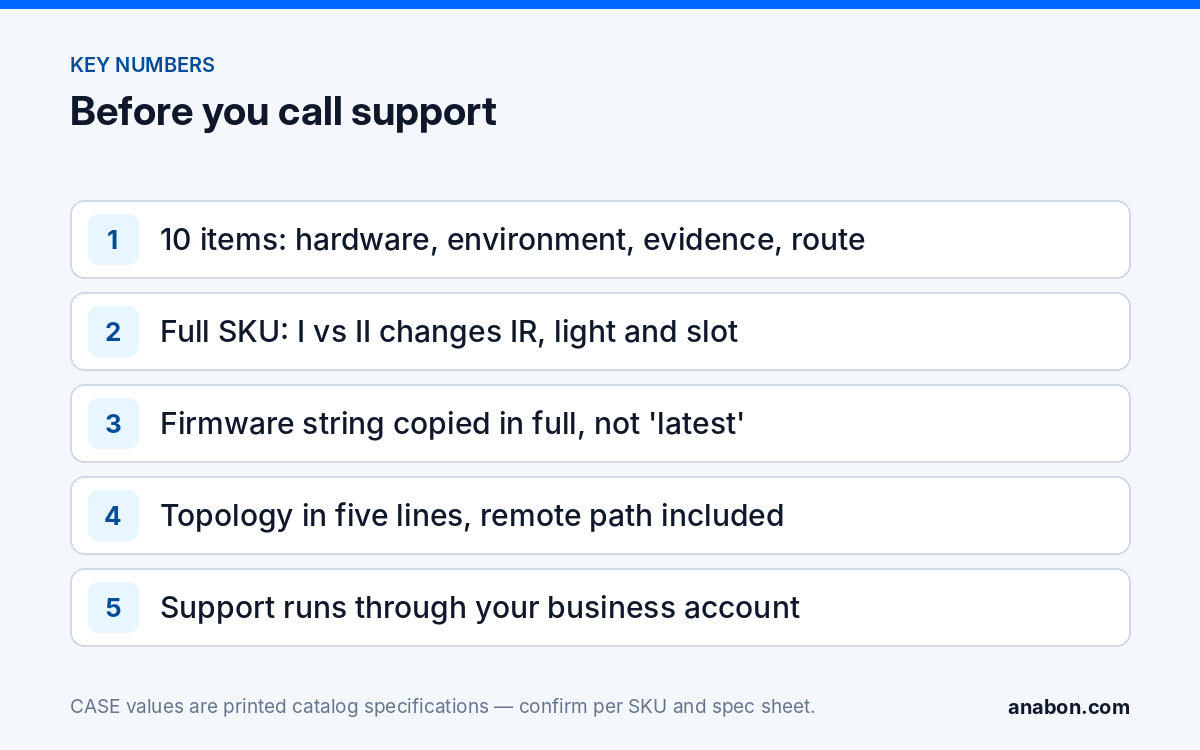
Items 1 to 3 identify the hardware, 4 to 6 the environment, 7 to 9 the evidence and 10 the route. With all ten, support can usually propose a next step in the first reply.
How do you read the full SKU and firmware version from the device?
The SKU is the product name as printed in the CASE catalog, including the series letter and lens, and a single letter changes the product. CS-I8XQ I-2.8mm prints 98 ft (30 m) IR, 49 to 66 ft (15 to 20 m) white light and a 512 GB memory slot; CS-I8XQ II-2.8mm prints 164 ft (50 m) IR, 98 ft (30 m) white light and a 1 TB slot. CS-I5XS SD-2.8mm is a Metal+Plastic 5MP turret; CS-I8XS SD-2.8mm is a Metal 8MP turret. An answer for the wrong variant means the wrong firmware file, spec and warranty check.
Where the SKU is printed
- The label on the unit, usually on the base or bracket side, and the box label.
- The NVR channel or device list, which shows the model string the camera reports; copy it exactly.
- The camera’s own web page, on its device information page.
- Your quote, order confirmation or camera schedule, which also gives the serial and purchase date.
Where the firmware version is shown
On the NVR, open the system or maintenance menu and find the device information page; it lists model, serial and firmware version (labels vary by model and firmware). For a camera connected through the NVR, the channel information page shows the camera’s own version; for a camera on an external switch, read it from the camera’s web page. Copy version strings in full, including build dates. If a model string on screen differs from the label, send both; support will reconcile them.
How do you sketch the topology in five lines?
Support needs the path a packet takes from the camera to the recorder and from the recorder to the viewer. Five lines cover it:
- Camera connection: NVR PoE port, external PoE switch or injector, and cable length.
- Recorder: model, channels in use, which uplink port and to what.
- Network: same subnet or routed, VLAN, DHCP or static, who runs the router.
- Remote path: CASE Connect on which phones, VPN, or none.
- Power: PoE budget on the switch, UPS, shared circuits.
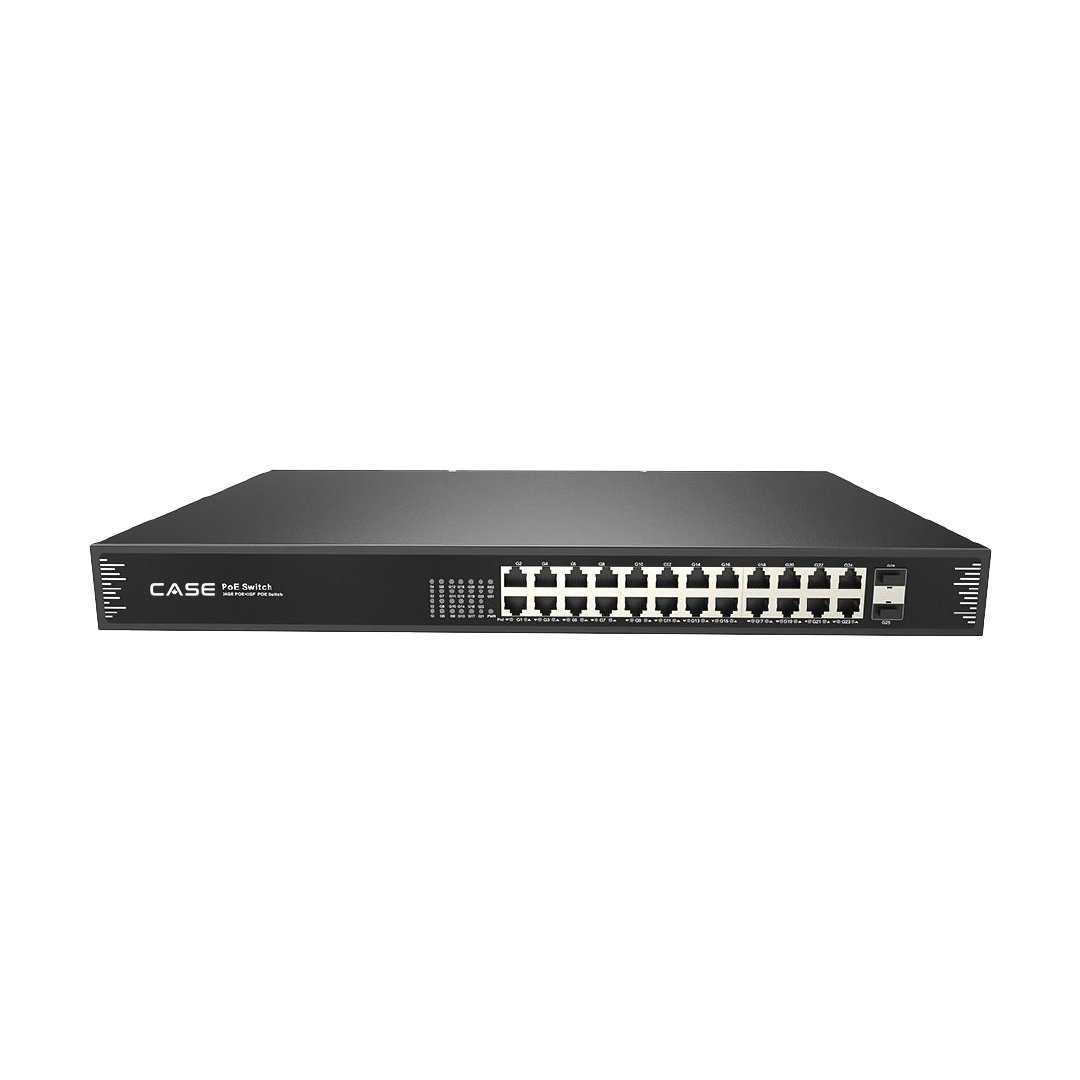
Printed port facts save a question. CS-N220 P16H-AI prints one 10/100/1000 Mbps RJ-45 uplink and 16 RJ45 10/100 Mbps PoE ports, so a camera on an NVR PoE port sits on the recorder’s own camera network, while a camera on an external switch reaches the NVR through the uplink; the two cases are diagnosed differently. If the camera sits on a switch, give the switch model; CS-POE33024PF prints 24 Gigabit PoE ports plus 2 SFP. Camera network basics explains subnet and VLAN terms. Two topology mistakes cause many “camera offline” calls: the uplink moved into a PoE port during a cleanup, and a static camera address outside the camera subnet; NVR not showing cameras covers both.
Which logs, screenshots and “recent changes” actually help?
A screenshot answers in one look what a paragraph answers in three exchanges. Capture the NVR device information page, the network settings page, the channel status list with the failing channel visible, and any exact error text. Photograph the unit label and the cabling at the port in question, showing the port number and LED state.
Logs are the only record of what happened at 02:10 when nobody was watching. Export the NVR log for the hour before and after the fault to USB where the firmware allows, and note the recorder’s time zone. If the clock is wrong, say so in the request rather than correcting it first, because the log timestamps will not match the customer’s account; NVR time and date wrong covers the fix for afterwards.
Recent changes are the item people forget and the one that most often ends the call: firmware updated, a password changed, a router or modem replaced, a new device on the network, a power event, a cabling change by another trade, a camera moved to another port. Ask the customer and their IT contact separately; the person who changed something is rarely the person who reported the fault.
How do you describe the symptom precisely?
“The camera is not working” gives support nothing to start from. A precise description has six parts that fit in one paragraph:
- Which device, by full SKU and channel.
- What you see: no link, no video, video but no recording, wrong image, no remote access.
- Since when, with the first timestamp, and how often: constant, every night, after rain, after a reboot.
- Where it shows: local monitor, camera web page, CASE Connect, all three.
- What changed just before it started.
- What you tried, in order, and what happened each time.
Written out: “CS-I8XQ II-2.8mm on PoE port 7 of CS-N220 P16H-AI, firmware strings attached. Channel shows no link and the camera does not answer ping from the NVR; the other 11 cameras are fine. Started 10/14 around 02:10 per the log; drops every night between 02:00 and 04:00, then returns. Local monitor and CASE Connect show the same. The customer’s IT replaced the core switch on 10/13. Swapped the patch lead: same. Moved to port 8: same. Powered from a bench injector on the shop network: stable for 48 hours.” That paragraph points at the cabling, not the camera, before anyone has logged in.
Separate what you observed from what the customer reported. For feature questions rather than faults, name the exact function and ask for written confirmation; app, AI and integration behavior is confirmed per model, firmware, software version and project configuration. ONVIF profiles supported are S, T, and G, with M on pinhole models. Third-party behavior is confirmed per platform and project.
Why does support go through your business account, not the end user?
Anabon is a North American B2B distributor of CASE and other professional security brands, and supports installers, integrators, dealers, and approved business accounts with CASE product distribution, technical support, warranty coordination, and project guidance. Support therefore comes from you, through your approved business account, and goes back to you. The customer relationship stays yours; your technician is on site with the tools and the as-built, and your account carries the purchase record that warranty and RMA need.
Open a request through the technical support page or from your business account, with the ten items attached, and keep the customer informed in your own words. If an end user contacts Anabon directly, they are redirected with one sentence: for warranty and service, please contact the installer or company that supplied your system. Anabon supports warranty and technical service through our installer, dealer, and business-account network. Where the fault turns out to be hardware, the same request becomes the warranty case; how the warranty and RMA process works through your business account explains the next steps, and how Anabon supports partners sets out channels, hours and escalation.
What to tell your customer
“We handle the technical side with our distributor, so you do not need to contact anyone else. I have sent them the exact models, firmware versions, logs and what we have tested so far, which is the fastest route to a fix. If a part needs replacing, the warranty runs through us.” For a system you did not install, the same redirect applies: for warranty and service, please contact the installer or company that supplied your system.
FAQ
Why does support insist on the full SKU when I have already said which camera it is?
Because one letter changes the product. CS-I8XQ I-2.8mm prints 98 ft (30 m) IR and a 512 GB slot; CS-I8XQ II-2.8mm prints 164 ft (50 m) IR and a 1 TB slot. CS-I5XS SD-2.8mm is Metal+Plastic while CS-I8XS SD-2.8mm is Metal. A spec question, a firmware file or a warranty check answered for the wrong variant costs you a second call.
Can my customer call Anabon technical support directly?
No. Anabon supports installers, integrators, dealers and approved business accounts, and the end-user relationship stays with you. If an end user contacts Anabon, they are redirected: for warranty and service, please contact the installer or company that supplied your system. That keeps you in control of the site and the customer.
What should I export from the NVR before I open a request?
The device information page (model and firmware), the network settings page, the channel status list showing the failing channel, and the log for the period of the fault, exported to USB where the firmware allows. A photo of the unit label and the rack cabling completes the picture and usually avoids a second round of questions.
Is a warranty replacement part of the same request?
It follows the technical request through your business account. Support confirms the fault and the product category first; CASE cameras and CASE NVRs carry a 6-year warranty, CASE PTZ cameras carry a 3-year warranty, CASE accessories carry unlimited warranty, and hard drives are supported through back-to-back manufacturer warranty. The RMA then runs through the installer, never direct to the end user.