Quick answer: Use a VLAN for security cameras whenever the cameras share switches with the customer’s business network, give the NVR and every camera a fixed address from a written IP plan, and on small jobs let the NVR’s built-in PoE ports act as the isolated camera network. Agree the VLAN ID, subnet, gateway and firewall rules with the customer’s IT contact before site day, not on it.
Why put security cameras on their own VLAN?
A VLAN (an IEEE 802.1Q virtual LAN) splits one physical switch into separate logical networks. Devices on the camera VLAN see each other; devices on the office VLAN do not see them unless a router or firewall is configured to allow it. For a camera system that separation solves several problems at once:
- Traffic stays where it belongs. Cameras stream around the clock. Discovery and multicast traffic from cameras stays inside the camera VLAN instead of reaching every office PC, printer and phone.
- Camera web interfaces are not reachable from the office or guest Wi-Fi. A visitor’s laptop or an infected workstation cannot browse to a camera’s login page if no route exists to the camera subnet.
- Fewer address conflicts. The camera subnet is yours. The customer’s router, a new printer or a laptop with a manual address does not land on top of camera 14.
- Easier approval from IT. Most IT departments accept a camera system faster when it arrives as a defined segment with a written rule set.
A VLAN is logical separation only. The cameras still share the physical switch’s backplane, uplinks and PoE budget with everything else on that switch, so uplink speed and power still have to be planned. Where the customer wants no shared hardware at all, see separating camera traffic from the customer’s business network for the physical-separation pattern.
What does a simple camera IP plan look like?
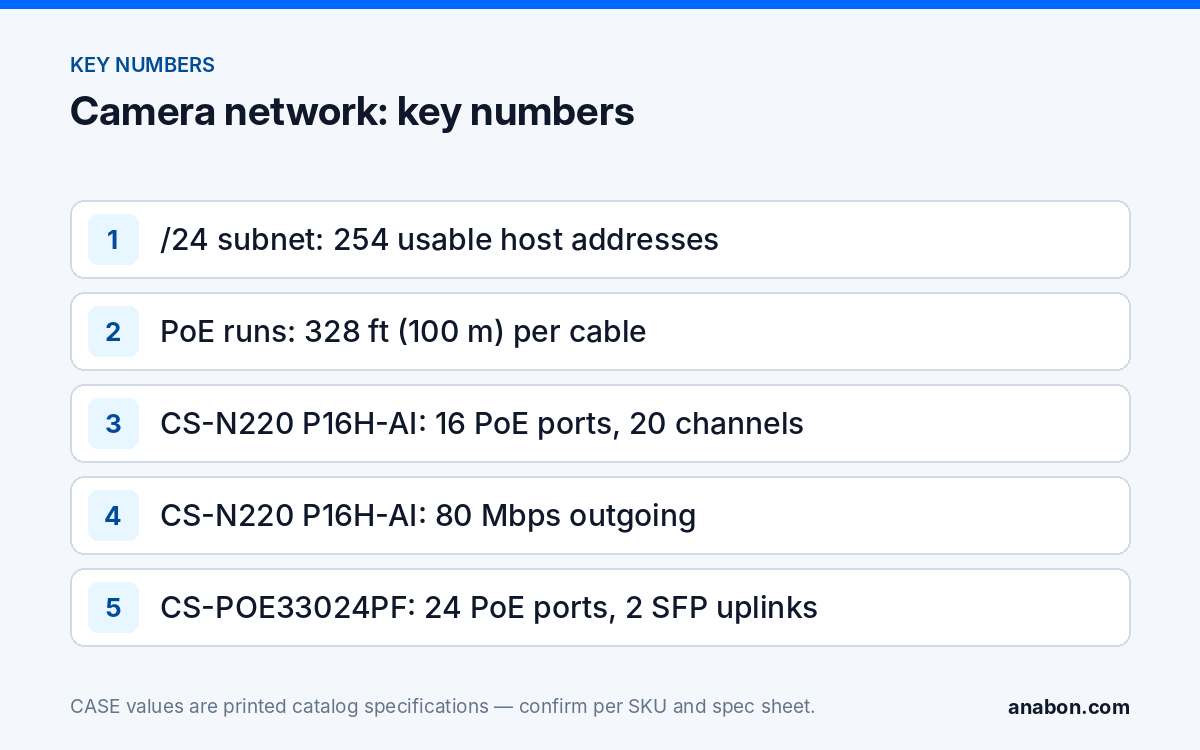
Each VLAN gets one subnet. For most commercial jobs a /24 subnet (mask 255.255.255.0) is enough: it gives 254 usable host addresses, which covers the recorder, the switches and a large camera count with room to grow. Use a private range the customer is not already using, and write the plan before you configure anything. Splitting the subnet into blocks keeps it readable years later:
| Block (example 192.168.20.0/24) | Use | Rule |
|---|---|---|
| .1 | Gateway, if IT routes the camera VLAN | Set by IT; leave empty if the VLAN is not routed |
| .2 – .9 | Managed PoE switches | One address per switch, labeled on the switch |
| .10 – .19 | NVRs and viewing workstations | Recorder first; a second NVR or a client PC next |
| .20 – .199 | Cameras | Address order follows the camera schedule, not install order |
| .200 – .239 | Spare and future cameras | Never used for temporary devices |
| .240 – .254 | Service laptop and bench testing | Released when you leave site |
Then keep one row per device. Copy this template into your own job spreadsheet and fill it in during the bench test:
| Device | Location | MAC | IP / mask | Gateway | VLAN | Switch / port | NVR channel |
|---|---|---|---|---|---|---|---|
| NVR-1 | IT room rack | from label | 192.168.20.10 /24 | 192.168.20.1 | 20 | SW1 / 24 | n/a |
| CAM-01 | Main entrance | from label | 192.168.20.21 /24 | 192.168.20.1 | 20 | SW1 / 1 | D1 |
| CAM-02 | Loading dock | from label | 192.168.20.22 /24 | 192.168.20.1 | 20 | SW1 / 2 | D2 |
Match the camera label, the switch port label and the NVR channel name to the same ID.
DHCP or static addresses for IP cameras?
Cameras and recorders need addresses that do not change. A camera that receives a new DHCP lease after a power outage can drop off the NVR, because the recorder is still looking for the old address. There are three ways to assign addresses, and each fits a different place in the design:
| Method | How it works | Where it fits | Watch for |
|---|---|---|---|
| Static on the device | You set address, mask and gateway on each camera | Camera VLANs you control; sites with no DHCP on the camera VLAN | Typing errors; duplicates if the plan is not kept current |
| DHCP reservation | The DHCP server always gives a known MAC the same address | Customer-managed VLANs where IT wants every address in its server | A replaced camera has a new MAC, so the reservation must be updated |
| Plain DHCP | Any free address from the pool | The NVR’s own PoE ports, where the recorder assigns and tracks the address | Never on a shared LAN for cameras the NVR adds by IP |
Whichever method you use, keep camera addresses outside the DHCP pool of any router on the same segment. Most address conflicts on camera jobs come from a static address that sits inside a pool. If you inherit a system with conflicts, the method in finding and fixing IP address conflicts between cameras walks through the search, and the older post on why an NVR does not show cameras covers DHCP behavior in more depth.
Can the NVR’s PoE ports be the isolated camera network?
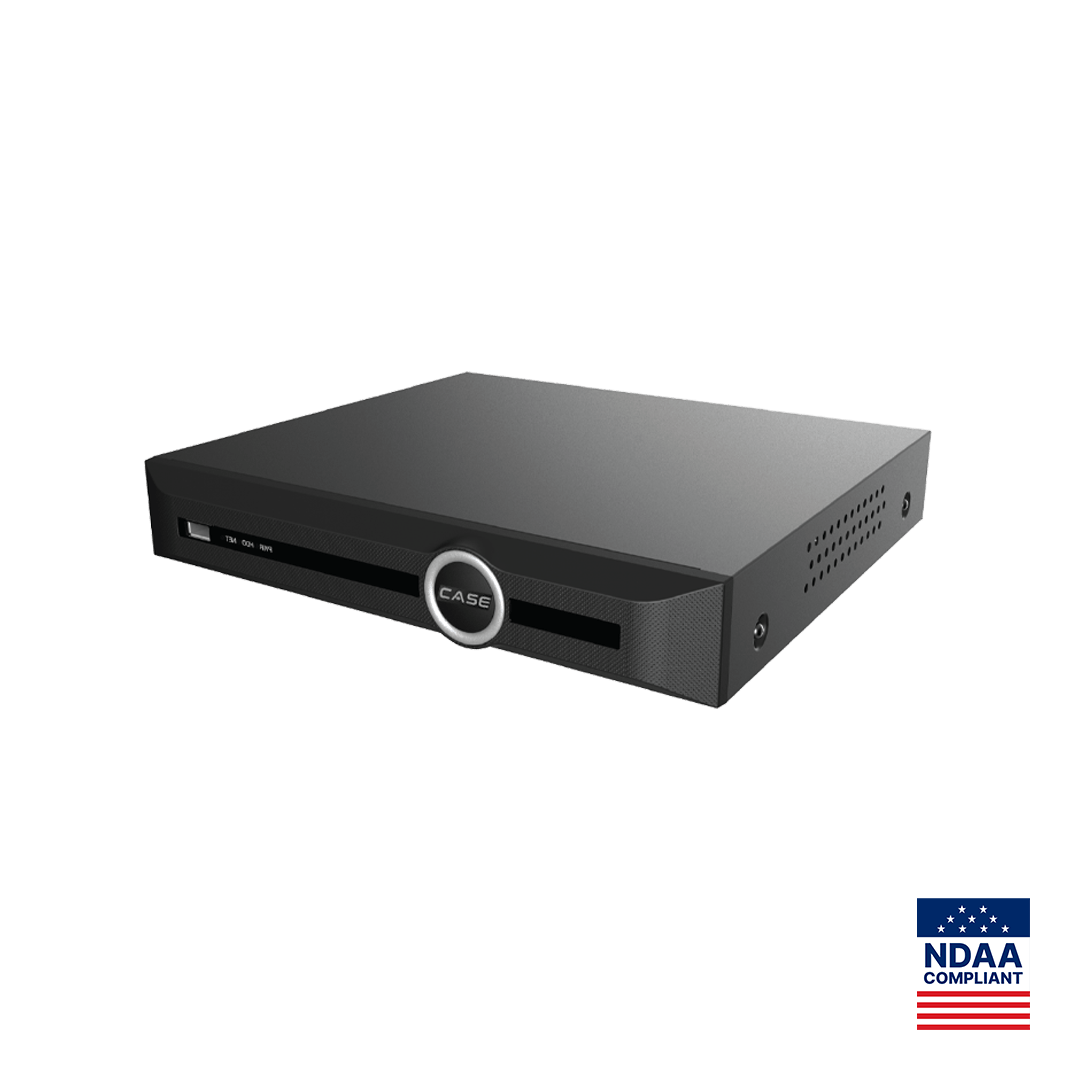
On small and mid-size jobs the simplest segment is the one built into the recorder. On a PoE NVR the built-in PoE ports typically form the recorder’s own camera segment, and the LAN port joins the customer’s network for viewing. Cameras plugged into the PoE ports are powered and usually addressed by the NVR. This is not a printed CASE spec, so confirm the internal address range and the exact behavior in the NVR’s network settings for the model and firmware on the job.
The CASE CS-N220 P16H-AI is a typical example. As printed, it has 20 IP channels, 16 PoE ports (10/100 Mbps), one 10/100/1000 Mbps LAN port, and bandwidth of 160 Mbps incoming (120 Mbps with AI on) and 80 Mbps outgoing. In practice:
- Up to 16 cameras sit on the PoE ports, inside the recorder’s own segment, with no customer switch involved.
- The remaining channels can take cameras over the LAN port, from a switch on the camera VLAN, addressed from your IP plan.
- Only the recorder’s LAN address has to exist on the customer’s network, which keeps the IT conversation to one device.
- Every PoE run must stay within 328 ft (100 m) of the recorder, so this pattern suits sites where cameras can home-run to one location.
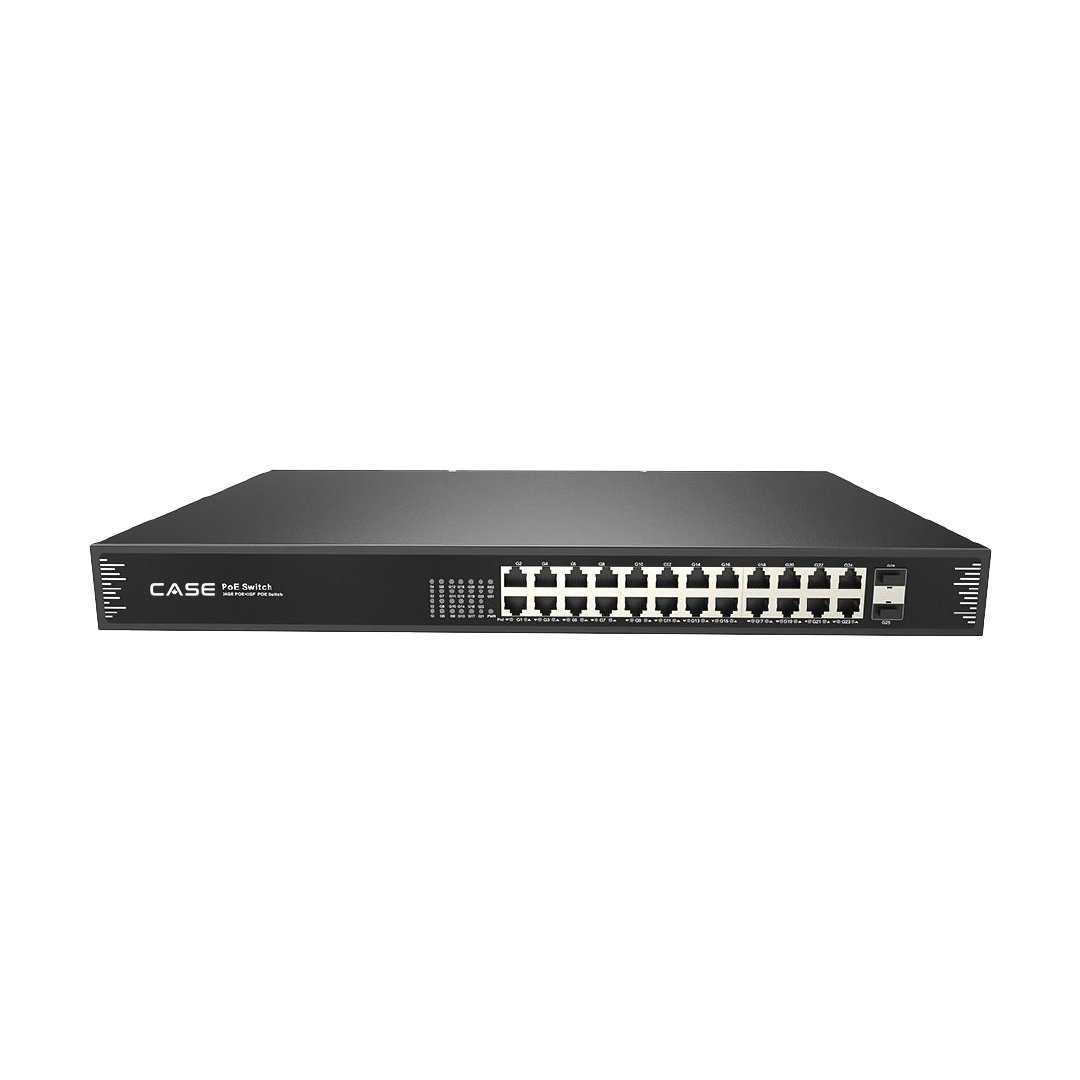
When cameras are spread across a building or several floors, an external switch on the camera VLAN takes over. The CASE CS-POE33024PF, for example, prints 24 Gigabit PoE ports, IEEE 802.3af/at, 30 W per port, a total PoE budget of 400 W / 600 W and two 1000M SFP fiber uplinks, which allows distribution closets linked back by fiber. VLAN and switch-management features are not printed for this model; confirm them on its spec sheet before planning VLANs on it, or connect it to an access port on a managed switch that carries the camera VLAN. More detail on the recorder side is in the CS-N220 P16H-AI guide.
How do you agree the camera network with the customer’s IT?
The best time to talk to IT is before the quote is final. Send a short written network request and ask for written answers. It should cover:
- The VLAN ID for cameras and the switch ports that will be access ports on that VLAN.
- The subnet, mask and gateway, or confirmation that the camera VLAN is not routed.
- DHCP: off on the camera VLAN, or reservations managed by IT.
- DNS and time servers the NVR may use (NTP keeps the recording timestamps right).
- Which workstations or VLANs may reach the NVR, and on which services.
- Whether the NVR may make outbound connections for CASE Connect remote viewing, and the site’s remote access policy.
- Uplink speed between the camera switches and the NVR, and who owns each switch.
- A named IT contact and a change window for site day.
Give IT the numbers they will ask about: camera count, the NVR’s printed outgoing bandwidth for viewing, and the PoE load per switch. Do not ask for inbound port forwarding to the recorder; the reasons and the alternatives are in port forwarding risk: P2P vs VPN. If cameras from other platforms will be added over ONVIF: ONVIF profiles supported are S, T, and G, with M on pinhole models. Third-party behavior is confirmed per platform and project. Note that ONVIF discovery normally stays inside one subnet, so cameras on another VLAN are added by IP.
How do you test the camera network before handover?
A VLAN that was never tested is an assumption. Before you hand over, run these checks and record the result in the IP plan:
- Every channel shows live video and records on the NVR after a full power cycle of switches and recorder.
- Each camera answers at the address in the plan, and no two devices answer at one address.
- An office PC that should not reach cameras cannot open a camera’s web interface.
- The workstations IT approved can reach the NVR, and nothing else on the office VLAN can.
- CASE Connect reaches the recorder from outside the site, if remote viewing is part of the job.
- The NVR’s time matches the time source IT named.
- Switch configuration and the final IP plan are saved in the job folder.
What to tell your customer
“Your cameras run on their own network segment, separate from your office computers and guest Wi-Fi, so camera traffic and camera logins stay apart from your business systems. Every device has a fixed address, written in the network plan we leave with you. If your IT team changes switches or addressing, please contact us first so recording is not interrupted.”
FAQ
Do I need managed switches to put cameras on a VLAN?
Yes. VLAN tagging and port assignment are functions of a managed switch, or of the customer’s existing managed network. Unmanaged switches pass every frame on one network. If the site has only unmanaged switches, the usual alternatives are the NVR’s built-in PoE ports as the camera segment or a physically separate camera switch connected only to the recorder.
How many cameras fit in one camera subnet?
A /24 subnet gives 254 usable host addresses, which is more than most single-recorder systems need once you reserve blocks for switches, recorders, spares and service. The practical limit is usually the recorder’s channel count and bandwidth, not the subnet. Large campuses may use one subnet per building or per recorder to keep the plan readable.
Should the camera VLAN have internet access?
Cameras usually do not need it. The recorder may need an outbound connection for CASE Connect remote viewing and a time source, depending on the design and the customer’s policy. Ask IT to allow only what the system uses and to block the rest. Confirm remote access options per NVR model, software version and project configuration before writing the rule set.
Can cameras on the NVR’s PoE ports be reached from the office network?
Normally the office network sees the recorder’s LAN address, and viewing goes through the NVR. That is what makes the built-in PoE ports a useful isolated segment. Behavior depends on the model and firmware, so check the NVR’s network settings and test from an office PC before handover rather than assuming either way.
Is DHCP ever acceptable for security cameras?
Yes, in two places: on the NVR’s own PoE ports, where the recorder assigns and tracks addresses, and on a customer-managed VLAN where IT sets a reservation for each camera MAC. Plain DHCP from a shared office router is the setup that causes cameras to drop off after a power outage or a lease change.