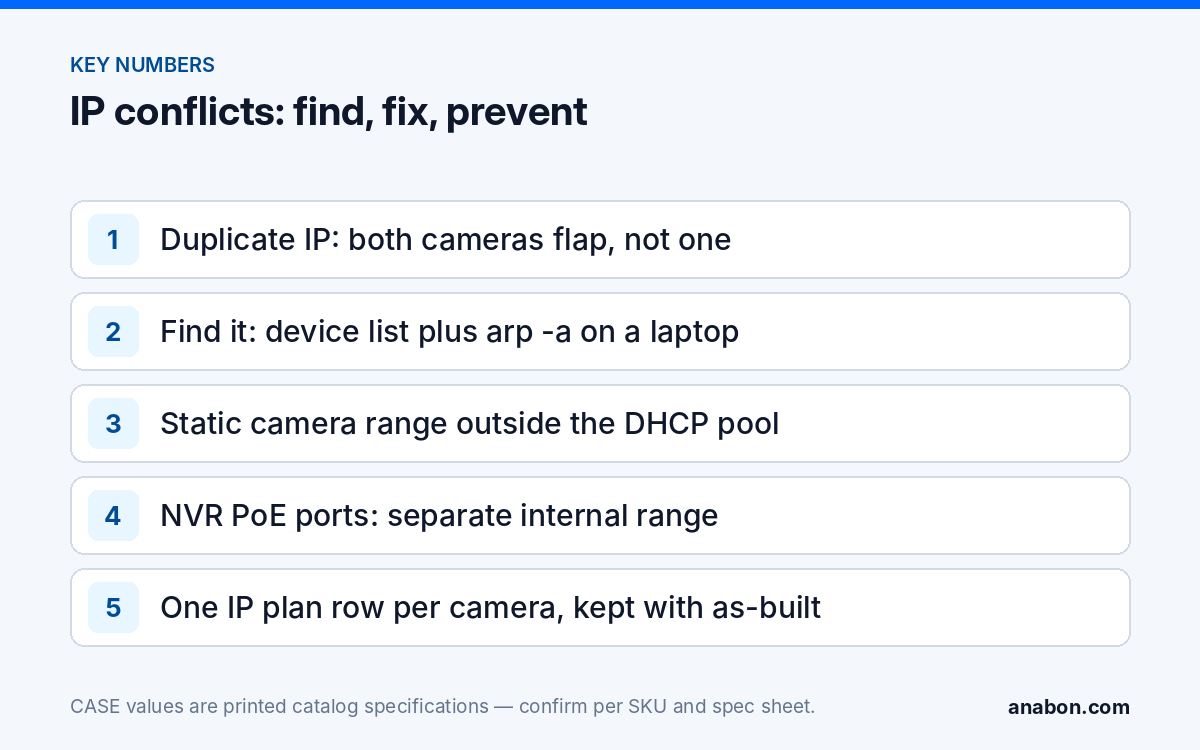
Quick answer: When two cameras share one IP address, both become unstable, because every device on the segment keeps flipping its ARP entry between two MAC addresses. Find the duplicate by listing the cameras with the Search Config Tool, then confirming with ping and arp -a from a laptop while you unplug one suspect. Fix it with a static camera range outside the customer’s DHCP pool, the NVR’s PoE network in its own range, and an IP plan that stays with the as-built.
What does an IP address conflict between cameras look like?
A conflict rarely announces itself. The NVR does not print “duplicate address”; it prints the same offline, reconnecting and authentication messages it prints for a bad cable, which is why conflicts get chased as cabling for days. The giveaway is trouble shared between two devices on no schedule.
| Symptom | Why it happens | What rules it out |
|---|---|---|
| Two cameras drop and return at random, never both stable at once | Each device’s traffic is delivered to whichever MAC answered the last ARP request | A single bad cable affects one camera only |
| A channel briefly shows a different camera’s picture, or the wrong name | The NVR authenticated to the other camera at the same address | Cabling cannot swap pictures |
| Ping replies with alternating round-trip times or TTL values | Two hosts answer the same address | A single host replies consistently |
| A technician’s laptop warns about an address conflict when it joins the camera VLAN | The laptop’s DHCP lease collided with a static camera inside the pool | Cameras below the pool never trigger it |
| Trouble began after a new printer, access point or laptop was added | The customer’s DHCP server handed out an address a camera already uses statically | Site history; nothing in the camera system changed |
That last row is the most common form on commercial sites: static camera addresses were set inside the range the customer’s router hands out, and months later a new device received one of them. Nothing in the camera system changed, which is exactly why the cameras get blamed.
Why do both cameras go unstable, not just one?
Ethernet switches forward frames by MAC address, not IP address. A device that wants to reach an IP address on its segment first asks “who has this address?” with an Address Resolution Protocol (ARP) request, stores the MAC that answers in its ARP cache, and sends frames to that MAC until the entry ages out. With two cameras on one address, both answer; whichever reply arrives last wins the cache entry on the NVR, the laptop and every other host, and the entry changes each time any of them re-asks.
The NVR’s authenticated session with camera A is suddenly delivered to camera B, which rejects it; the channel reconnects, lands on A or B at random, and the cycle repeats. Neither camera nor cable is faulty, and a PoE tester shows nothing, because the physical layer is fine. The same mechanism lets a conflict on the camera VLAN unsettle a workstation or access point that shares the address.
How do you find the duplicate: Search Config Tool, ARP and the switch
Step 1: list the cameras with the Search Config Tool
Run the Search Config Tool from a laptop on the same segment as the cameras; it discovers CASE devices on the LAN and lists each with its address. Look for one IP address against two MAC addresses, and for a camera whose address is not the one in your plan. Columns depend on the tool version; see the Search Config Tool guide. Discovery only sees the laptop’s segment, so cameras on an NVR’s PoE ports are read from the NVR’s channel list.
Step 2: confirm with ping and arp -a
- From the laptop, ping the suspect address continuously and watch for alternating reply times or intermittent loss.
- Run arp -a (Windows, macOS and Linux all have it) and write down the MAC that the laptop currently has for that address.
- Unplug one suspect camera, clear the ARP cache or wait for it to age out, ping again, and run arp -a again. If the MAC has changed, you have found both devices on one address.
- Match each MAC to a camera using the label on the housing or the Search Config Tool list.
Step 3: locate the port on a managed switch
On a managed switch, the MAC address table shows which port learned each MAC. The two MACs from step 2 give two port numbers, and the port labels give two cable IDs and two locations without climbing anything. On an unmanaged switch, follow the cables.
Step 4: fix one device, not both
Move one camera to a free address from the plan, update the NVR channel that pointed at it, clear the ARP caches on the NVR (a reboot does it) and the laptop, and confirm both channels stay up for an hour. If the duplicate was a non-camera device that received the address from DHCP, the camera plan is at fault, not the device; fix the plan as described next. The addressing walk-through is in NVR not showing cameras: check IP addresses, DHCP and PoE first.
How do you plan a static range for cameras?
Cameras that a recorder depends on get static addresses outside any DHCP pool on the same segment. DHCP reservations by MAC are stable only while the DHCP server is reachable; a camera that loses its lease when the customer’s router is replaced goes offline on the day nobody can explain. The plan below is an example on a dedicated camera VLAN; adjust the numbers, keep the structure.
| Block | Example range (192.168.10.0/24) | Rule |
|---|---|---|
| Gateway | 192.168.10.1 | The router or firewall interface for the camera VLAN |
| Switches and infrastructure | 192.168.10.2 to 192.168.10.9 | Managed switch management addresses, PoE extenders with management |
| NVRs and servers | 192.168.10.10 to 192.168.10.19 | One per recorder uplink; a VMS server if any |
| Cameras | 192.168.10.21 to 192.168.10.120 | Static, assigned in channel order so the address ends in the channel number where possible |
| Reserved for growth | 192.168.10.121 to 192.168.10.199 | Never used by DHCP; the next camera takes the next number |
| DHCP pool (optional) | 192.168.10.230 to 192.168.10.250 | Only for technician laptops; off entirely if the VLAN is cameras-only |
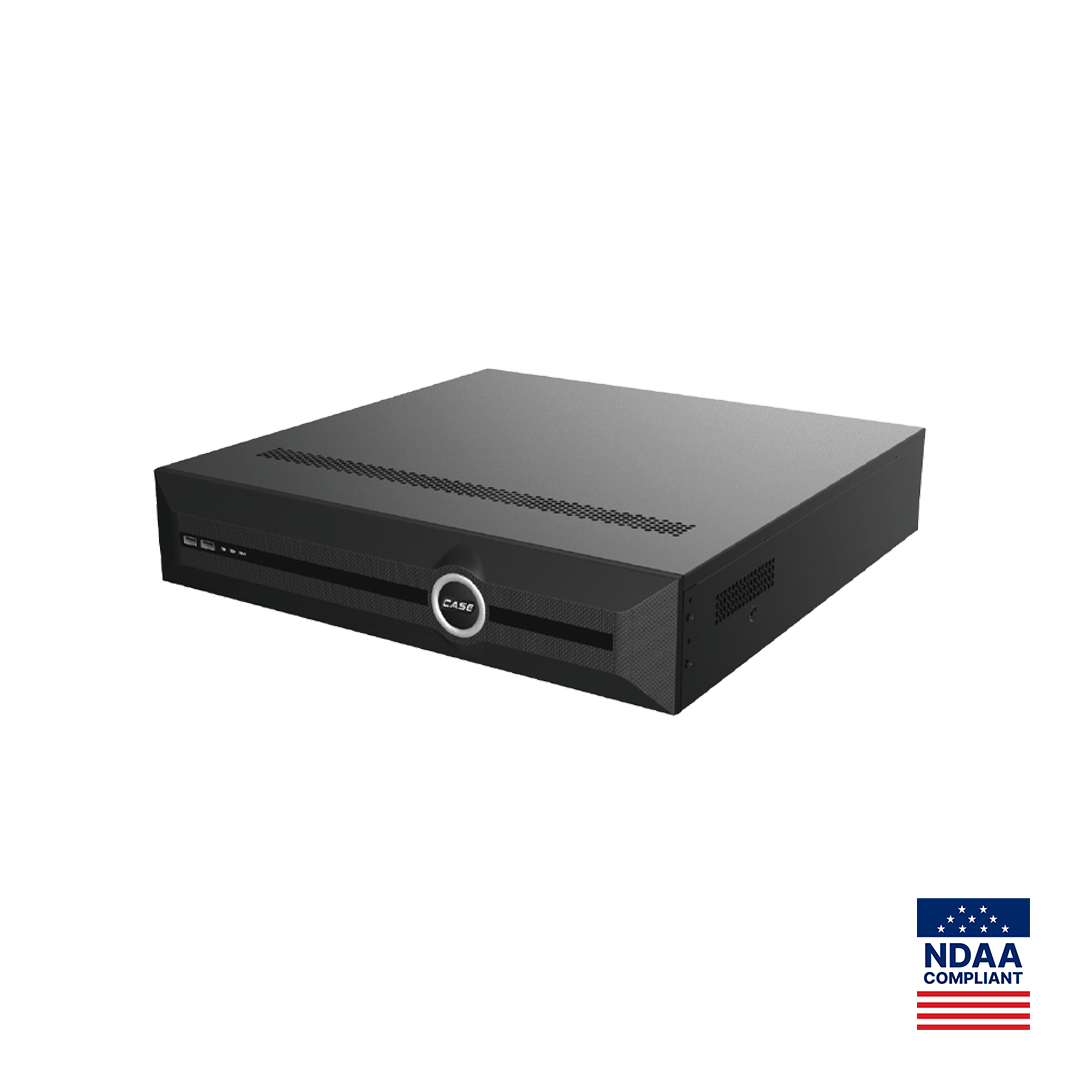
Three CASE-specific points. First, the PoE ports on a PoE NVR form an internal network that the recorder addresses itself; where the model and firmware let you set that range, keep it clear of the customer LAN and the camera VLAN, because overlap produces routing confusion that looks like a conflict. On a CS-N220 P16H-AI the 16 PoE ports and the single Gigabit uplink are two different networks (as printed), and only the uplink address belongs in the table above. Second, an NVR without PoE ports, such as the CS-N880 H-AI with its 2×RJ-45 10/100/1000 Mbps ports (as printed), takes every camera from the LAN, so the camera block is sized for the whole system from day one; how its two ports are used is set in its network menu per firmware. Third, keep the camera VLAN separate from the business network; the design is in camera network basics: VLANs, subnets, DHCP vs static and separating camera traffic from the customer’s business network.
How do you document the IP plan?
A plan that lives in one technician’s head is the next conflict. Copy the table into your job spreadsheet, fill one row per device before you leave, and keep it with the as-built and the labeling record in the labeling and documentation standard. The customer’s IT contact gets a copy, because they own the DHCP server that can collide with it.
| Channel | Location / label | SKU | MAC | IP address | Mask | Gateway | Switch / port | Cable ID | Notes |
|---|---|---|---|---|---|---|---|---|---|
| 01 | Front entrance, east | CS-I8XQ II-2.8mm | from label | 192.168.10.21 | 255.255.255.0 | 192.168.10.1 | SW1 / 3 | C-01 | Static; added to NVR 2026-10-20 |
| 02 | Loading dock | CS-I8WS S-2.8mm | from label | 192.168.10.22 | 255.255.255.0 | 192.168.10.1 | SW1 / 4 | C-02 | Static |
| NVR | Server room rack | CS-N220 P16H-AI | from label | 192.168.10.10 | 255.255.255.0 | 192.168.10.1 | SW1 / 24 | C-NVR | Uplink; PoE internal range noted separately |
- Record the NVR’s internal PoE range on its own line so nobody later assigns LAN addresses inside it.
- Record the DHCP pool boundaries from the customer’s router or firewall and the date you confirmed them.
- Give the plan a version and a date; an undated change is how two technicians assign the same address.
- When a camera is replaced, the new unit takes the old address and the row gets a new MAC and date, not a new address.
What to tell your customer
“Two of your cameras had been given the same network address, which made both of them unreliable. We have moved the cameras to a reserved block of addresses that your network’s automatic assignment will not use, documented every address, and shared the plan with your IT contact so a new device cannot collide with a camera again.” For end users who land here: for warranty and service, please contact the installer or company that supplied your system.
FAQ
Should security cameras use DHCP or static IP addresses?
Cameras that an NVR or VMS records should have static addresses outside any DHCP pool on the segment, written into an IP plan. DHCP reservations by MAC work only while the DHCP server is reachable; a replaced router or an expired lease then takes the camera offline. The exception is an NVR’s own PoE ports, where the recorder assigns addresses on its internal network.
How do I find which camera has the duplicate IP address?
List the cameras with the Search Config Tool and look for one address against two MAC addresses. Then, from a laptop on the same segment, ping the address, note the MAC with arp -a, unplug one suspect, clear the cache and check again; if the MAC changes, both devices are found. A managed switch’s MAC address table then tells you the port, cable and location of each.
Why does my NVR show the wrong camera on a channel?
The channel is configured for an address, and the NVR connects to whichever device answers that address. When two cameras share it, the recorder sometimes authenticates to the other one, so a channel briefly shows a different picture or name. It is a conflict, not a configuration mistake on the NVR. Give one camera a new address from the plan and update its channel.
Do the NVR’s PoE ports need their own IP plan?
Yes, as a separate line. A PoE NVR addresses the cameras on its PoE ports itself, on an internal network that is not the customer LAN. Where the model and firmware let you set that range, keep it clear of the LAN and the camera VLAN; record it in the plan, and keep hand-set addresses on those ports inside it. Only the NVR’s uplink address belongs in the LAN table.
Can two cameras share an IP address if they are on different VLANs?
Technically yes, because each VLAN is its own broadcast domain and ARP does not cross it, but it is a trap: the moment the two VLANs are merged or bridged, or a camera is moved, the conflict appears. Use one address plan across the site with a distinct block per VLAN, so every address is unique everywhere and a camera can move without being readdressed.