Quick answer: Security camera network segmentation comes in three practical patterns: let the NVR’s built-in PoE ports carry the cameras as an isolated island, put the cameras on their own VLAN on the customer’s managed switches, or build a physically separate camera network with its own switches. Choose by camera count, cable layout and how much the customer’s IT wants to be involved, and plan remote viewing for the pattern you choose.
Why separate camera traffic from the business network?
Network segmentation divides a network into parts that cannot reach each other unless a rule allows it. For a camera system on a commercial site that matters in four ways:
- Security. Camera and recorder login pages are not reachable from office PCs, guest Wi-Fi or a compromised laptop.
- Performance. Continuous video streams do not compete with the customer’s business applications on shared links.
- Reliability. A change on the office network, such as a new router or a DHCP change, does not knock cameras offline.
- Responsibility. It is clear which part of the network is yours and which belongs to IT, so problems land with the right person.
The VLAN and addressing basics behind this article are in camera network basics: VLANs, subnets, DHCP vs static.
Pattern 1: Is the NVR’s PoE island enough?
On a PoE NVR the built-in PoE ports typically form the recorder’s own camera segment, and the LAN port joins the customer’s network for viewing, so the cameras do not appear on the business network; only the recorder’s LAN address does. This is not a printed CASE spec, so confirm the internal address range and the behavior in the NVR’s network settings for the model and firmware on the job.
Two printed examples:
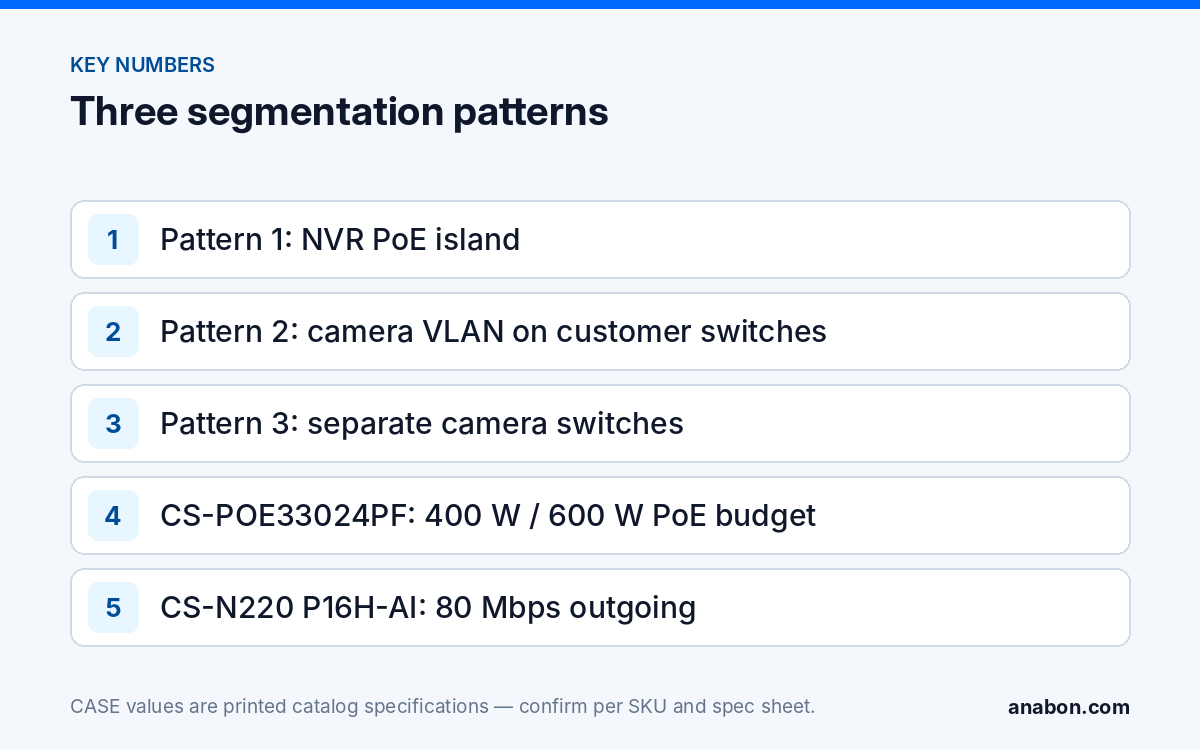
- CS-N220 P16H-AI: 20 IP channels, 16 PoE ports (10/100 Mbps), one 10/100/1000 Mbps LAN port; 160 Mbps incoming (120 Mbps with AI on) and 80 Mbps outgoing.
- CS-N440 P16H-AI: 40 IP channels, 16 PoE ports, one 10/100/1000 Mbps LAN port; 400 Mbps incoming and 400 Mbps outgoing (200 Mbps / 200 Mbps with AI on).
The island has clear limits. Every camera home-runs to the recorder, so every cable must stay within 328 ft (100 m). Cameras beyond the PoE port count connect through the LAN port, which puts them on whatever network the LAN port is on, so those cameras need pattern 2 or 3. And the recorder becomes the only bridge between the camera segment and the business network, which makes its own hardening more important; see hardening a CASE NVR.
Best fit: single-building sites up to the recorder’s PoE port count, with one equipment location and no IT department.
Pattern 2: When does a VLAN on the customer’s switches make sense?
Where the customer already runs managed switches across the building, the cameras can share them on a dedicated camera VLAN. Camera ports are access ports on that VLAN, the recorder sits on it, and the customer’s router or firewall decides what may cross between the camera VLAN and the office VLANs.
What it needs
- Managed switches that support VLANs, and an IT contact who configures or approves them.
- Enough PoE budget on the customer’s switches for the cameras, checked per switch rather than assumed.
- Uplinks between closets with capacity for the video streams on top of business traffic.
- Firewall or access rules: which workstations may reach the recorder, and what the recorder may reach outbound.
What it costs
Little extra hardware, but more coordination. Every change on site involves IT, and the cameras depend on switches you do not control. A firmware update or a reconfiguration on the customer’s side can affect recording, so agree a change process in writing.
Best fit: sites with an IT department, existing managed cabling across several closets, and a policy that every device lives on the corporate network.
Pattern 3: When is a physically separate camera network worth it?
In this pattern the cameras run on their own switches and cabling, which connect to nothing but the recorder. The business network sees only the recorder’s LAN port, as in pattern 1, but the camera network can span a whole building or campus.
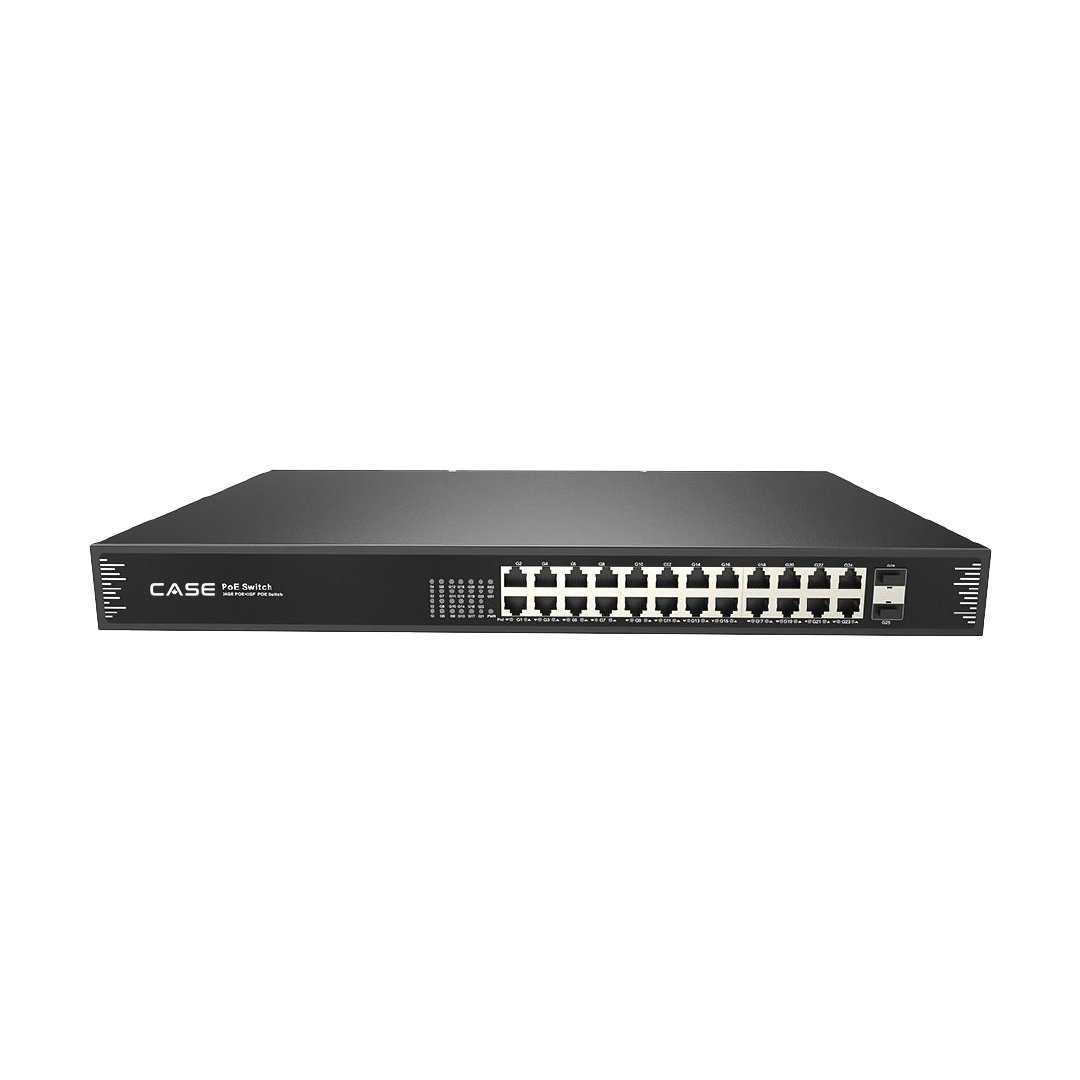
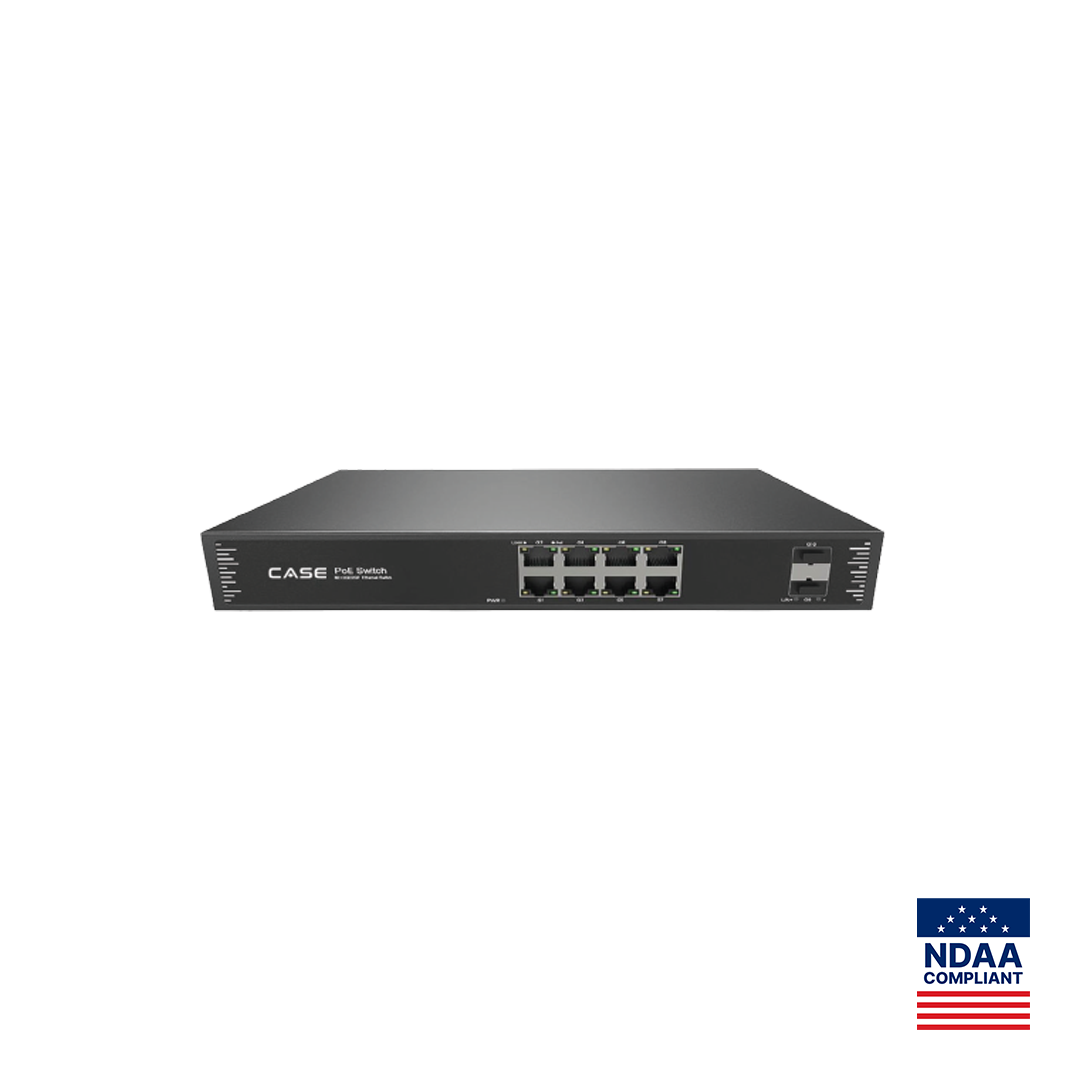
Typical hardware is a dedicated PoE switch in each closet with fiber back to the recorder location. The CASE CS-POE33024PF prints 24 Gigabit PoE ports, IEEE 802.3af/at, 30 W per port, a total PoE budget of 400 W / 600 W and two 1000M SFP fiber uplinks. The CS-POE33108PF prints 8 Gigabit PoE ports, 30 W per port, 130 W / 250 W and two 1000M SFP uplinks. Two practical notes from those printed rows:
- 24 ports at 30 W each would be 720 W, more than either printed budget, so add up the actual camera loads and confirm which budget version you order.
- Both switches print an operating range of −4 °F to 131 °F (−20 °C to +55 °C) and IP30 protection, so they belong in a conditioned closet or an enclosure, not exposed on a pole.
Some recorders have two Ethernet ports; the CS-N880 H-AI prints 2×RJ-45 10/100/1000 Mbps. Whether those ports can serve a camera network and a business network separately is confirmed per model and firmware before you design around it.
Best fit: multi-building sites, compliance-sensitive customers, sites where IT will not host cameras on its switches, and any job where you want full control of the camera network.
How do the three patterns compare?
| Question | 1. NVR PoE island | 2. Camera VLAN | 3. Separate network |
|---|---|---|---|
| Separation | Strong; only the NVR on the LAN | Logical; depends on switch and firewall rules | Strong; no shared switches |
| Extra hardware | None beyond the PoE NVR | Little; uses the customer’s switches | Dedicated switches, often fiber |
| IT involvement | One LAN address | High, ongoing | One LAN address |
| Camera count | Up to the PoE port count | Limited by switches and recorder | Limited by recorder channels and bandwidth |
| Cable layout | Home runs within 328 ft (100 m) | Existing closets | Your closets and uplinks |
| Who controls changes | You | Customer IT | You |
| Typical site | Single building, small or mid-size | Corporate offices, schools with IT | Campuses, industrial, multi-building |
Patterns can be combined. A common design is a PoE NVR carrying the nearby cameras on its own ports, plus a separate camera switch for a remote building, both kept off the business network.
What happens to remote viewing in each pattern?
Remote viewing goes through the recorder, so what matters is how the recorder reaches the internet and how much upload bandwidth the site has. Remote access options are confirmed per NVR model, software version and project configuration.
- PoE island and separate network. The recorder’s LAN port sits on the business network, so CASE Connect remote access (for example a P2P-style connection, confirmed per model) uses the customer’s internet connection through their firewall. Ask IT to allow the recorder’s outbound connection; with a P2P-style path no inbound port is needed.
- Camera VLAN. The VLAN must be allowed outbound for the recorder only, not for every camera. Cameras rarely need internet access at all.
- Separate internet path. Some customers give the camera system its own internet line or cellular router so video never crosses the business firewall. That is a design option to agree with IT.
- VPN. Where the customer’s policy requires it, remote users join the network over a VPN and reach the recorder like a local workstation. The trade-offs are in port forwarding risk: P2P vs VPN.
In every pattern, the site’s upload speed usually limits remote viewing before the recorder does: the CS-N220 P16H-AI prints 80 Mbps outgoing, far above many small-business uplinks. Use sub-streams for remote and multi-camera views, as described in sub-stream planning for remote viewing.
What to tell your customer
“Your cameras run on a network that is separate from your business computers, so camera traffic does not slow your office systems and your office network cannot be used to reach the cameras. Only the recorder connects to your network, and that is how you view it remotely with CASE Connect. If you change your internet provider or firewall, let us know first so remote viewing keeps working.”
FAQ
Is a VLAN as secure as a physically separate camera network?
A VLAN separates traffic logically, so its strength depends on correct switch configuration and the firewall rules between VLANs. A physically separate network has no shared switches, so a misconfigured port cannot bridge the two. Both are sound when designed and documented properly. Choose physical separation where the customer’s IT will not host cameras or the site is compliance-sensitive.
Can I use an unmanaged PoE switch for a separate camera network?
Yes, if that switch connects only to the cameras and the recorder and never to the business network. Separation then comes from the cabling, not from configuration. Label the switch and its uplink clearly so nobody later patches it into an office port, and record the layout in the IP plan you leave with the customer.
Does segmentation stop remote viewing with CASE Connect?
No, as long as the recorder can make the outbound connection its confirmed remote access method uses. In every pattern the recorder, not the cameras, is what CASE Connect reaches. Ask IT to allow the recorder’s outbound traffic, keep cameras without internet access, and confirm remote access options per NVR model, software version and project configuration before handover.
What if the customer has more cameras than the NVR has PoE ports?
Connect the additional cameras through a switch on the recorder’s LAN side, and put that switch on a camera VLAN or a separate camera network rather than the office network. On the CS-N220 P16H-AI, for example, 16 cameras can use the PoE ports and the remaining channels come in through the LAN port.
Who should configure the VLAN on the customer’s switches?
Usually the customer’s IT, or you with their written approval. Send a short network request listing the VLAN ID, subnet, ports, uplinks and the rules you need, and get written answers. If you configure their switches yourself, save the configuration before and after, and agree who is responsible for later changes.