Quick answer: Hardening a CASE NVR means replacing every default credential with a strong, unique password, giving each person their own account with the lowest role that does the job, switching off every service and port the site does not use, keeping firmware current from the download page, syncing time with NTP, and locking the recorder away from the public. Do it from a checklist at commissioning, record what you set, and hand that record to the customer. Menu names and available options are confirmed per NVR model and firmware.
What does hardening an NVR mean on a real site?
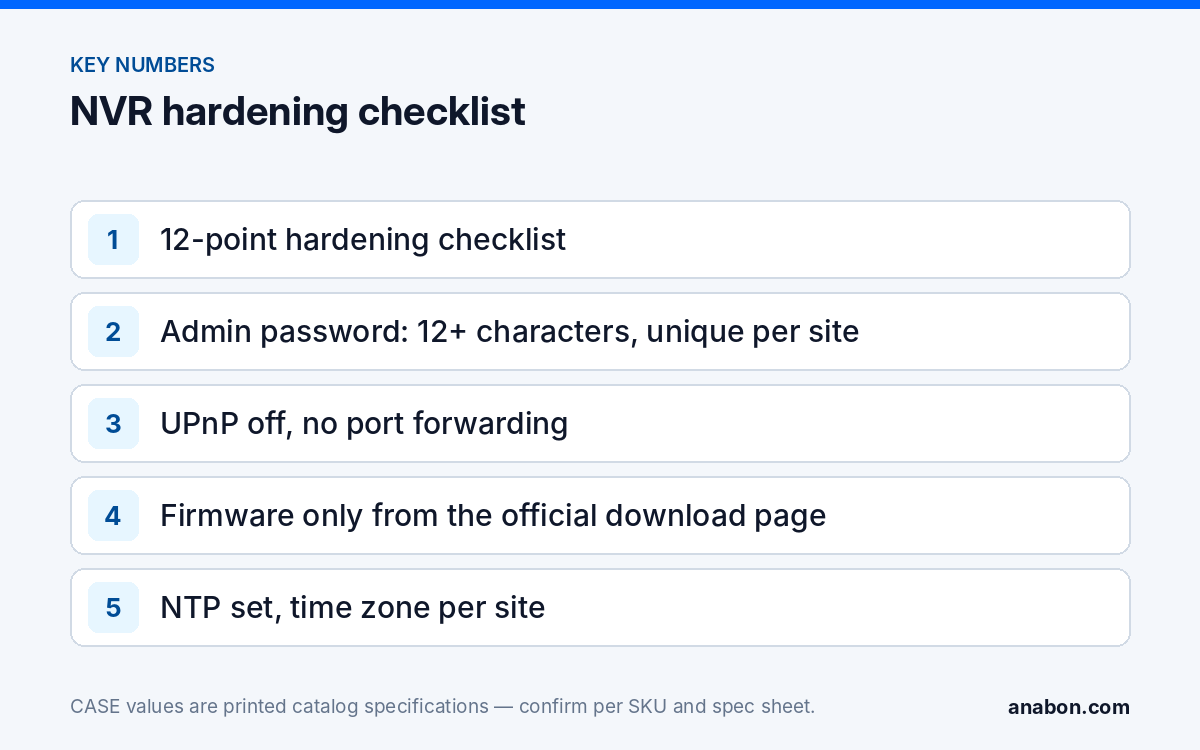
A recorder is a small server on the customer’s network that holds video evidence and, on a PoE model, controls the cameras. Hardening means reducing what an attacker, a curious employee or a careless contractor can reach: fewer open doors, fewer shared keys, a record of who did what. The NIST Cybersecurity Framework calls this Identify, Protect and Detect; the twelve items below are the recorder version. Confirm each menu per NVR model and firmware before you promise it.
- Change the admin password at first boot to a strong, unique one.
- Remove or disable any default or demo accounts that the firmware allows you to remove.
- Create one account per person, with the lowest role that does the job.
- Use a separate account for any third-party system that pulls RTSP or ONVIF streams.
- Change the cameras’ passwords too; a hardened NVR with default-password cameras is not hardened.
- Turn off UPnP and never rely on port forwarding for remote viewing.
- Disable every unused service: Telnet, SSH, FTP, SNMP, multicast, unused discovery protocols, where the firmware exposes them.
- Prefer HTTPS for the web interface and keep the web and RTSP ports closed to the internet.
- Update firmware from the official download page, after a configuration backup, and verify the version afterward.
- Set NTP with the correct time zone and daylight saving rule for the site.
- Enable logging, review failed logins, and export the log at handover.
- Lock the recorder in a cabinet or room with controlled access, on a UPS.
How do you set up accounts and passwords on a CASE NVR?
Admin password: strong, unique, written down once
The first screen after power-up is where sites are lost or won. Set an admin password that is long (12 characters or more), unique to this site, and not the one from the last three jobs. Store it in your company password manager and give the customer their copy through a secure channel, never on a label on the rack. If the firmware offers a password-reset email, use the customer’s address, not a technician’s; a person who leaves your company should not be the only way back into a recorder.
Separate accounts and roles
Least privilege applies directly: the receptionist who watches the lobby needs live view on three channels, not the right to format the drives. Most NVR firmware offers administrator, operator and viewer tiers under names that vary; confirm the roles per model and firmware.
| Who | Role | What they can do | What they cannot do |
|---|---|---|---|
| Installer (you) | Administrator | All settings, user management, firmware, drive management | Share the account with anyone |
| Customer’s site manager | Administrator or operator, as the customer decides | Add users, change schedules, export clips | Hold the only admin credential |
| Front desk / supervisor | Operator | Live view, playback, export on assigned channels | Change network, users or recording settings |
| Staff, tenants, guards | Viewer | Live view on assigned channels only | Playback or export unless the customer requires it |
| Third-party VMS or integration | Dedicated service account | Stream access through ONVIF or RTSP on named channels | Log in to the web interface |
Where the NVR manages the PoE cameras, the camera credentials usually sit in its camera-management menu; change them there and never leave a camera on its factory password. For a third-party platform: “ONVIF profiles supported are S, T, and G, with M on pinhole models. Third-party behavior is confirmed per platform and project.” Give that platform its own account so you can revoke it without touching anyone else.
Which services and ports should you disable?
Every service that is on and not used is a door nobody is watching. Which items exist and where they sit is confirmed per NVR model and firmware.
| Service or port | Recommended state | Why |
|---|---|---|
| UPnP / automatic port mapping | Off | Silently opens inbound ports on the customer’s router |
| Port forwarding on the router | None for the NVR | Exposes the login page to the internet; see P2P vs port forwarding vs VPN |
| HTTP web interface | HTTPS where available; LAN only | Credentials travel in clear text on HTTP; web access is for the LAN or a VPN |
| RTSP | On only if a VMS or display needs it, with a dedicated account | Streams video to anyone with the URL and credentials |
| Telnet / SSH / FTP | Off if exposed in the menu | Shell or file access with no business need on a recorder |
| SNMP | Off unless the customer’s IT monitors it; then v3 only if offered | Older versions leak device information with weak community strings |
| Multicast | Off unless designed in | Floods the LAN with video and is rarely needed on a PoE NVR |
| Discovery / search protocols | On during commissioning, off afterward where possible | Lets any device on the LAN enumerate the recorder |
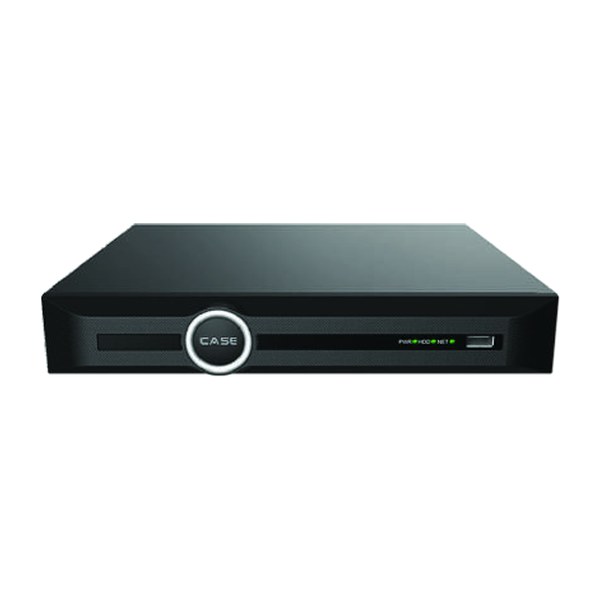
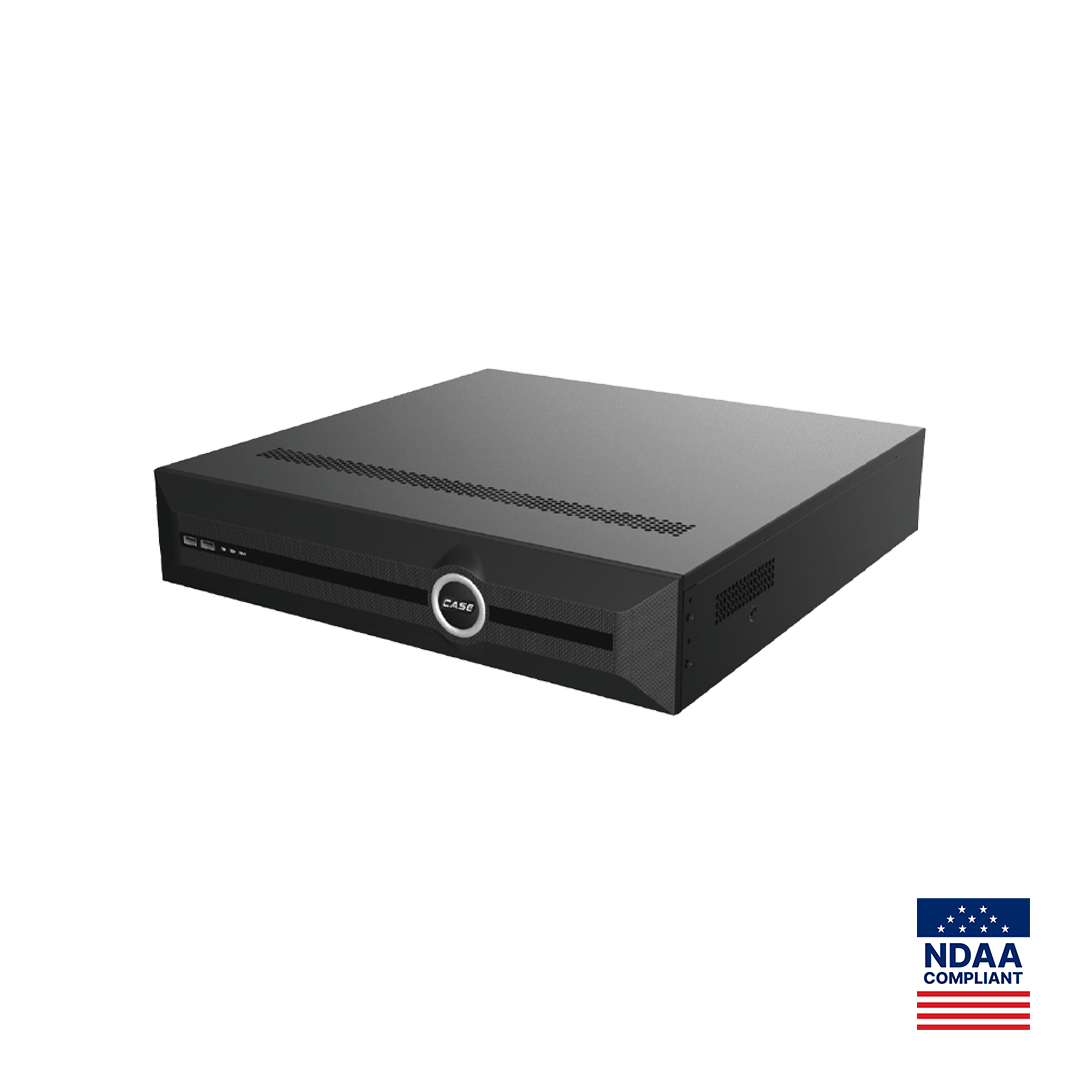
On a PoE NVR such as the CS-N220 P16H-AI, printed with one Gigabit Ethernet uplink and 16 PoE ports, the cameras connect to the recorder’s own camera ports, not the customer’s switch. Keep it that way: do not patch a camera into the customer LAN to save a cable run, and confirm the camera-side addressing per model (the guide on NVR DHCP and why cameras do not show up explains the usual addressing mistakes). On the CS-N880 H-AI, two Gigabit Ethernet ports are printed; whether they can be configured as separate networks is confirmed per model and firmware. Remote viewing goes through CASE Connect, not an open port: “CASE Connect is the official app experience for CASE systems. App features and remote access options should be confirmed by model, software version, and project configuration.” For your own technicians, CASE Cloud provides remote NVR configuration over P2P, not cloud recording; confirm availability per model and firmware.
How do you keep firmware current and know what the recorder is doing?
Firmware
- Download firmware only from the official download page, matched to the exact model; one letter can mean a different hardware platform.
- Back up the configuration before you update, and note the current version in case you need to roll back.
- Update on site or over a VPN, on a UPS, never over an unstable connection; a power cut mid-update is an expensive five minutes.
- Update the cameras after the recorder where the NVR offers camera firmware management; confirm per model.
- Verify the version, confirm recording resumed on every channel, and record the version in the handover file.
- Put a firmware check in the service schedule; an untouched recorder is how a known vulnerability stays open through year six.
Time and NTP
Video that cannot be placed in time is weak evidence. Point the NVR at a reliable NTP server, or the customer’s domain controller if IT prefers, and let it serve time to its PoE cameras where the firmware does so. Set the time zone for the site, not your office: a recorder in Arizona or most of Saskatchewan must not apply daylight saving time; most of the US and Canada must. Check the live-view clock before you leave.
Logs
Turn on the system log and review it at commissioning and at every service visit: failed logins, configuration changes, drive errors, camera offline events. Export the log at handover and keep a copy. Where the firmware offers login-attempt limits or lockout, enable them. Retention and access rules for the video itself come from state laws (US) / provincial laws and PIPEDA (Canada); verify the local requirement before you set the overwrite period.
How do you control physical access to the recorder?
Every setting above is defeated by someone with a screwdriver and ten minutes alone with the unit:
- Mount the recorder in a locked cabinet or a controlled-access room, not under the front counter.
- Put it on a UL-listed (ULC-listed in Canada) UPS sized for the recorder and the PoE load.
- Dress and label the uplink and camera cables so nothing is unplugged by accident or repurposed by the customer’s IT.
- Set auto-logout on the local monitor so a walk-away console does not stay logged in as administrator.
- Restrict USB export to operator or administrator accounts where the firmware allows.
- Record the drive model and serial numbers; hard drives are supported through back-to-back manufacturer warranty, and a claim needs them.
- A dedicated circuit for the rack follows NEC (US) / CEC (Canada) and is the electrician’s work.
What goes into the handover record?
One page per site: NVR model and serial, firmware version and date, user list with roles (no passwords), services disabled, NTP source and time zone, retention period, UPS model, and where the cabinet key is kept. The customer signs it and you keep a copy; CASE NVRs carry a 6-year warranty, a long time to run on memory.
What to tell your customer
“Your recorder is set up with individual accounts and roles, unused services switched off, time synchronized, and current firmware from the official source. Remote viewing is through CASE Connect, not an open port on your router. The handover record lists the users and the settings we changed; keep the administrator password where only your management can reach it, and call us before anyone changes the network.”
FAQ
What is the single most important NVR security setting?
The administrator password. Set a long, unique password at first boot, store it in a password manager, and give the customer their copy through a secure channel. Then change the camera passwords as well, because a recorder behind a strong password with factory-password cameras on its PoE ports is only half protected. Everything else on the checklist builds on this step.
Should I change the default HTTP and RTSP ports?
You can, and it reduces noise from automated scans, but it is not a security control on its own. The real control is to keep those ports closed to the internet: no port forwarding, no UPnP, HTTPS on the LAN where available, and remote viewing through CASE Connect. Treat a changed port number as housekeeping, not as protection.
How often should firmware on a CASE NVR be updated?
Check at every scheduled service visit and whenever the official download page lists a new version for that exact model. Back up the configuration first, update on a UPS, verify recording on every channel afterward, and write the version into the handover record. The 6-year warranty on CASE NVRs is a reason to keep the firmware current for the life of the system.
Does the NVR need NTP if the cameras already have clocks?
Yes. Camera clocks drift, and footage from two cameras that disagree on the time is hard to use as evidence. Point the recorder at a reliable NTP server, set the site’s time zone and daylight saving rule, and let the NVR serve time to its PoE cameras where the firmware supports that. Confirm the option per model and firmware.