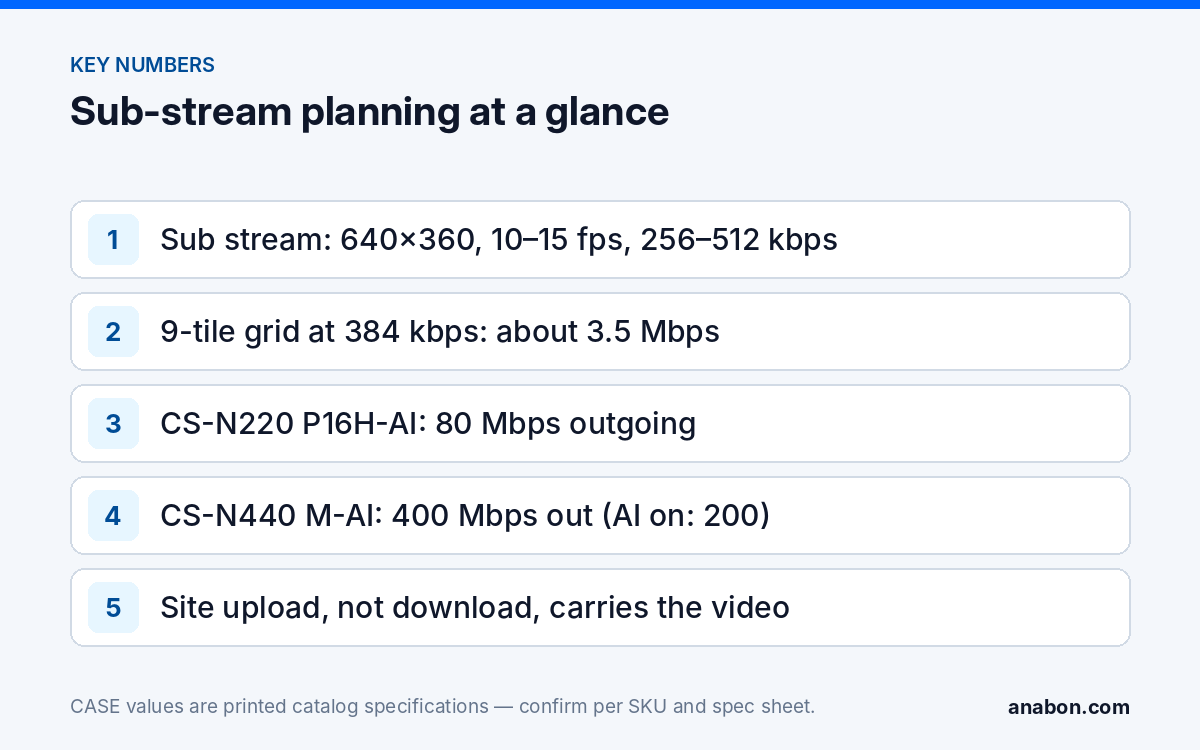
Quick answer: Remote viewing stalls on 4G/LTE because the phone is being sent more video than the link can carry: a main stream where a sub stream was meant, or a grid of sub streams set too high. Plan the NVR sub stream settings per camera at about 640×360, 10–15 fps and 256–512 kbps, keep every viewer on the sub stream for grids, and check the total against two ceilings: the outgoing bandwidth printed for the recorder (80 Mbps on CS-N220 P16H-AI, 400 Mbps or 200 Mbps with AI on for CS-N440 M-AI) and the real upload speed of the site’s internet connection.
Main stream vs sub stream: what is each one for?
CASE IP cameras are set up with a main stream and a sub stream; the stream options are confirmed per model and firmware. The main stream is the recording: full resolution, the frame rate the customer needs for evidence, and the bitrate that resolution demands. The sub stream is a second, small version of the same picture for live viewing on grids, mobile devices and slow links. Recording quality and remote-viewing load are therefore two separate settings, and the mistake behind most “the app keeps buffering” calls is treating them as one.
| Setting | Main stream (recording) | Sub stream (remote live view) |
|---|---|---|
| Resolution | Camera maximum, e.g. 2560×1440 or 3840×2160 as printed | 640×360 to 704×480 class |
| Frame rate | As printed, typically 20–30 fps | 10–15 fps |
| Bitrate | 2–8 Mbps per camera depending on resolution and codec | 256–512 kbps per camera |
| Codec | S+265 or H.265 where the camera prints it | Same codec family as main stream where offered |
| Who uses it | The recorder, evidence export, single-camera full-screen view | Multi-camera grids, mobile data, several viewers at once |
A single camera in full screen on a good link is the one remote case for the main stream; everything else should ride the sub stream. The codec row matters: CASE cameras print S+265/H.265/H.264 in their Video Compression row (for example CS-I4KS L-2.8mm), and a more efficient codec lowers the bitrate at the same picture quality; see H.265 vs H.264 vs S+265.
Why does CASE Connect stall on mobile data?
CASE Connect is the official app experience for CASE systems, and the catalog prints live view and playback among its functions; app features and remote access options should be confirmed by model, software version, and project configuration. When it stalls over 4G/LTE, the video is crossing four bottlenecks in series and the narrowest one wins:
- The site’s upload. Business internet is sold by download speed; the upload, which carries camera video out, is often a fraction of it. A 300/20 Mbps service has 20 Mbps for every remote viewer combined.
- The recorder’s outgoing bandwidth. Printed per NVR and covered below; no recorder pushes more than its printed figure.
- The phone’s LTE link. Variable, shared, and lower indoors or at the edge of coverage; a few Mbps is the planning figure, not the advertised peak.
- The remote-access path. Where remote access runs through a P2P service, a session that cannot connect directly may be relayed, which adds latency and can lower throughput; remote access options are confirmed by model, software version and project configuration. See P2P vs VPN for the security side.
A nine-camera grid pulled on main streams at 4 Mbps each asks for 36 Mbps: more than the site’s upload and more than many LTE connections. The same grid on sub streams at 512 kbps asks for about 4.6 Mbps and plays. That is the fix in most cases; the rest of this article is about doing it before handover instead of after a complaint. If the app cannot connect at all, start with the remote viewing checklist. If you are the system owner rather than the installer: for warranty and service, please contact the installer or company that supplied your system. Anabon supports warranty and technical service through our installer, dealer, and business-account network.
How do I set the sub stream per camera?
Sub-stream settings live in the recorder’s per-channel encoding menu or the camera’s own web page; menu names vary by model and firmware, so the steps below name the parameter, not the button.
- Resolution: 640×360 for 16:9 cameras, or the 704×480 class where that is the option offered. Higher values defeat the purpose on a phone showing nine tiles.
- Frame rate: 10–15 fps; evidence frame rate belongs to the main stream.
- Bitrate type: variable (VBR) saves data on quiet scenes but spikes on motion; constant (CBR) is predictable on a metered or weak link. For 4G/LTE viewing, CBR at the planned figure or VBR with a hard maximum.
- Maximum bitrate: 256 kbps for static indoor scenes, 384–512 kbps for parking lots, gates and anything with constant motion.
- I-frame interval: leave the default unless the firmware documentation says otherwise.
- Apply, then test on a phone on mobile data, not on the site’s Wi-Fi, with a 4-tile and a 9-tile grid.
| Sub-stream profile | Resolution and frame rate | Bitrate | Use |
|---|---|---|---|
| Lean | 640×360 at 10 fps | 256 kbps | Indoor rooms, corridors, offices; 16-tile grids |
| Standard | 640×360 at 12–15 fps | 384 kbps | Entrances, retail floors, docks; 4- and 9-tile grids |
| Motion | 704×480 class at 15 fps | 512 kbps | Parking, gates, roads; cameras the customer opens most |
Set the profile per camera, not globally: a lobby camera at 256 kbps and a gate camera at 512 kbps on the same recorder is normal. Where the app version offers a choice between main and sub stream in multi-view, select the sub stream for grids and keep the main stream for a single camera opened full screen on a good connection.
What is the outgoing bandwidth of each CASE NVR?
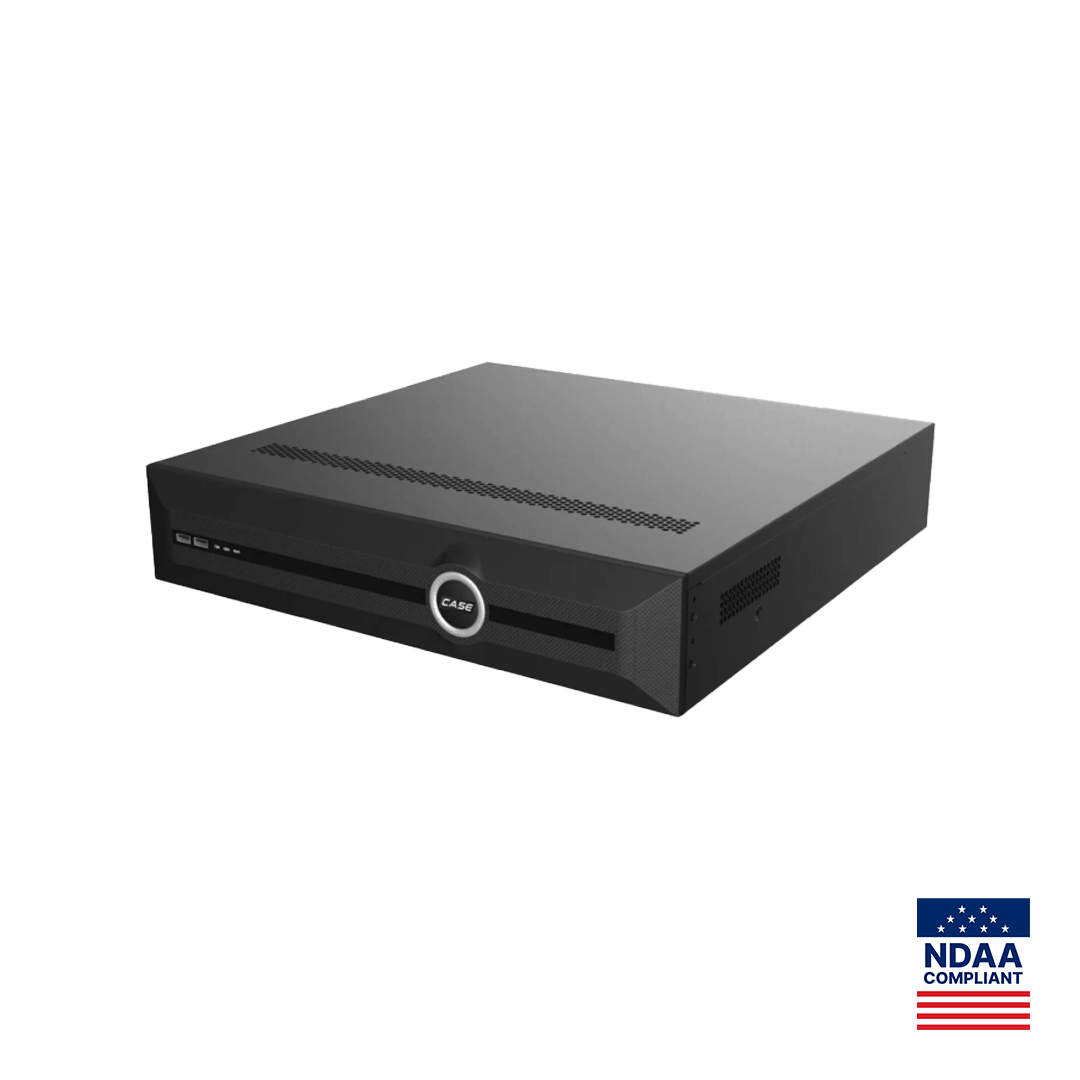
The recorder’s outgoing figure is the hard ceiling for everything leaving it at once: remote viewers, a desk client, exports in progress. The 2027 Q1 catalog prints it on every NVR page as the second number of “Bandwidth I/O”.
| CASE NVR | Channels / PoE ports | Bandwidth I/O as printed | Outgoing available for remote viewers |
|---|---|---|---|
| CS-N105 P4H-AI | 5 / 4 | 100Mbps / 80Mbps | 80 Mbps |
| CS-N110 P8H-AI | 10 / 8 | 100Mbps / 80Mbps | 80 Mbps |
| CS-N220 P16H-AI | 20 / 16 | 160Mbps (AI on: 120Mbps) / 80Mbps | 80 Mbps |
| CS-N440 M-AI | 40 / none | 400Mbps / 400Mbps (AI on: 200Mbps / 200Mbps) | 400 Mbps; 200 Mbps with AI on |
| CS-N440 P16H-AI | 40 / 16 | 400Mbps / 400Mbps (AI on: 200Mbps / 200Mbps) | 400 Mbps; 200 Mbps with AI on |
| CS-N880 H-AI | 80 / none | 400Mbps / 400Mbps (AI on: 320Mbps / 200Mbps) | 400 Mbps; 200 Mbps with AI on |
In practice the site’s upload is lower than every number in this table, so the printed outgoing figure rarely limits viewing over the internet. It matters on the local network: a desk client pulling 16 main streams at 4 Mbps uses 64 Mbps of the 80 Mbps outgoing on CS-N220 P16H-AI before a single remote viewer connects. Put local displays on the sub stream, or on the recorder’s own HDMI output, which is not a network stream; confirm its decoding limits on the spec sheet. CASE NVRs carry a 6-year warranty.
How many people can watch at once?
The planning formula: viewers × tiles on screen × sub-stream bitrate = demand. Demand must stay under the site’s upload and the recorder’s outgoing figure, with margin for a manager who opens one camera full screen on the main stream.
Worked example: a retail site with 14 cameras on CS-N220 P16H-AI, sub streams at 384 kbps, three simultaneous viewers each on a 9-tile grid: 3 × 9 × 384 kbps ≈ 10.4 Mbps. Add one full-screen main stream at 4 Mbps and a desk client on 14 sub streams (5.4 Mbps): about 20 Mbps out of the recorder, under the 80 Mbps outgoing; the desk client is local, so about 14.4 Mbps leaves the site, inside the 20 Mbps upload of a typical cable service with little margin. The internet connection, not the recorder, is the item to raise with the customer. Had the sub streams been left at a 1 Mbps default, the three grids alone would need 27 Mbps and all three viewers would stall.
- Count every regular viewer: owner, manager, guard company, and your own service technicians.
- Plan for the busy moment, not the average: an incident is when everyone opens the app at once.
- Where the site itself is on cellular (a construction site, a remote yard), the upload is metered: a single 512 kbps sub stream watched eight hours a day is about 1.8 GB per day. Set the plan and the sub stream together, and keep remote viewing to events.
- On a shared business connection, ask the customer’s IT team for a QoS rule or a separate VLAN so a large file upload does not freeze the cameras.
Sub-stream planning worksheet
Copy this into the commissioning sheet for every job with remote viewing. One row per camera, totals at the bottom.
| Item | Enter | Example |
|---|---|---|
| Site upload speed, measured on site | Mbps | 20 Mbps |
| Recorder outgoing bandwidth, as printed | Mbps | 80 Mbps (CS-N220 P16H-AI) |
| Cameras × sub-stream bitrate | kbps each | 14 × 384 kbps = 5.4 Mbps |
| Expected simultaneous viewers × tiles | count | 3 × 9 tiles |
| Remote demand (viewers × tiles × bitrate) | Mbps | 10.4 Mbps |
| Plus one main stream full screen | Mbps | 4 Mbps |
| Plus local desk client load | Mbps | 5.4 Mbps |
| Total vs upload and vs outgoing | pass / fail | 19.8 Mbps from the recorder, under outgoing; 14.4 Mbps over the internet (desk client is local), under the 20 Mbps upload with little margin |
| Mobile-data test done (4-tile, 9-tile, full screen) | date, phone, carrier | Tested on LTE, parking lot |
What to tell your customer
“Your cameras record at full quality on the recorder. For the app we send a smaller live version of each camera so the view works on a phone over mobile data; when you open one camera full screen, the app can switch to the full-quality stream where the app version offers it. Your internet upload speed is what limits how many people can watch at the same time, so we have set the system for your connection and tested it on a phone outside your Wi-Fi.”
FAQ
What sub stream settings should I use for mobile viewing?
Start at 640×360, 10–15 fps and 256–512 kbps per camera: 256 kbps for quiet indoor scenes, 384 kbps for entrances and retail floors, 512 kbps for parking lots and gates. Use CBR or VBR with a hard maximum on a weak or metered link, set the profile per camera, and test on a phone on mobile data with a 9-tile grid before handover.
Why does the app work on Wi-Fi but not on 4G/LTE?
On the site’s Wi-Fi the phone talks to the recorder over the local network, where even main streams fit. On 4G/LTE the same video has to leave through the site’s upload, which is often a fraction of the download speed, and arrive over a variable mobile link. Grids pulled on main streams, or sub streams left at a high default, exceed that path and stall.
Does the NVR outgoing bandwidth limit remote viewing?
Rarely over the internet, because the site’s upload is lower than the printed figure: 80 Mbps on CS-N105 P4H-AI, CS-N110 P8H-AI and CS-N220 P16H-AI, 400 Mbps (200 Mbps with AI on) on CS-N440 M-AI, CS-N440 P16H-AI and CS-N880 H-AI. It matters on the local network when a desk client pulls many main streams; put local displays on sub streams or on the recorder’s HDMI output.
How many viewers can watch at the same time?
Multiply viewers by tiles on screen by sub-stream bitrate and keep the result under the site’s upload speed with margin. Three viewers on 9-tile grids at 384 kbps need about 10.4 Mbps; add one full-screen main stream at 4 Mbps. On a 20 Mbps upload that is the practical limit, so raise the connection or reduce the bitrate rather than promise unlimited viewers.