Quick answer: A camera install is documented when every cable carries the same ID at both ends, the NVR port schedule and the IP plan sit on one sheet, every camera has a set of as-built photos, and the customer receives a handover file that a technician who has never seen the site can work from. It costs about 20 minutes per camera on install day and is paid back on the first service call, when nobody has to trace cables above a ceiling.
Why does a labeling standard pay for itself on the second visit?
Install day is the only time the whole system is open: ceiling tiles out, rack door open, every camera address known because you just set it. Six months later a different technician arrives for “camera 7 is offline”. Without documentation the visit starts with a tone generator, a ladder and a guess. With documentation it starts with the port schedule: CAM-07 is on NVR PoE port 7, address 10.1.1.17, a 213 ft (65 m) run through the east corridor, firmware updated on the handover date. The fault is narrowed before the truck is unloaded; NVR not showing cameras: IP, DHCP and PoE first is the diagnostic sequence the documentation feeds.
Documentation also carries the warranty conversation. An RMA needs the exact SKU with its series letter, the serial number and the firmware version, and warranty on CASE products flows through the installer or dealer who supplied the system, never directly between Anabon and the end user. The formal standard behind this is ANSI/TIA-606, the US administration standard for telecommunications infrastructure (in Canada, verify the applicable CSA telecommunications standard with the consultant). Few camera jobs need full compliance unless the specification calls for it, but its principle is the whole method: one identifier per cable, port and space, in one register.
Cable and port labels: what to print and where to put them
One ID, used everywhere
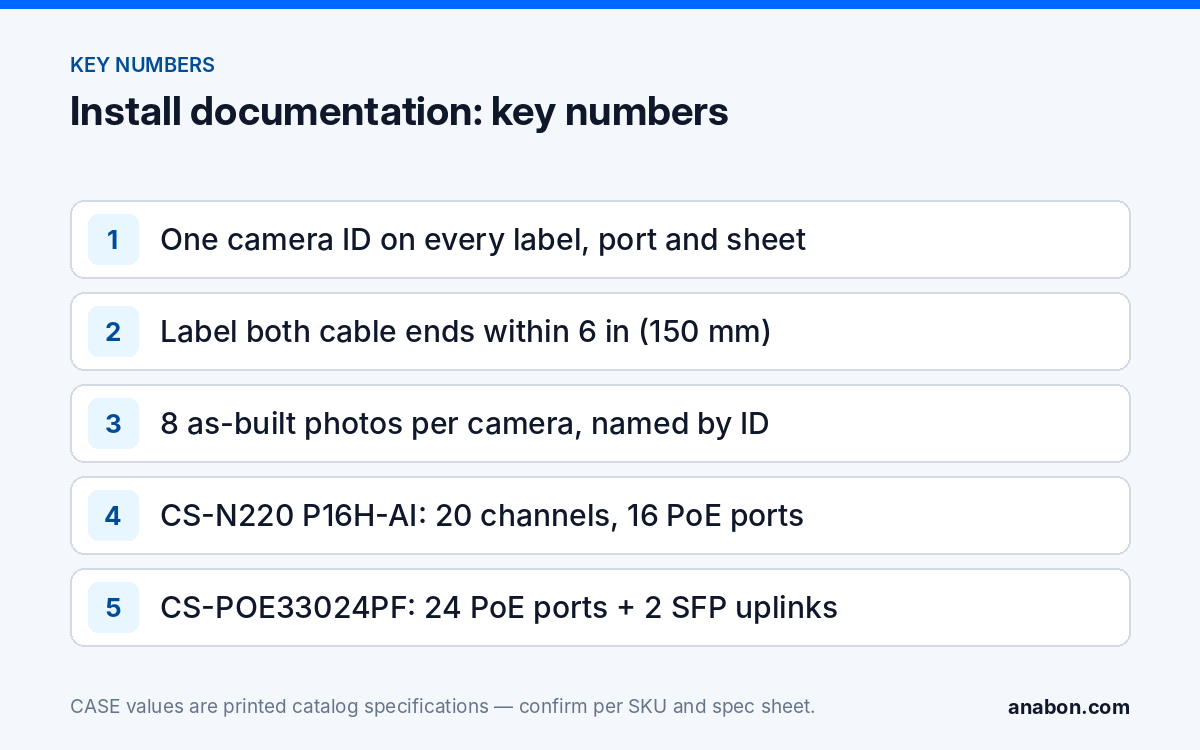
The camera ID is the NVR channel number, written as CAM-07, and it never changes once assigned. The same string appears on the cable at both ends, on the switch port, as the NVR channel name, in the IP plan and in the photo file names. A replacement camera inherits the ID; a retired channel keeps its ID out of circulation.
| Element | Label text | Where the label goes |
|---|---|---|
| Camera cable, camera end | CAM-07 | Within 6 in (150 mm) of the RJ45, inside the junction box |
| Camera cable, head end | CAM-07 | Within 6 in (150 mm) of the plug, before the switch or NVR |
| Switch or patch panel port | SW1-P12 / CAM-18 | Strip above the port row, plus the port description in the switch |
| NVR PoE port | NVR1-P07 / CAM-07 | Strip under the PoE ports on the rear panel |
| NVR channel name | CAM-07 Dock East | Channel name field: ID first, then the plain-language location |
| Junction box or mount | CAM-07 | Inside the lid, out of the sun |
Label stock and the printing step
- Use self-laminating wrap-around labels from a thermal-transfer printer; tape and marker fade and peel in a hot ceiling.
- Print the batch in the shop before site day, so cable IDs match the channels configured on the bench (see bench test before site day).
- Label both ends before the cable is pulled; a cable labeled at one end will be traced later.
- Label spare pulls too (SPARE-01, SPARE-02) and record where they terminate.
NVR port schedule and IP plan: one sheet that explains the network
The port schedule states which physical port feeds which camera; the IP plan states which address that camera answers on. They belong on one sheet because a technician reads them together: the port says which LED to look at, the address says what to ping.
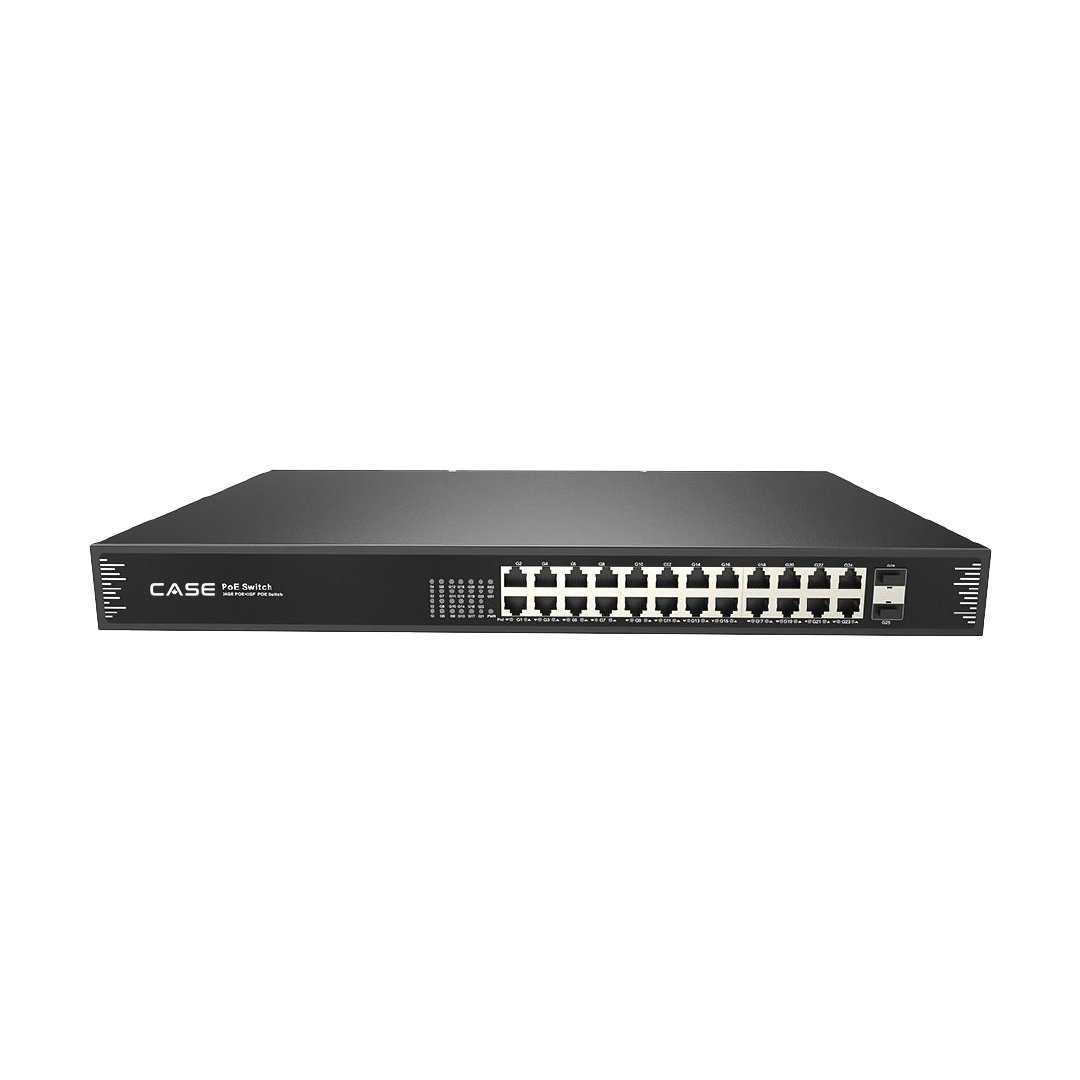
On a PoE NVR, ports and channels share one chassis. CS-N220 P16H-AI prints 20 channels, 16 PoE ports and one 10/100/1000 Mbps uplink, so 16 cameras plug straight into the recorder and up to 4 more arrive over the LAN from an external switch. The schedule therefore has two sections: NVR PoE ports 1 to 16, and the switch ports carrying channels 17 to 20. When the switch is a 24-port unit such as CS-POE33024PF (24 × 10/100/1000M RJ45 PoE ports, 2 × 1000M SFP fiber uplinks, 30 W maximum per port, as printed), list every used port, the uplink and the spares, because the spares are what the next expansion uses. Channel, PoE and bandwidth limits by recorder are in how many cameras an NVR can support.
| Ch | Camera ID | Location | SKU | Serial / MAC | IP address | Port | Firmware | Run length |
|---|---|---|---|---|---|---|---|---|
| 07 | CAM-07 | Dock East, 12 ft (3.7 m) | CS-I8XQ II-2.8mm | from the label | 10.1.1.17 /24 | NVR1-P07 | version, date | 213 ft (65 m) |
| 18 | CAM-18 | Lobby ceiling, 9 ft (2.7 m) | CS-I8KS SD-2.8mm | from the label | 10.1.1.28 /24 | SW1-P12 | version, date | 150 ft (46 m) |
Static or DHCP, written down either way
Cameras on NVR PoE ports take addresses on the recorder’s internal camera network; cameras on an external switch sit on the customer’s camera VLAN with a static address or a DHCP reservation tied to the MAC. The plan records which applies, plus gateway, DNS, NTP source and time zone, because a recorder with the wrong time is a common reason exported video is questioned later. The static-versus-reservation decision is covered in camera network basics: VLANs, subnets, DHCP vs static.
As-built photos: the eight shots to take before you leave
Photos replace the paragraph nobody writes. Take them in the same order at every camera, with the camera ID in every file name.
- Wide shot of the camera on its mount, with a height reference such as a door frame.
- Junction box open: labeled cable, drip loop and gland, before the lid goes on (see outdoor cable entry and weatherproofing).
- Daytime live-view screenshot with the channel name visible.
- Night live-view screenshot, on a later visit if the install finishes before dark.
- The head-end label at the patch panel or switch.
- Rack front with the switch port LEDs lit, so a dark LED is obvious later.
- NVR rear panel with the labeled PoE ports and the uplink.
- Any pathway above a ceiling or inside a wall before it is closed.
Name the files SITE_CAM-07_01-mount.jpg through SITE_CAM-07_08-pathway.jpg. Keep people out of frame: a photo set containing identifiable people can fall under the same state laws (provincial laws and PIPEDA in Canada) as the recorded video; verify with counsel.
The handover file: what the customer gets and what stays with you
The handover file is the customer’s copy of the system, written so that their IT contact or a consultant can read it without calling you. That protects you: a documented system stays yours to service.
| Document | Customer copy | Installer copy |
|---|---|---|
| Camera schedule (ID, location, SKU, serial, mount and box) | Yes | Yes |
| Port schedule, IP plan and as-built photos | Read-only PDF | Editable |
| Firmware versions and the date applied | Yes | Yes |
| User accounts: names and roles, no passwords | Yes | Yes |
| Administrator credential | Sealed envelope or the customer’s password manager | Per your credential policy, never inside the file |
| Retention in days and who decided it | Yes | Yes |
| Warranty statement by product category, spec sheet per SKU | Yes | Yes |
| CASE Connect setup record: users, devices, permissions | Yes | Yes |
Two entries need care. The warranty statement is written by category, exactly: CASE cameras and CASE NVRs carry a 6-year warranty. CASE PTZ cameras carry a 3-year warranty. CASE accessories carry unlimited warranty. Hard drives are supported through back-to-back manufacturer warranty. Warranty service runs through you as the installer. The retention entry records the days and who chose them; where video contains personal information, retention is governed by state laws (provincial laws and PIPEDA in Canada), so verify with counsel where a legal threshold applies. See user roles and permissions on CASE NVRs and the customer handover cybersecurity checklist for the rest of the file.
The labeling and documentation template (copy it into your own sheet)
Copy the five tabs below into your spreadsheet or job folder; the columns are the whole standard.
| Tab | Columns | Filled when |
|---|---|---|
| Cameras | ID · location · mounting height ft (m) · SKU · serial · MAC · IP · port · firmware · mount or box · photo set done | Bench, then site |
| Ports | Device · port · connected to · cable ID · run length ft (m) · tested date · tester result | Site |
| Settings | Retention days · time zone · NTP source · record mode · main and sub-stream settings · overwrite on/off | Bench |
| Users | Account · role · person · created on · CASE Connect yes/no · last reviewed | Handover |
| Changes | Date · technician · what changed · why · firmware before and after | Every visit |
Close-out list before leaving the site:
- Every camera ID on the Cameras tab matches a label at both cable ends and the NVR channel name.
- Every used switch and NVR port is on the Ports tab, including uplinks and spares.
- Eight photos per camera are in the job folder with the ID in the file name.
- Firmware versions are recorded; the administrator credential is sealed separately; the customer has signed the handover.
What to tell your customer
“Every camera on your system has an ID that appears on the cable, on the recorder port and on the screen, and the handover file lists where each one is, how it is addressed and what firmware it runs. If anything needs service, we or any technician you authorize can find the fault from the file rather than from the ceiling. Warranty and service on the CASE equipment run through us as your installer.”
FAQ
Does a camera installation have to follow ANSI/TIA-606 labeling?
Only when the specification or the customer’s IT standard calls for it, which is common on larger commercial and institutional jobs. ANSI/TIA-606 is the US administration standard for telecommunications infrastructure; in Canada, verify the applicable CSA telecommunications standard with the consultant. For other jobs, borrow its principle: one unique identifier per cable, port and space, recorded in one register.
Should the camera ID be the NVR channel number or the location?
Use the channel number as the ID and the location as the description, in that order: CAM-07 Dock East. Locations change when a customer renames a room or moves a door, and two cameras can cover one area, but the channel number is unique and fixed. Keep the ID when a camera is replaced; retire it, rather than reusing it, when a channel is removed.
Where do administrator passwords go in the handover file?
Not in it. The handover file lists accounts, roles and the people who hold them, and the administrator credential goes to the customer separately, in a sealed envelope or through their password manager, according to their policy. Your own copy follows your company’s credential policy. A file that travels by email with the passwords inside defeats every other security setting on the recorder.
How many as-built photos does each camera need?
Eight, taken in the same order every time: the mounted camera, the open junction box, a daytime live view, a night live view, the head-end label, the rack front, the NVR rear panel and any concealed pathway before it is closed. Name each file with the camera ID so the set can be found from the camera schedule without opening a folder of unnamed images.