Quick answer: Hand over a CASE NVR with one account per person, each at the lowest role that does the job: the customer’s site manager gets an account that runs the site day to day, staff get viewer accounts, any third-party VMS gets its own ONVIF or RTSP service account, and the administrator credential is held by whoever the written handover agreement names, never shared. Role names and the permission list are confirmed per NVR model and firmware; apply the structure below to the roles each model offers.
Why hand over without handing over admin?
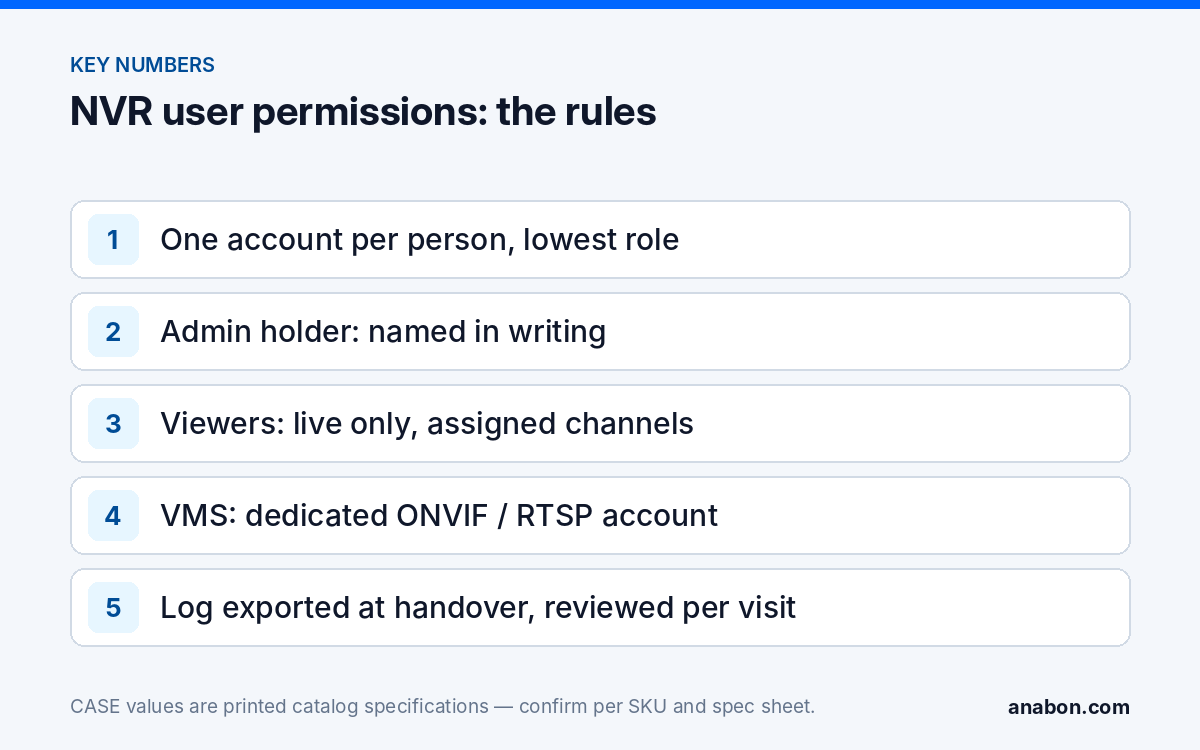
The default handover on many jobs is one shared administrator login written on a sticky note inside the rack. Six months later nobody knows who changed the recording schedule, a former employee still has the password, and the installer who gets the support call cannot prove what was touched. NVR user permissions exist to prevent exactly that: each person gets their own identity, each identity gets only the rights it needs, and the recorder’s log shows who did what. The question of who holds administrator rights is a commercial one, settled in writing before handover, not a technical one settled on site.
You are protecting three outcomes: the customer can run the system without you, you can service it without begging for a password, and the audit trail stands up when footage becomes evidence. Hardening the recorder itself is covered in hardening a CASE NVR; this guide is about the people side.
Admin, operator or viewer: what should each role be allowed to do?
Most NVR firmware, CASE included, offers an administrator tier and one or more limited tiers under names that vary; the exact roles and the per-permission checkboxes on a CASE NVR are confirmed per model and firmware. Assign people to the functional levels below, then fit them to whatever the menu offers.
| Level | Who | Allowed | Not allowed |
|---|---|---|---|
| Administrator | One named person (customer or installer, per the agreement) | Everything: users, network, storage, firmware, factory reset | Sharing the credential; daily viewing |
| Operator | Site manager, security supervisor | Live view and playback on all channels, export clips, adjust schedules and event rules where the firmware allows a sub-admin set | User management, network, formatting drives, firmware |
| Viewer | Reception, shift staff, tenants, guards | Live view on assigned channels; playback only if the customer requires it | Export, settings, other channels |
| Service account | Third-party VMS, display controller, integration | Stream access (ONVIF / RTSP) on named channels | Web login, configuration |
Two rules of thumb. Playback and export are a privacy decision: under state laws (US) / provincial laws and PIPEDA (Canada) the customer decides who may review footage of staff and visitors, so default viewers to live only and let the customer add playback deliberately. And channel-level restriction is under-used: a tenant needs their own entrance, not the whole garage.
How do I create the customer’s account on a CASE NVR?
Do this on site with the customer’s site manager present, after hardening and before training. Menu paths vary per model and firmware; the sequence does not.
- Log in as administrator and set a strong, unique administrator password if that was not done at first boot (12 characters or more, not reused from another site).
- Create the site manager’s account. Give it the operator-level role, or an administrator-level role only if the agreement says the customer holds admin. Name it after the person, not the company.
- Create viewer accounts for each person or desk that will watch live video, and restrict each one to its channels.
- Have each person set their own password at the first login where the firmware allows; otherwise hand over passwords through a secure channel, never in an email thread or on a label.
- Have the customer create their own CASE Connect account and share the recorder to it from your company account with the printed Device Sharing function; use the same function for further phones rather than sharing one login. CASE Connect is the official app experience for CASE systems. App features and remote access options should be confirmed by model, software version, and project configuration.
- Log out and log back in as the site manager to prove the account works and sees only what it should.
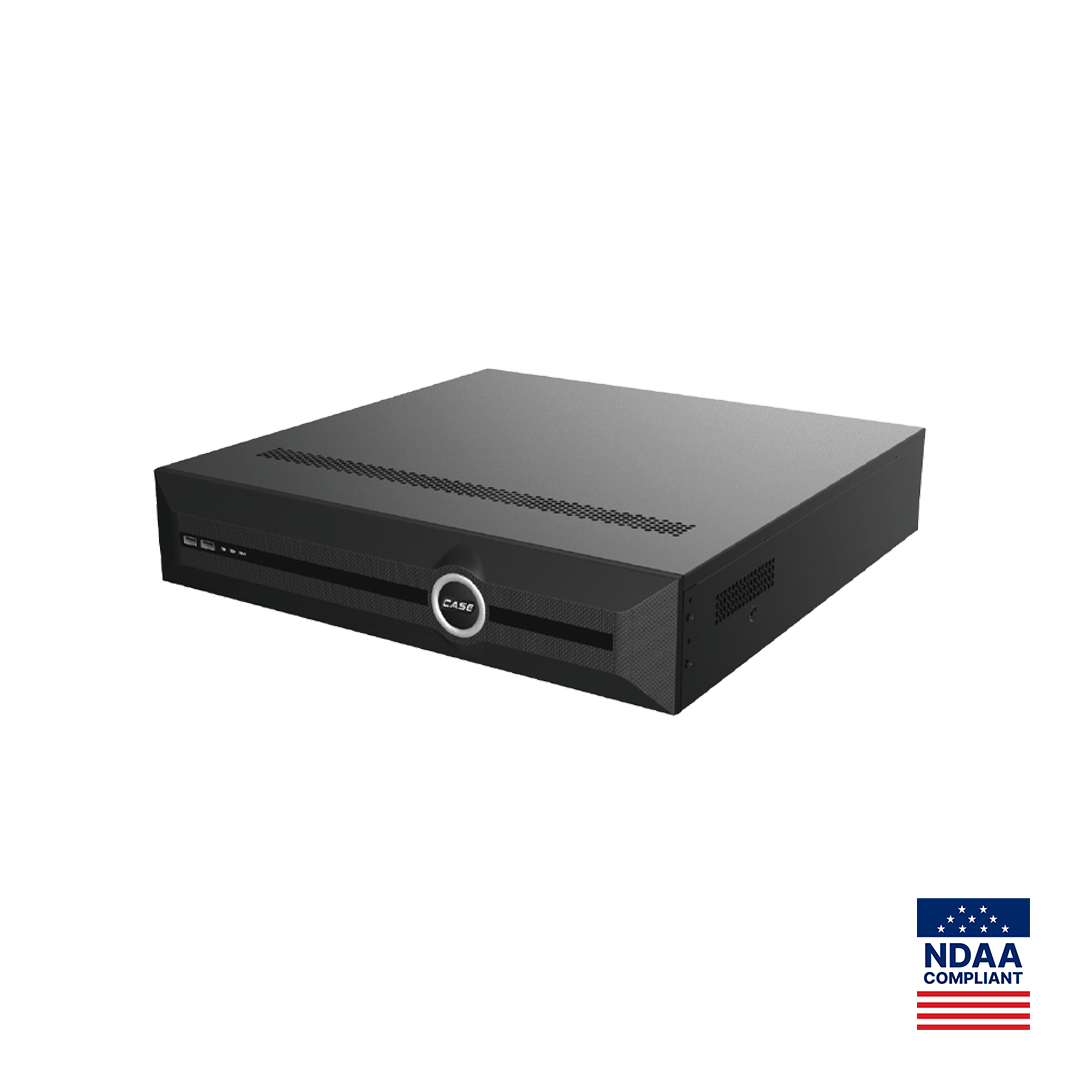
On a CS-N220 P16H-AI, printed with 20 channels and 16 PoE ports, a typical small-commercial handover is one operator, two or three channel-restricted viewers and the customer’s app account. On an 80-channel CS-N880 H-AI serving several buildings, expect an operator per building and a viewer set per tenant; plan the naming convention first. The app side is detailed in CASE Connect: setting up remote viewing for your customer.
Who holds admin? Keeping service access, agreed in writing
Three models work, provided the handover document names the one chosen and the customer signs it; the one that does not work is an undocumented installer login.
| Model | Who holds administrator | Installer access | Fits |
|---|---|---|---|
| Customer-held admin | Customer’s named person | A named installer service account at operator level, enabled by the customer when needed | Customers with IT staff or a compliance policy |
| Installer-held admin under a service agreement | Installer, in the company password manager | Standing administrator access, with the customer holding a sealed copy of the credential | Small businesses that want the installer to run the system |
| No standing access | Customer | None; a visit or a temporary account per service call | Sites that forbid third-party access |
Whichever applies, write down the account holders, how the customer recovers administrator access if your company is unavailable (a sealed envelope, the customer’s password manager, or the firmware’s recovery method on the customer’s email address), and the rule that the installer service account is disabled when the agreement ends. Keep your own credentials in a company password manager; the technician who commissioned the site must never be the only way back into it. A pattern for the paperwork is in the customer handover cybersecurity checklist.
What is the ONVIF or third-party service account for?
When a VMS, a video wall controller or an access-control platform pulls streams from a CASE NVR or its cameras, give it a dedicated account rather than the administrator login. ONVIF profiles supported are S, T, and G, with M on pinhole models. Third-party behavior is confirmed per platform and project. The service account exists on each device the platform talks to, carries only stream rights where the firmware offers that distinction, and is named after the system so it can be revoked when the platform is replaced. Record the account, its channels and the platform in the handover file; a stream account nobody remembers is how video leaves a building unnoticed.
Which logs should I check at handover and on every service visit?
A recorder logs logins, failed logins, configuration changes, playback and export events, with detail depending on model and firmware. The log is only useful if the clock is right, so set NTP and the time zone first (see time sync, logs and certificates). Then build the habit:
- At handover, filter the log for the commissioning period and export it to the job folder; it proves the state you left the system in.
- On each service visit, filter for failed logins and for configuration changes since the last visit; a burst of failed logins on the web interface can mean the recorder is reachable from somewhere it should not be.
- Check that every login in the log belongs to a current account holder; remove accounts of people who have left and rename nothing silently.
- If an account is shared by two people, split it; the log is worthless when it cannot name a person.
Under a service agreement the log review becomes a documented deliverable rather than a favor; see service agreements and recurring revenue.
Handover checklist for NVR user permissions (Template)
Copy this table into your commissioning report or job spreadsheet and fill one row per account. The second table is the sign-off block.
| Account name | Person or system | Role | Channels | Playback / export | Created on | Password set by |
|---|---|---|---|---|---|---|
| admin | Named holder per agreement | Administrator | All | Yes / Yes | Date | Holder |
| j.smith | Site manager | Operator | All | Yes / Yes | Date | User at first login |
| frontdesk | Reception | Viewer | 1, 2, 5 | No / No | Date | User at first login |
| svc-vms | Third-party VMS | Service | Named | Stream only | Date | Installer |
| Item | Agreed |
|---|---|
| Administrator model (customer-held / installer-held / no standing access) | |
| Recovery method if the installer is unavailable | |
| Installer service account disabled when the agreement ends | |
| Log exported at handover and filed | |
| Customer signature and date |
What to tell your customer
“Every person who uses the recorder gets their own login with only the rights they need, so you can see who did what and remove access when someone leaves. You decide who holds the administrator password; our service access is written into the handover document and you can switch it off at any time. Changing a password or adding a user is something we will show your manager today.” For warranty and service, please contact the installer or company that supplied your system.
FAQ
Should the installer keep the administrator password after handover?
Only if the written handover agreement says so, typically under a service agreement where the customer wants the installer to run the system. Otherwise the customer’s named person holds administrator and the installer has a documented service account the customer can disable. Either model works; an undocumented installer login does not. Store credentials in a company password manager, never in a technician’s phone.
What is the difference between an operator and a viewer account on an NVR?
An operator runs the site day to day: live view and playback on all channels, clip export and, where the firmware allows, schedule and event changes. A viewer sees live video on assigned channels and nothing else unless the customer adds playback deliberately. Role names and the permission list are confirmed per CASE NVR model and firmware; the functional split is what matters.
Why does a third-party VMS need its own account on the NVR?
So that it can be limited to stream access on named channels and revoked without touching anyone else. ONVIF profiles supported are S, T, and G, with M on pinhole models. Third-party behavior is confirmed per platform and project. Name the account after the system, record which channels it may see, and remove it when the platform is replaced.
Can a viewer be limited to specific cameras on a CASE NVR?
Channel-level restriction is a common NVR capability and the right tool for multi-tenant buildings and shared sites; whether a CASE NVR model offers it, the exact checkboxes and whether playback can be restricted separately from live view are confirmed per model and firmware. Test the restricted account by logging in as that user before handover rather than trusting the configuration screen.
What should I look for in the NVR login log?
Failed logins on the web interface, logins from accounts that should no longer exist, and configuration changes nobody reported. Set NTP first so the timestamps mean something, export the log at handover as a baseline, and review it on each service visit. A log that cannot name a person because an account is shared should trigger splitting that account.