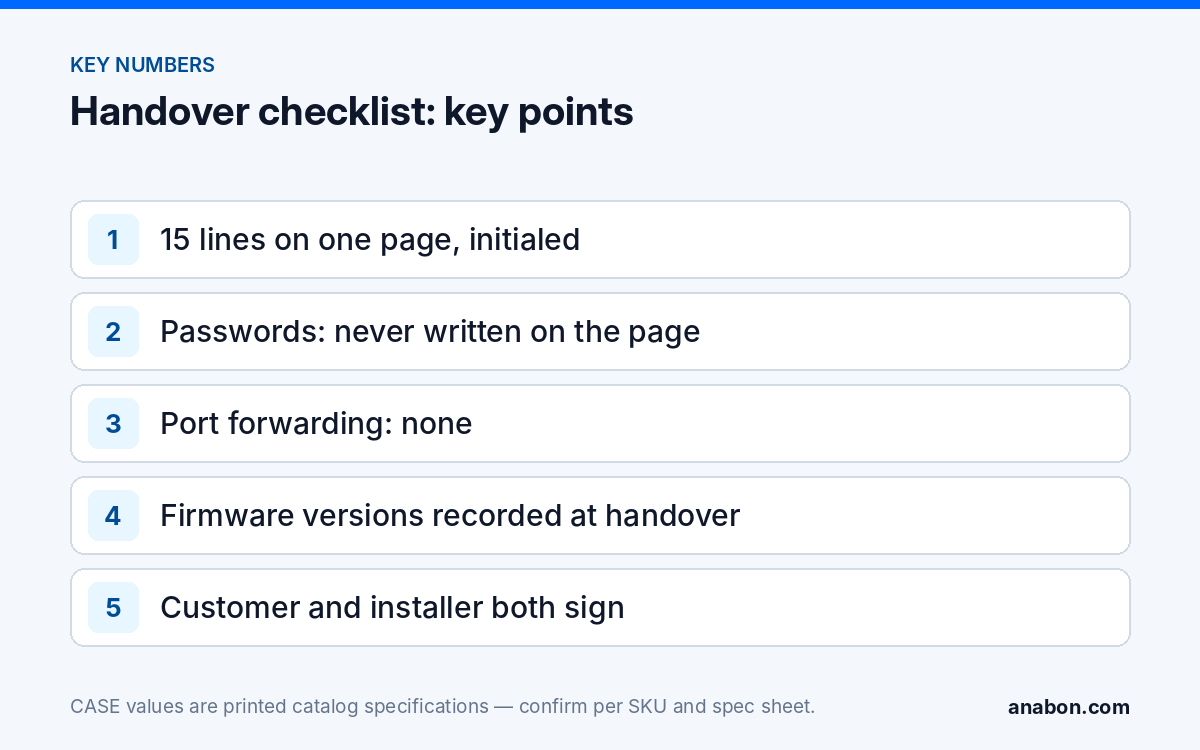
Quick answer: A security camera handover checklist for cybersecurity fits on one page: default passwords changed, named user accounts, firmware versions, the remote access method, the network segment, time sync, configuration backup and who maintains the system. Fill it in during commissioning, walk the customer through it, get a signature, and keep a copy in your own records. Passwords never go on the page itself.
Why does cybersecurity need its own handover page?
Most commissioning reports prove the cameras work: every channel live, recording on schedule, focus and angle approved. They rarely record who holds the admin password, how the customer reaches the system from outside, or what was agreed about firmware. Those are the questions that come back months later, when an employee leaves with a login, a recorder appears on the internet, or the customer’s insurer asks how the system is secured.
A one-page cybersecurity handover answers them in writing, on the day the system changes hands. It protects the customer, and it protects you: it shows what you set up, what the customer accepted and where your responsibility ends. It complements the full installation checklist and commissioning report rather than replacing it.
What goes on the one-page handover checklist?
Copy this table into your own handover form or job spreadsheet. Each line is a fact you record, not a promise, and each gets the technician’s initials.
| # | Item | Record on the page | Initials |
|---|---|---|---|
| 1 | Default passwords changed | NVR, every camera, every managed switch: yes / no | |
| 2 | Admin account | Who holds it (customer, installer under service agreement, IT) | |
| 3 | Named users | Each user and role (admin, operator, viewer); no shared logins | |
| 4 | Firmware | NVR and camera firmware versions at handover | |
| 5 | Remote access method | CASE Connect (method confirmed per model, e.g. P2P), VPN, or none; port forwarding: none | |
| 6 | Unused services | UPnP off; services not in use disabled where the model allows | |
| 7 | Network segment | NVR PoE ports, camera VLAN or separate network; IP plan attached | |
| 8 | Time sync | NTP source and time zone set; cameras synced from the NVR | |
| 9 | HTTPS | Enabled on the web interface where supported | |
| 10 | Configuration backup | NVR configuration exported; where it is stored | |
| 11 | Retention | Days of recording achieved at handover | |
| 12 | Export procedure | Who can export clips; customer shown how | |
| 13 | Recorder location | Locked room or rack; UPS: yes / no | |
| 14 | Maintenance owner | Who updates firmware and reviews logs; service agreement: yes / no | |
| 15 | Service contact | Your company, phone, email; warranty and service go through you |
Fifteen lines fit on one page with a header (customer, site address, date, system description) and a signature block. If a line does not apply, write “n/a” rather than leaving it blank, so nobody wonders later whether it was skipped. The details behind lines 1 to 6 are in hardening a CASE NVR.
How do you hand over passwords without writing them on the checklist?
The signed page will be copied, scanned and filed. It must never carry a password. Deliver credentials separately:
- Let the customer’s admin set their own password at the handover meeting, on the recorder, while you watch the account work.
- If you must deliver a password, use the customer’s password manager or a sealed envelope handed to the named admin, and have them change it on first login.
- Set up CASE Connect on the customer’s phone with the customer’s own login, and give additional users their own named access instead of the admin login. App features and remote access options should be confirmed by model, software version, and project configuration.
- If you keep service access, use a separate, documented service account that the customer knows about and can disable. Record it on line 2.
- Remove temporary accounts you used during setup and record that on line 3.
The checklist records that passwords were changed and who holds them, never what they are. More on account structure is in user roles and permissions on CASE NVRs.
How do you fill it in without slowing down the handover?
Most of the page can be completed before the customer arrives. A workable order:
- Bench test. Record firmware versions, change default passwords, disable UPnP and note the IP plan while the equipment is still in your shop.
- Commissioning. Confirm time sync, HTTPS, retention days and the remote access method on site, and export the NVR configuration.
- Walkthrough. Spend 15 minutes with the customer: show live view, playback and export; show CASE Connect on their phone; read each line of the page aloud.
- Decisions. Where the customer chose something you advised against, such as no separate network segment, write it on the page in plain words.
- Signature. Both parties sign and date; the customer keeps the original or a scan the same day.
What does the customer sign, and what does the signature mean?
The signature confirms that the customer received the system in the state the page describes. It is not a waiver and not a guarantee of anything. A clear signature block says, in plain language:
- The customer received admin access and the named user accounts listed, and is responsible for those passwords from this date.
- The remote access method listed was agreed, and no other method will be added without contacting the installer.
- Firmware updates and log reviews are handled by the maintenance owner on line 14.
- Any decision the customer made against the installer’s advice is recorded on the page.
- Warranty and service requests go through the installer named on line 15.
| Signature block | Customer | Installer |
|---|---|---|
| Name | ||
| Title / company | ||
| Date | ||
| Signature |
If your service agreement or contract already defines responsibilities, reference it on the page instead of repeating it. The exact wording of responsibility and liability clauses differs between state laws in the US and provincial laws in Canada, so verify contract language with counsel.
How do you keep a copy in your own records?
The signed page goes into the job folder as a scan. The useful part for your business is the data on it, kept in one row per site in your customer spreadsheet, so you can see every system you are responsible for:
| Column | Why you need it |
|---|---|
| Customer, site, handover date | Which system and since when |
| NVR model and firmware at handover | Know which sites need an update when new firmware is released |
| Remote access method | Answer remote-viewing calls without guessing |
| Admin holder and service account (yes / no) | Know whether you can log in for support |
| Network segment type | Know who to call before changing anything |
| Maintenance owner and next visit date | Plan service visits and follow-up calls |
| Link to the signed scan | Proof of what was agreed |
If you already run a simple CRM in a spreadsheet, these become extra columns; the setup is in a simple CRM for security installers. Store the sheet and the scans with restricted access, because they describe how each customer’s system is secured.
What to tell your customer
“This page records how your system is secured on the day we hand it over: who has admin access, how you connect from outside, which firmware is installed and who keeps it current. Your passwords are not on it, and we do not keep them. If staff change or you want another person to have access, call us and we will update the accounts and the page.”
FAQ
Should the installer keep the customer’s admin password?
Not by default. The customer’s admin sets or receives the password and changes it on first login. If you provide ongoing support, use a separate, documented service account the customer knows about and can disable. Record which arrangement applies on the handover page, so there is never any doubt about who can log in to the recorder.
What if the customer refuses a separate network or wants port forwarding?
Explain the risk, offer the alternatives such as CASE Connect over a P2P-style connection where confirmed for the model, or a VPN managed by their IT, and if they still decide otherwise, record their decision on the page in plain words before they sign. You are documenting an informed choice, not endorsing it. Some installers decline to configure inbound port forwarding at all.
Does the checklist replace the commissioning report?
No. The commissioning report proves the cameras, recording, focus and coverage were accepted. The cybersecurity page records accounts, firmware, remote access, network and maintenance responsibilities. Keep them as two pages in the same job folder, both signed, so a later question about either the image or the security of the system has a written answer.
How often should the handover page be updated?
Update it whenever a line changes: a firmware update, a new or removed user, a different remote access method, a new network design or a change of maintenance owner. Many installers review it on every service visit and issue a new dated version with a fresh signature when anything has changed, keeping older versions in the job folder.
Who signs for the customer?
The person who has authority to accept the system and who will hold the admin account, usually the owner, the facility manager or the IT lead. Record their name and title. On multi-tenant or managed properties, confirm in writing who the customer actually is before handover, because the person on site is not always the one responsible.