Quick answer: When an IP camera keeps disconnecting, the timing is the diagnosis. Drops at a fixed interval point to power, PoE budget or a cable fault. Drops at random point to an IP address conflict or a DHCP lease change. Drops after dark point to the camera’s illuminators raising its power draw past what the port or budget delivers. Pull the NVR log, read the time stamps, match the pattern below, and fix that cause first.
Which pattern is it? Read the time stamps before you touch anything
An intermittent camera invites random swapping of parts. The NVR log already holds the answer, because each pattern leaves a different signature. Classify first, then test.
| Timing signature in the log | Pattern | Most likely cause | First test |
|---|---|---|---|
| Offline at a regular interval; often several cameras together | Periodic | PoE overload, power supply cycling, thermal shutdown | Count the cameras against the printed PoE budget; feel the switch |
| One camera, short drops, worse when the cable is moved | Periodic | Marginal cable: bad termination, split pair, moisture in a connector | Wiremap and length test; re-terminate both ends |
| Two channels alternate online and offline; events a few seconds apart | Random | Duplicate IP address | Search the segment and compare addresses |
| Drops cluster at business hours or after a router restart | Random | DHCP lease renewal moved a LAN-side camera | Compare the camera’s current IP with the address stored on the NVR |
| Drops begin at dusk and stop at dawn, every day | Night-time | Illuminator power draw on an undersized PoE class or budget | Check the switch class and the camera’s spec-sheet power figure |
Pattern 1: Periodic drops (power, PoE and cable)
A regular rhythm in the log means a physical cause, because software faults rarely keep time. Start at the power and work outward along the cable.
PoE class and budget
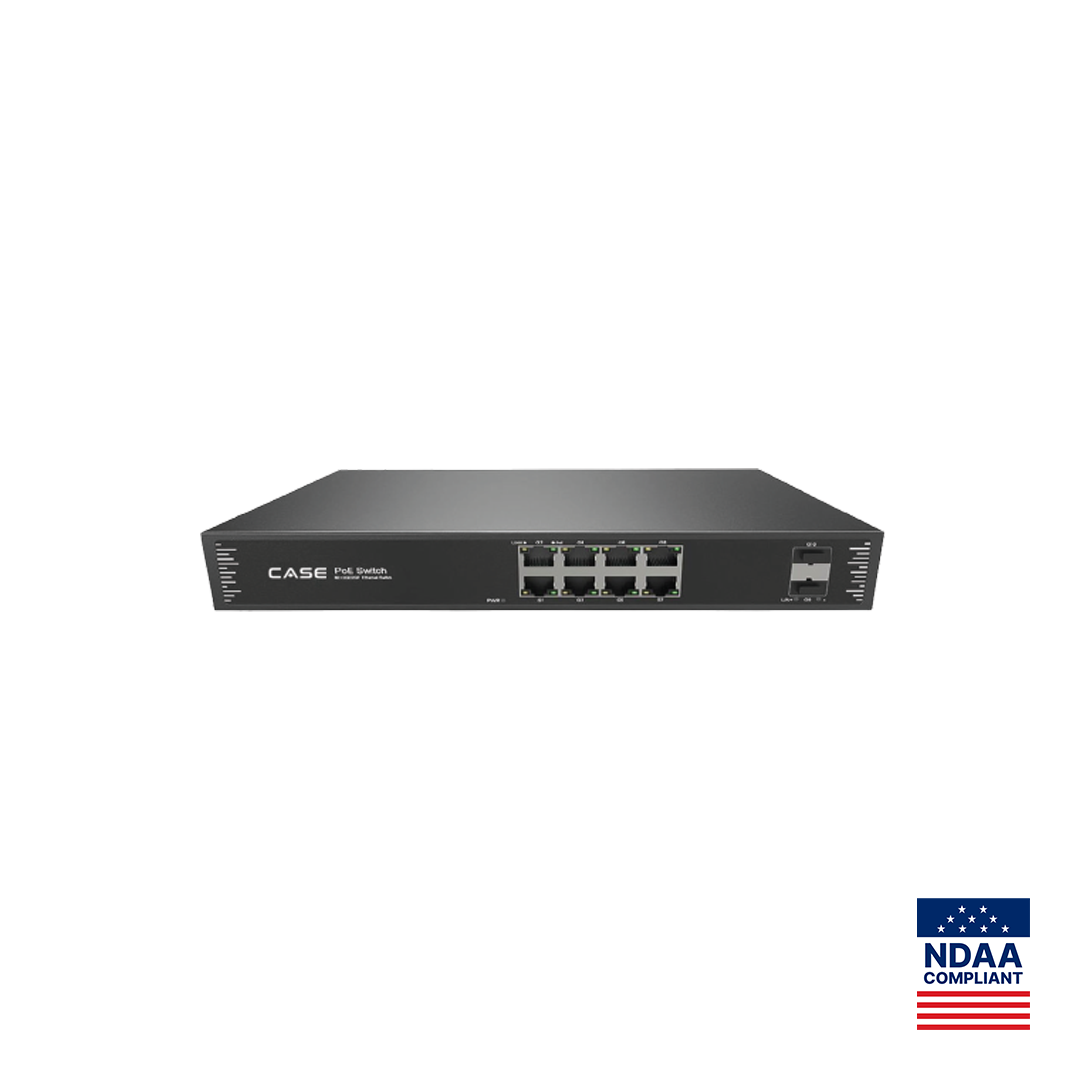
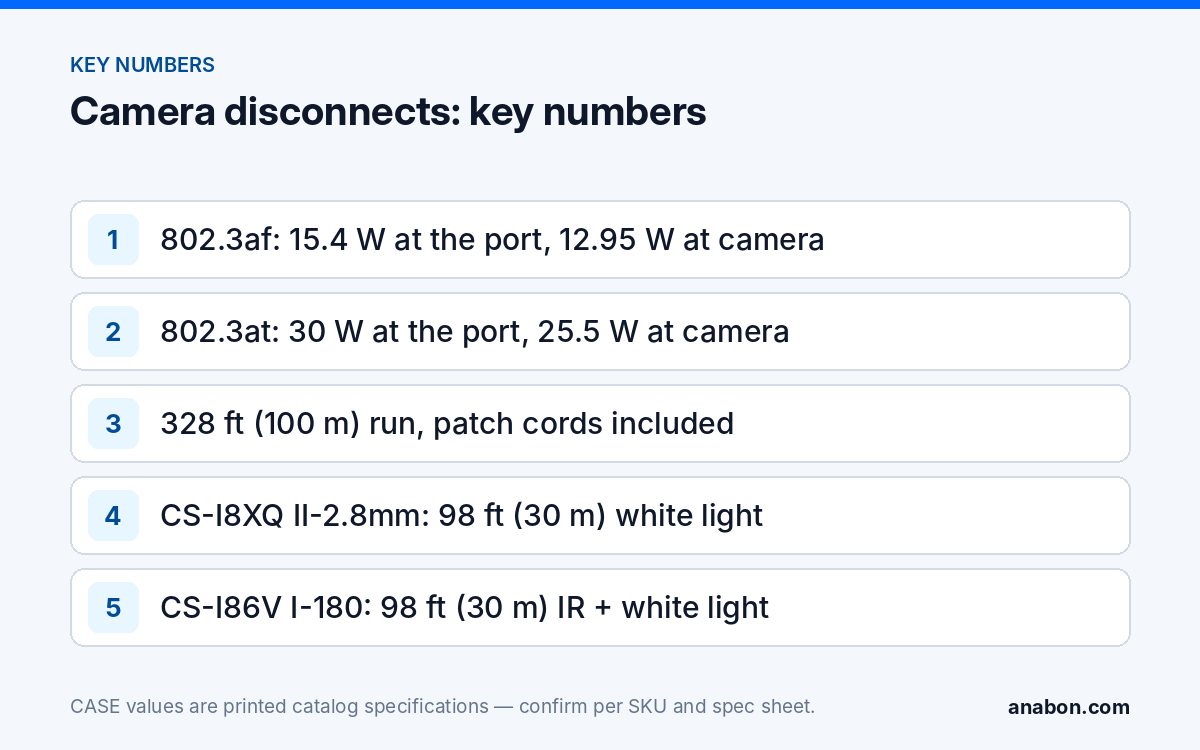
IEEE 802.3af delivers 15.4 W at the port and 12.95 W to the camera after cable loss; 802.3at delivers 30 W at the port and 25.5 W to the camera. A camera that needs 802.3at on an 802.3af port, or a switch whose budget is already spent, powers the camera until the load peaks and then cycles the port. Add every camera’s spec-sheet power figure against the switch’s printed total budget, not the port count. The CASE catalog switches are 802.3af/at with 30 W per port: the CS-H1108PLS prints a 100 W total PoE budget across 8 PoE ports, the CS-POE33108PF prints 130 W or 250 W across 8 Gigabit PoE ports, and the CS-POE33024PF prints 400 W or 600 W across 24 Gigabit PoE ports. The method is in the PoE budget calculator; the first-aid version is in PoE camera not working.
Power supply and heat
A switch in a closed cabinet or a hot attic can pass its operating temperature and restart its PoE controller on a cycle. The CS-H1108PLS, CS-POE33108PF and CS-POE33024PF all print an operating temperature of −4 °F to 131 °F (−20 °C to 55 °C); an attic in August or an unheated garage in January in the northern US or Canada can leave that range. Move the switch, ventilate the cabinet, or add a UPS if the site’s mains are what is cycling.
Cable
A standard run is 328 ft (100 m) end to end, patch cords included. Beyond that, link drops before video does, and PoE voltage at the camera falls. Within the limit, the usual faults are a split-pair termination that passes continuity but fails under load, a connector that fills with moisture at an outdoor junction, or an unshielded run laid alongside a power circuit. Wiremap and length-test, re-terminate both ends, seal the outdoor connector, and keep the required separation from power conductors under NEC (CEC in Canada).
Pattern 2: Random drops (IP conflicts and DHCP leases)
When the time stamps show no rhythm, the cause is almost always addressing. Two devices claiming one address take turns answering, and the NVR sees the camera flicker.
- Duplicate IP. Two cameras on the same static address, a camera carried from another site with its old address, or a static address inside the router’s DHCP pool that the router later hands to a laptop. The signature is two channels alternating online and offline. Search the segment, compare every address, and move one device; the method is in IP address conflicts between cameras.
- DHCP lease change. A LAN-side camera left on DHCP keeps its address until the router renews leases or restarts; then it may move while the NVR keeps polling the old address. Give every camera on an external switch a static address or a reservation outside the pool. Cameras on the NVR PoE ports are the exception: the NVR assigns those addresses and they stay on DHCP.
- Two DHCP servers. A second router or an access point in router mode hands out addresses from its own range; cameras end up on two subnets and the NVR reaches some of them some of the time. Find and disable the second server.
Addressing problems are the strongest argument for a separate camera VLAN, where only your devices exist and only your address plan applies: see camera network basics: VLANs, subnets, DHCP vs static.
Pattern 3: Night-time drops (illuminator power draw)
A camera that is stable all day and drops every evening is not a network problem; its power draw changes at dusk. IR arrays, white light and red and blue deterrence lights are the largest loads on a fixed camera, and they switch on when the light falls or an event triggers. A port or budget that was adequate at noon is short at night.
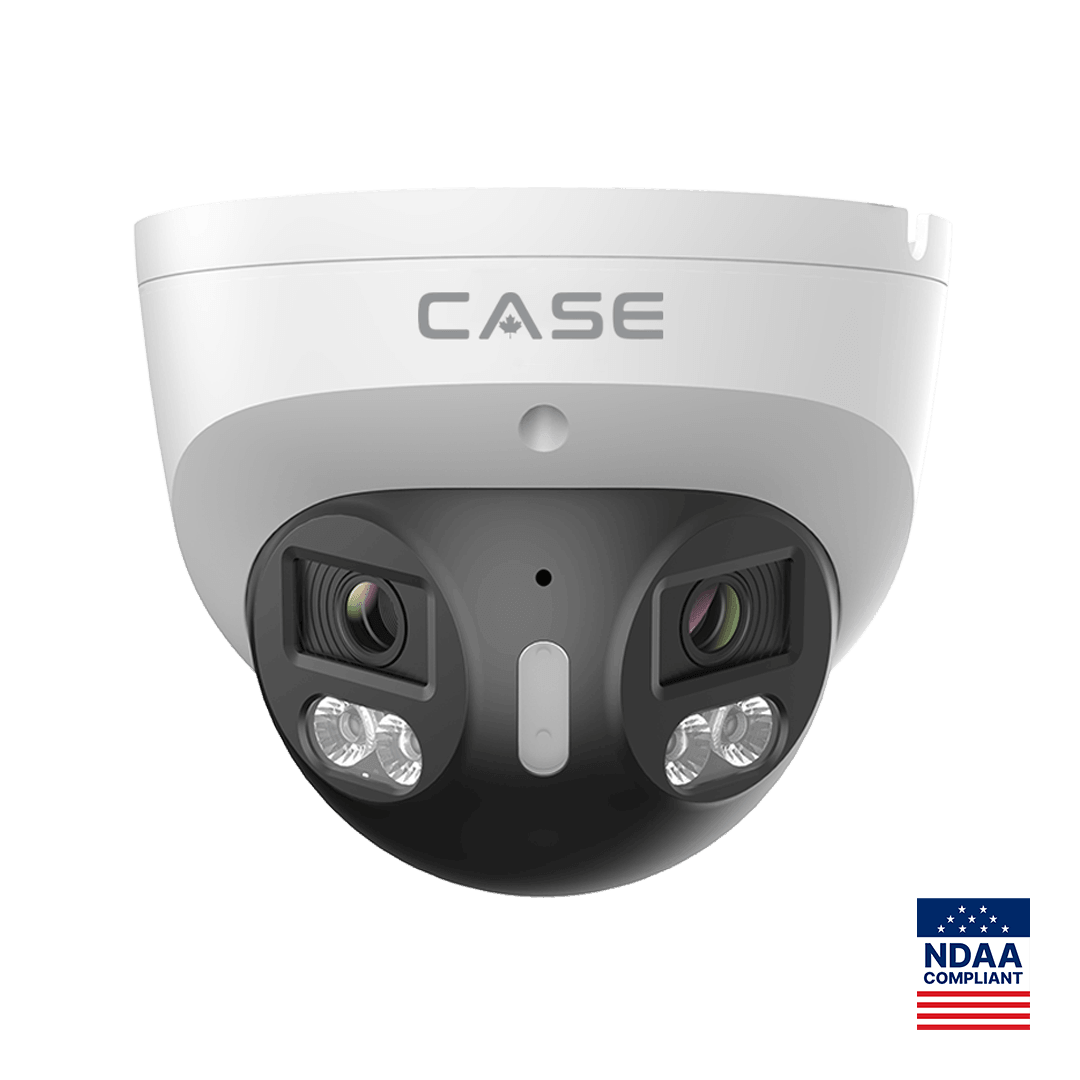
The cameras most exposed are the ones with the most light. The CS-I8XQ II-2.8mm prints 164 ft (50 m) IR plus 98 ft (30 m) white light, red and blue light, and a built-in speaker; the CS-I86V I-180 prints 98 ft (30 m) IR plus 98 ft (30 m) white light and a built-in loudspeaker. The catalog pages for these two models do not print a power consumption figure, and this article will not invent one: take the maximum power consumption row from each camera’s spec sheet, with illuminators on, and design from that number. The camera’s maximum must fit inside what the port class delivers after cable loss, and the sum of all maximums must fit inside the switch’s printed total budget.
- Test it. Cover the lens to force night mode, or walk the detection zone to trigger the deterrence light, and watch the channel status. A drop within seconds confirms the pattern.
- Fix the class. Move the camera to an 802.3at port, replace an 802.3af injector with an 802.3at one, or move it off an overloaded switch.
- Fix the budget. Spread high-draw cameras across switches, or step up to a larger printed budget; the CS-POE33108PF’s 250 W option and the CS-POE33024PF’s 600 W option exist for this reason.
- Fix the cable. Voltage at the camera falls with length; a borderline camera on a 300 ft (90 m) run may hold on a 150 ft (45 m) run. Relocating a switch closer is sometimes less work than re-pulling.
- Do not fix it by dimming the light. Reducing illuminator output also reduces the night image and the deterrence the customer paid for. Fix the power.
Reading the NVR log
The NVR event log records when each channel went offline and came back. The exact menu label depends on the firmware version, but the procedure is the same:
- Open the log or event search on the NVR, set the date range to the last seven days, and filter for network or video-loss events on the problem channel.
- Export or photograph the list and read the time stamps against the table above: fixed interval, random, or clustered after sunset. Shared drops across channels point to the switch, the NVR or the uplink rather than the camera.
- On a managed switch, read the port’s link flaps, PoE draw and error counters for the same period; a PoE draw that jumps at the drop time confirms Pattern 3.
- Keep the exported log. If the case goes to Anabon technical support through your business account, the log, the NVR and camera firmware versions, the switch model and the cable length shorten the call.
Fix checklist
- Pull the NVR log and classify the pattern: periodic, random or night-time.
- Confirm the camera’s spec-sheet maximum power draw and the switch class (802.3af or 802.3at) on its port.
- Add every camera’s maximum against the switch’s printed total PoE budget.
- Wiremap and length-test the run; re-terminate and seal outdoor connectors; check separation from power conductors (NEC / CEC).
- Search the segment for duplicate addresses and a second DHCP server.
- Give LAN-side cameras static addresses or reservations; leave NVR PoE-port cameras on DHCP.
- Force night mode or trigger the deterrence light and watch the channel.
- Update camera and NVR firmware with files supplied through Anabon technical support.
- Retest for 48 hours and read the log again before closing the ticket.
What to tell your customer
Name the pattern and the fix: “The camera was dropping every night because its lights draw more power after dark than the old switch port could deliver. I moved it to a higher-power port and confirmed from the recorder log that it stayed connected through the night.” For end users who land here: for warranty and service, please contact the installer or company that supplied your system.
FAQ
Why does my IP camera disconnect only at night?
Because its power draw rises at night. IR, white light and deterrence lights switch on at dusk or on an event, and a camera on an 802.3af port, a long cable or a switch with its budget already spent loses power at that moment. Check the camera’s spec-sheet maximum against the port class and the switch’s printed total budget, then move or re-power it.
Can a PoE switch cause several cameras to drop at once?
Yes. When the total load passes the printed PoE budget, or the switch overheats, its PoE controller sheds or cycles ports, and several channels go offline together on a regular rhythm. Shared drop times in the NVR log point to the switch, its power supply or the uplink rather than to any single camera, so test the switch before touching the cameras.
How do I know if an IP address conflict is the cause?
The NVR log shows two channels alternating between online and offline a few seconds apart, with no fixed rhythm and no relation to light or hours. Search the segment and list every address; two devices on one address, or a camera inside the router’s DHCP pool, is the fault. Move one device to a free static address outside the pool.
Is a camera that keeps disconnecting a warranty case?
Usually not, because the cause is normally power, cable or addressing rather than the camera. Work the checklist first and keep the exported log. If the camera still drops on a known-good 802.3at port with a short tested cable and a unique address, raise it with Anabon technical support through your business account; warranty and service flow through the installer or dealer, not directly to the end user.