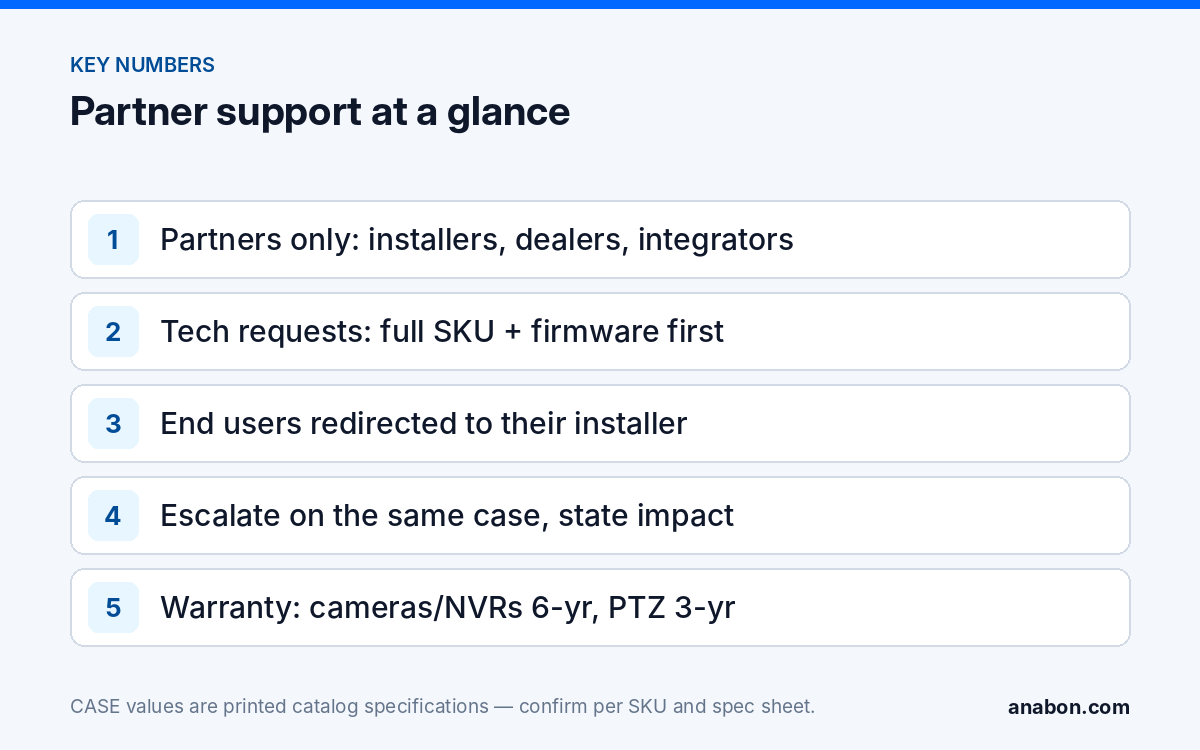
Quick answer: Anabon supports partners, not end users: installers, integrators, dealers, low-voltage contractors and approved business accounts in the US and Canada. Technical questions go through the Technical Support page, project, documentation and general requests through the Contact page, and account matters through your business account. Support covers product selection, configuration, troubleshooting, warranty and RMA coordination, project review and compliance documentation; end users are redirected to the company that supplied their system, and a stalled request is escalated on the same case with the impact and deadline stated.
Who is Anabon support for?
Security camera distributor support works best when everyone knows whose customer is whose. Anabon Security Inc. is a North American B2B distributor of CASE and other professional security brands. In the approved words: “Anabon supports installers, integrators, dealers, and approved business accounts with CASE product distribution, technical support, warranty coordination, and project guidance.”
The model is strictly B2B, and it holds for normal orders, service, warranty, bids and large projects. Anabon supports the partner behind the scenes; the partner owns the end-user relationship. That is a deliberate channel decision. When an end user needs service years after the installation, sending them back to the company that installed the system lets that company reconnect, provide the service, use Anabon’s warranty support and often find the next upgrade or expansion.
Which support channel should you use?
Use the channel that matches the request. A request sent to the right place with the right details is answered faster than the same request sent everywhere at once.
| Request | Where to send it | Include |
|---|---|---|
| Configuration, troubleshooting, firmware, compatibility | Technical Support | Full SKU, firmware version, NVR model and channel, symptom with timestamps, what you tried |
| Warranty or RMA for a unit in the field | Technical Support, under your business account | Full SKU, serial, order or project reference, fault description and the troubleshooting already done |
| Project review or design support | Contact Anabon | Drawing, site notes, draft camera schedule, owner requirements, deadline |
| Compliance documentation for a bid | Contact Anabon | Project name, buyer type, SKU list with quantities, the clause the specification names, the question deadline |
| Private pricing, quotes, orders, account details | Business account | Your account login; for a direct quote, the SKU list and quantities |
| Approved demo products | Contact Anabon or your business account | The site and the SKUs you want to test |
On hours and response times: this guide does not publish support hours or response-time commitments. Check the Technical Support page or ask Anabon for the current details, and state your own deadline in the request so it can be planned around.
What is in scope, and what is handled differently?
Support exists to make your installation work and keep it working. The table separates what Anabon answers directly from what sits with you, the owner or another party.
| Topic | How it is handled |
|---|---|
| Product selection and full-SKU questions | In scope; answers are based on the printed rows of the exact SKU and its spec sheet |
| NVR and camera configuration, adding cameras, PoE and network issues | In scope; see the checklist in Before You Call Support |
| CASE Connect setup | In scope. CASE Connect is the official app experience for CASE systems. App features and remote access options should be confirmed by model, software version, and project configuration. |
| Third-party VMS or recorders | In scope at the profile level: ONVIF profiles supported are S, T, and G, with M on pinhole models. Third-party behavior is confirmed per platform and project. |
| Warranty and RMA | In scope, coordinated with you under your business account |
| Project review and compliance documentation | In scope, per project and per SKU |
| Future features or release dates | Not answered as promises; support states only what is supported today |
| Legal questions (privacy, audio recording, signage) | Not legal advice; verify with counsel and the local code, in the US and Canada |
| Service to the end user | Your company’s work; Anabon supports you behind the scenes and does not contact your customer |
What warranty support looks like
Warranty is the request partners ask about most, and the wording is exact by category: CASE cameras and CASE NVRs carry a 6-year warranty. CASE PTZ cameras carry a 3-year warranty. CASE accessories carry unlimited warranty. Hard drives are supported through back-to-back manufacturer warranty. Items in the CASE Project Series (CSP- prefix) have no term stated until Anabon confirms it in writing for the project. Your customer calls you; you open the request under your business account; Anabon coordinates the process with you. The step-by-step flow is in How the Warranty and RMA Process Works.
What should you have ready before you open a request?
The fastest requests answer the first questions before they are asked. Paste these into the first message:
- The full SKU of each device, with the series letter, for example CS-I8XQ II-2.8mm on a channel of a CS-N220 P16H-AI. One letter changes the product, the firmware file and the spec row.
- Firmware versions of the camera and the recorder, copied in full.
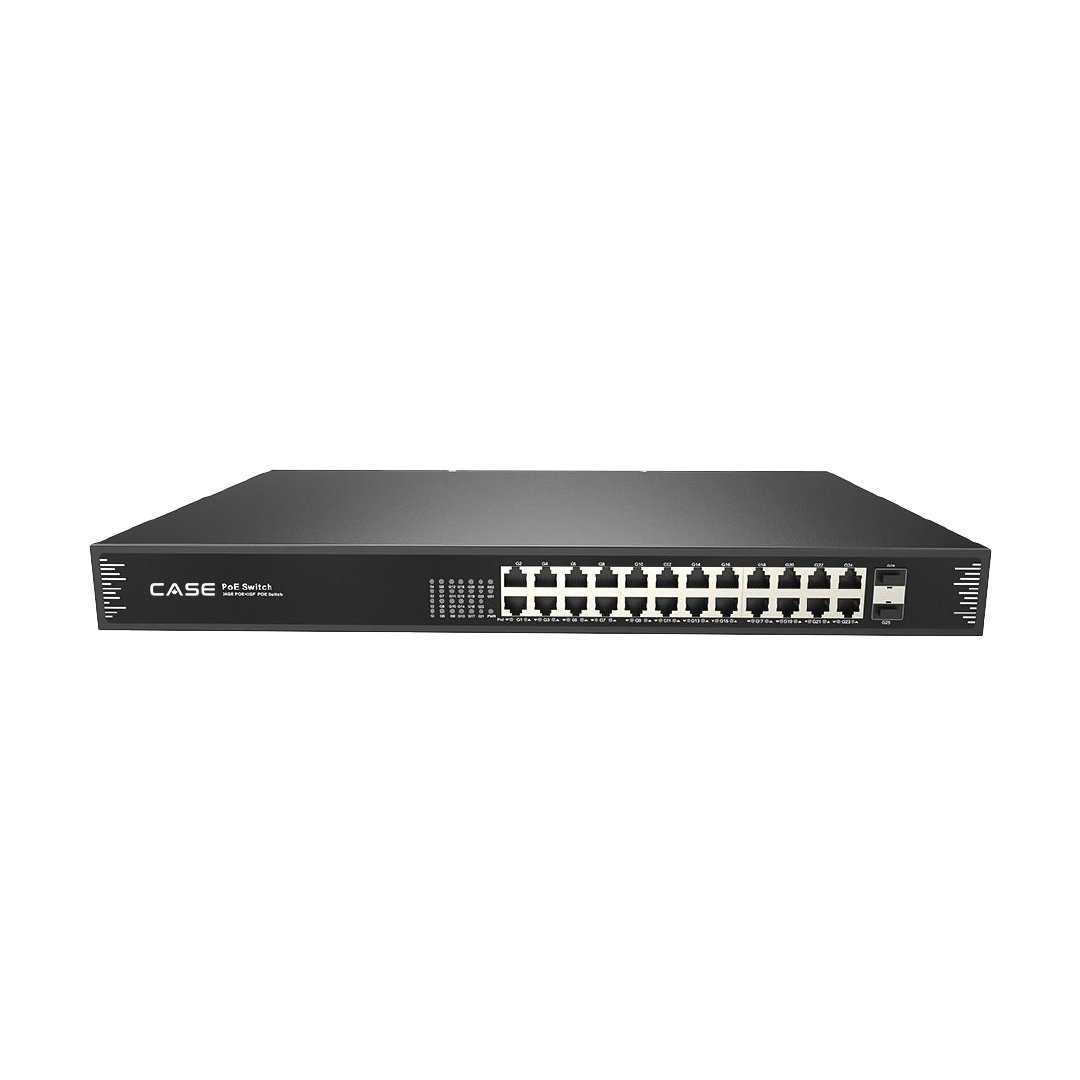
- Where the device connects: NVR PoE port number, or the switch and port, for example port 12 on a CS-POE33024PF.
- A five-line topology: internet, router, switch or NVR, camera, cable lengths.
- The exact symptom, when it started, how often it happens, and what changed recently.
- Screenshots, photos of labels and cabling, and logs where the firmware allows an export.
- What you already tried, in order, with the result of each step.
- Your business account, project or order reference and serial numbers.
End users: what is the redirect?
End users do sometimes reach Anabon: a property manager finds the brand on a camera label, a tenant searches the model number, a new owner inherits a system. The answer is always the same, and it is worded exactly:
For warranty and service, please contact the installer or company that supplied your system. Anabon supports warranty and technical service through our installer, dealer, and business-account network.
The redirect only works if the end user can find you. Make it easy at handover:
- Put your company name, phone and service email on a label inside the rack or on the NVR, and on the handover sheet.
- Record your company as the support contact in the customer’s documentation and O&M binder.
- Give the customer one written route for service requests, so a failure in year five comes back to you, not to a search engine.
- Keep the as-built, serials and order references in your job folder; the warranty request starts there.
How do you escalate a request that is not moving?
Escalation is a request for more attention on the same case, not a new case in a different inbox. Opening duplicates splits the history and slows everyone down.
| Situation | What to write when you escalate |
|---|---|
| Site has no recording, or evidence is at risk of being overwritten | “No recording since [time]; retention overwrites in [days]. Requesting escalation.” |
| Same fault returns after a replacement | Both serials, both case references, the symptom and what was ruled out |
| Several units show the same symptom | Every SKU, serial and firmware version; whether they share a switch, recorder or batch |
| Bid deadline depends on a document or an answer | Project name, the question or submittal deadline, the SKUs and clauses involved |
| Answer received but it does not solve the problem | What you did with the answer, the result, and new evidence |
- Reply on the existing case and quote its reference.
- State the business impact and your deadline in one sentence.
- Add the new evidence since the last reply, not the whole story again.
- Ask explicitly for the request to be escalated; if no case exists yet, open one through Technical Support first.
- Tell your customer what you have done and when you will update them; the customer conversation stays yours.
How to use this with your customers
Tell your customer that your company is their single point of contact for service and warranty, and that your distributor supports you behind the scenes. If they ask who backs the hardware, give the warranty by category, not one number. If they ever contact Anabon directly, they will be sent back to you, which is how the system is designed to work.
FAQ
Does Anabon provide technical support to end users?
No. Anabon supports installers, integrators, dealers and approved business accounts. An end user who contacts Anabon is told: for warranty and service, please contact the installer or company that supplied your system. Anabon supports warranty and technical service through our installer, dealer, and business-account network. The partner keeps the customer relationship.
What are Anabon’s support hours and response times?
This guide does not publish support hours or response-time commitments. Check the Technical Support page or ask Anabon for the current details. When the timing matters, state your deadline and the business impact in the first message, for example a site without recording or a bid question deadline, so the request can be planned around it.
Which channel should I use for a warranty claim?
Open it through Technical Support under your business account, with the full SKU, serial, order or project reference, the fault and the troubleshooting already done. Anabon coordinates the warranty and RMA process with you. CASE cameras and CASE NVRs carry a 6-year warranty and CASE PTZ cameras a 3-year warranty, so the SKU decides the term.
Does support cover third-party VMS platforms and recorders?
At the profile level. ONVIF profiles supported are S, T, and G, with M on pinhole models. Third-party behavior is confirmed per platform and project. Send the platform name and version, the camera SKU and firmware, and what fails, such as discovery, streaming or events, and support works from there rather than assuming compatibility.
What should I do when a case is not moving?
Reply on the same case with its reference, state the impact and your deadline in one sentence, add the evidence gathered since the last reply and ask explicitly for escalation. Do not open a duplicate case, because it splits the history. Keep your customer updated yourself, since the customer conversation stays with you.