Quick answer: A camera schedule is one row per camera position with the columns that decide the install: ID, location, purpose stated as a DORI level and distance, full SKU, lens, mounting height, mount or box, PoE class, cable run, switch port, NVR channel, recording and retention. The bill of materials is one row per part number with a quantity, including the junction boxes, switch, drives and cable that get forgotten. Build both on one sheet, freeze them with a revision number, and send the BOM, without a price column, for a direct quote.
Which columns in a camera schedule actually prevent change orders?
Most change orders on camera jobs come from four gaps: nobody wrote down what the camera had to see, the lens was decided on the ladder, the cable run was guessed, and the PoE budget was never summed. The columns below close them.
| Column | What to write | Why it is there |
|---|---|---|
| Camera ID | C01, C02 … matching the drawings and NVR channel names | One name across drawings, labels and recorder |
| Location / drawing ref | Area plus sheet and grid (A-101, C4) | Finds the position without a site visit |
| Purpose (DORI + distance) | “Identify at 15 ft (4.6 m)”, “Observe at 80 ft (24 m)” | Decides lens and height; gives commissioning a pass/fail |
| SKU | Full spelling with series letter: CS-I5XS SD-2.8mm | One letter changes housing, white light and specs |
| Lens | Fixed focal length, or the varifocal range and the on-site setting | Stops the lens being chosen on the ladder |
| Mount height and surface | 9 ft (2.7 m), wall; 18 ft (5.5 m), soffit | Lift, ladder and anchor planning |
| Mount / junction box | CS-P54BM V5/V3.0 or the mount SKU, compatibility per camera spec sheet | The most-forgotten line on the order |
| PoE class / power | Class or watts from the spec sheet; PoE+ (IEEE802.3 at) for the CS-P44S 25XA as printed | Feeds the switch budget |
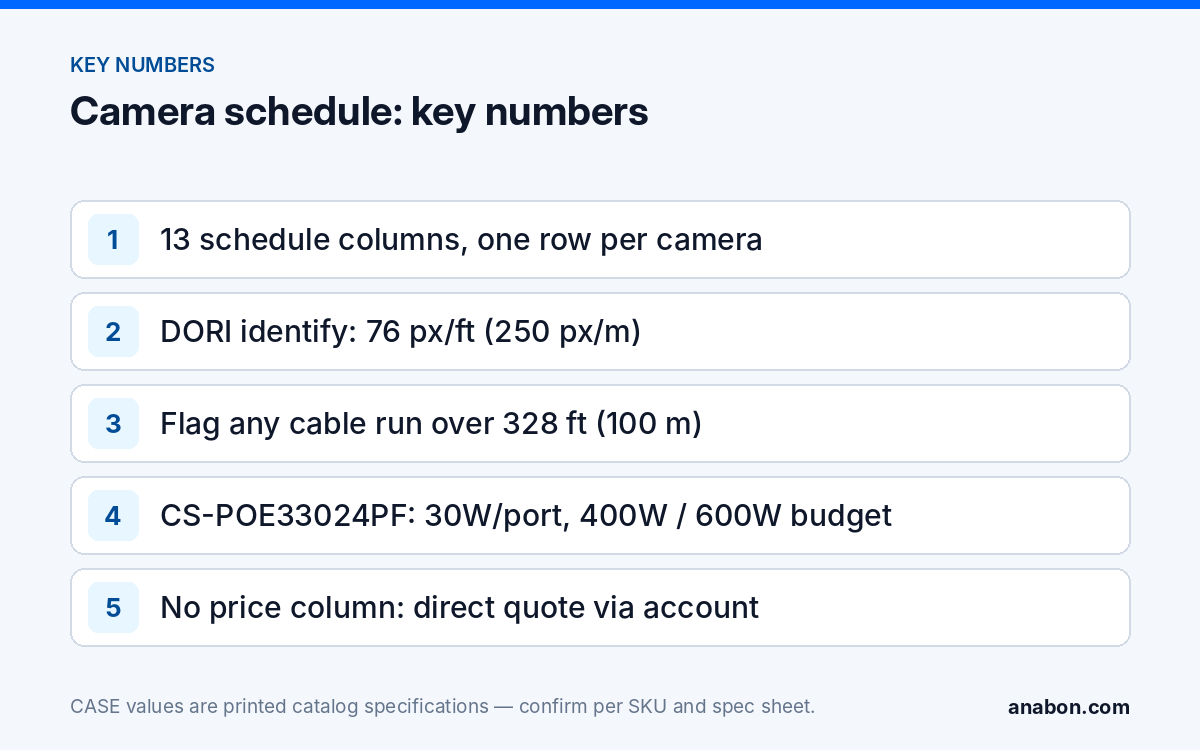
| Cable run and type | 120 ft (37 m) Cat6; flag anything over 328 ft (100 m) | Catches runs that need fiber or an extender |
| Switch : port / NVR channel | SW1:03 / NVR1 ch 3 | Patching and labeling on install day |
| Recording and retention | Continuous 15 fps, 30 days; motion only, 60 days | Drives the storage calculation per camera |
| Analytics | Only the printed function names for that SKU | Keeps promises traceable per model and firmware |
| Status / revision | Proposed, approved, installed, tested, plus the revision that changed it | Audit trail from bid to as-built |
DORI levels in plain numbers
IEC 62676-4 defines the pixel density on the target for each level: Detect about 7.6 px/ft (25 px/m), Observe 19 px/ft (62.5 px/m), Recognize 38 px/ft (125 px/m), Identify 76 px/ft (250 px/m). Write the level and the distance and the lens follows: a 2.8 mm fixed lens identifies at a door a few feet away and observes a yard; a 2.7–13.5 mm varifocal set long recognizes at the far end of an aisle. For housing per position see Turret vs Dome vs Bullet Cameras.
Example rows
| ID | Location | Purpose | SKU and lens | Mount | Power / cable | Port / channel | Recording |
|---|---|---|---|---|---|---|---|
| C01 | Main entrance, A-101 C4 | Identify at 15 ft (4.6 m) | CS-I5XS SD-2.8mm, 2.8 mm fixed | 9 ft (2.7 m), wall, CS-P54BM V5/V3.0 (confirm) | PoE per spec sheet; 120 ft (37 m) Cat6 | NVR1 PoE 1 / ch 1 | Continuous 15 fps, 30 days |
| C02 | Rear door, A-101 F2 | Recognize at 25 ft (7.6 m) | CS-I5XS SD-2.8mm, 2.8 mm fixed | 10 ft (3 m), soffit, CS-P54BM V5/V3.0 (confirm) | PoE per spec sheet; 210 ft (64 m) Cat6 | NVR1 PoE 2 / ch 2 | Continuous 15 fps, 30 days |
| C03 | Loading area, A-102 B1 | Observe at 80 ft (24 m) | CS-I8MS SD-2.7-13.5mm, set on site to frame the dock | 18 ft (5.5 m), wall, box per spec sheet | PoE per spec sheet; 290 ft (88 m) Cat6 | SW1:01 / ch 17 | Continuous 15 fps, 60 days |
Why do accessories and the PoE layer belong on the same sheet?
A BOM that lists cameras and a recorder and nothing else produces the second truck roll. Put every part number on it and give each line the warranty category it carries: CASE cameras and CASE NVRs carry a 6-year warranty. CASE PTZ cameras carry a 3-year warranty. CASE accessories carry unlimited warranty. Hard drives are supported through back-to-back manufacturer warranty.
| Line | Qty | SKU | Description as printed | Warranty category | Notes |
|---|---|---|---|---|---|
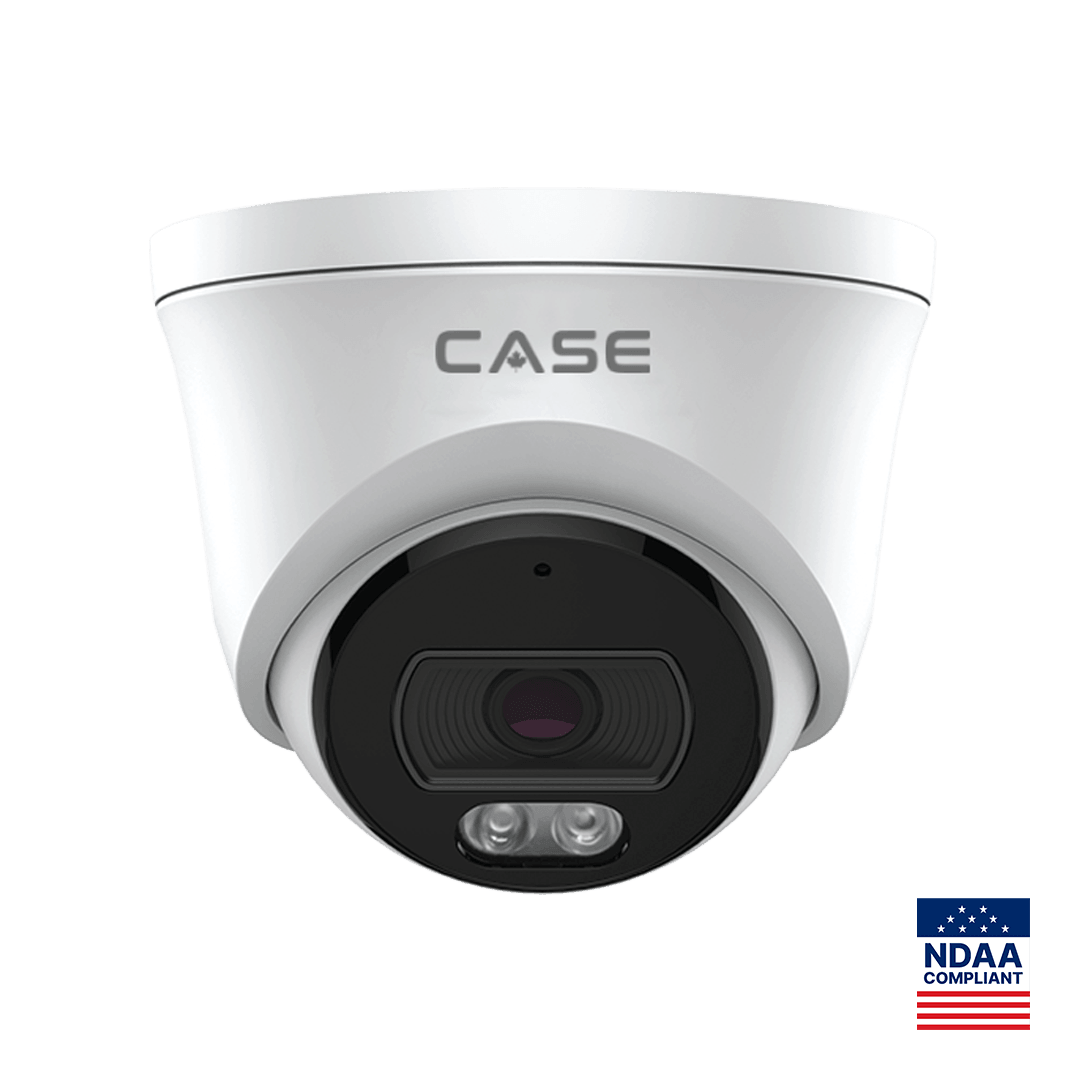
| 1 | 14 | CS-I5XS SD-2.8mm | 5MP Fixed Turret Camera with White Light | CASE cameras: 6-year | IR 98 ft (30 m), white light 49 ft (15 m), IP67, Metal+Plastic |
| 2 | 2 | CS-I8MS SD-2.7-13.5mm | 8MP Varifocal Dome Camera with White Light | CASE cameras: 6-year | IP67, IK10; lens setting recorded at commissioning |
| 3 | 16 | CS-P54BM V5/V3.0 | Junction Box | CASE accessories: unlimited | Compatibility confirmed on each camera’s spec sheet |
| 4 | 1 | CS-N220 P16H-AI | 20-Channel AI NVR with 16 PoE Ports | CASE NVRs: 6-year | 160Mbps (AI on: 120Mbps) / 80Mbps; up to 10 TB per HDD |
| 5 | 2 | Surveillance HDD | Capacity from the storage calculation | Back-to-back manufacturer warranty | Sized with the NVR storage calculator |
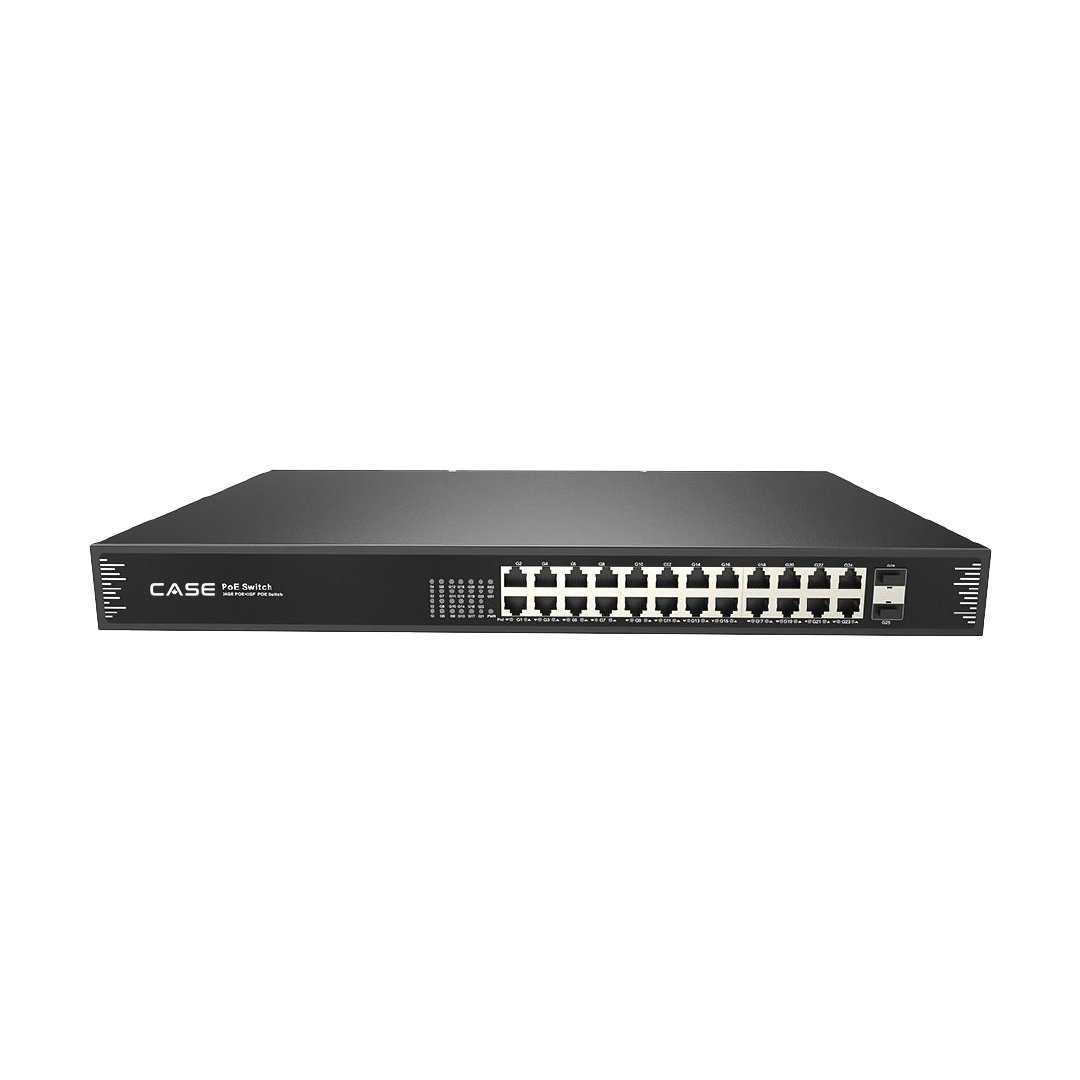
| 6 | 1 | CS-POE33024PF | 24-Port Gigabit PoE Switch with 2 SFP Uplinks | CASE accessories: unlimited | 30W per port, 400W / 600W total budget, 2×1000M SFP; remote IDF |
| 7 | as measured | Cat6, patch cords, SFP modules, surge protectors, rack hardware | Per the cable-run column | Per supplier | Plenum or riser rating per NEC (CEC in Canada); verify the local code |
The PoE budget check
Sum the PoE class column, never the port count. The CS-POE33024PF prints 30W per port and a 400W or 600W total budget: 24 ports at 30W would be 720W, so the budget, not the ports, sets how many high-draw devices one switch carries. Cameras near the head end go on the 16 PoE ports of the CS-N220 P16H-AI; the switch serves the remote IDF. Runs over 328 ft (100 m) need fiber on the SFP ports or an extender; see PoE Max Distance and PoE Extenders, and PoE Camera Not Powering On for what happens when the sum was never done.
How does the schedule turn into a quote request?
- Freeze the schedule at the version the customer approved: revision number, date, and the drawing set it was built from.
- Check every SKU against the current catalog spelling, series letter included; a legacy spelling on the BOM delays the quote.
- Export the BOM tab alone: quantities and part numbers, no price column; the customer-facing proposal is a separate document.
- Send the BOM through your business account for a direct quote, or through contact us if the account is not yet approved. CASE pricing does not appear publicly online; you receive private pricing through login, your approved business account, and direct quotes.
- If the project has compliance clauses, request the per-SKU documentation with the quote: CASE offers NDAA-compliant options for compliance-sensitive projects. Anabon confirms the exact products and provides the official compliance documentation for each project.
- Log the returned quote number against the BOM revision, so a later change order is quoted against the same baseline.
A CSP- Project Series line (explosion-proof, thermal, solar trailer, radar or the LPR camera) is quoted separately: availability, lead time, certificates and the warranty term are confirmed in writing per project before the line is promised. The RFP side is covered in How to Read a Video Surveillance RFP.
How to set the template up in your own spreadsheet
Build it as two tabs that mirror the tables above, Camera Schedule and Bill of Materials, in Google Sheets or Excel. Add dropdown lists (Data validation) for the DORI level, mount surface, PoE class, recording mode and warranty category, a cable-run column with a conditional-format rule that flags anything over 328 ft (100 m), and a revision log at the top of the BOM tab (revision, date, what changed, who approved). Keep pricing out of this file: quotes live in your private pricing workbook or the direct quote from Anabon, never in a document that travels to the consultant or the owner.
How does the schedule become the as-built at handover?
- Replace every “per spec sheet” and “set on site” with the measured value: lens setting, mount height, cable length, PoE draw read from the switch.
- Set the status column to “tested” only after the DORI check at the stated distance passes on the recorded stream, not the live view.
- Record the recorder’s channel names, IP addresses and retention per camera in the schedule; it becomes the record document the closeout section asks for.
- Hand the final revision to the owner with the credentials, and keep a copy: the next service call starts from this sheet.
What to tell your customer
“Every camera on your drawings has a row that says what it must show and from how far, which exact model and lens does it, how it is mounted, powered and cabled, and how long its video is kept. The parts list is built from that sheet, down to the boxes and the switch, so there is nothing to add later. At handover you receive the same sheet with the installed values, which is your record of the system.”
FAQ
What is the difference between a camera schedule and a bill of materials?
The camera schedule is one row per camera position: where it goes, what it must see, which SKU and lens, how it is mounted, powered, cabled and recorded. The bill of materials is one row per part number with a quantity: cameras, recorder, drives, switches, boxes, mounts and cable. The schedule explains the design; the BOM is what gets ordered.
Why does the template have no price column?
Because the schedule and BOM are design and ordering documents that travel to the customer, the consultant and the other trades. CASE pricing does not appear publicly online; you receive private pricing through login, your approved business account, and direct quotes. Your own sell figures belong in your proposal, built from the quote Anabon returns on the BOM.
How do I fill the PoE class column when the catalog does not print it?
Take the power figure from the SKU’s spec sheet, not from the catalog page, and write the class or the watt figure with the source. Where the sheet is not yet in hand, write “per spec sheet” and mark the row pending. Then size the switch on the sum of those figures, not on the port count, because 24 ports at 30W exceed a 600W budget.
What are DORI levels and why are they in the purpose column?
DORI stands for Detect, Observe, Recognize and Identify, the pixel-density levels in IEC 62676-4: about 7.6, 19, 38 and 76 pixels per foot (25, 62.5, 125 and 250 pixels per meter) at the target distance. Writing the level and distance in the purpose column turns “camera at the door” into a testable requirement that decides the lens and the mounting height.