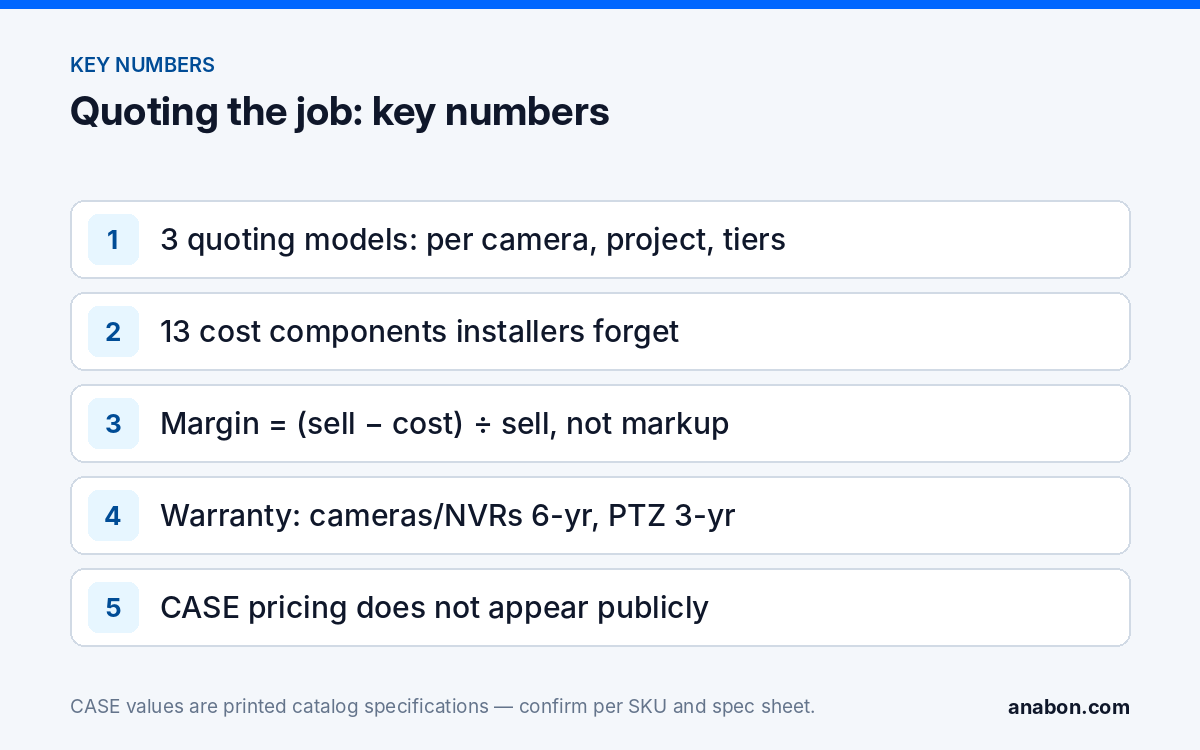
Quick answer: How to price security camera installation comes down to three decisions: the quoting model (per camera, per project or tiered packages), the full list of costs the job carries (labor at a loaded hourly rate, pathway, lifts, permits, travel, configuration, handover, documentation, follow-up calls), and a margin method set once a year and applied to every quote. Then sell what the hardware line cannot show: warranty by category, deterrence, documentation and support through you. With a channel-protected line such as CASE, CASE pricing does not appear publicly online, so your customer cannot find a number to beat you with.
Which quoting model fits the job: per camera, per project or tiered?
Installers use three models, and many use the wrong one for the job in front of them. The model decides what the customer compares and what you can defend.
| Model | Where it fits | Strength | Weakness | Watch for |
|---|---|---|---|---|
| Per camera (installed) | Repeat work for a property manager; simple interior jobs with short runs | Fast to quote; easy for the customer to budget | Hides long runs, lifts and the recorder; punishes the hard camera | Set a run-length limit and a separate rate for lifts, exterior and masonry |
| Per project (one number by section) | Most commercial jobs: warehouses, retail, multi-tenant, parking | Reflects the real scope; sections (design, equipment, installation, configuration and handover, documentation) show value without per-item comparison | Needs a survey before the number | Never give a number before the site survey |
| Tiered packages | Small businesses choosing between recording only, deterrence, and AI search | Moves the conversation from “how much” to “which”; upsell path is built in | Packages drift from the site; every exception becomes a change order | Define what each tier includes in cameras, recorder class and handover |
A practical hybrid for small companies: per-project sections for the quote, with a per-camera add-on rate in the agreement for the cameras the customer will ask for later. The proposal template shows the section layout; tiers that step from basic cameras to an AI NVR are in the upsell guide.
Which cost components do installers forget?
Quotes fail at the margin line because costs were left off the cost line. The ones below are forgotten most often because they happen before the first camera goes up or after the last.
| Component | Forgotten because | How to capture it |
|---|---|---|
| Site survey and design time | Done before the quote, so it feels like sales | Hours per survey from your log; add to every project quote |
| Bench test and pre-configuration | Happens in the shop, not on site | Hours per recorder and per camera, from the bench-test routine |
| Cable pathway | Cable is counted; conduit, J-hooks, firestopping and core drilling are not | Rate per 100 ft (30 m) by pathway type; masonry and exterior separately |
| Lifts, ladders and rentals | Assumed to be “on the truck” | Rental plus the hours a lift adds to each high camera |
| Permits and licensing | Varies by state (in Canada, by province) and by municipality | Fee plus the hours to obtain it; verify the local requirement |
| Travel, parking and waiting | Not “work” | Round trips per site visit at your loaded hourly rate |
| Network work | Belongs to “IT” | VLAN, switch and remote-access hours; the network basics list the tasks |
| CASE Connect handover and training | Treated as a courtesy | Hours per user group; features confirmed per model and firmware before they are promised |
| Documentation | Done on Friday afternoon, unbilled | As-built, labels and camera schedule as a line of their own |
| Follow-up calls | Happen after the invoice | Calls at day 7, 30 and 90 are hours; put them in the handover section |
| Warranty service labor | “It is under warranty” | Warranty covers the product through you; your hours to diagnose and swap are yours unless a service agreement covers them |
| Hard drives, UPS, switch, spares | Not cameras | Specify them; hard drives are supported through back-to-back manufacturer warranty |
| Taxes and payment terms | Accounting’s problem | Sales tax on labor and materials differs by state; GST/HST and provincial sales tax apply in Canada; ask your accountant |
Margin: a method, not a number
No benchmark from another company fits yours, because your loaded cost, job mix and service load are different. What transfers is the method: set it once a year, apply it to every quote, check it quarterly against actual hours.
- Compute your loaded hourly cost. Wages, payroll taxes, benefits, vehicle, insurance, tools, software and office overhead for a year, divided by billable hours, not paid hours. Technicians bill well under every paid hour; measure yours from the job log.
- Estimate hours from your own history. The Jobs tab of your Google Sheets CRM tells you how long a turret on a drop ceiling, a bullet on masonry at 20 ft (6 m), a recorder configuration or a handover session actually took last quarter. Quote from that, not from memory.
- Add materials at your cost. Hardware from your private pricing, cable, connectors, boxes and mounts as attach bundles, drives, UPS and switch.
- Apply margin, not markup. Margin is (sell minus cost) divided by sell; markup is (sell minus cost) divided by cost. They are not the same figure: for illustration only, a 30 percent markup is about a 23 percent margin. To hit a target margin M on total cost C, sell equals C divided by (1 minus M).
- Set the target as policy. One figure for installation labor, one for materials, decided in the year-end review and written down. A quote that needs a lower figure needs an owner’s decision.
- Review estimated against actual. Each quarter, compare quoted hours with logged hours per job type. The gap is your next year’s rate correction; the year-end review lists the numbers to keep.
Quote the project as sections rather than per-SKU lines. A per-item hardware list invites line-by-line comparison and makes the labor look like the expensive part; sections show what the customer actually buys.
How do you sell value: warranty, deterrence, documentation
The hardware line is the one part of a quote a customer thinks they understand, so the quote must make the rest visible. Four things carry value a camera count cannot show:
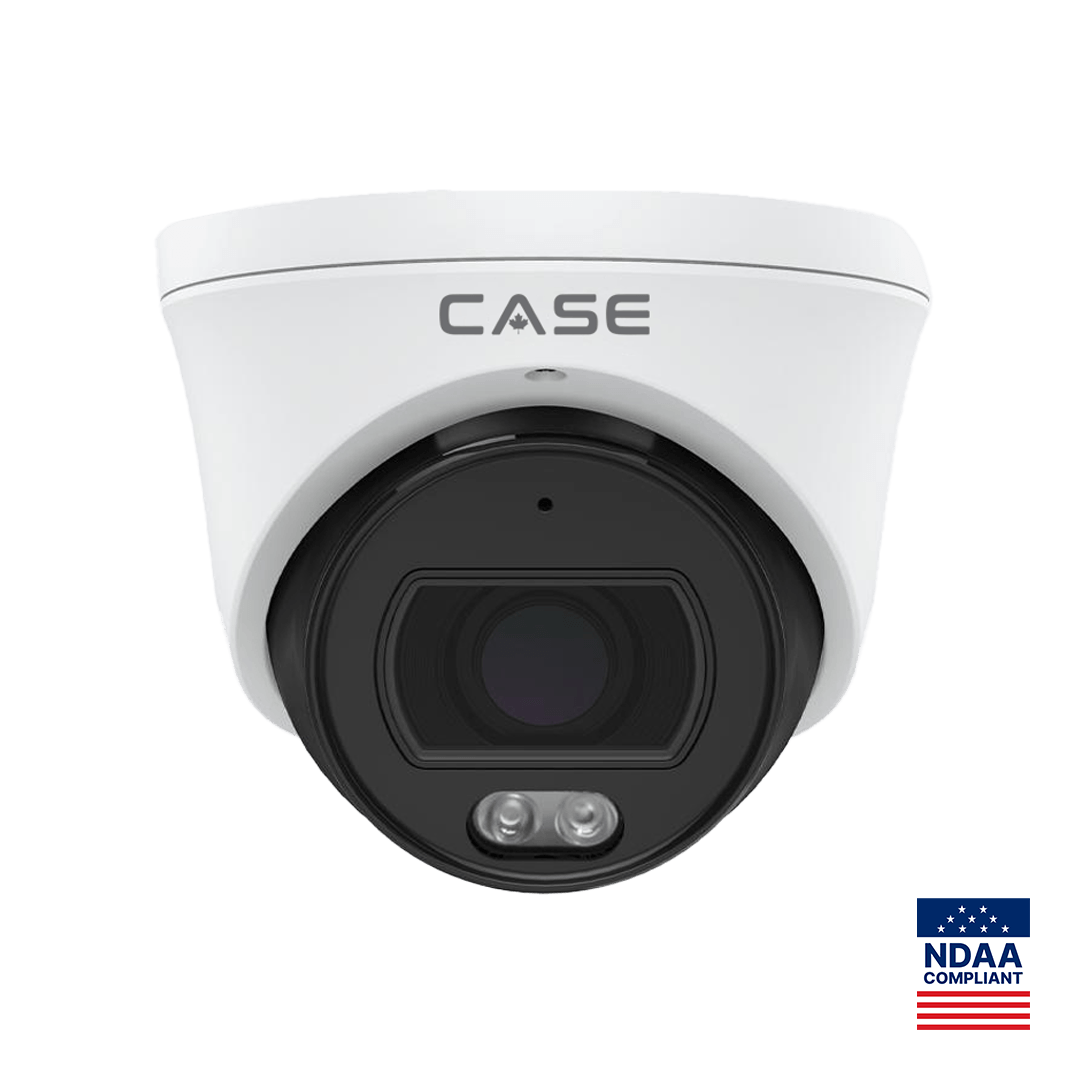
- Warranty by category, stated exactly. CASE cameras and CASE NVRs carry a 6-year warranty. CASE PTZ cameras carry a 3-year warranty. CASE accessories carry unlimited warranty. Hard drives are supported through back-to-back manufacturer warranty. Write the terms into the quote, and that warranty service runs through you. A six-year term on a recorder such as the CS-N220 P16H-AI (20 channels, 16 PoE ports as printed) is a lifecycle statement the customer can compare with their last system.
- Deterrence, not just recording. EW and AEW are deterrence features. Availability is confirmed per SKU. The laser is a deterrent, not an illuminator, and is offered on selected models only. A turret such as the CS-I8XQ II-2.8mm (built-in mic and speaker, 98 ft (30 m) white light, 164 ft (50 m) IR as printed) lets you quote an outcome, interrupting an incident, rather than a resolution.
- Evidence quality. A PhotonX turret such as the CS-I4SV S-2.8mm is rated 0.0001 Lux as printed; night behavior is stated per SKU on the specification sheet and should be confirmed for the site. Usable footage is worth more than footage that merely exists.
- Documentation. Spec sheets per SKU, an as-built, a camera schedule, and for compliance-sensitive projects: CASE offers NDAA-compliant options for compliance-sensitive projects. Anabon confirms the exact products and provides the official compliance documentation for each project. A quote that arrives with its documentation is ahead of one that promises it.
Then the service layer: three follow-up calls, a service agreement from day 90, and one phone number for warranty and support. None of it appears on a hardware line, which is why the hardware line should not be the quote.
How does a channel-protected line protect your quote?
The quote dies when the customer types a SKU into a search engine and finds a number lower than your hardware section. From that moment every conversation is about that number, and your labor, configuration and support negotiate against it. The defense is a line whose pricing does not appear publicly. CASE is a channel-protected line. CASE pricing does not appear publicly online. You receive private pricing through login, your approved business account, and direct quotes, so your customer only ever sees the price you decide to quote. Public price is not your price.
In practice this changes three habits. You quote sections, not SKU lines, because your customer cannot find a CASE number to beat you with and the sections keep the conversation on the designed system. You keep your private pricing in the sheet and the quote, never on a website or a social post, because the protection works only if every partner keeps it. You answer “can I see the hardware cost separately?” with the section breakdown and the reasons above, not with a line that reopens the comparison. How the model works and how you quote from it is in private pricing explained; access starts with an approved business account.
What to tell your customer
“Our quote is for a designed system, installed, configured, documented and supported, not for a box of cameras. The warranty terms are written in by category and run through us, the follow-up calls and handover are included, and the recorder and cameras are specified for your site from the specification sheets. If you compare quotes, compare what each installer will still be doing for you in year three.”
FAQ
Should a security installer quote per camera or per project?
Per project, in sections, for almost every commercial job, because the recorder, the pathway, the configuration and the handover are not per-camera costs. Keep a per-camera rate only for repeat work with a property manager or for the add-on clause in a service agreement, and define what it excludes: long runs, lifts, masonry, exterior.
Should the quote show hardware line items?
Show the equipment list with full SKUs and quantities so the customer knows what they are getting, but present the number by section rather than per item. Per-item numbers invite comparison with lists that do not include installation, configuration, documentation or support. CASE pricing does not appear publicly online, so the section approach holds.
How do I set a margin target without an industry benchmark?
Start from your own loaded hourly cost and your logged hours per job type, choose a margin that covers your overhead and the service load you have measured, write it down as policy for the year, and review it against actual hours each quarter. A borrowed benchmark from a different company with different costs will mislead you in both directions.
What if the customer says they found the hardware online for less?
For CASE, pricing does not appear publicly online, so your customer cannot find a number to beat you with. Whatever the customer found, return to the sections: installation, configuration, documentation, warranty handling through you and support. A hardware number without those is not a comparable quote, and saying so calmly usually ends the comparison.
Should I charge for the site survey?
Yes, in effect: either as a visible line in the project quote or as a survey fee credited against the job. A survey takes hours, produces the camera schedule and the cable plan, and prevents the change orders that destroy margin. Giving it away teaches the customer that your time has no value before the quote.