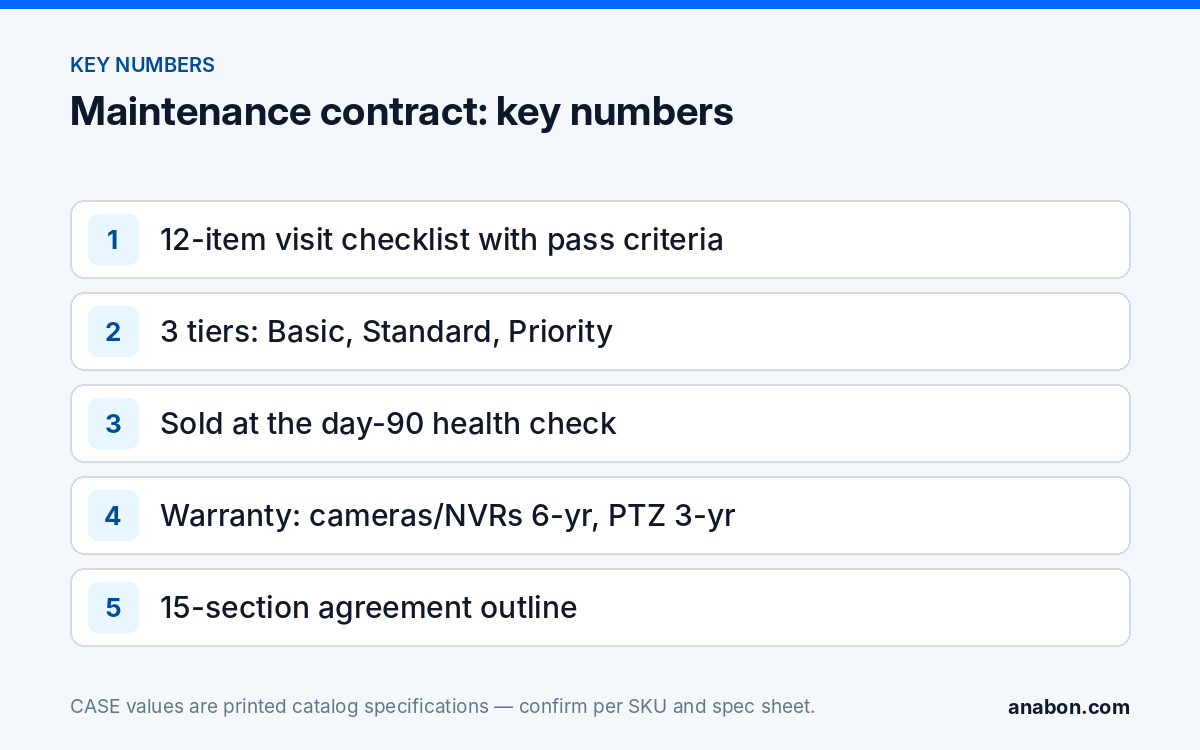
Quick answer: A security system maintenance contract turns the work you already do for free (cleaning a dome, applying firmware, removing a departed user, checking retention) into scheduled, paid, documented service. Define the visit as a checklist, offer three tiers that differ in frequency and response, propose it at the day-90 call after a health check, and keep it separate from warranty: CASE warranty by category runs through you; the agreement covers the labor and verification no warranty includes. The outline below is not legal advice.
What does a maintenance visit actually include?
A service agreement is only as sellable as the visit is specific. “Annual inspection” sells nothing; a checklist with pass criteria and a report sells itself, because the customer sees what they pay for and the technician knows when the visit is done. Build it from the system you installed, with the Jobs row of your Google Sheets CRM as the equipment list.
| Item | How | Pass criterion | Record |
|---|---|---|---|
| Camera housing and mount | Each camera: mount tight, seal intact, cable entry sealed, drip loop present | No movement, no water track, no exposed conductor | Photo per camera |
| Lens and dome | Clean as the spec sheet allows; check for scratches, IR reflection, insects, webs | Night image clear in the recorded clip | Before/after night still |
| Field of view | Compare each live view with the camera schedule from handover | Target area unchanged; no new obstruction | Note deviations |
| Recording and retention | Oldest recording date on the recorder against the design retention | Design days achieved on every channel | Days achieved |
| Hard drives | Drive health status on the recorder; age from the Jobs row | No errors reported | Status, hours if shown |
| Time and logs | NTP source reachable, time zone correct, log retention active | Recorder time within seconds of a reference | Offset |
| Firmware | Compare installed versions with the current release in the download area; apply under the safe update procedure | Versions recorded; rollback file kept | Version before and after |
| Users and access | Review accounts, remove departed staff, confirm the admin holder and remote method | No unknown accounts; no port forwarding | Account list |
| Export test | Export one clip to USB as the customer would after an incident | Clip plays on a clean computer | Pass/fail |
| Power and network | PoE switch budget and port status; UPS self-test; uplink | No port errors; UPS passes | Switch load |
| Alarm I/O and deterrence | Trigger inputs and outputs in use; test light and audio response where fitted | Each wired function responds | Pass/fail per point |
| Report | One page: items checked, findings, fixes, next visit date | Sent within a week | Filed with the Jobs row |
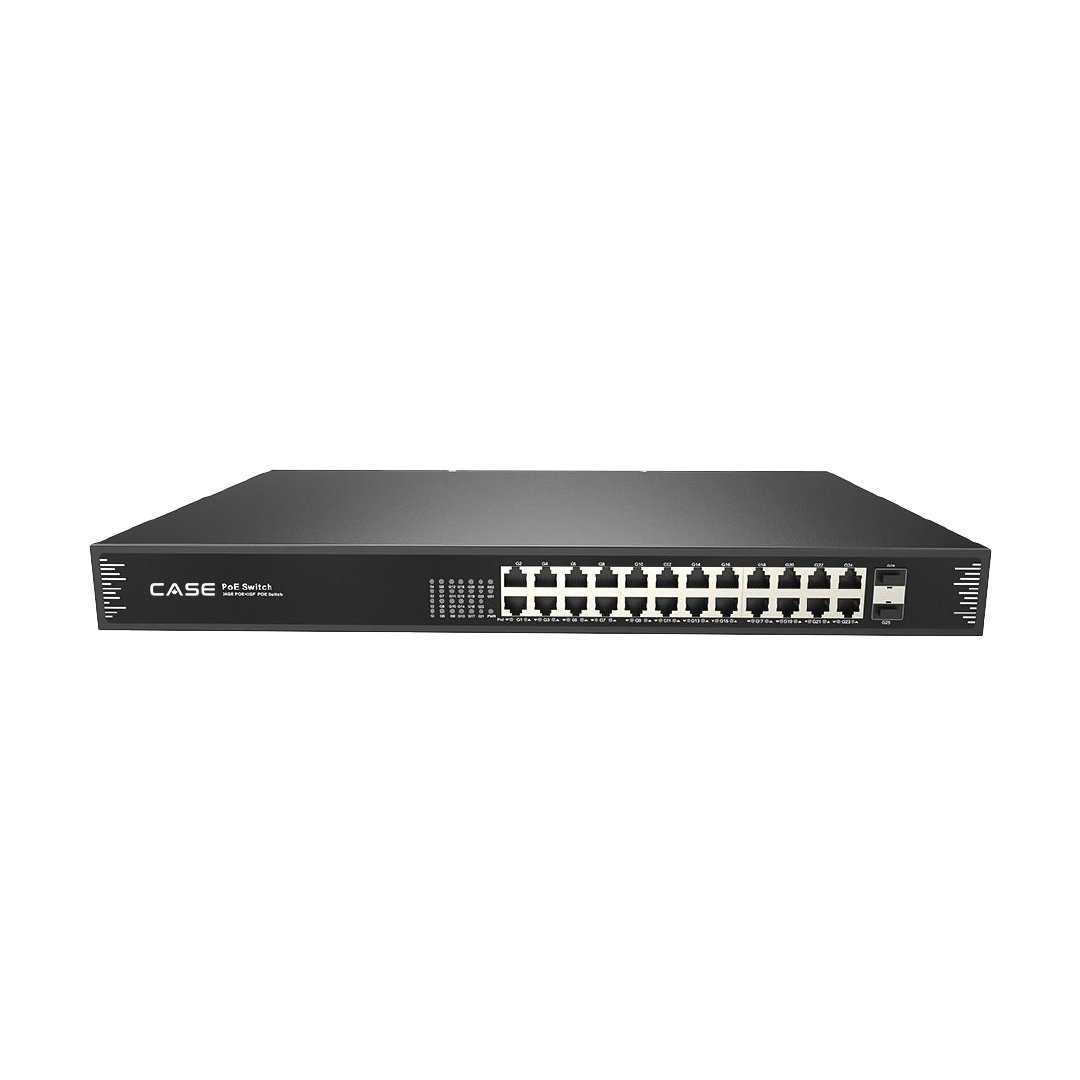
On a site with a CS-N220 P16H-AI (20 channels, 16 PoE ports, up to 10 TB per hard drive as printed) and a CS-POE33024PF feeding the cameras beyond the recorder’s ports (24 Gigabit PoE ports, 400 W or 600 W total budget as printed), the power line is a real reading: switch load against budget tells you whether the two cameras the customer wants to add will fit.
How do you structure three tiers without a number in sight?
Tiers differ in frequency and response, not in how carefully you work. Keep the checklist identical across tiers; change how often it happens and how fast you come when something breaks. Fees belong in your quote, never on a page.
| Basic | Standard | Priority | |
|---|---|---|---|
| On-site visits | One per year | Two per year | Four per year |
| Remote health check (with authorized access) | Twice a year | Quarterly | Monthly |
| Firmware | Reviewed at the visit | Applied at each visit after your bench test | Applied within an agreed window after release and test |
| User and access changes | At the visit | On request, remote | On request, same or next business day |
| Fault response | Scheduled | Within an agreed number of business days | Next business day, with a spare camera from your stock where stocked |
| Report | Annual | Per visit | Per visit plus annual summary for insurer or auditor |
| Fits | Small offices, single sites | Retail, warehouses, multi-tenant buildings | Sites with compliance retention, 24-hour operations, several buildings |
Response times are your promise; write ones your staffing can keep. A spare-camera clause is a Priority feature only if you hold the SKU in stock; one letter changes series, housing and specs, so a spare CS-I8XQ II-2.8mm replaces a CS-I8XQ II-2.8mm and nothing else.
How do you sell it: the day-90 conversation
The agreement sells at the day-90 call of your follow-up schedule, for one reason: you have just run the health check and found things. A firmware version behind, a dome that needs cleaning, a login for someone who left in month two, retention that slipped from 30 days to 24. You fixed or listed them, and the customer watched. The agreement is no longer an abstract “maintenance plan”; it is “this, on a schedule, with a report”.
- Open with the findings and what each would have cost them unnoticed: a lockout, a missing clip, an outdated firmware version.
- Show the checklist above as the definition of a visit.
- Recommend the tier that fits the site, and say why; do not ask them to choose among three.
- Answer the warranty question before they ask it (next section).
- Send the one-page agreement the same day and book the first visit when they sign.
Resist adding the agreement to the installation quote as a line item. It is sold on evidence; at quoting time there is none, at day 90 there is.
How does CASE warranty flow through you alongside the agreement?
Customers ask “is it not under warranty?” and the straight answer makes the sale. Warranty addresses the product, within its term and conditions, through the approved warranty process; the agreement addresses the labor and routine no warranty includes: cleaning, configuration, firmware handling, user changes, verification and reporting. State the terms exactly, by category: CASE cameras and CASE NVRs carry a 6-year warranty. CASE PTZ cameras carry a 3-year warranty. CASE accessories carry unlimited warranty. Hard drives are supported through back-to-back manufacturer warranty.
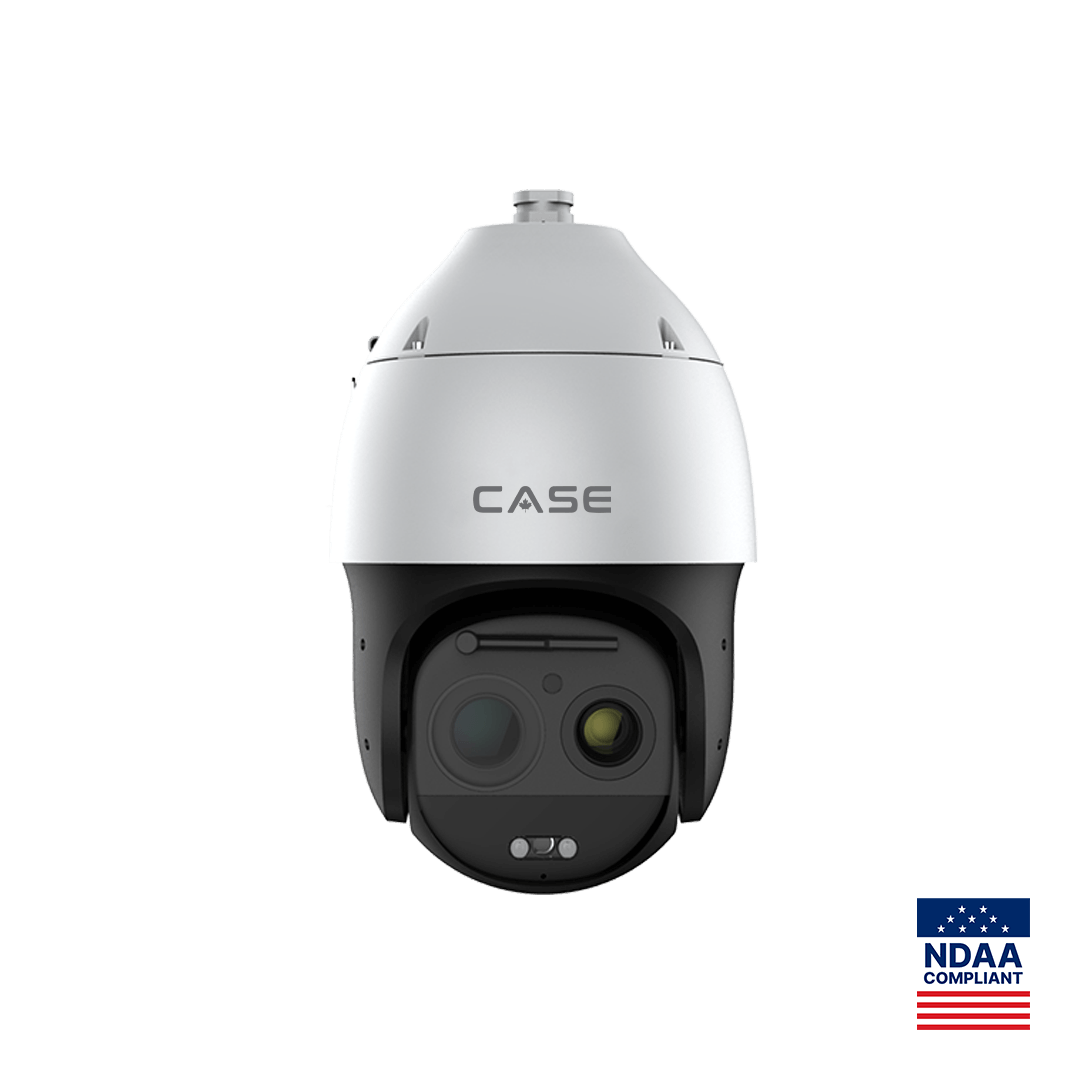
A single site can carry four terms. A site with a CS-N220 P16H-AI, eight turrets and a CS-P88 44X PTZ has 6 years on the recorder and turrets, 3 years on the PTZ, unlimited on the CS-POE33024PF switch and other CASE accessories, and the drives through the drive maker. Record the warranty start date confirmed for the order in the Jobs row so the end dates are facts, not estimates. Project Series (CSP-) items carry no stated term; what applies is confirmed per project in writing.
Warranty service runs through you, never around you. The customer calls you; you diagnose from the Jobs row and the visit history; you open the case through your approved business account, as described in how the warranty and RMA process works; Anabon supports you behind the scenes; you install the replacement and update the record. Written into the agreement, this is a feature: one phone number for everything, and a visit history that makes a warranty claim fast. The category table is in CASE warranty by category.
Template outline (not legal advice)
Copy the sections into your own document and have a lawyer licensed in your state (in Canada, your province) review it before use. This outline is not legal advice and is not a contract.
| Section | What it says | Notes |
|---|---|---|
| 1. Parties and site | Your company; the customer entity; site address(es) | Multi-site customers: one schedule per site |
| 2. Equipment covered | Full SKU list with quantities and serial numbers from the Jobs row; recorder firmware at signing | Full SKU spelling, series letter included |
| 3. Services included | The checklist above, by tier; remote checks; firmware handling; user changes | Attach the checklist as a schedule |
| 4. Visit and check schedule | Number of visits and remote checks per year; how dates are set | Your calendar, not theirs |
| 5. Response times | Business hours, response target, what counts as a fault | Promise what your staffing allows |
| 6. Exclusions | Damage, vandalism, lightning and surge, changes by third parties, network and internet faults, consumables, devices not listed | Hard drives: back-to-back manufacturer warranty, labor under this agreement |
| 7. Firmware policy | Applied after your bench test, with a rollback plan; customer informed of the window | Link your safe procedure |
| 8. Access and credentials | Who holds admin; remote method; what you may change without asking | No port forwarding; logged access |
| 9. Customer responsibilities | Power, internet, physical access, notice of site changes and staff changes | Staff changes trigger a user review |
| 10. Warranty relationship | The exact category wording; warranty service through you | Never blanket; CSP- items confirmed per project |
| 11. Fees and invoicing | Your fee schedule by tier; invoicing cycle; what triggers extra charges | Numbers in the quote, never public |
| 12. Recordings and privacy | Recordings belong to the customer; your access is for service and logged; state laws (in Canada, PIPEDA and provincial laws) apply | Verify with counsel |
| 13. Term, renewal, termination | One year; renewal notice; termination by either side with notice | Renewal is a day-30-style call |
| 14. Reporting | Report format and timing; annual summary | Same template every time |
| 15. Signatures | Both parties, dated | Store with the Jobs row |
What to tell your customer
“Warranty covers the product through us; the agreement covers the work that keeps the system usable: cleaning, firmware, user changes, retention checks and a report you can hand to your insurer. We found three small things today that would have become support calls. The agreement puts that check on a schedule, with one phone number for everything.”
FAQ
Is a maintenance contract worth selling on a small camera system?
Yes, as the Basic tier: one visit a year, two remote checks and an annual report. Small systems fail in the same quiet ways as large ones, with retention that slipped, a dome that fogged, or a user who left, and the owner rarely notices until an incident. A small agreement also keeps you the installer of record when they expand.
What is the difference between CASE warranty and a service agreement?
Warranty addresses the product within its term and conditions and runs through you under the approved warranty process: CASE cameras and NVRs 6-year, PTZ cameras 3-year, accessories unlimited, hard drives through back-to-back manufacturer warranty. The agreement addresses labor and routine no warranty includes: cleaning, configuration, firmware handling, user changes, verification and reporting.
How often should cameras be cleaned and inspected?
At least once a year on every site, and twice where salt air, dust, agricultural debris or insects are present. Judge by the recorded night image rather than by appearance from the ground: a dome that looks clean can still show IR reflection or a web in the clip. Keep a before-and-after still for the report.
Who applies firmware updates under the agreement, and when?
You do, after a bench test on your own unit where possible, within a window the customer knows about, and with the previous version and configuration backed up for rollback. Write the policy into the agreement so an update is never a surprise. Record the version before and after in the Jobs row.
Can the agreement cover hard drive replacement?
It can cover the labor, the monitoring and a proactive replacement schedule based on drive age and health status. The drive itself is supported through back-to-back manufacturer warranty, so state that distinction in the exclusions section. Log drive serial numbers and installation dates in the Jobs row so the schedule is based on facts.