Quick answer: A security camera firmware schedule is a fixed calendar, not a reaction: check for new releases every quarter, apply them only when the release notes fix something the site needs, test on one device first, and log every version change. Pair it with monthly remote health checks and an annual on-site audit, and put the whole calendar into your service agreement so the customer knows what is covered.
Why does a camera system need a firmware schedule at all?
Every camera and recorder runs firmware: the code that handles streams, analytics, user accounts, network services and the web interface. Firmware changes over a product’s life. Releases fix security issues, correct faults that show up in the field, and adjust compatibility between cameras and recorders. A system that is commissioned and never touched again slowly drifts away from the release the vendor supports, and the first time anyone looks at it is the night something goes wrong.
The opposite habit is just as risky. A technician who updates every device whenever a file appears can break a working site: an analytics rule that no longer triggers, a third-party platform that loses its stream, a recorder that reboots during business hours. A schedule solves both problems. It turns firmware into a planned, recorded maintenance task with a known window, a known order and a known way back. It also gives you something concrete to sell in a service agreement, and something concrete to show the customer’s IT department when they ask how the system is maintained.
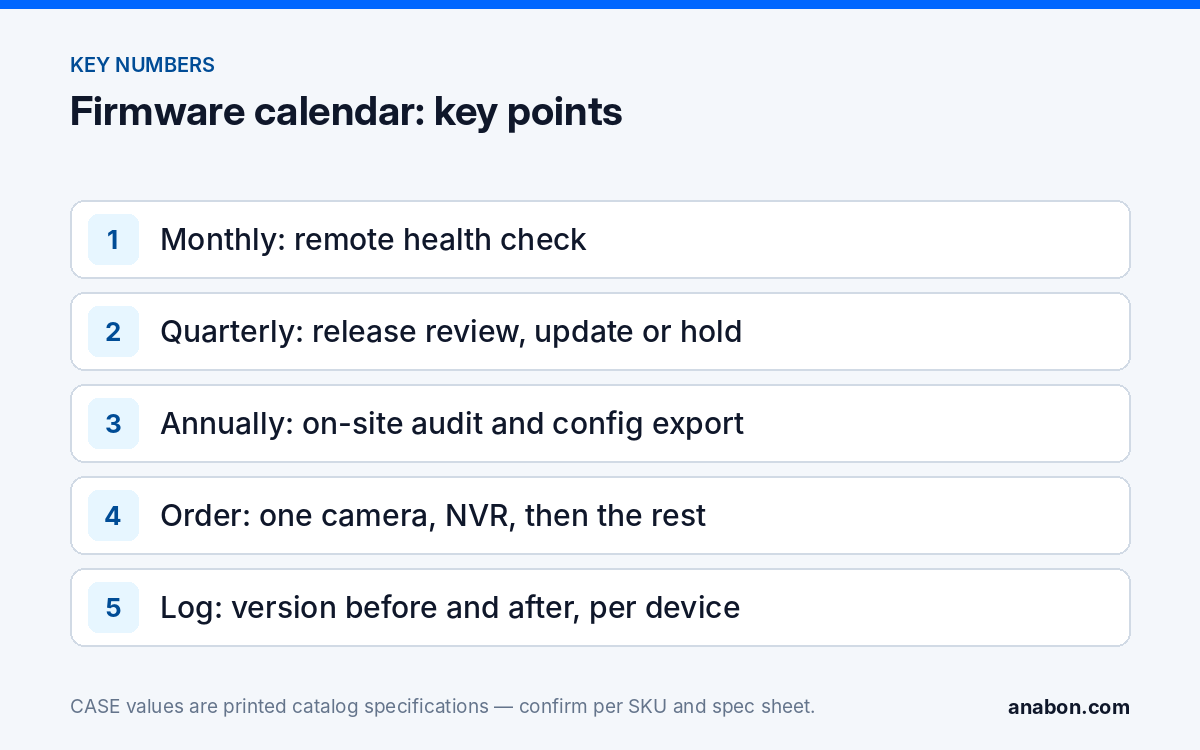
What does a maintenance calendar for cameras and NVRs look like?
The calendar below is a starting point for a typical commercial site. Adjust the frequency to the customer’s risk, the size of the system and what your agreement covers. Copy it into your own job folder or spreadsheet and fill in the owner for each line.
| Frequency | Task | Remote or on site | What you record |
|---|---|---|---|
| Monthly | Health check: every channel online and recording, drive status normal, no unexplained reboots, failed-login entries in the log reviewed | Remote, through a method the customer approved (CASE Connect or a VPN); which checks each method allows is confirmed per model, firmware and software version | Date, result, any channel or drive flagged |
| Quarterly | Check the download page for new firmware for each exact model on site; read the release notes; decide update or hold | Desk task | Model, current version, available version, decision and reason |
| Quarterly | Review user accounts on the recorder; remove people who left; confirm no shared admin login | Remote or on site | Accounts removed or changed, by whom |
| Twice a year | Site visit: clean domes and lenses, check IR and white-light behavior at night if possible, confirm time sync, check cable entries and mounts | On site | Photos, findings, parts needed |
| Annually | Full audit: apply approved firmware, export the configuration, test alarm inputs and relay outputs, test the UPS, confirm retention against the customer’s policy, refresh the handover record | On site | Audit sheet signed by the customer contact |
| When an advisory appears | Assess whether the issue applies to the models and firmware on site; schedule an update window if it does | Desk task, then on site or remote | Advisory reference, assessment, action taken |
Notice that the quarterly firmware line is a check and a decision, not an automatic update. Many quarters the right answer is to hold, and writing down why you held is as useful as recording an update.
Where should firmware come from, and in what order do you apply it?
One source only
Firmware for CASE devices comes from the Anabon download page or directly from Anabon technical support for a specific case. Never use a file from a forum, a file-sharing link or a reseller’s mirror, and never load a file meant for a similar model. One letter in a SKU can change the hardware inside: a file for a CS-I8XQ II-2.8mm is not interchangeable with a file for another turret, even one that looks the same on the wall. Match the full SKU on the device label to the full SKU on the download entry before you copy anything to a USB stick.
Read the release notes before you decide
Release notes tell you what changed, which models the file covers, and whether there is a required order or a minimum version to update from. If the notes do not mention a problem the site has and do not mention a security fix, holding is a valid decision. If the notes are unclear for your model combination, ask Anabon technical support before the window, not during it.
The update order
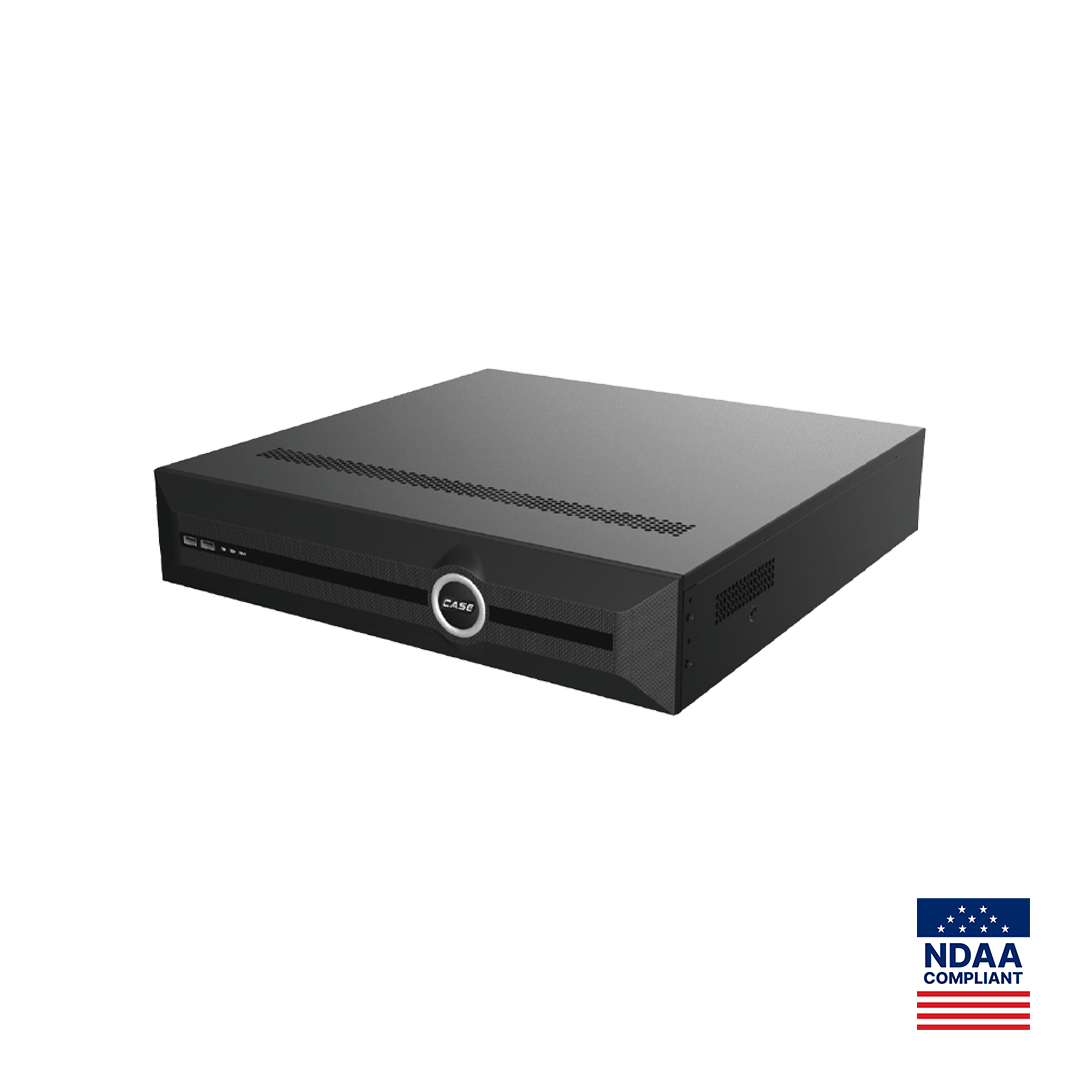
Unless the release notes or technical support say otherwise for your models, use the order described in our safe NVR firmware update procedure:
- One camera first, on a channel the customer can spare for an hour.
- The recorder next, from the local menu or the web interface, with someone able to intervene on site.
- The remaining cameras in small batches, so a problem is visible before it spreads.
Feature behavior after an update, including AI and app functions, is confirmed per model, firmware, software version and project configuration.
How do you test an update and keep a way back?
Every update in the calendar needs a test and a rollback plan written before the window starts. The detail is in the firmware update procedure; the short version for scheduling purposes is this checklist:
- Export the recorder configuration and the camera configurations you can export, and store the files in the job folder, not on the technician’s laptop only.
- Keep the current firmware file for each model in the same folder, so going back does not depend on finding it later.
- Agree the window with the customer in writing, outside business hours where the site allows, and name the person on site who can power-cycle equipment.
- After each reboot, verify: firmware version, every channel online and recording, playback from after the reboot, time sync, analytics rules, alarm inputs and outputs, user accounts, and remote viewing in CASE Connect over cellular.
- Decide in advance what counts as a failure and how long you will troubleshoot before you roll back.
- If a rollback is needed, restore settings first, then the previous firmware if the release allows it, then call Anabon technical support with the details.
A test that is not written down did not happen, as far as the next technician is concerned. Record the result of every line, including the ones that passed.
How do you log firmware versions so the next visit starts informed?
The version log is the part of the schedule that pays off years later: when a warranty question comes up, when a new technician takes over the account, or when the customer’s IT team asks for an inventory. Keep one row per device. Copy this template into your own spreadsheet or CRM; the columns matter more than the tool.
| Column | Example entry | Why it matters |
|---|---|---|
| Site and location | Warehouse 2, dock door 4 | Finds the device without a site map |
| Full SKU | CS-N220 P16H-AI | Matches the right firmware file |
| Serial number and MAC | From the device label | Proves which unit was changed |
| IP address and channel | Static address, NVR channel 7 | Speeds up remote checks |
| Firmware before | Version string from system information | Defines the rollback target |
| Firmware after | Version string after reboot | Confirms the update took |
| Date, window and technician | Date, start and end time, name | Shows who did what and when |
| Configuration export file | File name in the job folder | Makes rollback possible |
| Verification result | All checks passed, or the failed check | Closes the work order |
| Next review | Next quarterly check date | Keeps the calendar moving |
Keep version strings exactly as the device shows them. Do not round them, shorten them or write latest; latest means nothing six months later.
How does the calendar fit a service agreement?
A firmware schedule is maintenance work, and maintenance work belongs in a written agreement. Our guide to service agreements and recurring revenue covers the commercial side; for firmware, the agreement should state:
- Which checks are included and how often: monthly health checks, quarterly release reviews, the annual audit.
- That updates are applied after review, in an agreed window, with the customer’s approval, rather than automatically.
- Who may access the system remotely, through which method, and how that access is logged.
- What happens outside the agreement: urgent advisories, hardware replacement, site changes.
- That the version log and the audit sheet are delivered to the customer after each visit.
Avoid wording that promises more than maintenance can deliver. A schedule reduces risk and shortens the time to a fix; it does not make a system immune to every attack, and the agreement should not suggest that it does.
What to tell your customer
Your system runs firmware like any network device, and we maintain it on a schedule: we check for new releases every quarter, apply the ones that matter to your site after testing, and record every version change. Updates happen in a window we agree with you, with a way back if something does not behave as expected. You receive the version log and the audit sheet after each visit, so you always know what is installed.
FAQ
How often should security camera firmware be updated?
Check for new releases every quarter and decide per model whether to update. Apply a release when its notes fix a security issue or a fault the site actually has, or when technical support advises it. Updating every time a file appears adds risk without benefit. An advisory that applies to the models on site justifies an extra window outside the quarterly cycle.
Should the NVR or the cameras be updated first?
Unless the release notes or technical support say otherwise for your models, update one camera first, then the recorder, then the remaining cameras in small batches. That order shows a compatibility problem on one channel before it affects the whole site. Always read the release notes first, because some releases require a specific order or a minimum starting version.
Where do I get firmware for CASE cameras and NVRs?
From the Anabon download page, or directly from Anabon technical support for a specific case. Match the full SKU on the device label to the full SKU on the download entry before copying the file. Never use files from forums, file-sharing links or other sites, and never load a file meant for a model that only looks similar.
What should a firmware version log contain?
One row per device with the site and location, full SKU, serial number and MAC address, IP address and channel, firmware version before and after, the date, window and technician, the configuration export file name, the verification result and the next review date. Record version strings exactly as the device shows them, never as latest.
Can firmware updates be done remotely?
Some checks and updates can be done remotely through an approved method, but plan the recorder update with someone on site who can power-cycle equipment if a unit stops responding. Remote tools configure devices; they do not physically restore a unit. Which remote options apply is confirmed per model, firmware, software version and project configuration.