Quick answer: A security camera maintenance checklist for a periodic visit covers twelve points: lenses and housings, night illumination, field of view, cabling and seals, PoE and power, hard drive health, retention, time sync, firmware, user accounts, analytics rules and an export test. Record each result, give the customer a one-page report, and raise an upgrade only where a finding shows a real gap. Done this way, the visit protects the system and earns the next project.
How often should you visit, and what should you bring?
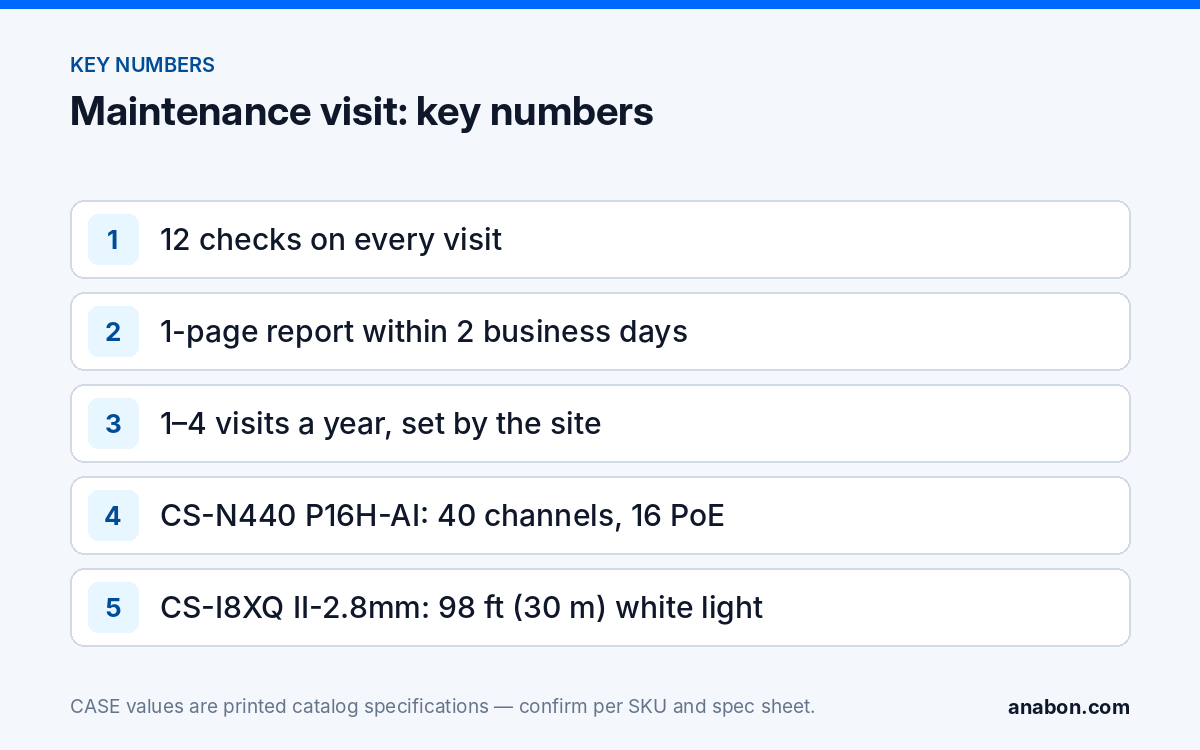
Frequency follows the site, not a habit. A quiet office with interior cameras may need one visit a year; a retail store, a parking structure or a yard with repeated incidents justifies two to four. Exterior cameras near roads, trees, coastlines or dusty processes need more lens attention than indoor domes. Agree the frequency in the service agreement so the visit is planned, not a favor; the agreement structure is in service agreements and recurring revenue.
Bring the kit that lets you close findings on the same visit:
- The as-built camera schedule and the last visit report.
- Lens cloth, dome cleaner safe for the housing, and a soft brush for webs and insects.
- Cable tester, spare patch cords, RJ45 connectors, weatherproof sealant and a few glands.
- A laptop with the current firmware files already downloaded and checked against the release notes.
- A USB drive to run the export test.
- Ladder or lift arranged in advance, with work at height done under OSHA rules in the US (provincial occupational health and safety rules in Canada).
The 12-point security camera maintenance checklist
Use the same twelve points on every visit so results compare from one visit to the next. Copy the table into your own job sheet and record a result for every row, including “no change.”
| # | Check | How | Record |
|---|---|---|---|
| 1 | Lens and housing | Clean every exterior lens and dome; look for scratches, condensation, cracked seals | Cleaned / damaged, per camera |
| 2 | Night illumination | Review a night clip or cover the light sensor; confirm IR or white light switches on; look for glare from eaves or walls | Pass / glare / failed |
| 3 | Field of view | Compare the live view with the schedule; look for drift, new trees, signs, racking or parked equipment | Matches / changed (screenshot) |
| 4 | Cabling and seals | Inspect drip loops, glands, junction boxes and exposed runs; retest any link that dropped since the last visit | Pass / repaired |
| 5 | PoE and power | Check port status and PoE load on the switch or NVR; test the UPS on its self-test | Load noted / UPS pass |
| 6 | Hard drive health | Read the drive status and S.M.A.R.T. warnings on the NVR; note the drive install date | Normal / warning / replace |
| 7 | Retention | Find the oldest recording per channel and compare it with the agreed target | Days achieved vs target |
| 8 | Time sync | Confirm NTP is set and the NVR clock matches a reference; check the time zone and daylight saving | In sync / corrected |
| 9 | Firmware | List camera and NVR versions; compare with current releases; update only with a backup and a rollback plan | Versions before / after |
| 10 | User accounts | Remove departed staff, confirm roles, review CASE Connect sharing and change any shared default credentials | Accounts removed / changed |
| 11 | Analytics and alarms | Review false alarms since the last visit; confirm rules, zones and schedules still fit the site | Rules adjusted |
| 12 | Export test | Export a short clip to USB and play it on another computer | Pass / failed |
Point 6 deserves the most attention: a drive that shows warnings is a common cause of lost evidence on an otherwise healthy system. The diagnosis steps are in NVR hard drive errors. Replacement drives are covered by the drive’s own terms: hard drives are supported through back-to-back manufacturer warranty.
What goes in the one-page report for the customer?
The report is the visible product of the visit. The customer did not watch you clean twenty lenses; they read one page. Keep it to one page, written for a manager rather than a technician, and send it within two business days.
| Block | What to write |
|---|---|
| Header | Site, date, technician, visit type (scheduled or call-out) |
| System status | One line: “All cameras recording; retention 30 days against a 30-day target,” or what is not |
| Work done | Cleaned, adjusted, updated, repaired, in plain words |
| Findings | Each issue with its effect on the site: “Camera 7 view now blocked by new signage; the loading door is no longer covered” |
| Recommended actions | Numbered, each marked “included in agreement” or “needs approval” |
| Next visit | Date and what will be checked first |
Write findings as consequences, the same way you wrote the original proposal. “Retention fell to 18 days because three cameras were added at full frame rate” tells the customer what changed and why; “storage issue” does not.
How do you spot upgrade needs without pushing a sale?
An upgrade recommendation is credible only when it comes from a recorded finding, and when you also say when the upgrade is not needed. The table pairs common findings with possible responses and the check that comes first.
| Finding on the visit | Fix first | Upgrade to discuss |
|---|---|---|
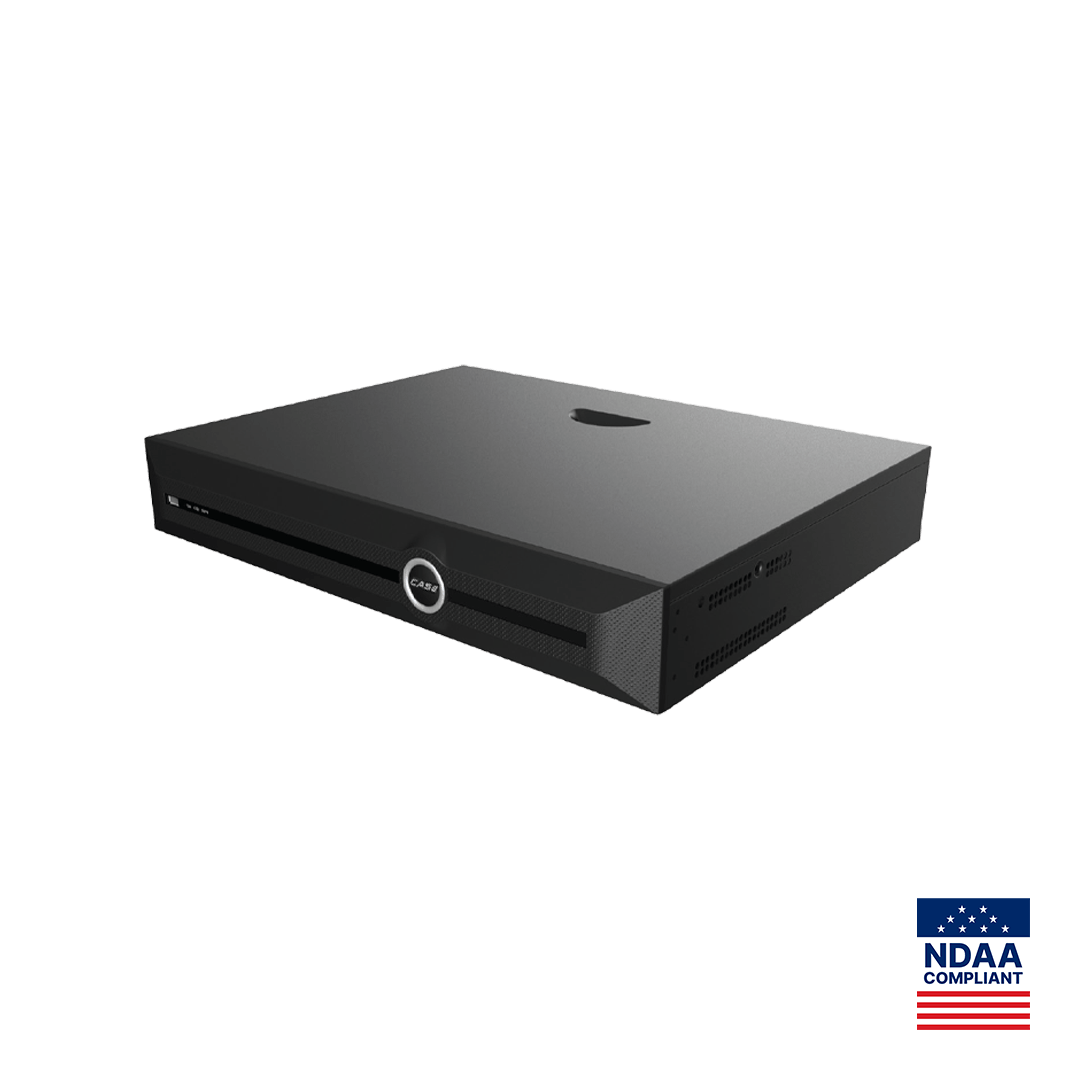
| Retention below target; recorder channels full | Review stream settings, frame rate and recording mode | A larger recorder such as the CS-N440 P16H-AI: 40 channels, 16 PoE ports, storage for 4 drives of 10 TB as printed |
| Staff spend long sessions searching for incidents | Train them on the search they already have | An AI NVR with VCA Search; search functions confirmed per model, firmware and software version |
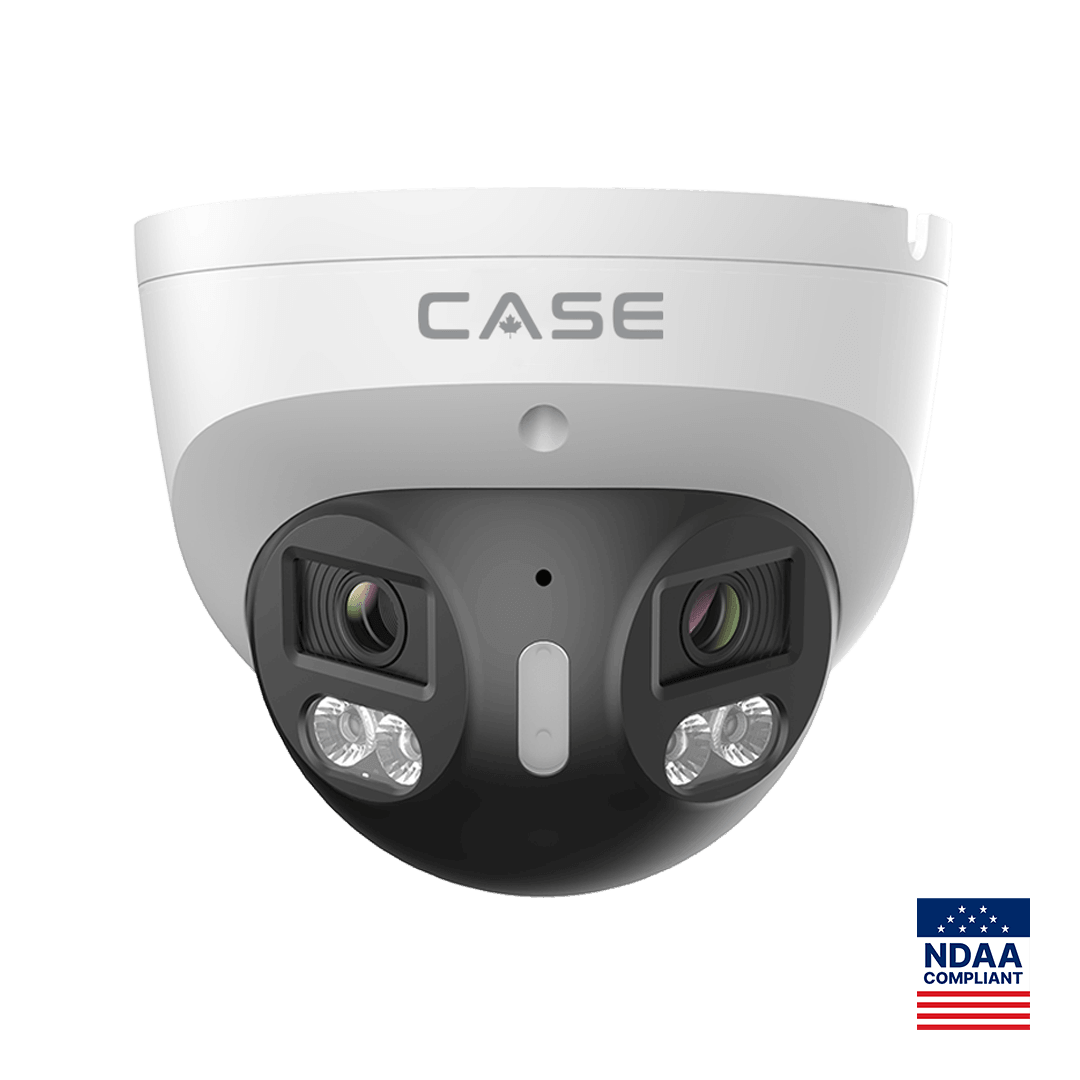
| Repeated after-hours incidents at one door; footage shows only the aftermath | Check lighting and the camera angle | A deterrence turret such as the CS-I8XQ II-2.8mm: built-in speaker, red and blue light, 98 ft (30 m) white light as printed; EW availability confirmed per SKU |
| Two cameras cover an open lot with a gap between them | Re-aim if the gap can be closed | A stitched 180° camera such as the CS-I86V I-180: 8MP (4+4) stitched, 4640×1728 as printed |
| Night clips gray or noisy in an unlit area | Clean the lens; check for IR glare | A low-light color camera; behavior stated per SKU on the specification sheet and confirmed for the site |
Three rules keep this on the right side of the line. Do not recommend hardware for a problem a setting would fix. Put the recommendation in the report and let the customer ask; do not pitch on the ladder. And state the lifecycle facts exactly when they matter to the decision: CASE cameras and CASE NVRs carry a 6-year warranty. CASE PTZ cameras carry a 3-year warranty. CASE accessories carry unlimited warranty. Hard drives are supported through back-to-back manufacturer warranty.
When the customer wants to see a feature before deciding, approved demo products can help: for approved demo products we provide a 90-day test period under the approved demo return process. This is not a general return policy.
How do you turn a finding into an approved upgrade?
- Record the finding with a screenshot or clip reference and the date.
- Describe the effect on the site in one sentence in the report.
- Offer the fix that needs no hardware first, if one exists.
- Where hardware is the answer, write a short proposal: the problem, the change, the full SKU, its printed specs and the installation scope.
- Confirm compatibility with the existing recorder and cameras before you quote; ONVIF profiles supported are S, T, and G, with M on pinhole models. Third-party behavior is confirmed per platform and project.
- Follow up once, then leave it in the next report if it is still open.
How do you schedule visits in your sheet?
A visit plan that lives in someone’s memory fails the first busy month. Add a visit tab to the customer sheet you already use; the base layout is in the simple CRM for security installers. Suggested columns:
- Site, contact, agreement tier and visit frequency in months.
- Last visit date and next visit due, calculated with =EDATE(last_visit, frequency).
- NVR model, firmware versions, drive install date.
- Open findings, recommendation sent (yes/no), customer decision.
- Status: scheduled, done, report sent.
Sort by next visit due every Monday and book the next two weeks. Conditional formatting that turns a row red when the due date has passed keeps the plan honest without anyone having to remember it.
What to tell your customer
“Each visit we check twelve points on your system, from lenses and recording to drive health and user accounts, and you get a one-page report within two business days. If we find something that needs a change, the report says what we found, what it affects and the option that needs no new equipment first. Warranty and service requests come to us, and we handle them with our distributor behind the scenes.”
FAQ
How often should security cameras be maintained?
At least once a year for a quiet interior site, and two to four times a year for exterior-heavy sites, retail, parking or locations with repeated incidents. Lens cleaning, drive health and user account reviews do not wait for a failure. Set the frequency in the service agreement so visits are planned and the customer knows what each one includes.
Should I update firmware on every maintenance visit?
Check versions on every visit, but update only when a release addresses a security issue or a problem the site has, and only with a configuration backup and a rollback plan. Record the versions before and after. Updating everything by default on a site that works can create a new problem in the middle of a routine visit.
What is the most important item on the checklist?
Hard drive health and retention, checked together. A system can show every camera live while the drive is failing or retention has dropped far below target, and the customer only finds out when footage is needed. Read the drive status, note any warnings, and confirm the oldest recording against the agreed retention target every visit.
How do I raise an upgrade without sounding like a sales pitch?
Base it on a recorded finding, describe the effect on the site, offer the no-hardware fix first, and put the recommendation in the written report rather than pitching it during the visit. Customers accept upgrades that solve a problem they can see on their own report. Pressure on site usually costs the agreement rather than winning the upgrade.
Who handles warranty if a camera fails during a visit?
You do, as the installer, through your business account with your distributor. Note the failure in the report, replace the unit under the applicable category warranty and keep the customer informed. If an end user ever contacts the distributor directly, the answer is the same: for warranty and service, please contact the installer or company that supplied your system.