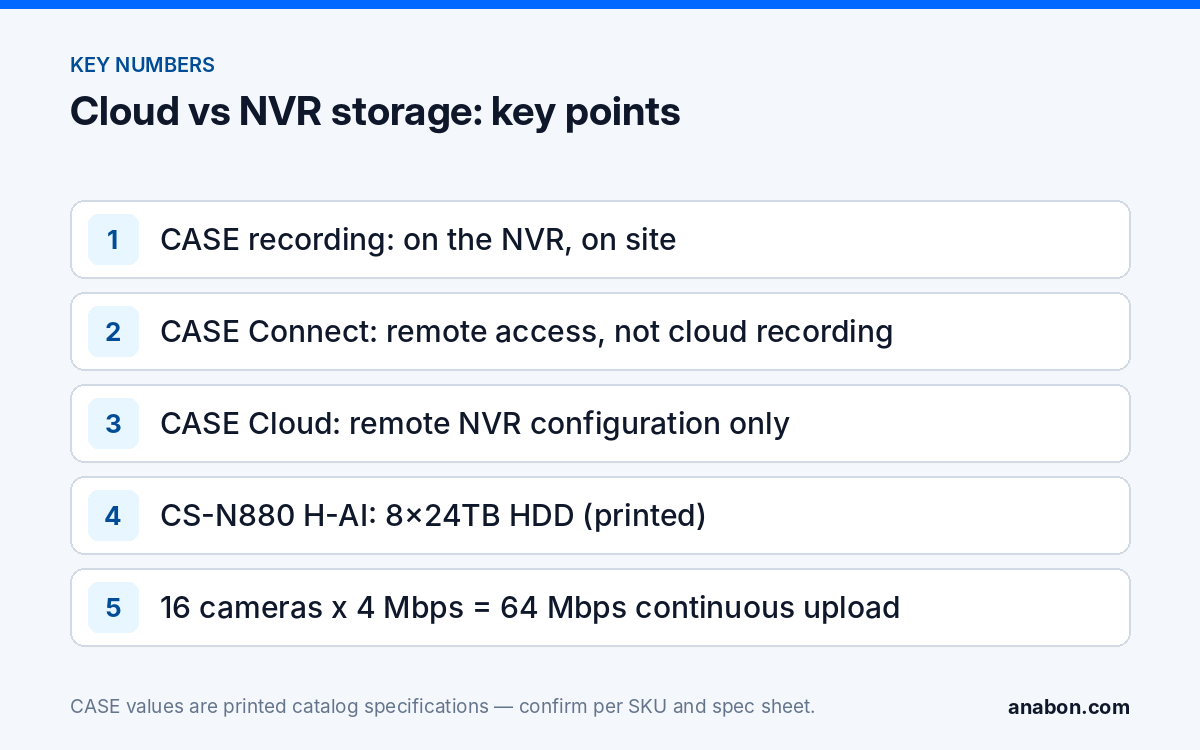
Quick answer: CASE systems record on site, on the NVR. Remote access to that recorder, live view and playback, is provided by the CASE Connect mobile app, with features confirmed by model, software version and project configuration; CASE Cloud is a technician tool for remote NVR configuration over P2P and is not cloud recording. When a customer asks “do you have cloud?”, separate the three things they might mean, state what is supported today, and get the scope for the project in writing from Anabon rather than promising a platform that does not exist in the current product line.
Cloud recording vs remote access: not the same thing
Most customers who ask for cloud want one of three outcomes, and only one of them is cloud storage. They want to see the cameras from anywhere; they want the footage to survive if the recorder is stolen or burns; or they want a technician to fix settings without a site visit. Each has a different answer on a CASE system, and the proposal should name which one the customer bought.
| What the customer means | What it is | Where the video lives | On a CASE system today |
|---|---|---|---|
| “See it from anywhere” | Remote access | On the NVR at the site | CASE Connect: Live View & Playback, Alarm Information & Details as printed for the mobile app; website functions confirmed per project |
| “Store it off site” | Cloud recording (video surveillance as a service) | In a provider’s data center, continuously uploaded | Not a CASE product today; the recording layer is the on-site NVR |
| “Fix it without a truck roll” | Remote configuration | Still on the NVR; only settings travel | CASE Cloud: remote NVR configuration and troubleshooting over secure P2P, no port forwarding required, as printed; a technician tool |
The confusion is natural: all three use the internet, and cloud-subscription platforms bundle them into one word. Your job is to unbundle it, because the three carry very different bandwidth, retention and ownership consequences.
What CASE supports today
Use the dated, supported-today wording and nothing broader: “Here is what is supported today: CASE Connect, on mobile and on the web, is the main CASE software. For desktop viewing, remote NVR configuration, and deployment there are CASE Station, CASE Cloud, and the Search Config Tool. Capability is confirmed per model, firmware, and deployment. For a specific requirement, we confirm it in writing for your project.”
In practice that means four layers you can specify and defend:
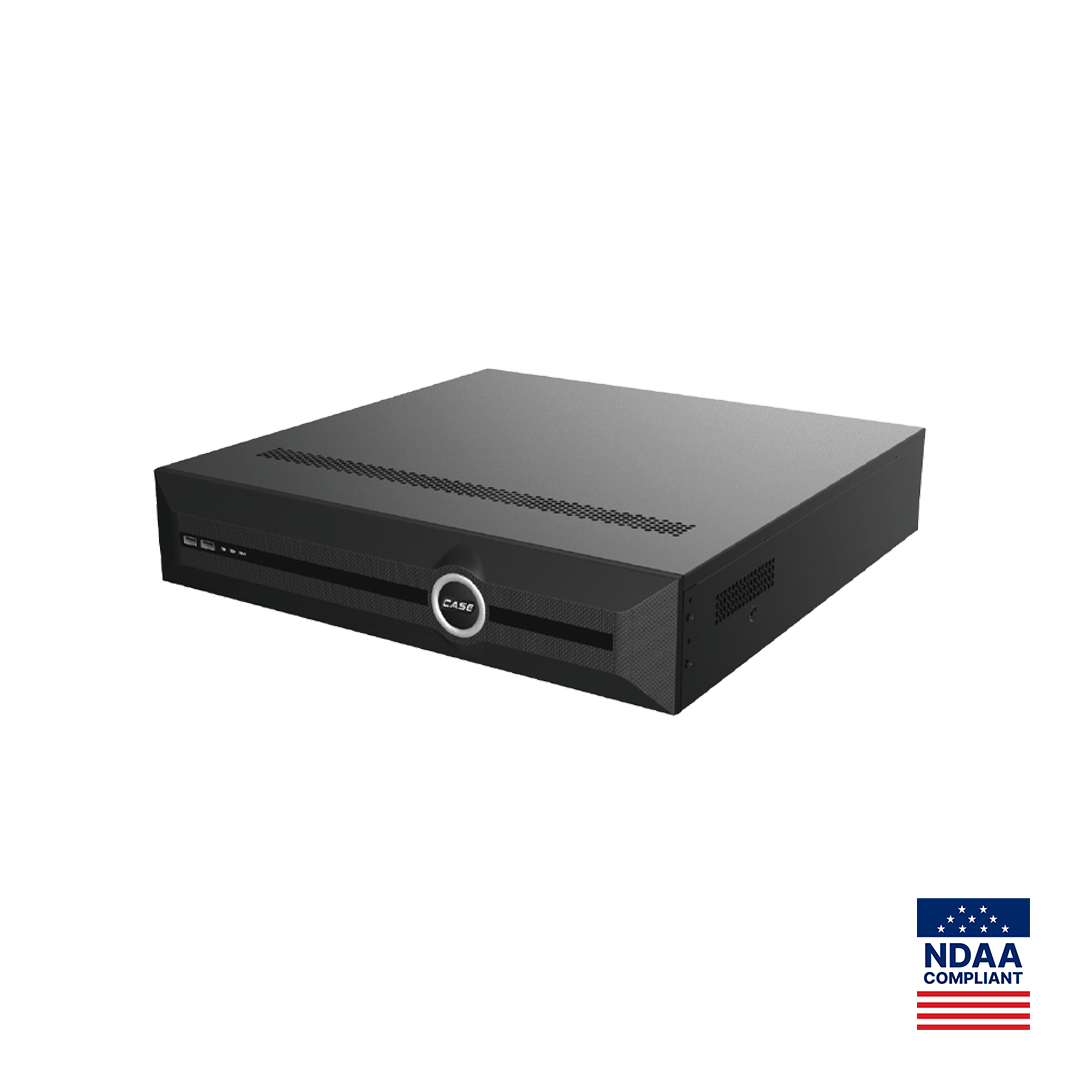
- On-site recording on the NVR. The CS-N220 P16H-AI prints up to 10 TB capacity for each HDD; the CS-N880 H-AI prints 8x24TB HDD. Retention is set by the disks you fit, not by a subscription tier; size them with the NVR storage calculator.
- Remote access through CASE Connect. The customer views live and recorded video from the recorder in the CASE Connect app; what the CASE Connect website offers is confirmed per project. App features and remote access options should be confirmed by model, software version, and project configuration. The handover routine is in CASE Connect: setting up remote viewing for your customer.
- Remote configuration through CASE Cloud. A technician tool for configuring and troubleshooting NVRs without being on site, over a secure P2P connection with no port forwarding, as printed. It does not store video, and it is not a customer-facing cloud service; see CASE Cloud for remote NVR configuration: what it is and isn’t.
- Edge storage on the camera. Most CASE cameras print a 512 GB memory slot and the CS-I8XQ II-2.8mm prints 1 TB. A card in the camera is local redundancy for a network interruption, not off-site storage, and its recording behavior is confirmed per model and firmware.
What is not on that list is not promised: no cloud recording, no fleet platform, no timeline. If a written specification requires cloud recording, say so to Anabon before you bid; a scope question gets a written, dated answer.
Bandwidth and retention realities of cloud recording
Cloud recording moves the storage problem onto the customer’s internet link, and the arithmetic is unforgiving. Continuous upload in megabits per second equals the number of cameras multiplied by the bitrate of each stream. Sixteen cameras recording continuously at 4 Mbps need 64 Mbps of upload capacity, all day, every day, before the business sends a single email. Over a month that is roughly 20 TB uploaded: the same volume a local NVR would write to its own disks, except that it has to leave the building first. Many business internet plans offer far less upload than download, so the first survey question for any cloud-recording request is the measured upload speed and the plan’s data terms, not the camera count.
| Factor | Cloud recording | On-site NVR recording |
|---|---|---|
| Bandwidth | Continuous upload equal to the recorded bitrate of every camera | Stays on the camera network; the internet carries only what someone is watching |
| Retention | Set by the subscription tier, per camera | Set by the disks fitted; the CS-N880 H-AI prints 8x24TB HDD |
| Ongoing commitment | Recurring per-camera subscription for as long as footage is kept | Hardware owned by the customer; drives replaced on your service schedule |
| Internet outage | No upload means no recording unless the device buffers locally | Recording continues; only remote viewing pauses |
| Data location | Provider’s data centers, possibly outside the country | Inside the customer’s building |
| Theft or fire at the site | Footage already off site | Footage at risk unless the recorder is secured and backed up by procedure |
Data location is a compliance question, not only a technical one. For Canadian customers, where personal information is stored and who can access it falls under PIPEDA and the provincial private-sector laws, Quebec’s Law 25 in particular; in the US, state privacy laws and the customer’s own sector rules apply. Verify with counsel before footage of staff and visitors is sent to a provider in another jurisdiction.
When the on-site NVR is the right answer
For most of the commercial sites installers quote, the recorder wins on the facts rather than on preference:
- Sites with more than a handful of cameras, where continuous upload would saturate the internet link or exceed the plan.
- Sites that need long retention, which on an NVR is a disk decision rather than a monthly tier.
- Sites where the customer or the specification requires the footage to stay on the premises or in the country.
- Sites with unreliable internet, because recording must not depend on the link.
- Sites with AI requirements: AI by NVR and VCA Search run on the recorder, next to the video.
- Customers who want to own the system after the project rather than carry a subscription for every camera, every month.
What the NVR does not give you on its own is the off-site copy. Treat the recorder’s physical security as part of the design: a lockable rack, a UPS, tamper detection on the enclosure, and a documented export routine for incidents, as described in Physical security of the recorder. CASE NVRs carry a 6-year warranty; hard drives are supported through back-to-back manufacturer warranty.
When a customer insists on cloud: the honest options
Start by naming which of the three outcomes they want, then offer what is supported today:
- “See it from anywhere.” CASE Connect delivers it on the phone; remote access without port forwarding (for example over the recorder’s platform (P2P) access) is confirmed by model, software version and project configuration. Most cloud requests end here once the customer sees the device list on their own phone.
- “Keep a copy away from the building.” Design it as a procedure: an export routine after incidents, a secured recorder, and edge storage on critical cameras for network interruptions. Do not describe this as cloud recording, because it is not.
- “Fix it remotely.” CASE Cloud is the technician tool for that, and it belongs in your service agreement rather than in the customer’s app.
- A written requirement for cloud recording. Do not improvise a bridge to a third-party platform; integration behavior is confirmed per platform and project, never assumed. Send the requirement to Anabon and bid on the written, supported-today answer.
Never promise a roadmap. A sentence such as “cloud is coming” in a proposal is a claim you will have to defend in year two.
Written confirmation for your project
Procurement reviews ask the cloud question in writing, so answer it in writing. Request from Anabon a dated software-scope statement for the project that lists the recorder models, the CASE Connect functions as printed, CASE Cloud as remote configuration only, the edge-storage behavior per camera model where it matters, and the explicit line that cloud recording is not part of the supported scope. Attach it to the submittal next to the spec sheets. That statement is what survives the review: not a brochure word, but a documented description of where every byte of video lives. For compliance-sensitive projects, add the documentation sentence as well: CASE offers NDAA-compliant options for compliance-sensitive projects. Anabon confirms the exact products and provides the official compliance documentation for each project.
What to tell your customer
“Your video is recorded in your building, on a recorder with drives sized for the retention you asked for, and you can see live and recorded video from anywhere through CASE Connect. We are not sending your footage to a subscription service, which keeps it under your control and off your internet upload. If an incident happens, we export the clip for you and keep a copy in your job file.” For warranty and service, please contact the installer or company that supplied your system.
FAQ
Is CASE Cloud a cloud recording service?
No. CASE Cloud is remote NVR configuration and troubleshooting over a secure P2P connection, with no port forwarding required, as printed in the CASE catalog. It carries settings, not video, and it is a technician tool rather than a customer service. Video on a CASE system is recorded on the NVR at the site and viewed remotely through CASE Connect.
Can a customer see recorded video off site without cloud storage?
Yes. CASE Connect provides live view and playback of the recorder in its mobile app, with the footage staying on the NVR. The customer gets the “see it from anywhere” outcome without continuous upload or a per-camera subscription. App features and remote access options should be confirmed by model, software version and project configuration.
How much upload bandwidth would cloud recording need for sixteen cameras?
Multiply cameras by recorded bitrate: sixteen cameras at 4 Mbps each is 64 Mbps of continuous upload, around the clock, which over a month is roughly 20 TB leaving the building. Measure the site’s actual upload speed and read the plan’s data terms before anyone promises cloud recording; many business connections upload far more slowly than they download.
What should the proposal say when the specification asks for cloud?
State what is supported today in writing: on-site recording on the named CASE NVR, remote access through CASE Connect with its printed functions, CASE Cloud as remote configuration only, and an explicit line that cloud recording is not in scope. Ask Anabon for a dated software-scope statement for the project and attach it to the submittal. Promise no roadmap.