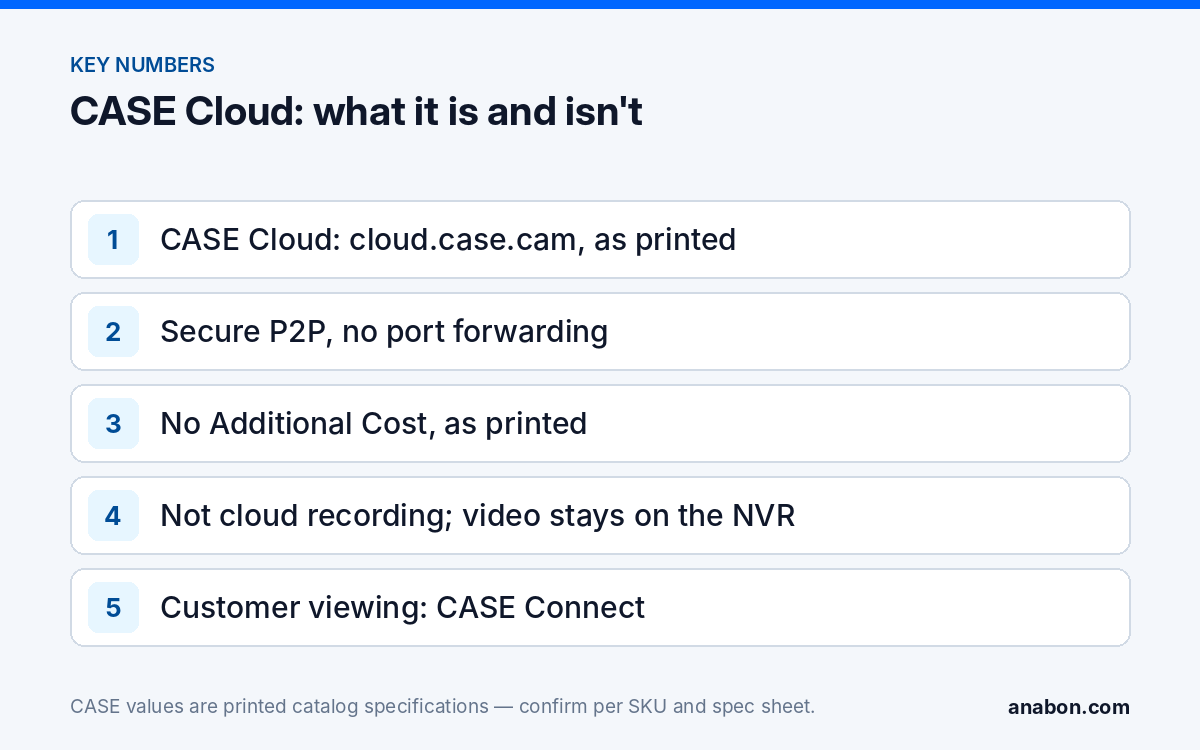
Quick answer: CASE Cloud is the CASE tool for remote NVR configuration and troubleshooting. As printed in the CASE Catalog 2027 Q1, it reaches the recorder at cloud.case.cam over a secure P2P connection, needs no port forwarding and carries No Additional Cost. It is a technician’s configuration path, not cloud recording, not off-site backup and not the customer’s viewing app, which is CASE Connect. Availability and the exact functions reachable through it are confirmed per NVR model and firmware, and nothing beyond what is supported today is promised in writing.
What does CASE Cloud do, as printed?
The catalog prints these points for CASE Cloud and nothing more: remote NVR configuration and troubleshooting; access at cloud.case.cam; reduced site visits; a secure P2P connection; no port forwarding required; and the line No Additional Cost. Read together, they describe a way for a technician to open a CASE recorder’s settings from the shop or the truck without first exposing the recorder to the internet. Typically the NVR makes an outbound connection, the technician authenticates through the portal, and the configuration pages that the model and firmware expose through that path become reachable. Which pages those are, and whether tasks such as firmware updates can be performed through them, is confirmed per model, firmware and the current version of the service; test it on your own demo recorder before you rely on it for a customer.
In the CASE software set, CASE Connect (mobile app and website) is the main software and the one the customer uses day to day; CASE Station is the desktop VMS; the Search Config Tool is for discovery and deployment on the local network; CASE Cloud is the remote configuration path. The partner-facing summary is the one Anabon uses in writing: here is what is supported today: CASE Connect, on mobile and on the web, is the main CASE software. For desktop viewing, remote NVR configuration, and deployment there are CASE Station, CASE Cloud, and the Search Config Tool. Capability is confirmed per model, firmware, and deployment. For a specific requirement, we confirm it in writing for your project.
What CASE Cloud does not do
Most misunderstandings come from the word cloud. Customers hear it and assume their video is stored somewhere else; some installers repeat it. The table separates what is asked for from where it actually lives in a CASE system today.
| Customer asks for | CASE Cloud? | Where it lives today |
|---|---|---|
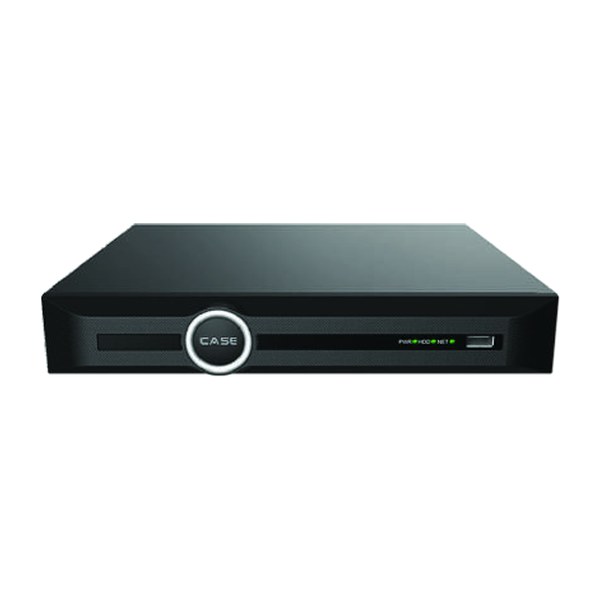
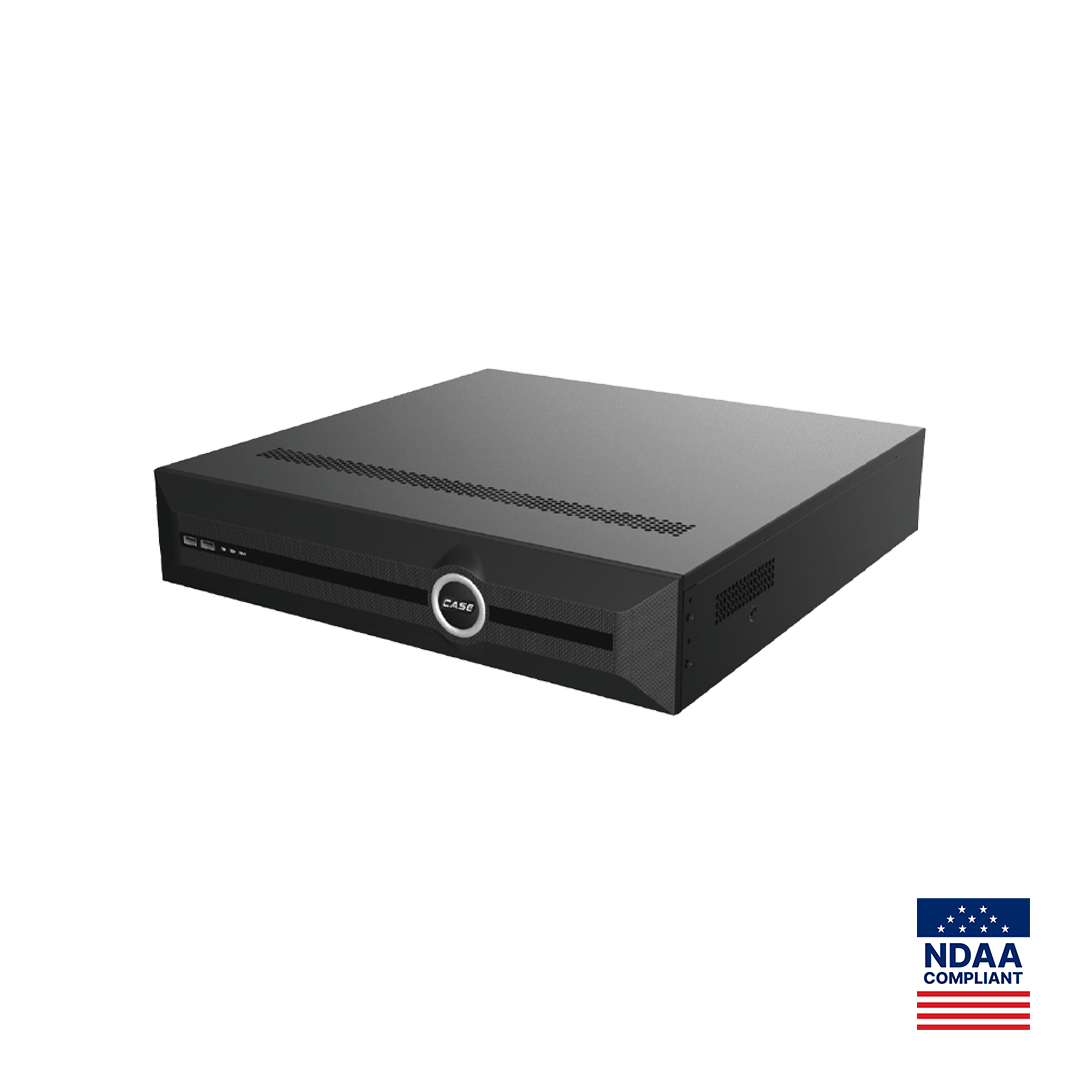
| Video stored in the cloud | No | Recording stays on the NVR’s hard drives (up to 10 TB per HDD on the 5-, 10- and 20-channel units; 4x10TB HDD on the 40-channel units; 8x24TB HDD on the 80-channel units, as printed) |
| Automatic off-site backup | No | A documented export routine; see backup and export workflow |
| Watching cameras on a phone | No | CASE Connect, per model, software version and project configuration |
| Desktop viewing of several sites | No | CASE Station, per version |
| A dashboard showing the health of many recorders | Not printed | Not promised; ask Anabon for a written scope for the project |
| A subscription video service | No | Not part of the CASE line as supported today; see cloud vs NVR storage |
| Changing a recorder setting without a site visit | Yes, as printed | CASE Cloud, per model and firmware; also the web interface over a VPN |
The honest sentence for a proposal is short: remote NVR configuration is supported today through CASE Cloud over P2P, confirmed per model and firmware; recording stays on the recorder. Anything beyond that is confirmed in writing for the specific project before it appears in a quote.
Why does P2P matter for configuration access?
The traditional way to reach a recorder from outside was a port-forwarding rule on the customer’s router, which publishes the recorder’s login page to the whole internet and invites automated password guessing. With P2P the recorder connects outbound to the service and the technician’s session is brokered to it, so no inbound port is opened and a scanner finds nothing to probe; how the session is brokered is confirmed per model, firmware and service version. CASE Connect remote access for the customer’s viewing may use a similar P2P-style path where the recorder offers platform access; that is confirmed by model, software version and project configuration. The comparison, including when a VPN is the better recommendation, is in P2P vs VPN and what to recommend.
P2P removes the open port; it does not remove the need for discipline. The recorder still needs a strong, unique administrator password, firmware kept current, UPnP off and an account per person, as set out in hardening a CASE NVR. Remote configuration access is administrator-level access, and whoever holds it can change recording schedules, users and network settings; treat the credential accordingly.
When does support use it, and when should you?
Anabon supports installers, dealers and approved business accounts, not end users, so a CASE Cloud session is something a partner opens or authorizes, never something a customer requests from Anabon directly. Typical cases:
- A configuration fault you cannot see from the description. A recording gap, a schedule that does not match the quote, a camera channel that keeps dropping. With the partner on the line and the customer’s permission, Anabon technical support can look at the recorder’s settings instead of asking you to read menus aloud.
- Your own service calls. Checking drive status, adjusting a motion rule, adding a user the customer requested, or confirming time and NTP after a daylight-saving change, without a truck roll. Service work that becomes a line item in a service agreement.
- Post-firmware verification. Confirming that recording resumed on every channel after an update, where the update itself is done according to the safe firmware procedure.
It does not replace a visit for anything physical: a failed drive, a PoE port, a camera with water in the junction box or a recorder with no internet connection. A recorder that is offline cannot be reached through any cloud service, which is why the first question on a remote session is whether the customer’s internet link is up. Before you call support, have the usual details ready, including the NVR model, firmware version and whether P2P is enabled on the unit.
Permission, logging and the written scope
Remote access to a recorder is remote access to a system holding personal information about staff and visitors, which falls under state laws (US) / provincial laws and PIPEDA (Canada). Build the governance into the handover rather than improvising it on the day of the fault.
- Write the remote-access arrangement into the handover document: that the installer may reach the recorder’s configuration remotely, under what conditions, and that the customer may withdraw it. The account structure is in user roles and permissions.
- Get permission for each session that involves a third party such as Anabon support, and note who was on the session and what was changed.
- Keep the recorder’s own log enabled and time-synced so that remote changes appear with a timestamp and account name.
- Disable the remote path, or the account behind it, when a service agreement ends or a technician leaves.
- Give the customer a written software-scope statement (template below) so that nobody later believes the recorder was backing up to the cloud.
Software-scope statement template
Copy this table into the proposal or handover document and fill the right-hand column per project after confirming with Anabon. It keeps the word cloud from meaning five different things to five people.
| Capability | Supported today | Tool | Confirmed per |
|---|---|---|---|
| Recording | On the NVR’s internal drives | CASE NVR | Printed storage row of the SKU |
| Customer live view and playback, remote | Yes | CASE Connect | Model, software version, project configuration |
| Remote NVR configuration and troubleshooting | Yes, over P2P, no port forwarding, as printed | CASE Cloud | Model and firmware |
| Desktop viewing of one or more recorders | Yes | CASE Station | Version |
| Cloud recording or off-site video storage | No | Not applicable | Written scope if a project requires it |
| Multi-site health dashboard | Not printed | Not applicable | Written scope if a project requires it |
What to tell your customer
“Your video is recorded on the recorder here on site, not in the cloud. What we do have is a secure way to reach the recorder’s settings remotely, without opening your network to the internet, so many service questions are handled without a visit. You see your cameras through the CASE Connect app. Everything we support is listed in the scope statement in your handover file; if a future need goes beyond it, we confirm it in writing first.” For warranty and service, please contact the installer or company that supplied your system.
FAQ
Is CASE Cloud a cloud recording service?
No. As printed, CASE Cloud provides remote NVR configuration and troubleshooting over a secure P2P connection at cloud.case.cam with no port forwarding, at No Additional Cost. Video stays on the recorder’s drives. If a project needs off-site storage of recordings, ask Anabon for a written scope statement before it appears in a proposal.
Does CASE Cloud replace CASE Connect for the customer?
No. CASE Connect is the official app experience for CASE systems and the software the customer uses for live view and playback; app features and remote access options should be confirmed by model, software version, and project configuration. CASE Cloud is a technician’s path to the recorder’s configuration and is not part of the customer’s daily experience.
Do I still need port forwarding on the customer’s router?
No. The printed attribute of CASE Cloud is that it needs no port forwarding: the recorder connects outbound over P2P and the session is brokered to it. Leave UPnP off and create no forwarding rules; where a customer’s IT requires a different model, a VPN is the alternative. How the session is established is confirmed per model, firmware and service version.
Can Anabon support log in to my customer’s recorder?
Only through you and with the customer’s permission. Anabon supports installers, dealers and approved business accounts, not end users, so a remote session is opened or authorized by the partner, with the partner on the line, and the changes are noted. Write the arrangement into the handover document so the customer has agreed to it in advance.
Which CASE NVRs work with CASE Cloud?
The catalog describes CASE Cloud as a tool for CASE NVRs without printing a model list, so availability is confirmed per NVR model and firmware. Test it on your own demo recorder, record the firmware version that worked, and ask Anabon to confirm in writing for a specific project before promising remote configuration in a quote.