Quick answer: Cannabis security requirements come from the license: a state regulator in the US (in Canada, Health Canada’s Cannabis Regulations for federally licensed cultivation, processing and medical-sale sites, and the province for retail stores) prints the camera rules, and the installer designs to that text. Expect continuous recording of every entrance, exit, limited-access room, vault, point of sale and the perimeter; a printed minimum resolution and frame rate; retention from 30 days in some states to one year under Health Canada; and a documentation file the inspector can read. One year of continuous recording is a multi-recorder design, so size storage before you quote. This is design guidance, not legal advice: verify the current rule text with the licensee’s counsel.
Where do the camera rules come from?
In the US every legal cannabis state has its own regulator and its own video surveillance section in the license rules, and the rules differ by license type: cultivation, processing, testing, distribution and retail each carry their own coverage and retention wording. In Canada the federal Cannabis Regulations set the physical security requirements for federally licensed sites (standard cultivation, standard processing and sale for medical purposes), while retail stores are licensed and regulated by the province; verify the provincial rule. Pull the current rule text, print it, and attach it to the job file; a design that quotes last year’s text fails the inspection.
- Ask which license classes the site holds; a combined cultivation and retail site answers to both sections.
- Read the definitions: limited-access area, storage area and point of sale decide which rooms need cameras.
- Note the inspection method: many regulators require viewing access for the inspector, and some require a failure notification within a set time.
- Write “design meets the rule text dated …” on the drawing, never “meets all requirements”; interpretation stays with counsel.
What coverage do the rules usually require?
The wording differs, but the zone list is consistent across North America. Each row is a camera position; the rule text decides which rows apply to that license.
| Zone | What the rules usually require | Example CASE SKU (as printed) |
|---|---|---|
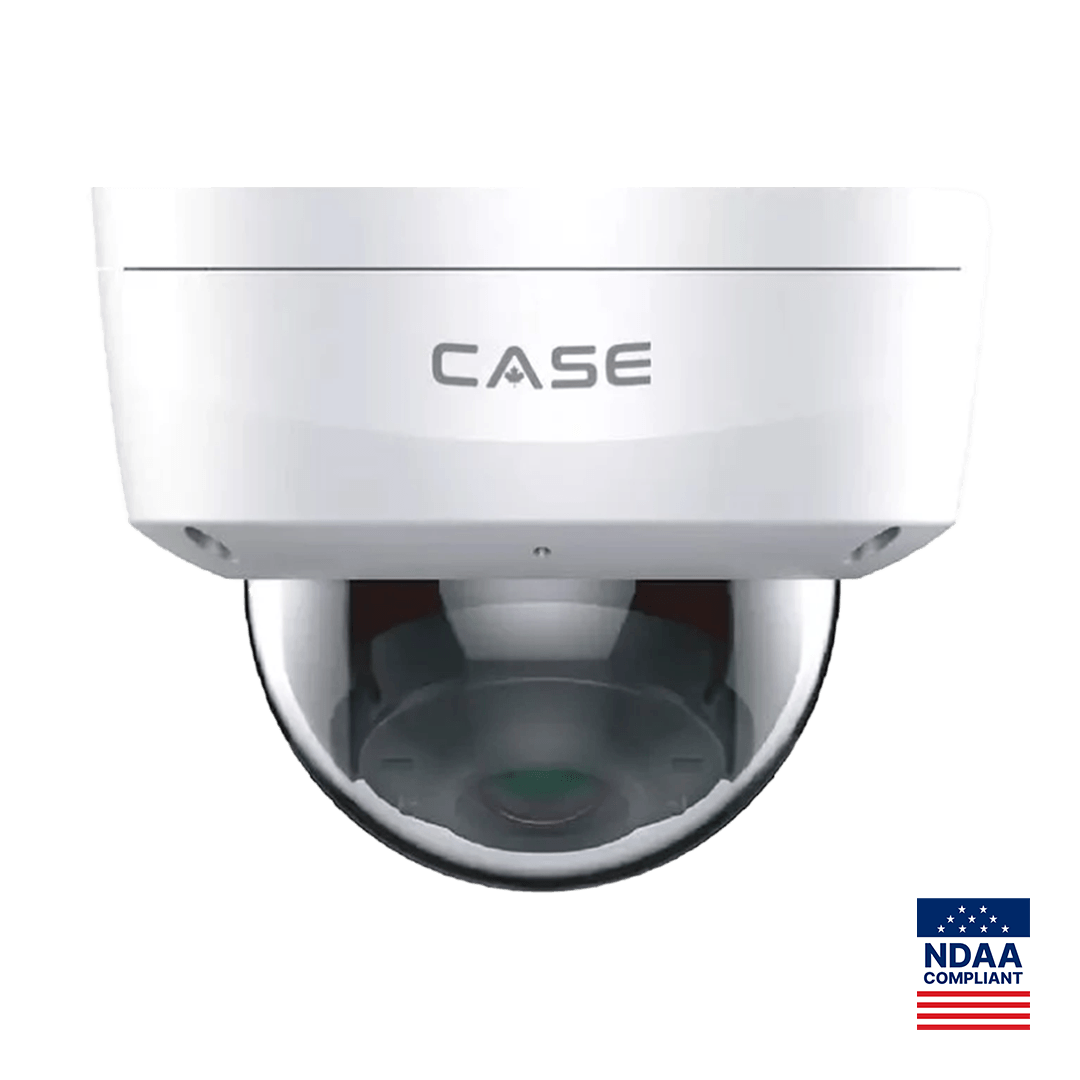
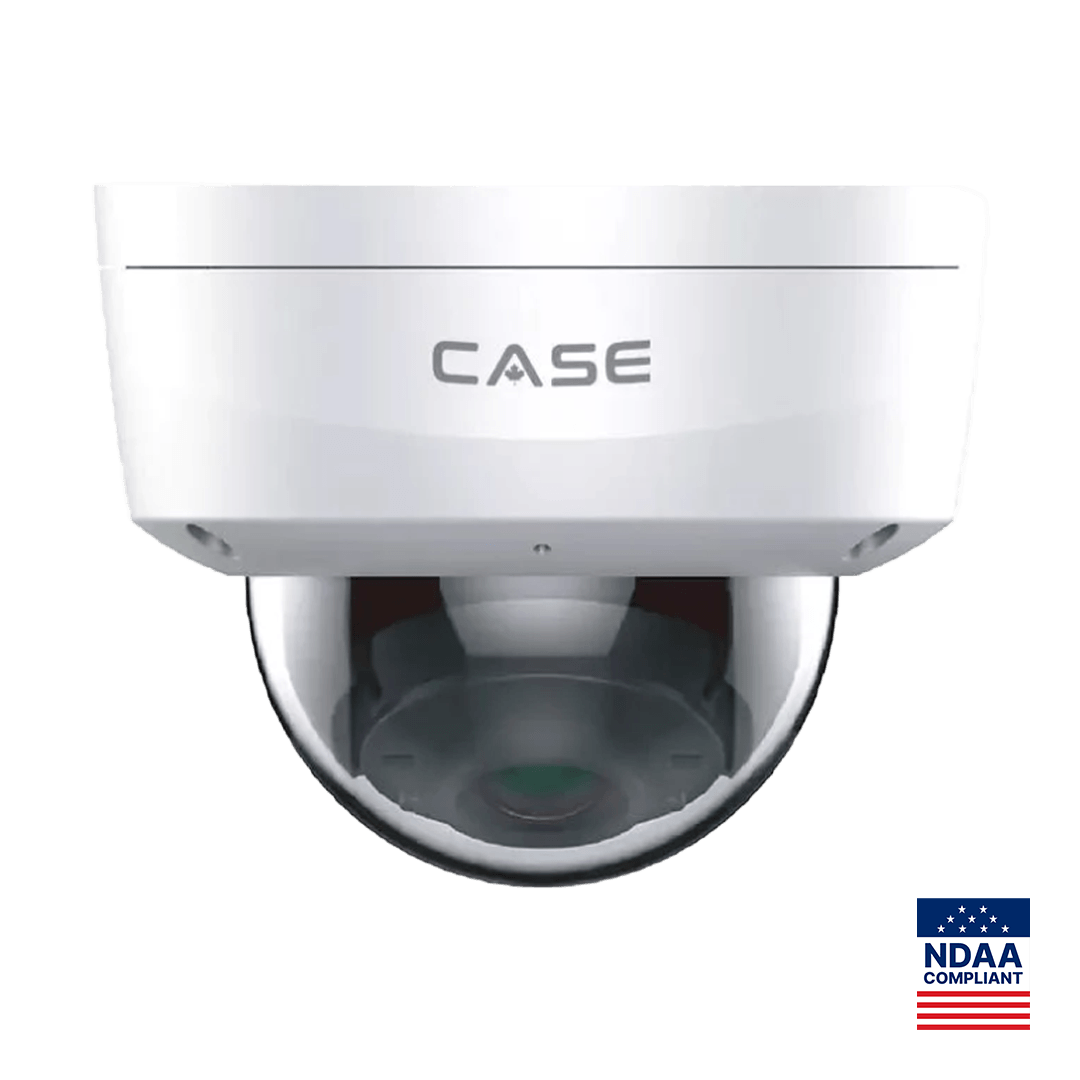
| Every entrance and exit, inside and outside | A clear face image of each person entering or leaving | CS-I5KS SD-2.8mm: 5MP 3072×1728@30fps, IR 98 ft (30 m), white light 33 ft (10 m), IP67, IK10 |
| Limited-access rooms (grow, processing, packaging) | Full view of the room, no blind spots, continuous recording | CS-I5KS SD-2.8mm, ceiling, one per room corner as needed |
| Vault, safe and storage | Inside the room and the door from outside | CS-I8KS SD-2.8mm: 8MP 3840×2160@20fps, IR 98 ft (30 m), white light 33 ft (10 m) |
| Point of sale | The transaction, the product and the customer’s face | CS-I8KS SD-2.8mm above and behind the counter line |
| Receiving, loading and waste destruction | Product in, product out, product destroyed | CS-I5KS SD-2.8mm, interior and exterior |
| Perimeter and parking | Required by some regulators and by Health Canada for the site perimeter | CS-I5KS SD-2.8mm (IP67, −31 °F to 149 °F (−35 °C to 65 °C)) |
| Surveillance room | The room itself is recorded and access-controlled | CS-I5KS SD-2.8mm facing the door and rack |
Two framing rules carry most inspections. At doors, the camera faces the person at head height from inside the room, so a face is recorded on entry and the camera on the other side covers the exit. At the counter, the camera sees the till, the product and the customer in one frame. The IK10 rating printed on the CS-I5KS SD-2.8mm and CS-I8KS SD-2.8mm matters where domes hang within reach at 8 to 9 ft (2.4 to 2.7 m).
Resolution and frame rate: what the rules print and what identification needs
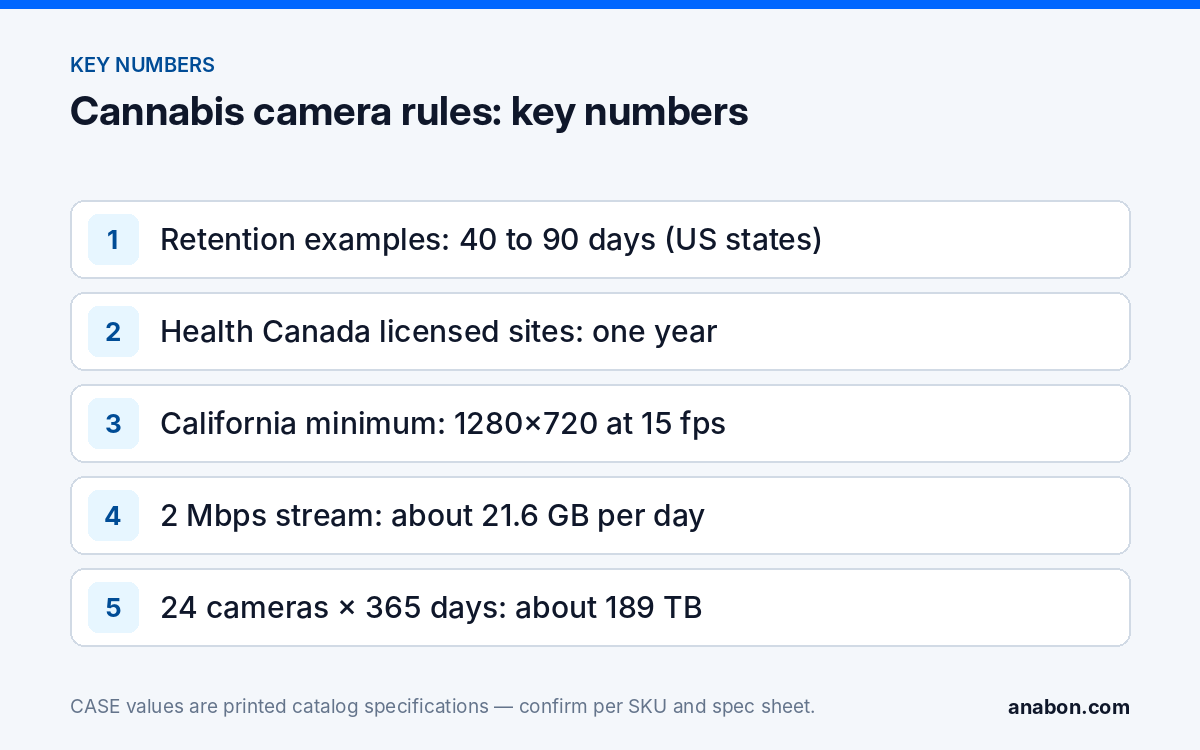
Some regulators print a minimum. California’s rules, as published at the time of writing, require at least 1280×720 and 15 frames per second with continuous 24-hour recording; others print a lower figure or only “sufficient to identify a person”. Design above the printed minimum: the CS-I5KS SD-2.8mm prints 3072×1728@30fps and the CS-I8KS SD-2.8mm prints 3840×2160@20fps. Frame rate is configured per stream, so document the setting on each camera and never drop below the rule’s figure to save disk.
Identification is a pixel-density question, not a megapixel count. A 2.8 mm lens gives a face at a door from about 10 ft (3 m); for a wider sales floor, add cameras rather than widening the view. Both domes print 120dB wide dynamic range for glass storefronts, and the white light printed at 33 ft (10 m) gives color at the exterior door after dark. Human & Vehicle Classification, Tripwire and Perimeter are printed on both SKUs and confirmed per model, firmware, software version and project configuration. Any facial recognition request is a separate review: it is a biometric function with its own legal requirements, not what “a clear face image” means in a license rule.
Retention and storage sizing: why one year changes the design
Retention decides the recorder count. The figures below are examples of published minimums at the time of writing; verify the current rule text and license type before you size anything.
| Jurisdiction | Published minimum retention (verify current text) |
|---|---|
| Colorado (1 CCR 212-3, Rule 3-225) | 30 days |
| Washington (WAC 314-55-083) | 45 days |
| California (4 CCR § 15044) | 90 calendar days |
| Oregon (OAR 845-025-1450) | 90 days |
| Illinois (68 Ill. Adm. Code 1291.300) | 90 days |
| Canada (Health Canada, Cannabis Regulations) | One year for federally licensed sites (cultivation, processing, medical sale); perimeter, operations and storage areas monitored at all times. Retail stores: provincial rule |
Storage follows one formula: bitrate (Mbps) × 10.8 = GB per day per camera, so a 2 Mbps stream writes about 21.6 GB per day. Use 2 Mbps per 5MP camera at the rule’s frame rate as a planning figure for a static interior scene; it is an assumption, not a printed value, and the exact figure comes from the storage calculator in the Search Config Tool for that SKU and setting. Where the rule requires continuous recording, motion-only sizing is not acceptable.
| Cameras × retention (2 Mbps planning figure) | Storage needed | Recorders at 4×10TB |
|---|---|---|
| 16 cameras × 45 days | about 15.6 TB | 1 |
| 16 cameras × 90 days | about 31.1 TB | 1 |
| 24 cameras × 90 days | about 46.7 TB | 2 |
| 24 cameras × 365 days | about 189 TB | 5 |
| 40 cameras × 365 days | about 315 TB | 9 (8 leaves no margin) |
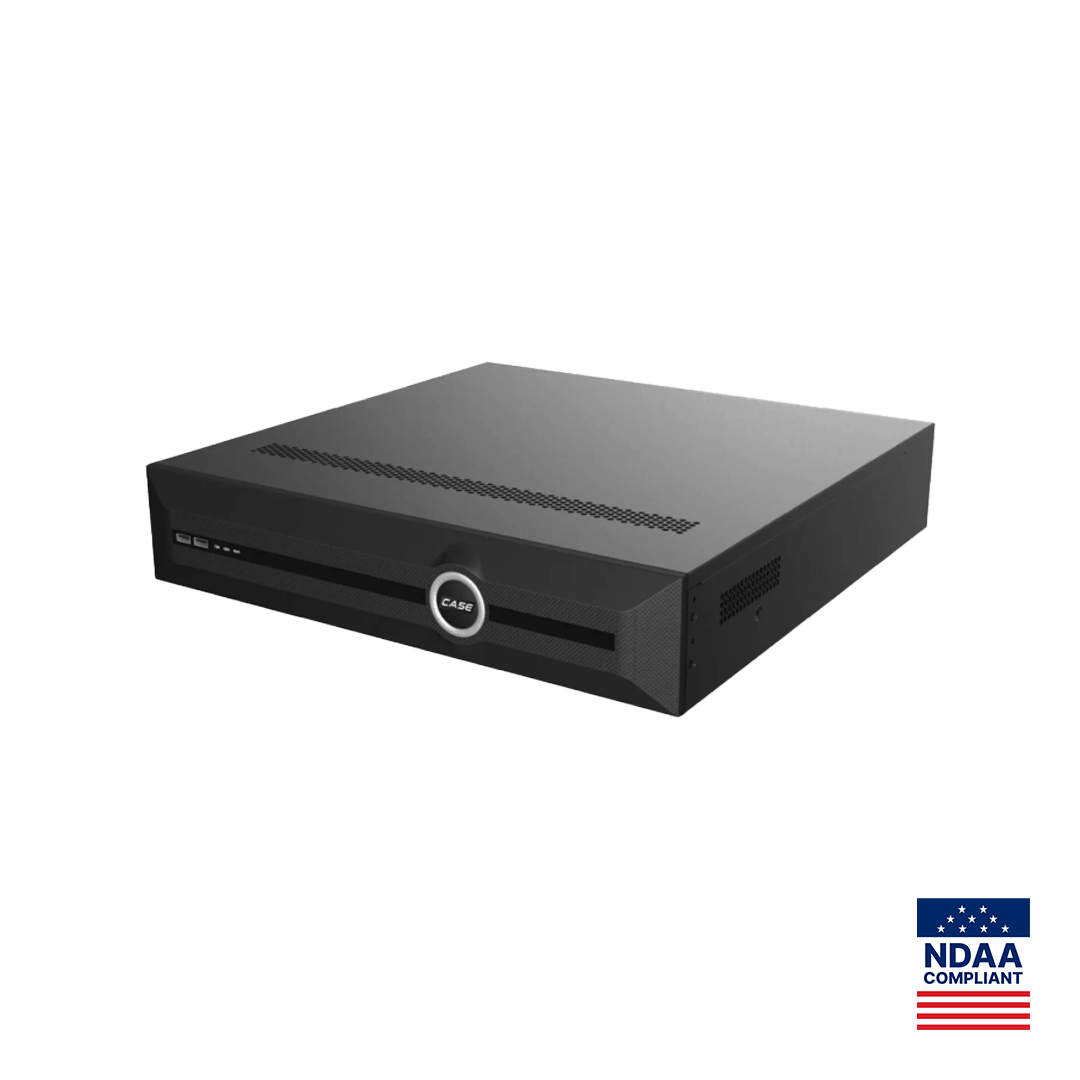
The CS-N440 M-AI prints 40 channels, storage of 4×10TB HDD, bandwidth 400Mbps / 400Mbps (200Mbps / 200Mbps with AI on) and two Gigabit Ethernet ports, with no PoE ports, so cameras arrive through PoE switches. Formatted capacity is lower than the nominal figure, so keep a margin. A one-year site is several recorders with channels split by zone, and it belongs in a design review with Anabon before the quote. The NVR Storage Calculator gives the worked method and Video Retention Policy by Industry the policy wording. Hard drives are supported through back-to-back manufacturer warranty, so the drive make and model go into the file.
What documentation does the licensing file need?
Inspectors read paper before they look at a monitor. Build the file as you design; copy this list into your job folder.
| Document | Contents | Who signs |
|---|---|---|
| Floor plan with camera positions | Camera ID, direction of view, zone label matching the rule’s terms | Installer |
| Camera schedule | ID, full SKU, resolution and frame rate as set, retention days | Installer |
| Spec sheets | One per SKU, printed from the current catalog edition | Supplied by Anabon |
| Storage calculation | Bitrate assumption, camera count, days, recorder count, margin | Installer |
| Recording and retention statement | Continuous recording, overwrite setting, export procedure | Installer and licensee |
| Backup power and failure notification | UPS run time, who is notified, within what time, per the rule | Licensee |
| User access list | Named users, roles, inspector access method | Licensee |
| Time synchronization statement | Time source, time zone, verification date | Installer |
| Maintenance and test log | Date, camera checked, result, technician | Installer |
Two rows are settings you control. Hand over the recorder with named user accounts and roles rather than one shared admin login (see User Roles and Permissions on CASE NVRs), and lock it in a rack inside the surveillance room (see Physical Security of the Recorder). Privacy notice is a separate item: in Canada, PIPEDA or the provincial privacy law (Quebec Law 25, Alberta PIPA, BC PIPA) applies to customer footage; in the US the state’s surveillance and signage rules apply. Post signage at the entrance in both countries and verify the wording with counsel.
Sample camera schedule: a 2,500 sq ft (230 m²) retail store
| ID | Position | CASE SKU | Notes |
|---|---|---|---|
| C01–C02 | Front door, exterior and interior | CS-I5KS SD-2.8mm | Face on entry; white light outside |
| C03 | Check-in and ID desk | CS-I5KS SD-2.8mm | Face and ID in frame |
| C04–C06 | Sales floor | CS-I5KS SD-2.8mm | No blind spots; queue covered |
| C07–C08 | Point of sale 1 and 2 | CS-I8KS SD-2.8mm | Till, product, customer |
| C09–C10 | Vault interior and vault door | CS-I8KS SD-2.8mm | Door from outside, room from inside |
| C11 | Packaging and back of house | CS-I5KS SD-2.8mm | Limited-access area |
| C12–C13 | Receiving door, exterior and interior | CS-I5KS SD-2.8mm | Deliveries and waste out |
| C14 | Waste destruction area | CS-I5KS SD-2.8mm | Where the rule requires it |
| C15 | Surveillance room | CS-I5KS SD-2.8mm | Door and rack |
| C16–C18 | Parking and perimeter | CS-I5KS SD-2.8mm | IP67; −31 °F (−35 °C) rated |
Eighteen cameras on a CS-N440 M-AI leave channels for growth. At 90 days and 2 Mbps the store needs about 35 TB, inside one recorder with 4×10TB HDD and a thin margin; the same count under a one-year rule, such as a federally licensed Canadian site, needs about 142 TB, four recorders; Canadian retail stores follow the provincial rule.
What to tell your customer
“Your license text is our design spec. We cover every door, limited-access room, the vault, each register and the perimeter with continuous recording at or above the printed resolution and frame rate, and we size the storage for the retention your regulator requires, which is why a one-year site needs more than one recorder. You get a documentation file the inspector can read, named user accounts, and a locked surveillance room. CASE cameras and CASE NVRs carry a 6-year warranty, and support comes through us.”
FAQ
How long must a cannabis facility keep video?
It depends on the license and jurisdiction. Published minimums at the time of writing range from 30 days in Colorado and 45 days in Washington to 90 days in California, Oregon and Illinois, and one year under Health Canada’s Cannabis Regulations for federally licensed sites (provincial rules govern retail stores). Verify the current rule text for the license type before sizing storage, and record the figure in the documentation file.
What resolution and frame rate do cannabis cameras need?
Design above the printed minimum. California’s rules, as published, require at least 1280×720 at 15 frames per second with continuous recording. The CS-I5KS SD-2.8mm prints 3072×1728@30fps and the CS-I8KS SD-2.8mm prints 3840×2160@20fps. Set the frame rate per stream, document it on the camera schedule, and never reduce it below the rule’s figure to save disk space.
Can one NVR handle a Canadian one-year retention requirement?
Rarely. At a 2 Mbps planning figure, one camera writes about 7.9 TB a year, so a CS-N440 M-AI with 4×10TB HDD holds roughly five cameras for a year. A 24-camera site needs about 189 TB, which is several recorders with channels split by zone. Bring a one-year site to Anabon for a design review before you quote the storage.
Does a dispensary camera system include facial recognition?
No. License rules ask for a clear face image at doors and registers, which is a framing and resolution task. Facial recognition is a biometric function with its own legal requirements in each state and province, including Quebec, and is discussed only after the use case, model, software, region and legal review are confirmed. Keep it out of the license submission.
References
- Cannabis Act (Canada) — Wikipedia
- Legality of cannabis by U.S. jurisdiction — Wikipedia
- National Cannabis Industry Association — NCIA
- Security Industry Association — SIA
- ASIS International — ASIS
- 1 CCR 212-3, Rule 3-225 Video Surveillance — Colorado Marijuana Rules
- WAC 314-55-083 Security and traceability requirements — Washington State Legislature
- 4 CCR § 15044 Video Surveillance System — California Code of Regulations (Cornell LII)
- OAR 845-025-1450 Video Surveillance Equipment — Oregon Administrative Rules
- 68 Ill. Adm. Code 1291.300 Security Requirements — Illinois Administrative Code (Cornell LII)
- Cannabis Regulations (SOR/2018-144), sections 62–73 — Justice Laws Website, Government of Canada