Quick answer: Plan warehouse cameras around goods moving through receiving, staging, aisles and dispatch. Test recorded views with doors open and stock in normal positions. Size recording from actual streams and the owner’s target, and keep ordinary surveillance separate from forklift protection or other engineered safety functions.
On this page
Follow the goods through the building
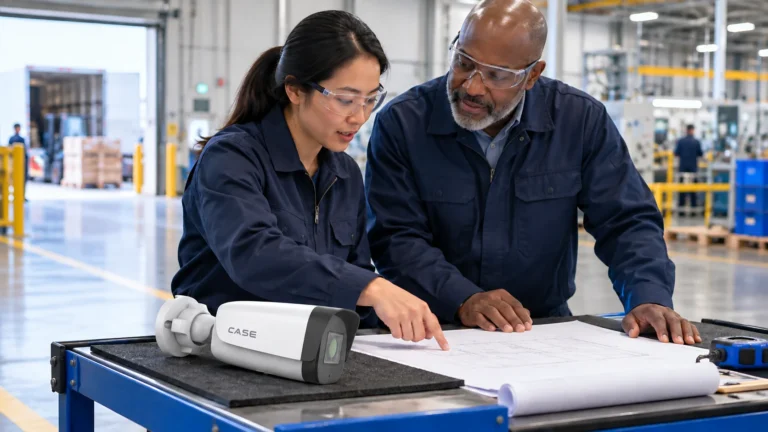
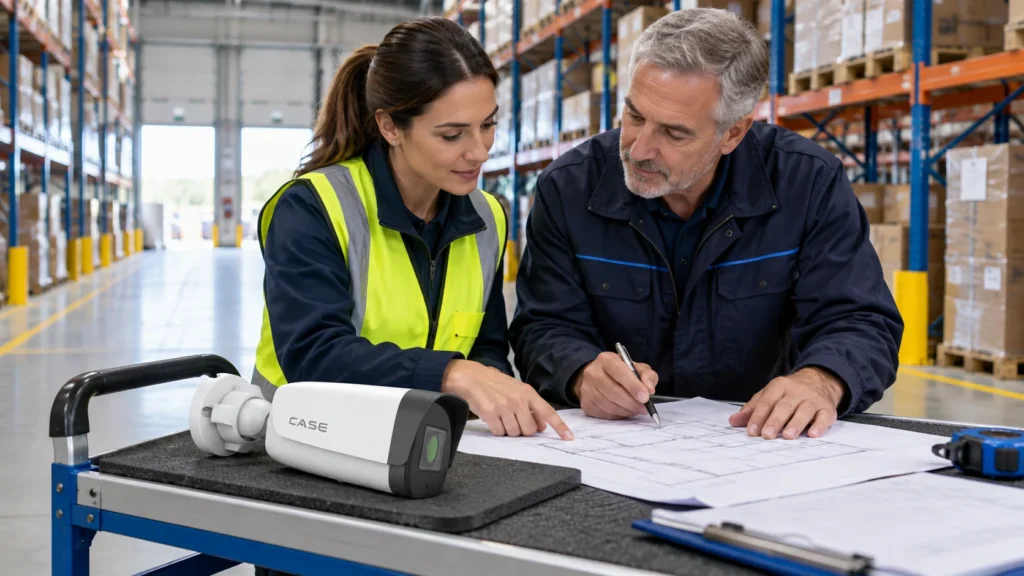
Walk with operations and identify where the customer needs to review a transfer, access event or delivery dispute. Mark dock doors, staging positions, packing points, racking aisles and yard routes. Record what each view must establish instead of trying to see everything from the highest available beam.
A forty-thousand-square-foot, twenty-eight-camera example is only illustrative. Aisle direction, rack height, loading pattern and normal obstructions can produce a different schedule. Test with a working warehouse layout, not empty racks and a clear staging floor.
Separate aisle overview from useful transaction detail
Compare IP cameras for the actual distance, field of view and light. A wide view can explain movement while a closer packing or transfer view may be needed for the agreed evidence task. Neither a fisheye overview nor a high megapixel count automatically replaces those specific views.
| Zone | Task | Acceptance test |
|---|---|---|
| Racking aisle | Movement along an agreed route | Near/far movement with full racks and normal loads. |
| Packing or transfer point | Agreed handling sequence | Staff, carts and boxes in normal working positions. |
| Dock interior | Movement between building and trailer | Open-door daylight and the actual trailer position. |
| Yard and vehicle gate | Approach, parking and departure | Night lighting, parked trailers and any separate plate task. |
Check blind spots created by raised loads, temporary stock and seasonal overflow. Agree which obstructions the operator must manage and which require another camera position. Record any accepted gap rather than hiding it behind a broad percentage-coverage claim.
Equipment example: For an open staging overview, CS-I86V I-180 lists an 8MP (4+4) stitched image (catalog physical page 19). Test the actual movement and detail at the stitch areas. Keep dedicated transfer or identification views where required; a panorama does not replace every aisle camera or provide a certified safety function.
Prove dock-door contrast on saved footage
Test with the door open in bright daylight and during the darkest working period. Include a person or load moving through the actual transfer point. Examine saved clips at the proposed settings. A WDR specification is useful selection information, not evidence that a particular dock view passes.
Reconsider position, framing or separate inside and outside views where the scene is too demanding. Check headlight glare, reflective wrapping and the view with a trailer in place. A camera that looks good at an empty closed door may miss the real event.
Keep yard and plate requirements specific
Mark the truck court, pedestrian doors, trailer parking and gate. A PTZ can supplement inspection, but essential routes still need coverage when it points elsewhere. Distinguish a general vehicle overview from a readable plate or automatic recognition at a defined capture point.
Have any specialist plate requirement reviewed for exact device, software, firmware, region and scene. Do not assume an NVR search function creates the necessary capture. Test with normal traffic direction and night lighting before the customer relies on that result.
Calculate streams, retention and access together
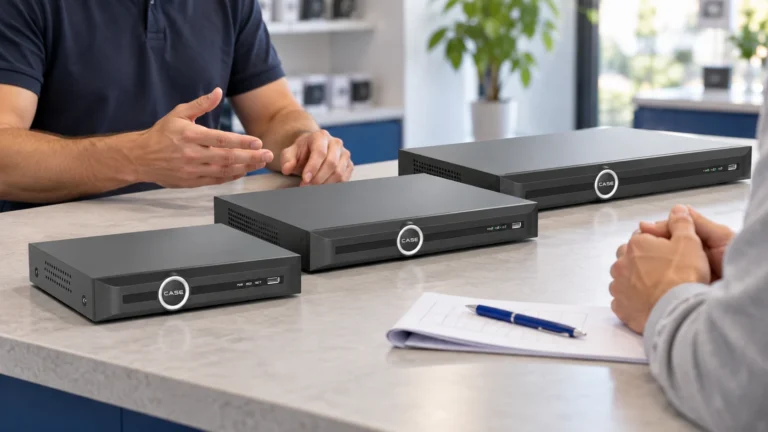
Select the network video recorder for actual channel use, supported incoming bandwidth, usable storage and agreed expansion. Check simultaneous review and export needs. Compare PoE network switches against per-device power, total load, uplinks and installation conditions; channel count alone does not establish system capacity.
Use the NVR storage guide with approved targets and recording assumptions. Do not publish thirty, sixty or ninety days as a universal warehouse rule. Ask the owner to reconcile actual contracts, discovery times, privacy and other applicable obligations, then document any per-camera-group targets.
Plan authorized incident preservation before ordinary overwrite. Verify recording age after the agreed run-in period and recheck after a stream or camera change. Keep a capacity calculation separate from proof that the installed system is recording as intended.
Keep security review separate from safety engineering
Ordinary security cameras and analytics are not represented here as forklift collision avoidance, machine safeguarding or guaranteed incident detection. Any safety function needs its own qualified design and approval. OSHA warehouse hazards guidance addresses operational risks and controls; a surveillance installation does not replace those responsibilities.
Have the site approve mounting and service access around vehicles, racks and work at height. Where dust, temperature, chemicals or classified areas matter, obtain exact equipment and installation requirements. A weather rating alone does not establish every industrial suitability.
Demonstrate a shipment-to-export workflow
With permission, follow a harmless test movement from receiving to an agreed point. Retrieve the sequence with the authorized operator, export it and replay it. Verify camera labels, timestamps, tested door positions and accepted gaps. Give viewers, exporters and administrators named roles appropriate to their tasks.
Leave the as-built plan, firmware record, network approvals and fault-response checklist. Supply exact-model instructions from the Anabon Download Center. Review the views when racks, packaging, doors or staging layouts change.
FAQ
How many cameras does a warehouse need?
Survey the routes and evidence tasks. Building area or a sample schedule cannot settle the actual number.
Do analytics replace forklift safety measures?
No such replacement is claimed. Security review and engineered safety responsibilities must remain separate.
Review the warehouse schedule
Send Anabon technical support the racking and dock plan, stock positions, lighting tests, network requirements and recording target. Compare manufacturing-site camera planning for related industrial survey questions.
References
OSHA: warehousing hazards and solutions. Follow the actual site’s qualified safety and installation requirements.