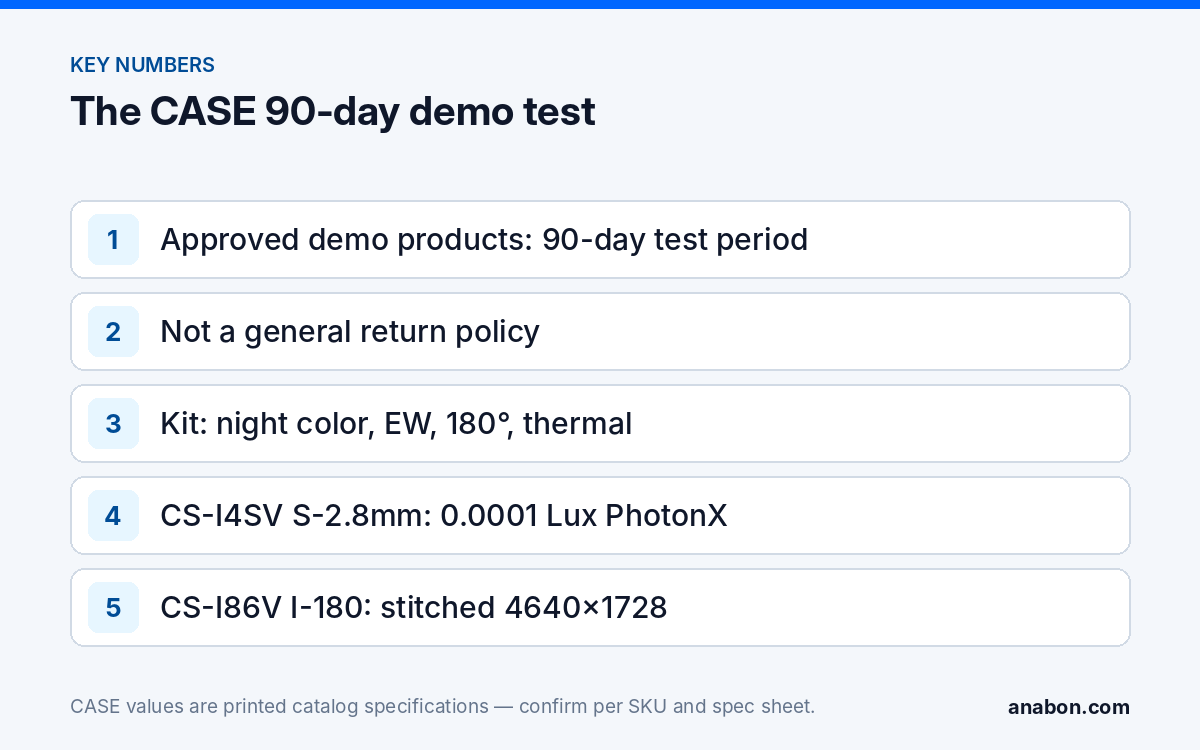
Quick answer: The CASE security camera demo program is for installers, integrators, dealers and approved business accounts: for approved demo products we provide a 90-day test period under the approved demo return process. This is not a general return policy. Use it to evaluate a product on your own terms before you standardize on it or present it in a larger project.
What is the exact demo policy?
The policy is stated in one sentence, and it should be repeated exactly in emails, proposals and sales notes:
“For approved demo products we provide a 90-day test period under the approved demo return process. This is not a general return policy.”
Three parts of that sentence carry the meaning. Approved demo products: the policy covers demo purchases that Anabon has approved as demo products, not every order. A 90-day test period: the partner may test the product for up to 90 days. The approved demo return process: if the product is not suitable for the partner’s business or project needs, it may be returned according to that process and its return condition requirements.
The purpose is practical. Changing the camera line you quote every week is a real risk for a small security company: a new line means new menus for your technicians, new mounts in the van and a new answer when the customer calls at night. The demo test lets you check image quality, installation, software experience and customer fit before you take that risk, and it is available to approved trade partners in the US and Canada.
Which products are in the CASE demo kit?
The demo kit is built around four camera families that change a site conversation: night color, active deterrence, 180° coverage and thermal. The figures below are as printed in the catalog for each SKU.
| Family | SKU | Printed specs | What it shows on a demo |
|---|---|---|---|
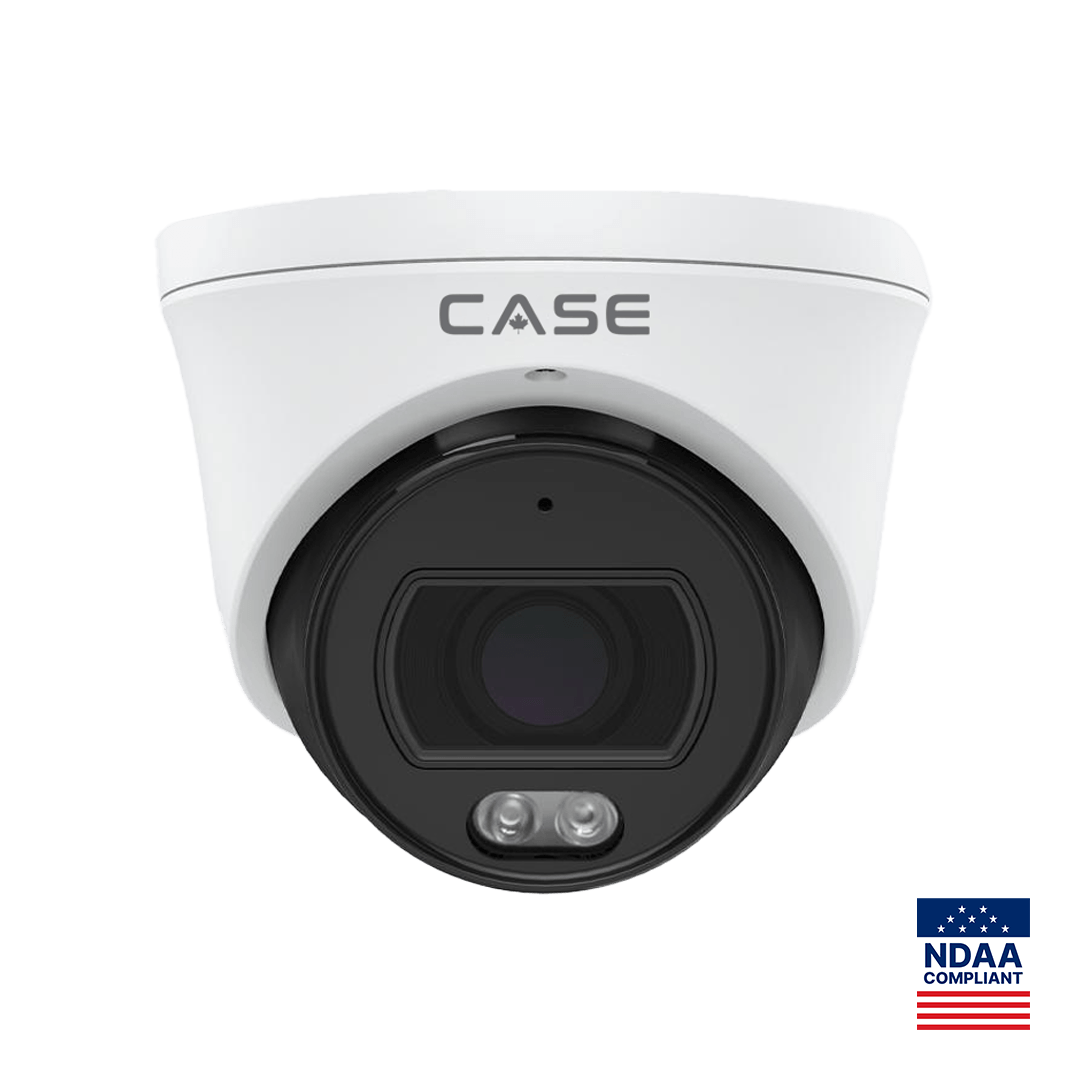
| Night color | CS-I4SV S-2.8mm | 4MP turret, 2688×1520@25fps, PhotonX, 0.0001 Lux, 33 ft (10 m) white light, no IR, IP67, −40 °F to 149 °F (−40 °C to 65 °C) | Color footage at night on a dimly lit lot or rear door |
| Active deterrence | CS-I8XQ II-2.8mm | 8MP turret, 3840×2160@30fps, 164 ft (50 m) IR, 98 ft (30 m) white light, red and blue light, built-in mic and speaker, 1 TB slot, IP66 | Light and audio response to a detected person, with EW |
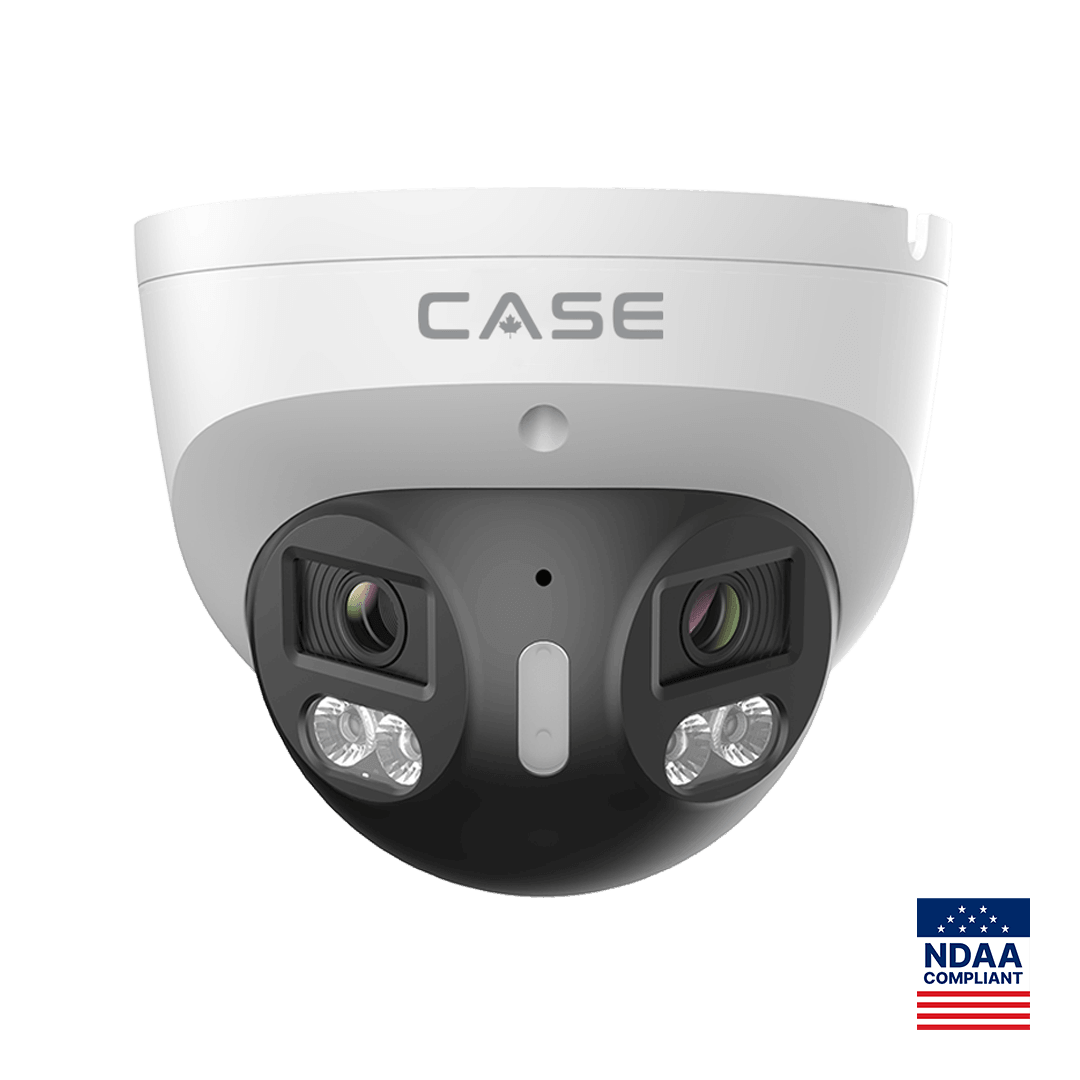
| 180° panoramic | CS-I86V I-180 | 8MP (4+4) stitched, 4640×1728@25fps, 0.0009 Lux, 98 ft (30 m) IR, 98 ft (30 m) white light, IP67, −31 °F to 149 °F (−35 °C to 65 °C) | One stitched image covering a wide frontage from a single mount |
| Thermal | CS-I5LQ I-T-4mm | Bi-spectrum: optical 2880×1620@30fps plus thermal 256×192@25fps, NETD ≤45 mK, horizontal FOV 88.7°, IP67, −31 °F to 149 °F (−35 °C to 65 °C) | Detection in darkness and temperature readings on equipment |
Two notes keep the demo claim-safe. EW and AEW are deterrence features. Availability is confirmed per SKU. And low-light and full-color behavior is stated per SKU on the specification sheet and should be confirmed for the site. Which products are approved as demo products at any time is confirmed by Anabon when you request the demo; the kit families above are the usual starting point. More background on two of the families is in full color night vision explained and active deterrence cameras with EW and AEW.
How does the 90-day demo test work, step by step?
- Have an approved business account. The demo program is for trade partners only. If you do not have an account yet, apply at account.anabon.com.
- Request the demo and name the question it should answer. For example: will color hold at night on a rear lot, or will one 180° unit replace two cameras on a storefront?
- Receive the approval. Anabon confirms which products are approved as demo products for your request and the demo conditions that apply. Confirm when the 90-day period starts.
- Keep the packaging and every accessory. It makes meeting the return condition requirements straightforward if the product does not fit.
- Run the evaluation on your bench and in the test setting the approved conditions allow, and record what you see (see the plan below).
- Decide before the 90 days end. Standardize, take the product into a first project, or return it under the approved demo return process.
What should you test during the 90 days?
A demo that ends with “looked good” teaches you nothing you can quote. Write the test plan before you power the unit, and use the same plan for every family. Copy this table into your job folder:
| Check | How to test | What to record |
|---|---|---|
| Night image | Same scene at dusk, at full dark and with headlights in frame | Screenshots at fixed times; can a face or a vehicle color be read? |
| Deterrence response | Walk test at the edge of the detection zone, day and night | Trigger distance, false triggers from vehicles, animals or weather |
| Coverage | Mark the frame edges on a site sketch | Blind spots, how many cameras the unit would replace |
| Thermal readings | A known warm object at several distances | Whether the reading is useful for the application; no fire-distance claim |
| Recording and search | Record to your NVR, retrieve an event from the previous week | Time to find and export a clip |
| Installation | Mount, cable and configure as your technician would | Install time, mount and junction box needed |
| Remote viewing | Live view and playback from a phone | Which functions your model and firmware support |
For remote viewing, use the approved sentence: “CASE Connect is the official app experience for CASE systems. App features and remote access options should be confirmed by model, software version, and project configuration.” If the demo is part of a compliance-sensitive bid, request documentation at the same time: CASE offers NDAA-compliant options for compliance-sensitive projects. Anabon confirms the exact products and provides the official compliance documentation for each project.
What the 90-day demo test is not
The demo program has a narrow scope on purpose, so that it can stay available. It is not:
- A general return policy for regular project orders.
- A return route for products in an installed customer system.
- A return route for special-order products.
- A return route for damaged goods.
- A return route for products used outside the approved demo conditions.
- A way to supply a customer project and return the hardware if the job changes.
In written material, avoid every shortcut version: “everything can be returned in 90 days”, “use it on a project and send it back” or “no conditions apply” are all wrong. CASE Project Series items with the CSP- prefix (explosion-proof cameras, thermal solutions, solar trailers and radars) are quoted per project, and their availability, certificates, lead time and warranty term are confirmed in writing for that project rather than through the demo program.
How do you turn a successful demo into a standard?
The test pays off when the result changes how you quote. If the product passed:
- Write the SKU into your standard proposal template with its full spelling and printed specs.
- Add the matching mounts and junction boxes to the same template, so the technician is not waiting on site for a bracket.
- Brief your technicians on the configuration you settled on during the test.
- Use the screenshots from your night and deterrence checks in your own customer presentations, with no site or customer identifiable.
- Bring the first larger job for review before you quote. “Bring us the opportunity before you say no.”
If the product did not fit, record why. The note tells you, and Anabon, which family or SKU to test next, and the return goes through the approved demo return process. The thermal family has its own guide in the CS-I5LQ I-T-4mm thermal bullet.
How to use this with your customers
Customers never take part in the demo program; it is a tool for you. What you can say is: “We tested this camera ourselves before we put it in front of you, and here is what it showed at night on a site like yours.” Present your own screenshots and notes, state warranty by category on the proposal, and keep any statement about features to what the specification sheet prints for that SKU.
FAQ
Who can use the CASE demo program?
Approved installers, integrators, dealers and business accounts in the US and Canada. The program is for trade partners evaluating products before they standardize or present them in larger projects. End users and property owners cannot request demo products; Anabon does not sell to end users, so they are referred to the installer or company that supplied their system.
Can I return any CASE product within 90 days?
No. For approved demo products we provide a 90-day test period under the approved demo return process. This is not a general return policy. Regular project orders, products in installed customer systems, special orders, damaged goods and products used outside the approved demo conditions are not covered by the demo program.
Which products are approved as demo products?
The demo kit is built around four families: the CS-I4SV S-2.8mm night-color turret, the CS-I8XQ II-2.8mm deterrence turret, the CS-I86V I-180 stitched 180° turret and the CS-I5LQ I-T-4mm thermal bullet. Anabon confirms which products are approved as demo products, and the conditions that apply, when you request the demo.
Can I install a demo camera at a customer site?
Only within the approved demo conditions, which Anabon confirms when the demo is approved. A demo is for evaluation, not for supplying a customer system. Products that end up in an installed customer system are outside the demo return process, so plan the test on your bench or in a setting you control, and quote the job separately.
When does the 90-day period start?
Confirm the start date with Anabon when your demo is approved, and write it into your job folder together with a decision date a little before the end of the period. That leaves time to finish your notes, decide whether to standardize, and, if the product does not fit, return it under the approved demo return process.