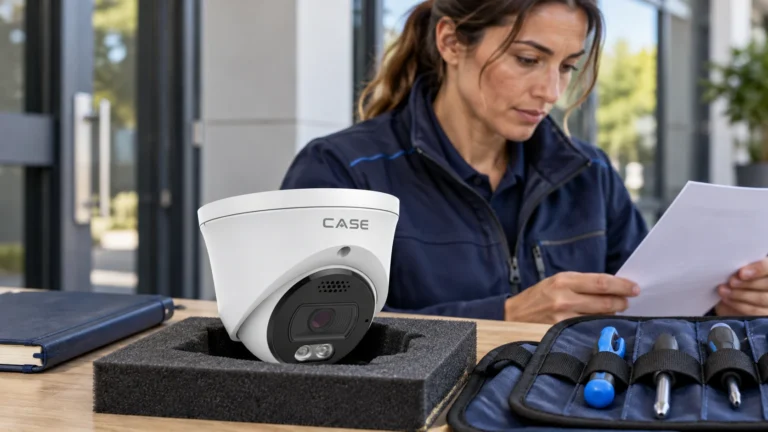
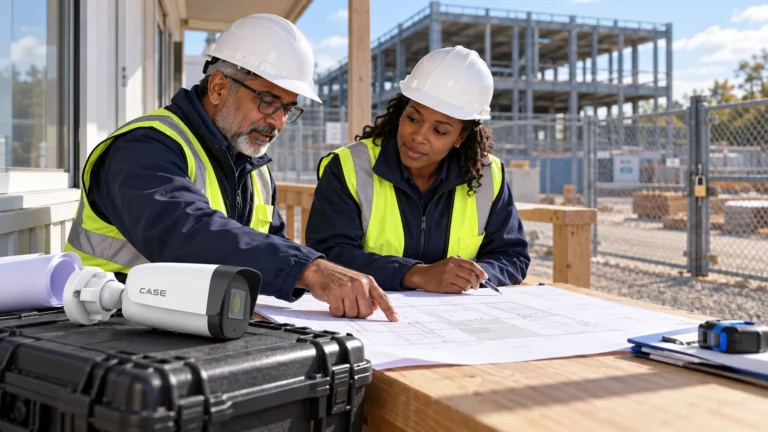
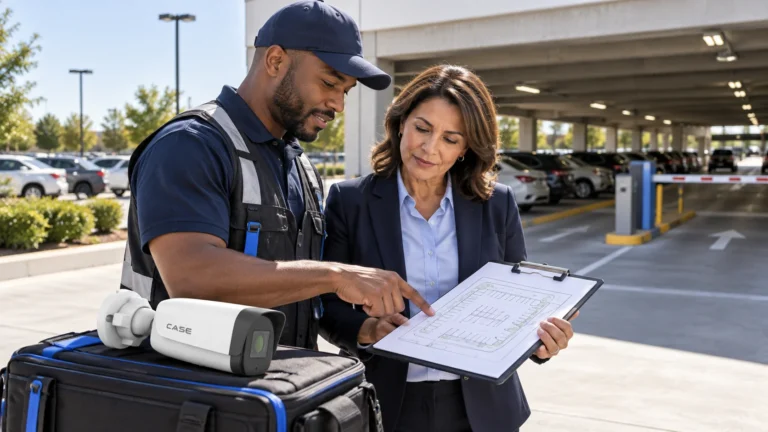
Quick answer: Active deterrence adds a supported response to a detected event: light, audio or another approved output where the exact model provides it. CASE EW/AEW labels do not guarantee a particular sequence, app alert, uninterrupted tracking or freedom from false triggers. Define the permitted zone, hours, response and operator action, then test the full event path. A warning may influence behavior, but it does not promise prevention or a better evidentiary image.
On this page
How does Early Warning work: detect, light, audio?
Start with the exact model’s documented trigger and target options. Confirm which rules can call which outputs, any concurrent limits and the behavior on the actual firmware. Human/vehicle classification can still miss targets or trigger incorrectly; branches, weather, headlights and scene changes are test cases, not nuisances guaranteed to be eliminated.
Check each output independently: available white or colored light, recorded/live audio, schedule, volume and alarm interface. A light-distance row does not guarantee color identification, and an Alarm I/O count does not establish a relay type, load rating or direct strobe connection. Use the IP camera user manual for the exact revision and follow the approved interface design. Bench-test behavior when the NVR, network or internet is unavailable instead of assuming autonomous operation.
Agree a permitted response for legitimate late workers, deliveries and unexpected events. Set zones and schedules from the actual site policy, with a way for authorized staff to suspend or acknowledge outputs. Then test both intended and unwanted events:
- Draw the tripwire or perimeter inside the property line, not on the sidewalk, and test it by walking the real approach path.
- Set the arming schedule from the customer’s closing routine, with a buffer for staff leaving late.
- Use only target filters and rules confirmed in the actual firmware; test people, vehicles and legitimate traffic rather than assuming a class label prevents all unwanted alerts.
- Record a message that names the site and the action, and set the volume for the distance, not the maximum.
- Test the approved event, light/audio, recorder/client notification and operator response at representative day/night conditions. CASE Connect is one possible path only where its actual version supports the required function.
AEW: what does auto-tracking add?
AEW adds a model-specific tracking/response workflow where supported. Confirm target acquisition, occlusion, priorities, operator override, return behavior and the actual event/output sequence. A panorama/PTZ combination such as CS-P66V 25XA-180 still needs its separate channel and recording behavior verified; tracking does not guarantee a continuous close-up or identity. Any laser option needs a separate classification, instruction and site-permission assessment. Confirm written warranty terms for the supplied item. The PTZ tracking and laser guide separates the product and site checks.
Prevention, mid-event, post-event: three stages instead of one
Separate the tasks: visible presence, an event-time response, and later evidence retrieval. The table is a workflow checklist, not a claim that a recording-focused camera cannot notify through an NVR/VMS or that active outputs prevent an incident.
| Task | Recording-focused system | With approved active outputs |
|---|---|---|
| Before an event | Visible cameras, notices and site procedures may already influence behavior | Agree output zones, schedules, access and permitted messages |
| At the event | Recorder/VMS analytics or notifications may exist; verify the actual system | Test the actual trigger, light/audio/interface, delivery and operator response |
| After the event | Verify recorded detail, timestamps, playback and authorized export | Verify the same evidence tasks plus any supported event/search metadata; no automatic improvement is assumed |
Do not promise that a person will leave, that alerts cannot be missed or that the recording is always better. Agree the intended response, limits, nuisance-event review and failure handling without unsupported crime-reduction figures.
Where does deterrence pay: yards, lots and construction?
Consider active outputs where a clear, approved restricted zone and schedule can be tested against actual authorized traffic. The construction-site security guide covers wider site-planning questions.
- Contractor and equipment yards. Fenced, closed at night, copper and converters on the ground. A perimeter rule on the fence line and light and voice at the gate; CS-I8WQ I-2.8mm prints IR 164 ft (50 m), white light 49 ft (15 m) and an operating range of −40 to 149 °F (−40 to 65 °C), which matters in the northern US and across Canada.
- Parking lots after hours. Dealers, truck lots, self-storage aisles. A stitched 180° unit such as CS-I86V I-180 covers a frontage from one mount with a built-in loudspeaker and white light 98 ft (30 m); layout is in parking lot security cameras.
- Construction sites. A perimeter that moves every month and material in the open. EW turrets on a trailer or temporary pole, a PTZ with AEW where the site is large; see construction site security cameras.
- Loading docks and rear doors. A human-only rule after closing, where a lit face at the door is the evidence the customer needs.
Keep light and audio disabled where the approved site policy prohibits the response or legitimate activity would cause unwanted outputs. Classification may help operators filter events, but verify its performance instead of promising a reduction in false alarms.
CASE deterrence line-up as printed in Catalog 2027 Q1
| SKU | Form | Resolution | IR | White light | Red & blue light | Mic / speaker | Protection |
|---|---|---|---|---|---|---|---|
| CS-I8XQ II-2.8mm | Turret, Intelligent, Gen II | 3840×2160@30fps | 164 ft (50 m) | 98 ft (30 m) | Yes | Yes / Yes | IP66 |
| CS-I5XQ II-2.8mm | Turret, Intelligent, Gen II | 3072×1728@30fps | 164 ft (50 m) | 98 ft (30 m) | Yes | Yes / Yes | IP66 |
| CS-I8XQ I-2.8mm | Turret, Intelligent | 3840×2160@20fps | 98 ft (30 m) | 49 to 66 ft (15-20 m) | No | Yes / Yes | IP66 |
| CS-I5XQ I-2.8mm | Turret, Intelligent | 2880×1620@30fps | 98 ft (30 m) | 49 ft (15 m) | No | Yes / Yes | IP66 |
| CS-I8WQ I-2.8mm | Bullet, Intelligent | 3840×2160@20fps | 164 ft (50 m) | 49 ft (15 m) | Not printed | Yes / Yes | IP67 |
| CS-I86V I-180 | Stitched 180° turret | 4640×1728@25fps | 98 ft (30 m) | 98 ft (30 m) | Not printed | Yes / Yes | IP67 |
| CS-I82V I-180 | Stitched 180° bullet | 4640×1728@25fps | N/A | 49 ft (15 m) | Not printed | Yes / Yes | IP67 |
| CS-I85N L-180 | Non-stitched 180° bullet, Value | 2560×1440@20fps | 164 ft (50 m) | 98 ft (30 m) | Not printed | Yes / N/A | IP67 |
| CS-P66V 25XA-180 | 180° panorama + 25X PTZ | Panorama 3840×1568@30fps | 492 ft (150 m) | Not printed | Not printed | Speaker Yes | IP66 |
The II pages list different light, storage and analytic rows from the earlier models; compare the exact revision rather than assuming a like-for-like upgrade. Fire/smoke or exit analytics supplement required safety systems, not replace them. CS-I85N L-180 lists no built-in speaker, so its EW icon is not a voice-warning promise. Confirm the written warranty and exclusions for the exact supplied camera, revision and accessories. The CS-I8XQ II-2.8mm and CS-I5XQ II-2.8mm guide covers the actual model differences.
Setting expectations: wind, neighbors and the law
Test unwanted events as deliberately as intended ones. A classification label does not establish a measured reduction rate or zero false alarms. Review representative weather, headlights, vegetation, legitimate people/vehicles and scene changes, then tune available settings and agree a review interval with the owner.
Check the actual property boundaries, neighbors, permitted light/volume and hours with the responsible site reviewer. A printed light reach is not a spill-light or acoustic assessment. Test the agreed response and provide an authorized way to mute or suspend it; do not assume a sign or schedule automatically satisfies local requirements.
A spoken warning and audio capture are separate functions. Keep capture/listening/recording disabled unless the site-specific purpose, authority, notice/consent and safeguards are approved; signage alone is not permission. Verify the actual device/client controls and permitted response. The audio recording laws checklist covers the questions to resolve; CASE Connect notifications also require the actual supported model/version and tested delivery path.
What to tell your customer
We will configure the approved response for the agreed zone and hours, then test the actual event, output and notification path with you. The design will state what happens during a fault and how authorized staff can suspend the response. It does not guarantee that someone leaves or that every event is detected. We will review representative alerts and unwanted triggers after commissioning.
FAQ
What is an active deterrence camera?
It adds a supported event response such as light or audio where the exact model and firmware provide it. Confirm triggers, schedules, outputs, client notifications and fault behavior; EW/AEW names alone do not prove a universal sequence or outcome.
Does a security camera with siren and strobe light cause false alarms in wind?
It can. Human/vehicle filtering may help with some scenes, but the exact model/settings and representative events determine the result. Do not promise a reduction percentage or immunity to wind, rain, shadows or headlights. Test intended and unwanted events and agree the response to nuisance alerts.
Which CASE camera prints red and blue light?
CS-I8XQ II-2.8mm and CS-I5XQ II-2.8mm print a Red and Blue Light row as Yes, together with IR 164 ft (50 m), white light 98 ft (30 m), a built-in microphone and speaker, and a 1 TB memory slot. The Generation I turrets print No on that row, and the other EW SKUs do not print it. Confirm the orderable configuration on the spec sheet.
Can I use the voice warning where neighbors are close?
Only after confirming the actual permitted light/audio response, hours, property boundaries and site requirements. Test spill and intelligibility/volume, protect privacy and provide authorized suspension controls. A shorter reach, lower volume or sign is not automatic legal permission; omit an output if the approved design cannot use it appropriately.
References
- Anabon current model manuals and documents
- Anabon audio hardware, workflow and privacy questions
- Anabon PTZ, tracking and laser controls