Quick answer: Before you enable a microphone on any camera, answer three questions: who must consent (one party or everyone recorded), where the microphone is (whether people there reasonably expect privacy) and how people are told (signage and, for staff, a written policy). In the US, federal law accepts one-party consent, but a group of states requires the consent of everyone recorded. In Canada, the Criminal Code’s one-party rule sits under privacy law that asks whether audio is necessary at all. Default every channel to audio off, enable audio only where the three answers are documented, and record the setting in the commissioning report. Practical guidance, not legal advice.
Which three questions come before the microphone goes live?
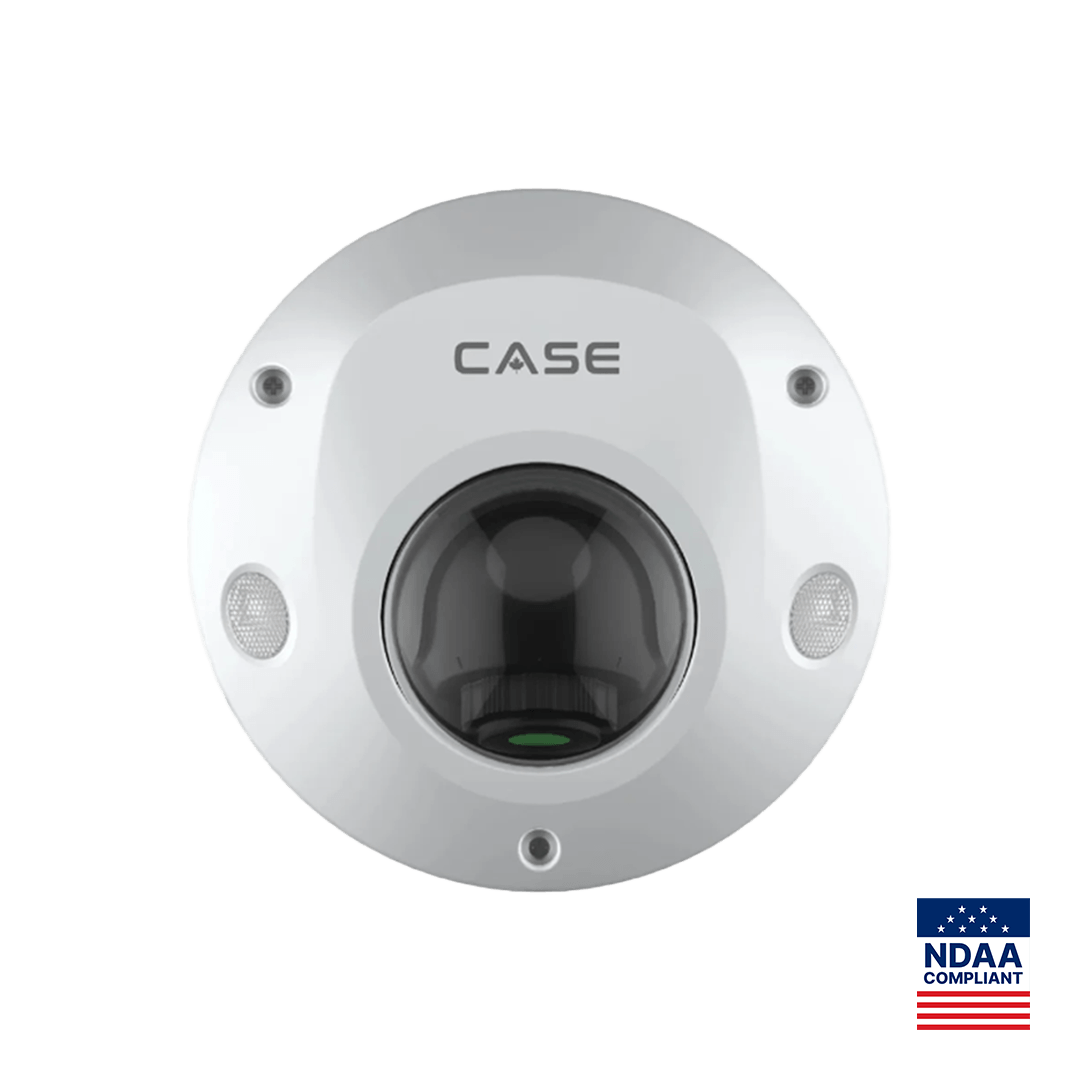
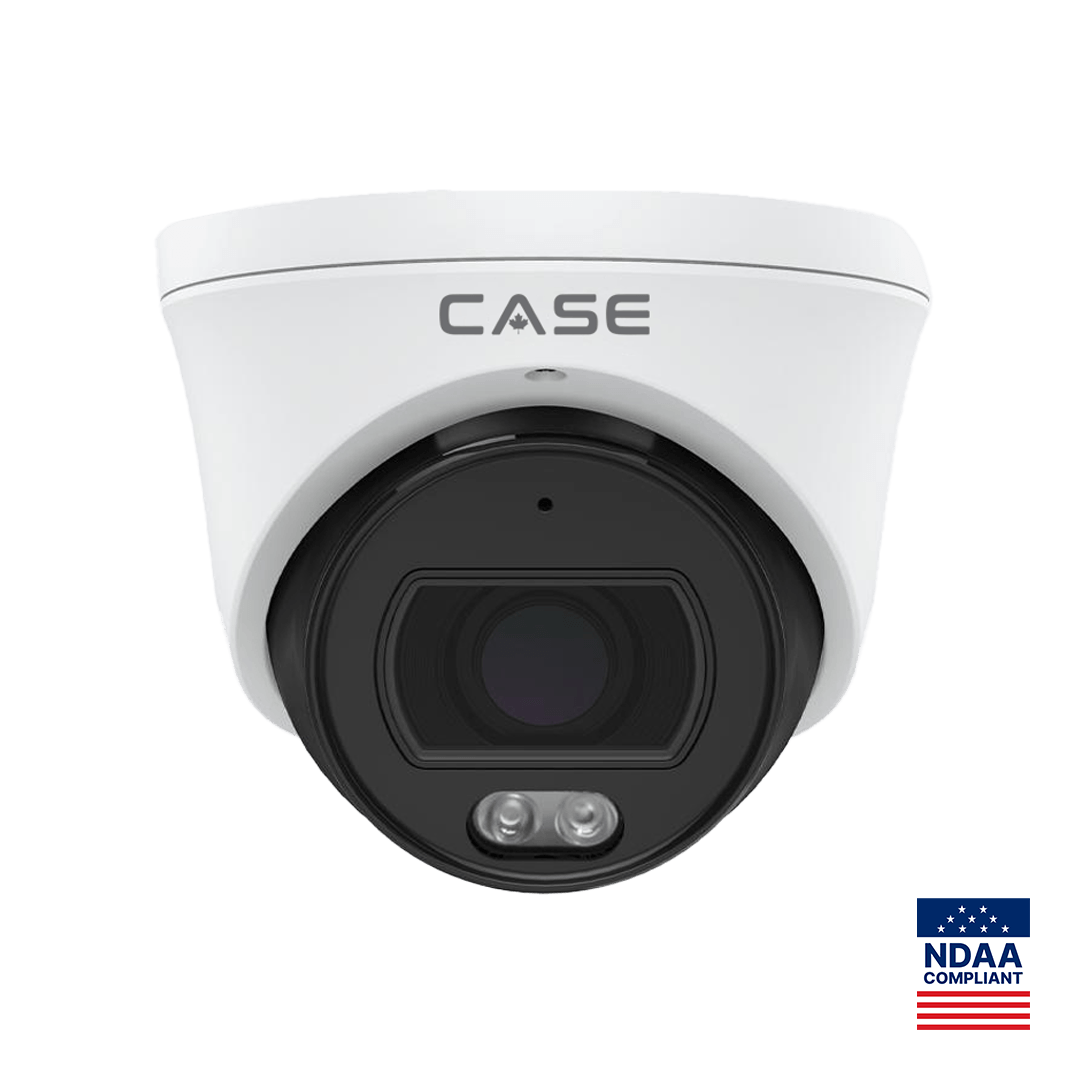
Most fixed CASE cameras print a built-in microphone (read the row on each SKU’s spec sheet), so audio compliance is usually a per-channel configuration decision rather than a model choice, and it is written down.
| Question | What you check | Where it is recorded |
|---|---|---|
| 1. Consent: who must agree? | Whether the state or province requires one party or all parties to consent, and who the parties are | A dated “audio decision” note in the job folder naming the statute |
| 2. Location: do people expect privacy here? | Whether a reasonable person would expect privacy in that space, and whether audio is necessary for the stated purpose | An “Audio” column in the camera schedule: Off / On, with the reason |
| 3. Notice: how are people told? | A sign with an audio line at the zone entrance; a written monitoring policy and acknowledgment for staff | The sign schedule and the customer’s HR file |
If any of the three has no documented answer, the channel stays on video only; the microphone simply never produces a stream.
One-party vs all-party consent: how the US and Canada differ
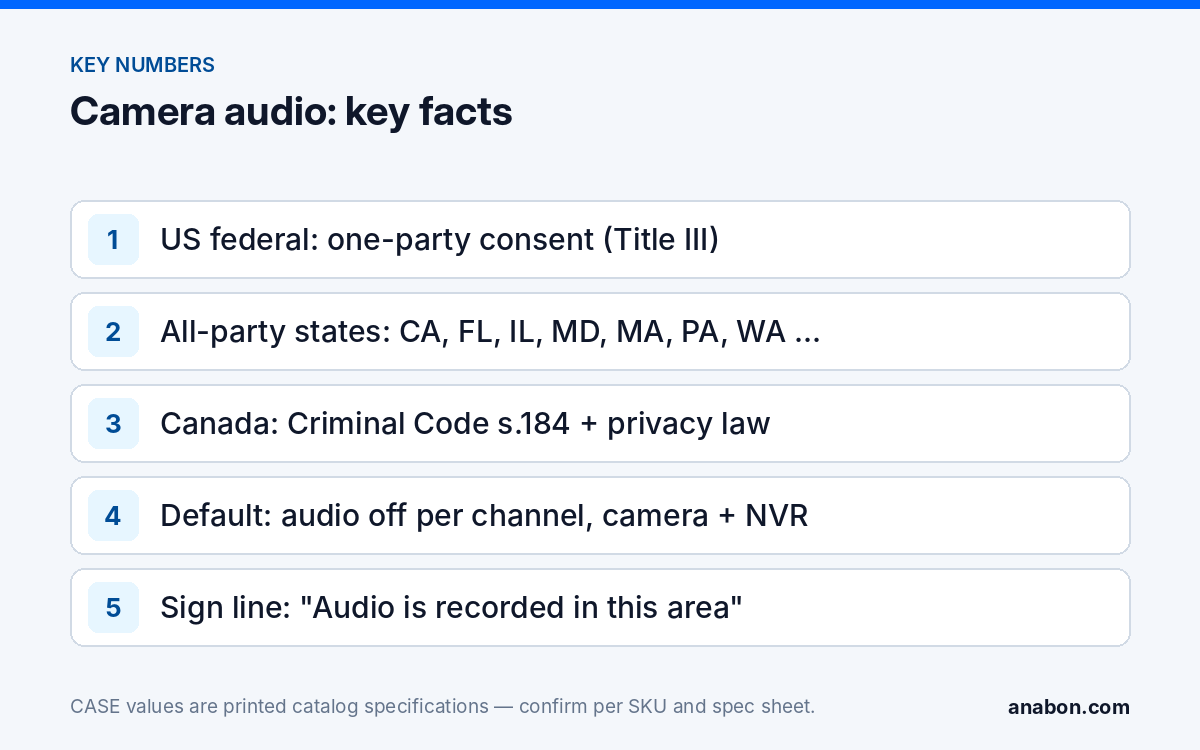
Recording a conversation is governed by interception law written around telephones. The table compresses it to what matters on site; verify the current statute with counsel before the first channel goes live.
| Jurisdiction | Rule | What it means for a camera microphone |
|---|---|---|
| US federal (Title III of the Omnibus Crime Control and Safe Streets Act, as amended by the Electronic Communications Privacy Act) | One-party consent: a participant in the conversation may record it | The business is not a participant in a conversation between two customers, so “one party” does not cover a wall-mounted microphone by itself |
| US all-party states (California, Florida, Illinois, Maryland, Massachusetts, Montana, New Hampshire, Pennsylvania and Washington, among others) | Everyone recorded must consent | Audio only where a sign gives notice before entry and the space carries no expectation of privacy; many integrators keep audio off entirely here |
| US one-party states (the majority) | One participant’s consent suffices | Still post the audio line; the expectation-of-privacy test applies regardless |
| Canada, criminal law (Criminal Code, section 184) | Intercepting a private communication without the consent of at least one party is an offense | The same participant problem: the organization is not a party, so it relies on notice and necessity |
| Canada, privacy law (PIPEDA; Quebec private-sector act and Law 25; Alberta PIPA; BC PIPA) | Collection must be for a purpose a reasonable person would consider appropriate, limited to what is necessary, with knowledge and consent | Privacy commissioners’ guidance treats audio as more intrusive than video and expects a documented necessity case; Quebec requires people to be informed of purposes |
| Staff areas, Canada | Ontario requires employers with 25 or more employees to have a written electronic monitoring policy | A sign is not a policy; the customer’s HR team owns the document |
In both countries a camera microphone records bystanders who never agreed to anything, so the defensible position is a documented purpose, a space with no privacy expectation, and a sign people pass before they speak. Where any of the three is missing, audio stays off.
Where is audio never appropriate?
Some spaces are off limits for video and audio alike; others tolerate video but not sound, because a conversation carries an expectation of privacy an image does not. Keep audio off in:
- Restrooms, locker and changing rooms, lactation rooms and shower areas (no video either).
- Medical examination and treatment rooms, pharmacies’ consultation counters and counseling rooms.
- Legal consultation rooms, union meeting rooms, HR interview rooms, hotel guest rooms and residential unit interiors.
- Staff break rooms and private offices, where employees reasonably expect to speak freely; classrooms and school counseling spaces, where education privacy rules add a second layer.
- Point-of-sale counters where card details or PINs may be spoken aloud.
- Any zone where the sign cannot be placed before the person enters the microphone’s pickup range.
A microphone’s pickup range does not stop at the field of view: a camera aimed at a corridor can record a conversation in an office doorway behind it. Treat the audio zone as a radius around the camera, not as the picture.
What notice and signage does audio need?
Where audio is enabled, the surveillance sign at every entrance to that zone carries an explicit line: “Audio is recorded in this area” (in Quebec, “L’audio est enregistré dans cette zone”, with French markedly predominant). The sign goes where the person reads it before they are within pickup range, often further from the camera than a video sign would need to be. Staff receive the same information in writing through a monitoring policy that names the areas, purpose, retention and reviewers, acknowledged by signature. The elements, placement rules and templates are in Video surveillance signage: what a compliant sign says; the Canadian framework is in Video surveillance privacy in Canada.
How do you disable audio per channel?
Audio can be stopped in two places, and a defensible configuration stops it at the source. Menu names vary by model and firmware, so confirm per model, firmware, software version and project configuration, and keep a screenshot of the final state.
- At the camera. In the camera’s web interface, turn off the audio input or audio encoding so that no audio is embedded in the main stream or the sub-stream; this is what silences the microphone for every downstream viewer.
- At the NVR. In the channel’s encoding or record settings, set audio to off, so the recording stays silent if the camera setting is later changed and exported clips carry no audio track.
- Check CASE Connect. Open the channel in CASE Connect live view and in playback and confirm that no audio is available. App features are confirmed by model, software version and project configuration.
- Separate the speaker from the microphone. EW and AEW deterrence features play a warning through the camera’s speaker; that is playback, not recording. Two-way talk, however, opens the microphone for live listening, and live interception is governed by the same consent rules as recording. If audio is off for the zone, disable two-way talk for that channel as well.
- Treat the audio I/O terminals the same way. On models that print Audio I/O: 1/1, an external microphone can sit closer to a conversation than the camera; leave the input unused unless the three questions are answered for that position.
- Re-verify after firmware updates. Add “audio state per channel” to the post-update checklist in NVR firmware updates: a safe procedure.
Which CASE models print a microphone, and what that means for the spec?
Use the printed rows to set expectations: the microphone exists, audio is off by configuration, and the camera schedule says so per channel. Figures are as printed in the CASE Catalog 2027 Q1.
| SKU | Built-in microphone | Audio I/O | Built-in speaker | Other printed facts |
|---|---|---|---|---|
| CS-I5PS S-2.8mm | Yes | 1/1 | N/A | 5MP fixed dome, 2.8mm; IR 98 ft (30 m); Alarm I/O 1/1; IP66, IK08; Metal housing; −40 °F to 149 °F (−40 °C to 65 °C) |
| CS-I4SV S-2.8mm | Yes | N/A | N/A | 4MP PhotonX turret, 2.8mm; 0.0001 Lux; white light 33 ft (10 m); IP67; Metal housing |
| CS-I8XQ II-2.8mm | Yes | 1/1 | Yes | 8MP Gen-2 deterrence turret, 2.8mm; IR 164 ft (50 m); white light 98 ft (30 m); IP66; Metal housing |
The CS-I5PS S-2.8mm is a typical lobby or service-counter dome: the microphone stays off while the dome, the alarm I/O and the 98 ft (30 m) IR do their work, and if the customer later documents a lawful audio use for one position, the capability is already on the ceiling. The three cameras above carry the CASE camera 6-year warranty, with warranty support through the installer or dealer.
Audio checklist for the job folder
- State or province identified; consent rule (one-party or all-party) written down with the statute name and the date checked.
- Camera schedule carries an “Audio” column: Off by default; On only with a one-line reason per channel.
- No audio in any space on the “never appropriate” list; pickup radius considered, not just field of view.
- Sign schedule shows the audio line at every entrance to each audio-on zone, in the required language.
- Staff monitoring policy exists and is acknowledged where employees are within pickup range.
- Audio disabled at the camera and at the NVR for every audio-off channel; two-way talk off; external inputs unused; screenshots filed; CASE Connect checked in live view and playback.
- Audio state re-verified after every firmware update and at each service visit.
What to tell your customer
“Your cameras have microphones, and we are leaving them off unless you document a lawful reason for a specific position. Audio is governed by consent and privacy law stricter than the rules for video, so where we enable it, the sign at the entrance will say so and your staff policy will cover it. The camera schedule shows the audio setting for every channel.”
FAQ
Can I record audio on security cameras in a one-party consent state?
One-party consent means a participant in the conversation agrees to the recording. A business recording two customers talking in its lobby is not a participant, so the rule does not by itself cover a camera microphone. Operators rely instead on a space with no reasonable expectation of privacy and a clear sign that people pass before they speak. Verify the current statute with counsel.
Is audio recording on security cameras legal in Canada?
The Criminal Code’s section 184 makes intercepting a private communication without a party’s consent an offense, and privacy law (PIPEDA and the Quebec, Alberta and British Columbia acts) requires an appropriate, necessary purpose with knowledge and consent. Privacy commissioners treat audio as more intrusive than video and expect a documented necessity case plus signage. The practical default on commercial jobs in Canada is audio off.
Does disabling audio on the NVR also stop the camera’s microphone?
No. The NVR setting stops the recorder from storing an audio track, but the camera can still embed audio in its stream for a direct viewer. Turn audio off at the camera’s own interface as well, then confirm in CASE Connect that neither live view nor playback offers audio. Setting locations vary by model and firmware, so confirm per model and keep screenshots of both.
Does the camera’s speaker count as audio recording?
Playing an EW or AEW warning through the speaker is output, not recording, and is a deterrence feature confirmed per SKU. Two-way talk is different: it opens the microphone for live listening, and live interception falls under the same consent rules as recording. On any channel where audio is off for legal reasons, disable two-way talk for that channel as well and note it in the schedule.