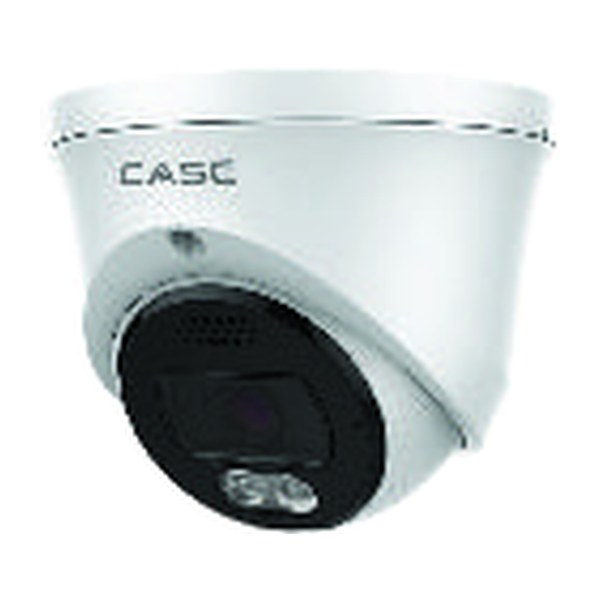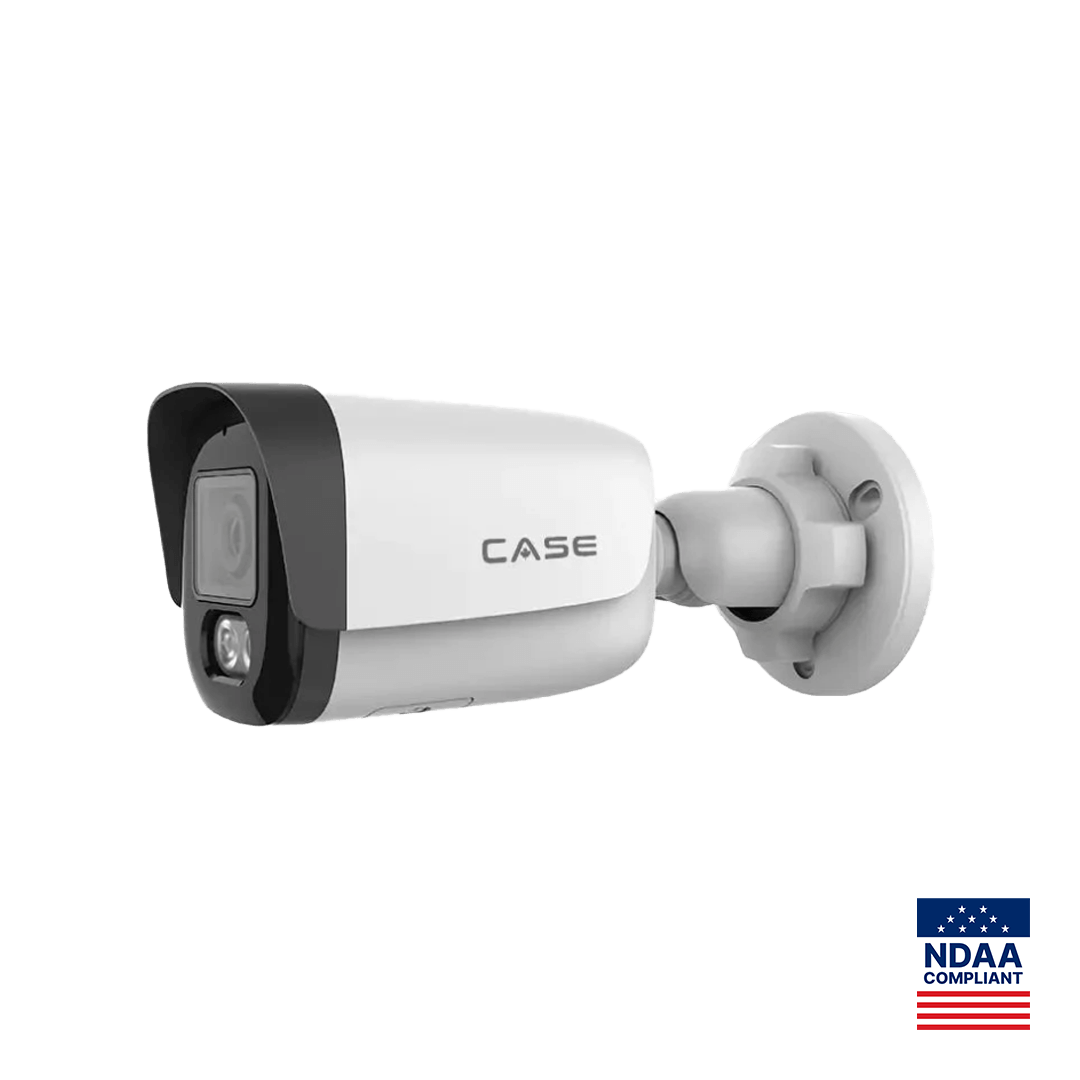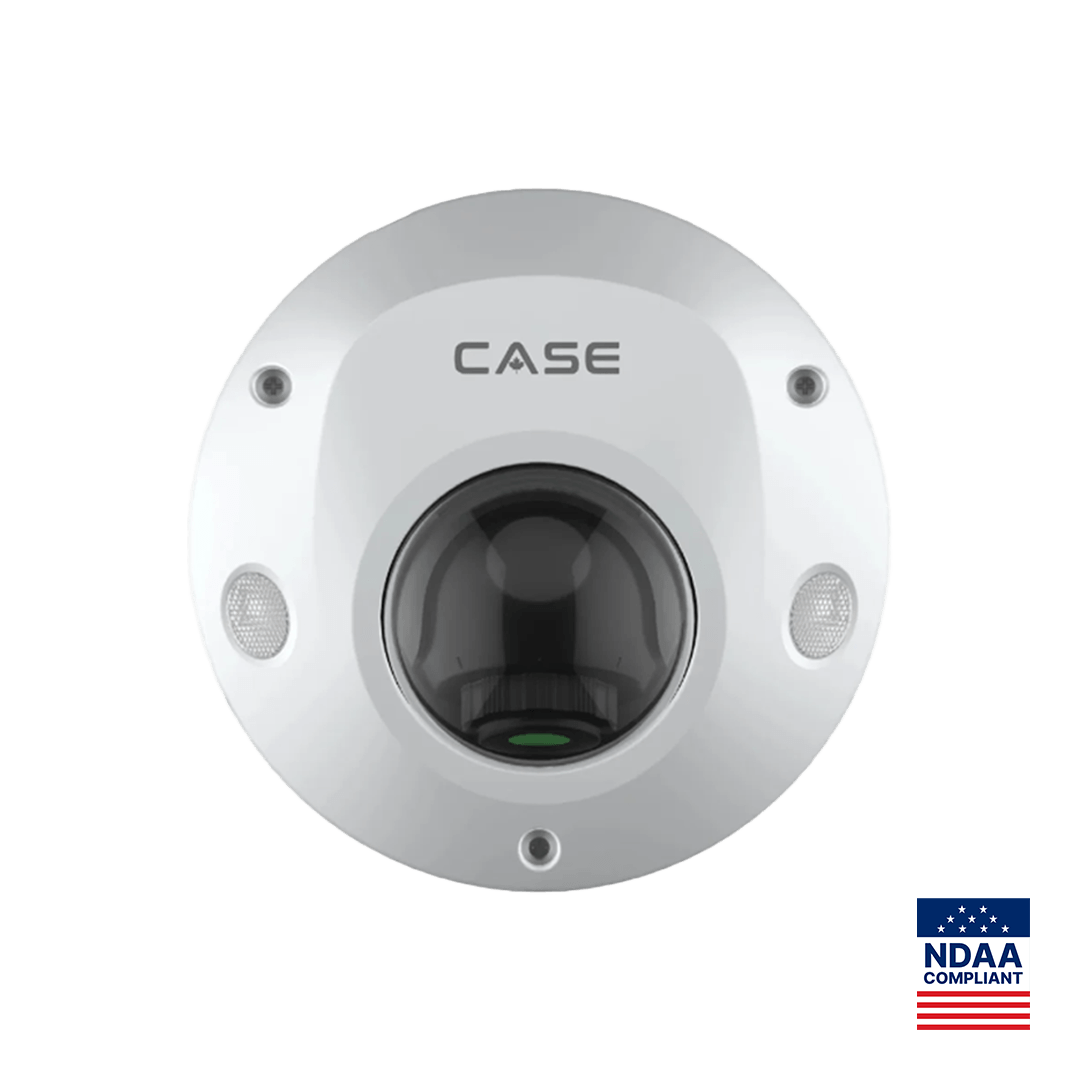
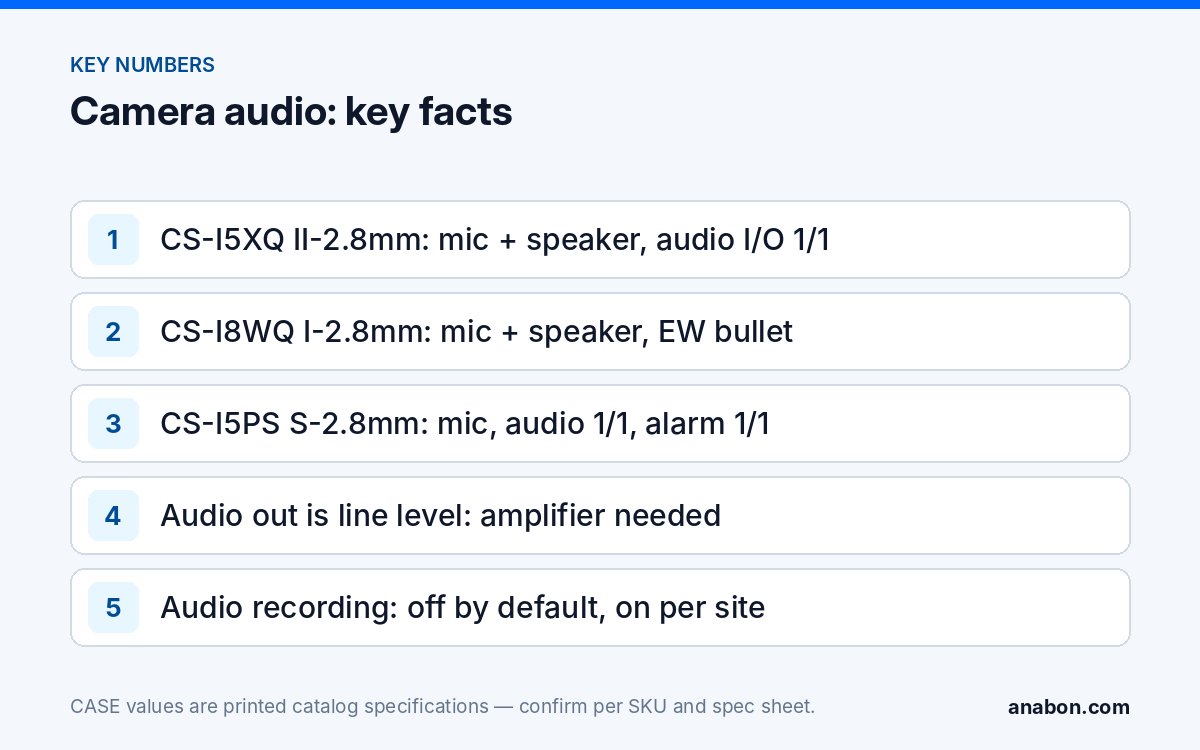
Quick answer: On a commercial site, a security camera with two way audio needs three things: a microphone and speaker in the housing or on the audio I/O, a recorder and viewing platform that handle the audio stream, and a documented legal basis for capturing sound at that position. CASE prints these rows per SKU: CS-I5XQ II-2.8mm, CS-I8XQ II-2.8mm and CS-I8WQ I-2.8mm print mic and speaker with audio I/O 1/1; CS-I5PS S-2.8mm prints a mic and audio I/O 1/1 with no speaker; most other fixed cameras print a mic only. Specify audio per position, keep audio recording off by default, and switch it on only where the customer has signage and a purpose on file.
Which CASE models print a mic, a speaker and audio I/O?
The catalog prints three rows that matter: Built-In Microphone, Built-In Speaker and Audio I/O, where 1/1 means one line-level input and one line-level output on the camera’s pigtail. A fourth row, Alarm I/O, is the dry-contact pair used to trigger sirens or accept a sensor. The table shows the rows as printed for the cameras most often specified with audio.
| SKU | Form | Built-in mic | Built-in speaker | Audio I/O | Alarm I/O |
|---|---|---|---|---|---|
| CS-I5PS S-2.8mm | 5MP dome · Sharp | Yes | N/A | 1/1 | 1/1 |
| CS-I5XQ II-2.8mm | 5MP deterrence turret · Intelligent | Yes | Yes | 1/1 | 1/1 |
| CS-I8XQ II-2.8mm | 8MP deterrence turret · Intelligent | Yes | Yes | 1/1 | 1/1 |
| CS-I8WQ I-2.8mm | 8MP deterrence bullet · Intelligent | Yes | Yes | 1/1 | 1/1 |
| CS-I86V I-180 | 8MP stitched 180° turret · Intelligent | 1×Built-in Mic | 1×Built-in Loudspeaker | 1/1 | 1/1 |
| CS-I82V I-180 | 8MP stitched 180° bullet · Intelligent | Yes | Yes | 1/1 | 1/1 |
| CS-I8TS I-2.7-13.5mm | 8MP varifocal AI bullet · Intelligent | Yes | N/A | 1/1 | 2/1 |
| CS-I8WS SD-2.8mm | 8MP bullet · Sharp | Yes | N/A | N/A | N/A |
| CS-P88 44X | 8MP laser PTZ · Intelligent | N/A | Yes | 1/1 | 8/2 |
Three reading notes. A printed microphone means the camera can capture sound; whether it is recorded is a per-channel setting on the NVR and a legal decision, not a hardware fact. A speaker with no microphone, as on CS-P88 44X, gives talk-down without listening. And audio I/O without a speaker, as on CS-I5PS S-2.8mm and CS-I8TS I-2.7-13.5mm, is how an external amplified speaker is added where the built-in one is absent or too small for the space. Confirm every row on the SKU spec sheet before it goes into a submittal.
Three audio jobs: recording, talk-down and two-way talk
Audio on a camera is sold as one feature and delivered as three different jobs, and they should be specified separately on the camera schedule.
- Recording. The microphone’s stream is stored with the video on the NVR. Useful at a service counter or a loading-dock office where what was said matters; the job that carries the legal weight.
- Talk-down and deterrence. The speaker plays a recorded message or a live voice when a rule is triggered or an operator decides. On CS-I5XQ II-2.8mm, CS-I8XQ II-2.8mm, CS-I8WQ I-2.8mm, CS-I86V I-180 and CS-I82V I-180 this is the printed EW (Early Warning) function, combining light and audio. EW and AEW are deterrence features; availability is confirmed per SKU.
- Two-way talk. Live conversation through the camera: an operator or a manager speaks and the person at the camera answers. It needs a mic and a speaker (or audio I/O) at the camera, plus a viewing platform that carries audio both ways. CASE Connect is the official app experience for CASE systems; app features and remote access options should be confirmed by model, software version and project configuration, and two-way talk is one of them. Confirm it in writing per project before it appears in a proposal.
A gate or a multi-tenant entrance that needs a call button, a door release and a conversation is an intercom job rather than a camera job; CS-VIK 27 is the CASE video intercom kit for that role, with its own spec sheet.
Deterrence and talk-down in practice
The built-in speaker on a deterrence camera is sized for the person in front of it, not for a parking lot. On the II turrets it works with the white light (printed 98 ft (30 m)) and the red and blue light, and the sequence an intruder meets is light, then a voice, then, if the site has one, a live operator. Three rules make it work on site. First, place the speaker where the rule fires: a camera that detects at the fence but speaks from the wall 80 ft (24 m) away is heard by nobody. Second, write the message for the site; a recorded “you are being recorded, leave the area” is more useful than a siren, and a live voice naming the person’s jacket color tells them they are being watched. Third, schedule it. A talk-down that fires at a delivery driver at 7 am costs the customer goodwill, so the rule runs after hours and on the zones that matter. Behavior (trigger rules, message, volume, schedule) is confirmed per firmware and project configuration, and the full EW/AEW picture is in active deterrence cameras: Early Warning light and audio.
Audio I/O: wiring external speakers and microphones
The audio output on a camera is line level. It drives an amplifier, not a speaker coil; connecting a passive horn directly produces nothing useful. The standard pattern outdoors is a weatherproof amplified horn speaker, powered locally, fed from the camera’s audio out over two-conductor shielded cable kept as short as the layout allows, with the shield grounded at one end only. The audio input accepts a line-level or an electret microphone depending on the model; confirm the level and any bias voltage on the spec sheet before you buy the mic. Alarm outputs are separate: CS-I8TS I-2.7-13.5mm prints alarm I/O 2/1 and CS-P88 44X prints 8/2, and the output is a relay or open-collector contact that fires a strobe, a siren or a gate controller.
- Mark on the camera schedule which positions record audio, which talk down, and which do both; the default is none.
- For external speakers, size the amplifier for the space and run its power separately from the camera’s PoE.
- Label the audio in/out leads at the camera and in the junction box; they are the leads a service technician cannot identify by looking.
- On the NVR, enable audio recording only on the channels the schedule marks, then confirm the clip exports with sound.
- Test talk-down from the operator position, at the real volume, with the customer present.
The legal side: a checklist for the US and Canada
Video and audio are treated differently in law, and the audio rules are stricter. This section names the frameworks so you can ask the right questions; it is not legal advice, and the customer’s counsel confirms the position for each site.
- US federal. The Wiretap Act (Title III, extended by the Electronic Communications Privacy Act) governs the interception of oral communications where people have a reasonable expectation of privacy. Federal law allows recording with the consent of one party; a camera microphone is not a party to anyone’s conversation, which is why notice and signage carry the weight.
- US states. A number of states require the consent of all parties, California, Florida, Illinois, Maryland, Massachusetts, Pennsylvania and Washington among them, and several treat covert audio recording as a criminal matter. State recording-consent statutes are summarized by NCSL; the per-state approach is in security camera laws by state.
- Canada. The Criminal Code treats interception of private communications as an offense without the consent of a party. For a business, PIPEDA (and Quebec’s Law 25, Alberta’s PIPA and British Columbia’s PIPA in their provinces) requires an identified purpose, notice, and collection limited to what a reasonable person would consider appropriate; audio is harder to justify than video under that test. See video surveillance privacy in Canada.
- Everywhere. No audio in washrooms, change rooms, lactation rooms, medical or counseling rooms, or union and legal meeting spaces. Signage states that audio as well as video is recorded. Employees are told in writing. Retention for audio follows the same schedule as video.
The full question list, with the signage wording and the consent documentation an installer should keep on file, is in the audio recording laws checklist for cameras with microphones.
Handover settings checklist
| Item | Default | Switch on only when |
|---|---|---|
| Audio recording per channel | Off | Purpose documented, signage posted, counsel confirmed |
| Talk-down (EW audio) | Off outside schedule | Zones and hours agreed with the customer in writing |
| Two-way talk from the operator | Not promised | Confirmed per model, firmware and software version for the project |
| External speaker volume | Set on site | Measured at the property line against municipal noise ordinances (US) and bylaws (Canada) |
| Export with audio | Tested | Clip played back with sound on a clean PC before handover |
What to tell your customer
“These cameras can capture sound, play a warning and, where the platform supports it, let you speak to someone at the camera. We have set audio recording off everywhere by default. Where you want it on, we need a written purpose, signs that say audio is recorded, and your lawyer’s confirmation for this state (or province); then we switch it on for those channels only and document it in the handover.”
FAQ
Which CASE cameras have both a microphone and a speaker?
In the 2027 Q1 catalog, CS-I5XQ II-2.8mm, CS-I8XQ II-2.8mm, CS-I8WQ I-2.8mm, CS-I86V I-180 and CS-I82V I-180 print a built-in microphone and a built-in speaker with audio I/O 1/1. CS-P48 63X and CS-P88 44X print a speaker and audio I/O but no microphone. Most other fixed cameras print a microphone only; confirm each row on the SKU spec sheet.
Does two-way talk on a commercial security camera work through CASE Connect?
CASE Connect is the official app experience for CASE systems, and app features and remote access options are confirmed by model, software version and project configuration. Treat live two-way talk as one of those features: confirm it in writing for the specific camera, firmware and project before it appears in a proposal, and test it from the operator’s position at handover.
Is it legal to record audio on a business security camera?
It depends on the state or province and on who is being recorded. US federal law allows one-party consent, several states require all parties, and Canada’s PIPEDA and provincial laws require a documented, reasonable purpose and notice. Keep audio recording off by default, post signage that names audio, tell employees in writing, and have the customer’s counsel confirm the position for each site.
Can I add a louder speaker to a camera that has audio out?
Yes, through the audio I/O row printed 1/1 on models such as CS-I5PS S-2.8mm and CS-I8TS I-2.7-13.5mm. The output is line level, so it feeds an amplified speaker or an amplifier and horn, powered locally, over shielded cable. Confirm the output level on the spec sheet, size the amplifier for the space, and check the volume at the property line.
References
- State recording-consent and privacy legislation — National Conference of State Legislatures (NCSL)
- Expectation of privacy — Wikipedia
- Telephone call recording laws (one-party and all-party consent) — Wikipedia
- Electronic Communications Privacy Act — Wikipedia
- Personal Information Protection and Electronic Documents Act (PIPEDA) — Wikipedia