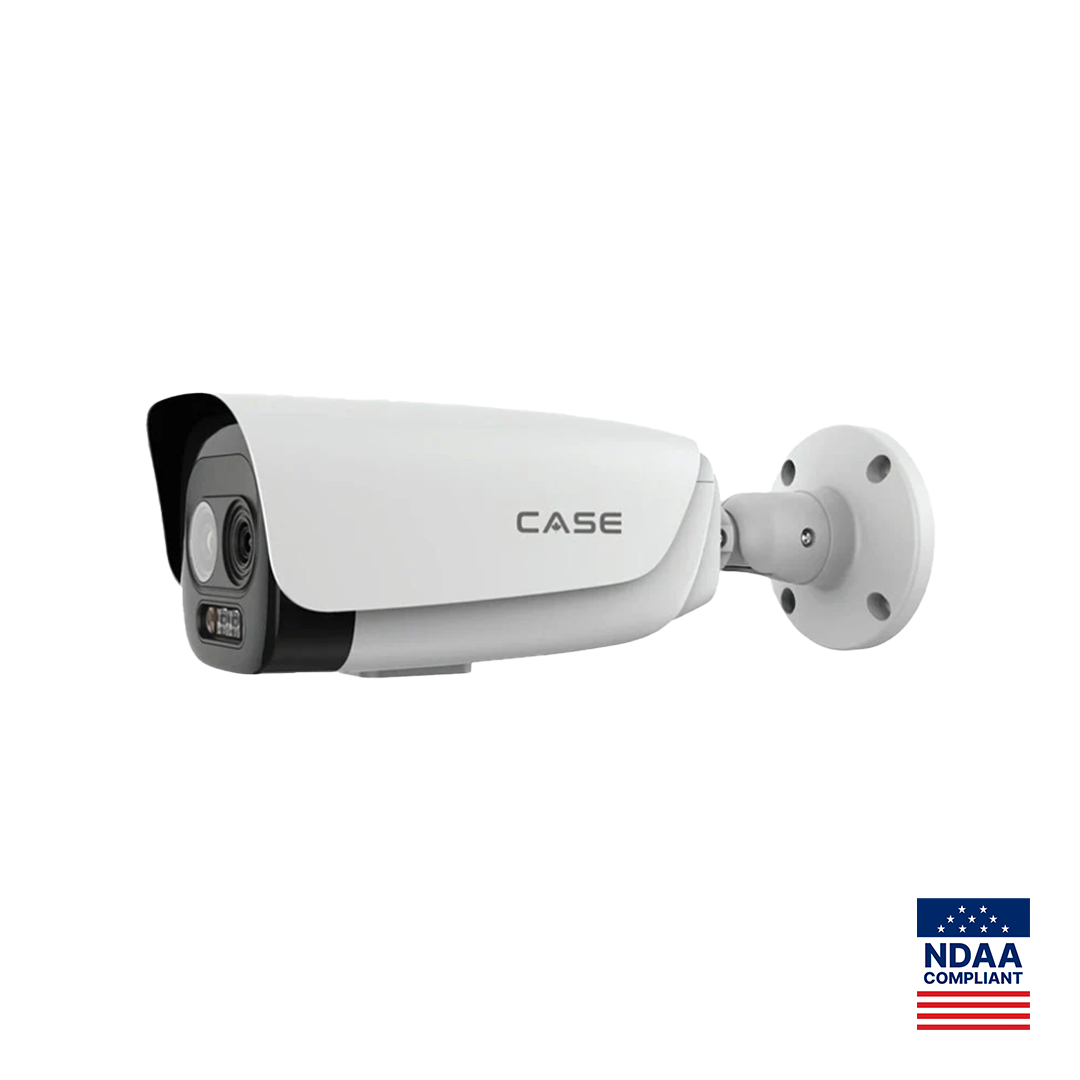
Quick answer: The CS-I5LQ I-T-4mm is a bi-spectrum thermal security camera in a bullet housing: an optical channel at 2880×1620@30fps on a 4 mm lens and a 256×192@25fps Vanadium Oxide thermal channel on a 3.2 mm lens, with NETD ≤45 mK, two temperature-detection ranges and IP67, as printed. Spec it for short-range heat monitoring and detection where visible light fails: electrical areas, storage piles, perimeters in smoke, fog or darkness. It is not a fire alarm, and the catalog prints no fire-detection distance for it.
Two sensors, one camera: what does bi-spectrum give you?
Bi-spectrum means two imaging channels in one housing, aimed at the same scene. The optical channel shows what a person would see, with the evidence detail a customer expects in a recording. The thermal channel shows heat differences and keeps working in complete darkness, glare, light smoke or fog, where a visible image fades. On one bracket you get both views of the same area.
| Channel | Printed resolution and frame rate | Printed focal length | Job |
|---|---|---|---|
| Optical | 2880×1620@30fps | 4mm | Recognize people, vehicles and actions; evidence clips |
| Thermal | 256×192@25fps, Vanadium Oxide uncooled focal plane array, 12μm pixel interval | 3.2mm | Detect heat signatures at night and through visual clutter; measure surface temperature |
A 256×192 thermal image is for detection and temperature trends, not for identifying anyone. Tell the customer early that the optical channel carries identification and the thermal channel carries detection, so nobody expects a face in the heat image. The printed video analytics are Tripwire, Double Tripwire, Perimeter, Video Abnormal, Audio Abnormal and Human & Vehicle Classification; the page also carries the EW and Advanced AI icons, and which deterrence outputs and analytics run on which channel is confirmed per spec sheet and firmware. For the wider comparison, see thermal vs infrared cameras.
Where does temperature measurement fit on a project?
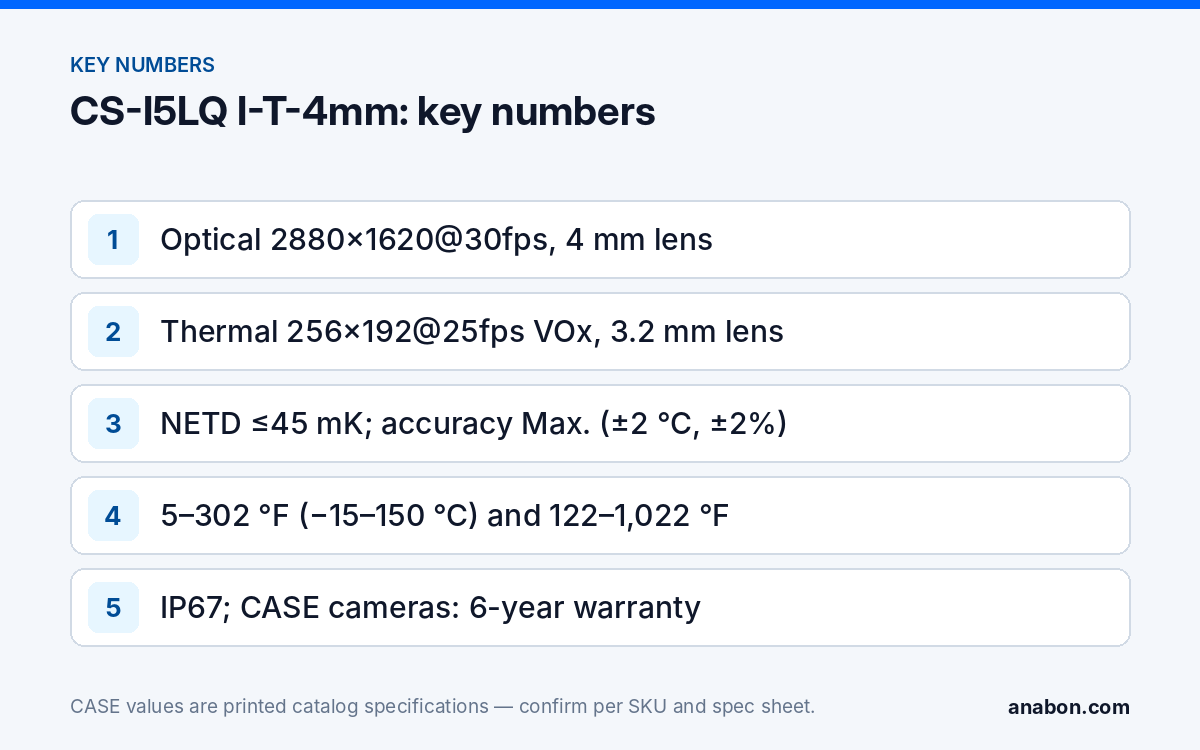
The thermal channel prints a Temperature Detection row with two ranges and an Auto mode: 5 °F to 302 °F (−15 °C to 150 °C) and 122 °F to 1,022 °F (50 °C to 550 °C). Measurement accuracy is printed as Max. (±2 °C, ±2%), that is ±3.6 °F (±2 °C) or ±2%; the spec sheet defines how the two limits apply at a given temperature. In practice the camera watches a fixed surface and raises an alarm when it crosses a threshold the integrator sets. Typical jobs:
- Electrical rooms, panels and switchgear yards: trend hot spots between scheduled inspections.
- Conveyors, motors and bearings: catch a rising temperature before a breakdown or a smoldering belt.
- Waste, recycling, mulch and biomass piles: watch for self-heating inside large piles.
- Battery storage rooms and charging areas: add a temperature view to the security camera schedule.
- Dark perimeters and yards: detect people and vehicles by heat where lighting is not allowed or not practical.
Keep the expectations right. A fixed camera supports trending between inspections; it does not replace the infrared inspections that the electrical maintenance standard NFPA 70B treats as work for qualified people (in Canada, CSA Z463; verify the local code). It is not a fever-screening or medical device, and you should not position it as one.
Commissioning checklist for measurement
- Agree the target surfaces and alarm thresholds with the customer’s maintenance contact, in writing.
- Mount close enough that each target fills a meaningful block of thermal pixels; a 256×192 sensor gives few pixels to a small, distant target.
- Avoid shiny metal and glass in the measurement area: low-emissivity and reflective surfaces read wrong. Note the emissivity setting used for each target.
- Pick the temperature range that covers the target: the low range for rooms, motors and piles, the high range for hot processes.
- Test the alarm path end to end: camera event, NVR, notification to the named person.
- Record baseline readings and a screenshot of each measurement area in the handover file.
What is not printed, and what should you not claim?
Read the page as carefully for what is missing as for what is there. These rows are absent or limited on the catalog page for this SKU:
| Topic | What the catalog shows | What to do |
|---|---|---|
| Fire-detection distance | Not printed | Make no fire-distance claim. If a project needs one, take it only from the official spec sheet for the exact SKU. |
| Fire alarm role | Not a listed fire alarm device | Fire alarm systems follow NFPA 72 in the US and, in Canada, the National Building Code and CAN/ULC-S524. Thermal alerts are supplementary only. |
| Field of view per channel | One FOV row: Horizontal 88.7°, Vertical 46.8°, Diagonal 102° | Confirm on the spec sheet which channel the row describes before you draw coverage. |
| Housing material, power, IR, white light | No rows printed | Take from the spec sheet before quoting a bracket, a PoE port or night coverage. |
The same discipline applies to analytics and integration. Which events the thermal channel raises, and how they reach the NVR, are confirmed per model, firmware, software version and project configuration. ONVIF profiles supported are S, T, and G, with M on pinhole models. Third-party behavior is confirmed per platform and project. On CASE AI NVRs, the printed VCA Search list of the CS-N440 P16H-AI includes Thermographic Retrieval; whether it returns results from this camera is confirmed in the bench test.
How should you install a thermal bullet?
- Height and angle: for perimeter detection, aim along the fence or approach rather than straight down; for measurement, keep the target square to the camera and at a short, fixed distance.
- Keep the thermal window clean: do not touch or wipe it with abrasive material, and add the window to the maintenance-visit checklist.
- No glass in front: thermal energy does not pass through ordinary window glass, so a thermal channel installed behind a window sees the glass, not the scene.
- Weather: IP67 and −31 °F to 149 °F (−35 °C to 65 °C), 0–95% RH are printed. For sites that go colder, check the local design temperature against that range.
- Both views on the recorder: plan channels and bandwidth for the optical and the thermal stream, and confirm how the NVR presents them during the bench test.
Spec table: CS-I5LQ I-T-4mm as printed
| Row | CS-I5LQ I-T-4mm |
|---|---|
| Image sensor | Optical: 2880×1620@30fps; Thermal: 256×192@25fps Vanadium Oxide Uncooled Focal Plane Arrays |
| Pixel interval | 12μm |
| Focal length | Visible Light: 4mm; Thermal: 3.2mm |
| Temperature detection | 5 °F to 302 °F (−15 °C to 150 °C); 122 °F to 1,022 °F (50 °C to 550 °C); Auto |
| Measurement accuracy | Max. (±2 °C, ±2%); ±2 °C equals ±3.6 °F |
| NETD | ≤45 mK (at 77 °F (25 °C), F# = 1.0) |
| Min. illumination | 0.002 Lux |
| FOV | Horizontal 88.7°, Vertical 46.8°, Diagonal 102° |
| Wide dynamic range | 120 dB |
| Video analytics | Tripwire, Double Tripwire, Perimeter, Video Abnormal, Audio Abnormal, Human & Vehicle Classification |
| Operating conditions | −31 °F to 149 °F (−35 °C to 65 °C), 0–95% RH |
| Protection | IP67 |
| Warranty | CASE cameras: 6-year |
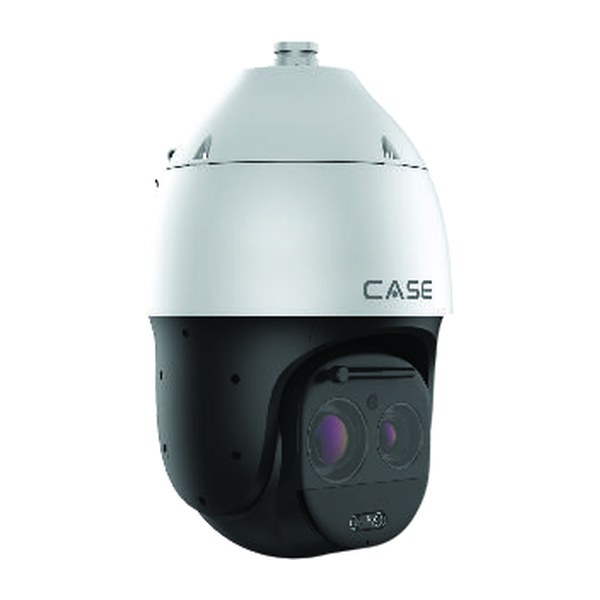
The CS-I5LQ I-T-4mm carries the CS- prefix: it is a standard catalog camera listed in the Thermal Solutions section, not a CASE Project Series item. Longer-range thermal coverage calls for a thermal PTZ such as the CS-P58 T-44X or for the CASE Project Series, which is project-quoted, with availability, certificates and lead time confirmed in writing.
What role does a demo unit play?
Thermal is easier to sell after the customer has seen their own panel or pile on a screen. For approved demo products we provide a 90-day test period under the approved demo return process. This is not a general return policy. Ask Anabon whether this SKU is on the approved demo list for your account, then run the test on the real target with the commissioning checklist above and keep the screenshots for the proposal. If the job is bigger than one camera, bring us the opportunity before you say no: Anabon reviews thermal layouts and confirms the exact products in writing.
What to tell your customer
“This camera has two eyes: a normal one for recording what happens, and a thermal one that sees heat in full darkness and can alert us when a surface we agree on gets hotter than it should. It helps your maintenance team spot problems between inspections. It is not your fire alarm and does not replace your detectors. CASE cameras carry a 6-year warranty, and service goes through us.”
FAQ
Can the CS-I5LQ I-T-4mm detect fire, and at what distance?
The catalog prints temperature detection and analytics for this SKU but no fire-detection distance, so do not quote one. If a project needs a fire-detection figure, take it only from the official spec sheet for this exact SKU. In every case the camera is a supplementary alert, not a fire alarm device under NFPA 72 or Canadian fire codes.
How accurate is the temperature measurement?
Accuracy is printed as Max. (±2 °C, ±2%), which is ±3.6 °F (±2 °C) or ±2%. Real readings also depend on emissivity, distance, viewing angle and reflections, so measure flat, non-reflective surfaces at a short fixed distance, set the emissivity per target and record baseline values during commissioning.
Can the thermal channel identify a person?
No. The thermal channel is 256×192 and is meant for detection and temperature, not identification. The optical channel at 2880×1620 records the visible detail. Plan coverage so the optical image gives evidence-grade views of approaches, and use the thermal image for night detection and measurement alarms on the same scene.
Is this camera part of the CASE Project Series?
No. It carries the CS- prefix, so it is a standard catalog camera listed in the Thermal Solutions section and covered by the CASE camera warranty. CASE Project Series items carry the CSP- prefix and are project-quoted, with availability, certificates and lead time confirmed in writing for each project.
What warranty applies to the CS-I5LQ I-T-4mm?
CASE cameras carry a 6-year warranty, and this bi-spectrum bullet is a CASE camera. Warranty service runs through the installer or dealer who supplied the system. An end user with a warranty or service question should contact the installer or company that supplied their system rather than the distributor.