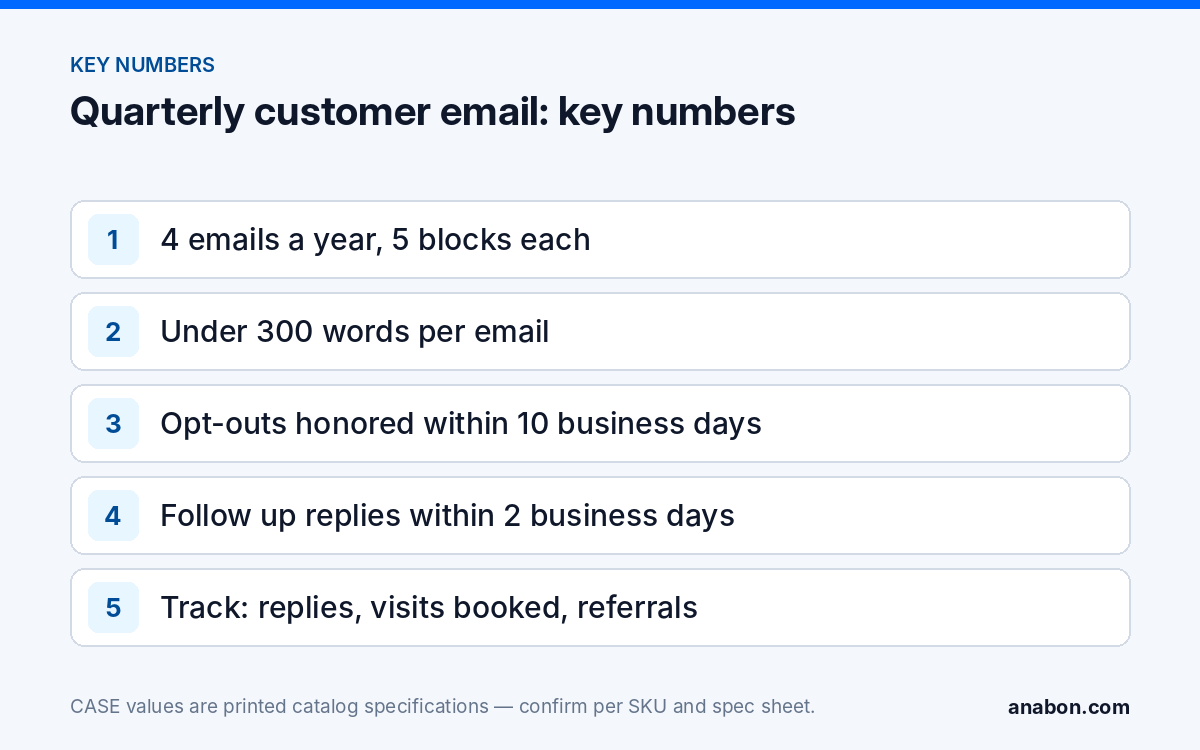
Quick answer: The best security company newsletter ideas for an installer fit into one short quarterly email with five blocks: a seasonal maintenance tip, a firmware and account reminder, one feature the customer already owns, an offer to book a visit, and a referral ask. Send it only to customers who gave permission, keep it under 300 words, and log every reply in your customer sheet so each email turns into visits, questions and referrals you can follow up.
Why quarterly, not monthly?
A commercial customer does not want to hear from their camera installer every month. A monthly newsletter forces filler content, and filler trains people to delete. Quarterly matches the rhythm of a security system: seasons change the site (leaves, snow, darkness, insects around IR), firmware releases arrive a few times a year, and most service agreements already schedule visits once to four times a year.
Four emails a year are also realistic for a small company to write well. Each one has a clear job: remind the customer the system needs care, show them one thing it can already do, and give them an easy reason to reply. If you only manage one marketing habit this year, this is a good one, because it reaches people who already trust you.
Who goes on the list, and what permission do you need?
The list is your existing commercial customers and the contacts they named at handover: the owner, the facility manager, the person who uses CASE Connect every day. Prospects who asked you for information can be added where the rules allow. Never buy or rent a list for this email.
Permission rules differ between the two countries, so treat the summary below as a starting point and verify with counsel:
| Topic | US (CAN-SPAM Act) | Canada (CASL) |
|---|---|---|
| Consent model | Opt-out: commercial email is allowed if the rules are followed and opt-outs are honored | Opt-in: express or implied consent is needed before sending |
| Existing customers | Allowed with a working opt-out | Implied consent from an existing business relationship lasts for a limited period after the last purchase or contract; ask for express consent at handover |
| Required content | Accurate sender and subject, a physical postal address, a clear opt-out | Sender identification, contact information, a working unsubscribe |
| Unsubscribe handling | Honor within 10 business days | Honor within 10 business days |
The simplest safe practice for both countries: add a consent line to your handover form (“May we send you a short system email once a quarter?”), record the date and the answer in your sheet, and put a one-click unsubscribe in every email.
What are the five blocks of a quarterly customer email?
Every issue uses the same five blocks in the same order. Customers learn where to look, and you only write new content for each block, not a new format.
| Block | Purpose | Length |
|---|---|---|
| 1. Seasonal maintenance tip | One thing the customer or their staff can check this quarter | 2–3 sentences |
| 2. Firmware and account reminder | Why updates and user reviews matter; what you will do at the next visit | 2 sentences |
| 3. One feature they already own | Show a capability on their installed system, with a short how-to | 3–4 sentences |
| 4. Visit offer | A clear way to book the included or next visit | 1–2 sentences |
| 5. Referral ask | One sentence: who else could use the same care | 1 sentence |
Here is a complete example to copy into your own email tool and adapt. Replace the bracketed items before sending.
Subject: Before the clocks change: a 2-minute check for your cameras
Hi [first name],
This quarter’s check. Days are getting shorter, so your cameras spend more hours in night mode. Walk past the exterior cameras after dark this week: if any image looks hazy or washed out, a spider web or dust on the lens is the usual cause. Tell us and we will clean it at the next visit.
Updates and accounts. At your next visit we will review recorder and camera firmware and remove any user accounts for staff who have left. If someone left recently, reply with their name and we will remove their access now.
Something your system already does. Your recorder can search recordings by event instead of scrolling the timeline. Next time you need to find something, ask us for the two-minute walkthrough.
Book your visit. Your next scheduled visit is in [month]. Reply with two dates that work.
One favor. If you know a business that would like the same care for its cameras, reply with an introduction.
[Name], [Company], [phone] · [postal address] · Unsubscribe
Keep the spotlight in block 3 to features the customer’s installed model actually has. App and search features are confirmed by model, firmware, software version and project configuration, so check the recorder before you write the paragraph.
Four ready topics for the next four quarters
Use these as the first year of content. Each row fills all five blocks; the feature spotlight changes so the customer learns one new thing per quarter.
| Quarter | Maintenance tip | Feature spotlight | Visit angle |
|---|---|---|---|
| Winter (Jan–Mar) | Snow and ice on housings; check that exterior views are clear after storms; cold-weather sites should report any camera offline | Event search: on AI NVRs, VCA Search finds clips by event type instead of scrolling the timeline | Winter health check for northern sites |
| Spring (Apr–Jun) | Insects and webs around IR at night; trees in leaf may block views | Sharing access in CASE Connect: device sharing lets the owner give a manager access without sharing the admin account; sharing options confirmed per model, firmware, software version and project configuration | View check against the camera schedule |
| Summer (Jul–Sep) | Heat and sun glare; check that recorders have ventilation and the UPS is not overdue | Deterrence: on cameras with EW, light and audio can respond to a detected person; availability confirmed per SKU | After-hours incident review |
| Fall (Oct–Dec) | Longer nights; clock change in early November in most of the US and Canada; confirm the recorder time is correct | Exporting a clip: how to save evidence to USB and play it back | Year-end retention and drive health check |
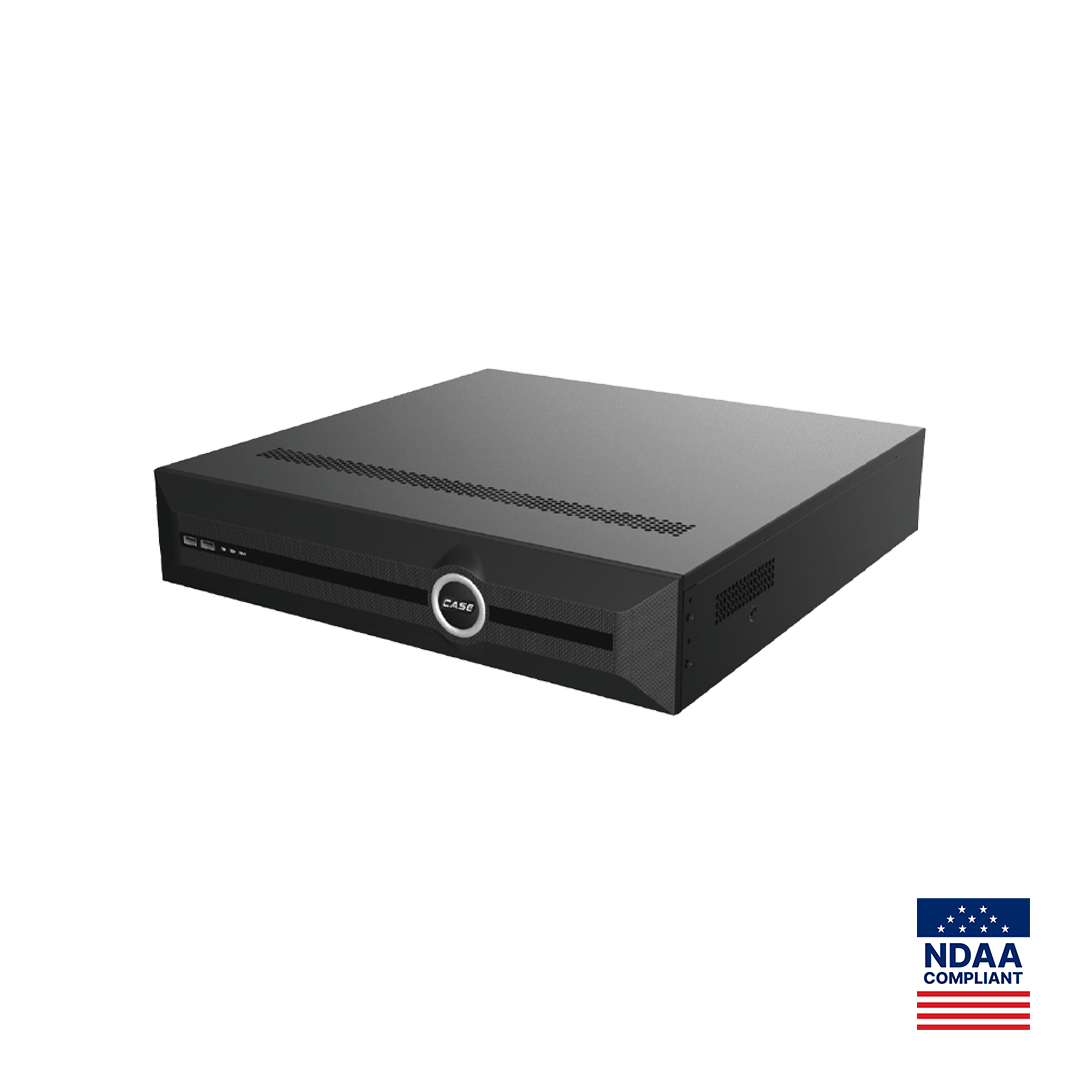
For the spotlight rows, write from the customer’s actual equipment. A customer on a CS-N880 H-AI or a CS-N220 P16H-AI has VCA Search as printed on those models; a customer with an older recorder gets a different spotlight, such as export or user management. The VCA Search guide gives you the walkthrough to offer.
How do you write subject lines and send without landing in spam?
- Name the benefit or the season in the subject: “Your spring camera check,” “Before the clocks change,” “A faster way to find last week’s clip.”
- Send from a named person at your company, not a no-reply address; replies are the point.
- Use plain text or very light formatting; heavy images and large attachments hurt delivery and readability.
- Authenticate your sending domain (SPF, DKIM, DMARC) through your email provider.
- Send Tuesday to Thursday mid-morning in the customer’s time zone, and send to small batches if your provider limits volume.
- Never include equipment costs, offers or anything that reads like a promotion; this email is service first.
How do you track replies in your sheet?
The email only pays off if replies become actions. Add a tab to your customer sheet, set up as in the simple CRM for security installers, with one row per reply:
- Date sent and quarter of the email.
- Customer and contact who replied.
- Reply type: visit request, question, referral, upgrade interest, account change, unsubscribe.
- Owner and due date for the follow-up, with a 2-business-day target.
- Outcome: visit booked, issue fixed, referral contacted, proposal sent, closed.
Review three numbers each quarter: replies per email sent, visits booked from replies, and referrals received. Unsubscribes go into the consent column the same day. When a reply raises a real need, the periodic visit process in turning maintenance into upgrades takes it from there.
What to tell your customer
“Once a quarter we will send you one short email about your camera system: a seasonal check, a reminder about updates and user accounts, one feature you already have, and a way to book your next visit. You can unsubscribe at any time, and if anything looks wrong, just reply and it comes straight to us.”
FAQ
How long should a quarterly customer email be?
Under 300 words, in five short blocks: a maintenance tip, a firmware and account reminder, one feature spotlight, a visit offer and a referral ask. Customers read short emails from a named person they know; long newsletters get skimmed or deleted. If a topic needs more space, link to a guide or offer to walk them through it at the next visit.
Can I email existing customers in Canada without asking?
CASL allows implied consent from an existing business relationship for a limited period after the last purchase or contract, but rules and periods are specific, so verify with counsel. The safer practice is to ask for express consent at handover, record the date and answer in your sheet, and include a working unsubscribe in every email.
Should the quarterly email include special offers?
No. Keep it service first: maintenance, updates, a feature the customer already owns and an easy way to book a visit. Offers make the email read like advertising and lower replies. When a reply shows a real need, follow it with a visit and, if hardware is the answer, a written proposal based on the finding.
Which feature should I spotlight first?
The one most customers own and few use. On systems with an AI NVR such as the CS-N880 H-AI or CS-N220 P16H-AI, event search with VCA Search is a strong first choice. Otherwise, clip export or sharing view access in CASE Connect without handing over the admin account. Confirm the feature on the installed model before writing.
What should I measure to know the email works?
Track replies per email sent, visits booked from replies and referrals received, every quarter, in the same sheet you use for customers. Open rates are unreliable because many email clients block tracking. A steady stream of replies that turn into booked visits and introductions is the result that matters for a small installation company.