Quick answer: Prioritize the approved entrances, public approaches and shared routes that the organization needs to review. Keep private and sensitive spaces out of the default plan. Give volunteers a simple authorized workflow, keep ownership with the organization and design the complete recording and maintenance cost before seeking funding.
On this page
Start with responsibility rather than camera quantity
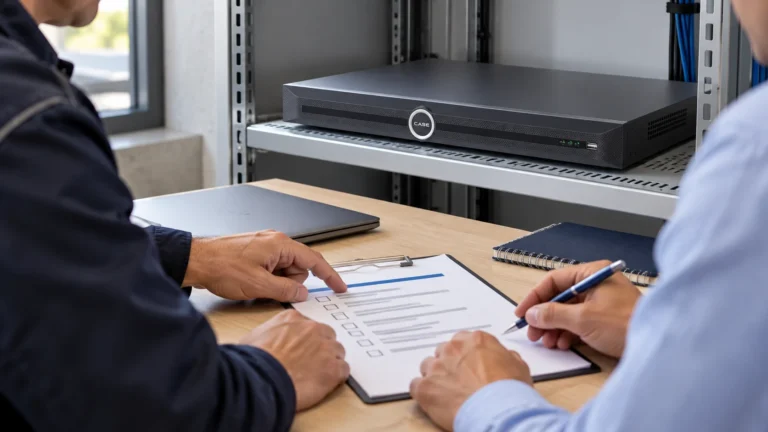
Meet the person authorized to approve the project, facilities and the actual security or volunteer lead. Ask who checks the system between events, who approves an export and who takes responsibility when volunteers change. A large committee is not a substitute for named ownership.
Describe the incidents the camera plan is intended to help review: entry after hours, a delivery, damage in a car park or movement between buildings. CISA perimeter security guidance for houses of worship places surveillance alongside other measures. Keep training, locks, lighting and response planning in the conversation; cameras alone are not a complete security program.
Choose public routes and exclude sensitive spaces
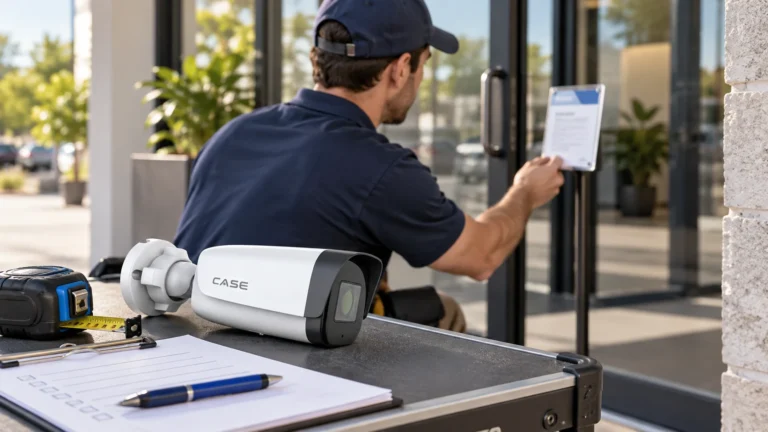
Compare IP cameras for the approved entrance and common-area tasks. Test the actual approach and saved image rather than prescribing one universal face-height mounting rule. The position must also be secure, accessible for service and appropriate to the building.
| Area | Purpose | Approval or test |
|---|---|---|
| Main approach and entrance | Arrival and movement into the shared building | Daylight, evening lighting and the normal entrance route. |
| Public lobby or circulation | Agreed movement between shared areas | Open doors, reflections and sensitive-room sightlines. |
| Separate building entrance | Connection to the campus route | Power, communications and the local recording design. |
| Parking and service access | Vehicle and delivery movement | Night lighting, neighbours and the response process. |
Exclude bathrooms, changing areas and private counselling or similarly sensitive spaces from the default proposal. Childcare rooms require a separate competent review of the actual law, licensing and safeguarding requirements; an internal ministry policy alone is not permission. Agree the purpose, notices, access and retention under the applicable framework without assuming every nonprofit is governed by the same private-sector law.
Compare central and separate recording honestly
Survey each building’s power and communications before choosing central or separate recording. An internet connection alone does not establish a suitable campus backbone. Check the supported link, device/PoE load, uplinks, recorder channels, bandwidth and usable disks. Use the storage planning guide with the approved target. Record what remains available locally if a link fails and how an authorized operator reviews it. Budget for connectivity, service, safe access, storage and training, so a low camera price does not hide ongoing work the volunteers cannot maintain.
Give volunteers a small, tested workflow
Use named accounts with the minimum approved role. Define who may view, search, export and administer, and revoke access when responsibilities change. Keep organization-controlled ownership and recovery; do not leave a volunteer’s personal phone or an installer’s account as the only route back into the system.
Demonstrate the supplied viewing software on the exact supported model, firmware, platform and settings; do not promise universal CASE app functions or sharing. Leave a one-page procedure covering camera labels, time search, preservation, the approved export location and who authorizes release. Keep passwords out of sheets taped to the rack. Have a new authorized volunteer repeat the workflow. Record the tested configuration and explain that remote viewing is separate from a monitoring or response service.
Support a funding application without promising an award
If funding is part of the discussion, check the official program with its responsible administrator before making commitments. As reviewed October 30, 2026, Canada Community Security Program information describes continuous intake until annual funds are allocated. It does not guarantee this organization’s eligibility or award. Public Safety Canada states that work or purchases before a signed funding agreement are ineligible unless it gives written authorization. Prepare the actual scope, equipment documents, alternatives and full cost schedule. The US FY2026 listing is archived; the FAQ below explains why it is a dated reference, not an open-intake promise.
Accept the system during normal use
Test the important entrance and parking views during a typical event and after dark, with permission. Retrieve a harmless test event, export it and replay the result. Record labels, timestamp settings, firmware, roles and accepted gaps. Supply exact-model documents through the Anabon Download Center and agree a safe maintenance and fault-check plan. Someone must notice a recording warning or a changed light even when the building is quiet for several days.
FAQ
Will a grant cover the camera project?
Only the program can decide. The US FY2026 Nonprofit Security Grant Program listing is archived (August 23, 2026) and identifies State Administrative Agencies as applicants. It is a dated reference, not an open application. Ask the responsible state administrator about the current local route, intake and approvals before purchases or financial commitments.
Should every volunteer have administrator access?
No. Assign named roles for the actual tasks and keep controlled organizational ownership, recovery and revocation.
Prepare a campus plan people can maintain
Send security camera technical support the approved routes, building links, budget constraints and recording target. Keep any childcare, safeguarding and nonprofit approvals separate from a general camera layout.
References
References reviewed October 30, 2026. CISA, Protecting Houses of Worship: Perimeter Security Considerations, physical PDF pages 1–2; archived US FY2026 NSGP listing; Public Safety Canada CCSP program page (modified July 31, 2026). Funding availability and written approvals must be rechecked when the organization plans to apply.