Quick answer: A camera job is finished when every channel has been tested in daylight and at night, the recorder’s time, passwords, retention and remote access have been verified and written down, and the customer has signed a commissioning report that says exactly what the system does. The checklist below runs in three stages, pre-install, install day and commissioning, followed by a handover list and a report template. Copy the tables into your own spreadsheet or job folder; nothing here needs a download.
What gets checked before the truck leaves the shop?
Most install-day problems were decided a week earlier. The pre-install checklist confirms that the design, the parts and the network answers exist before anyone climbs a ladder.
| Item | What “done” means | Where it comes from |
|---|---|---|
| Site survey on file | Camera positions, cable routes, NVR location, photos | Site survey form |
| Camera schedule | One line per camera: ID, SKU, lens, mount, box, cable length, purpose | Bill of materials |
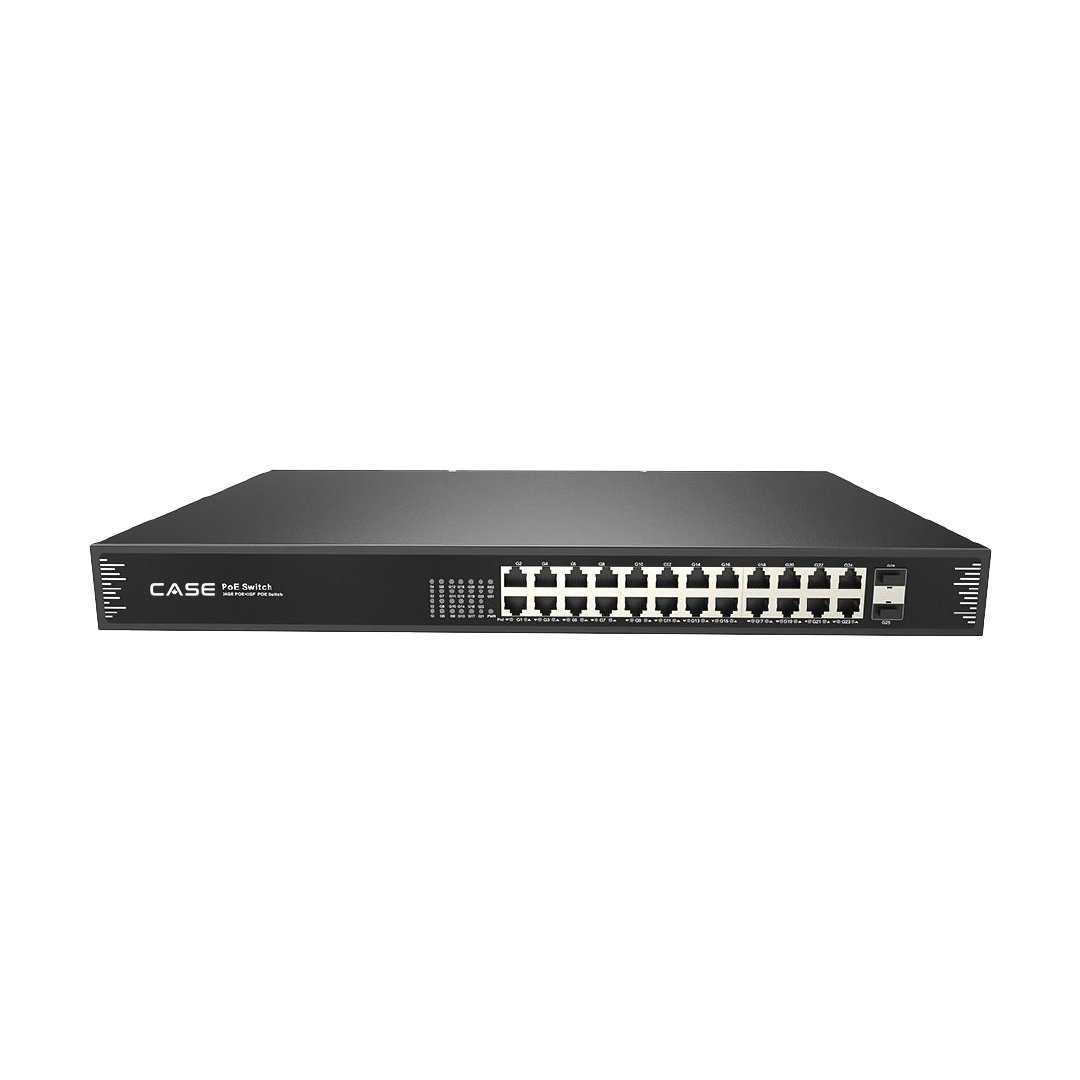
| PoE budget | Sum of camera draw below the switch or NVR budget with margin (CS-POE33024PF prints 30W per port, 400W / 600W total) | PoE budget calculator |
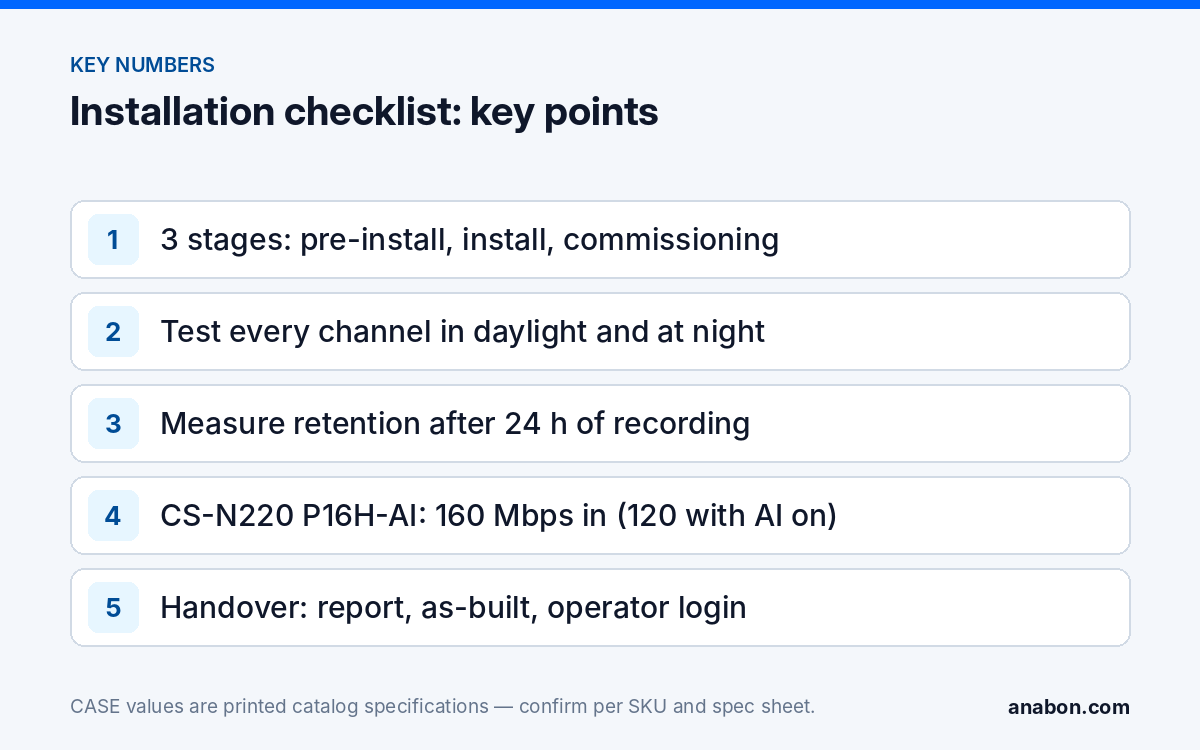
| Incoming bandwidth | Sum of main-stream bitrates below the NVR’s printed limit (CS-N220 P16H-AI: 160 Mbps, 120 Mbps with AI on) | Bandwidth calculator |
| Storage | Drive count and size sized for the required retention; CASE NVR pages print the maximum capacity per drive (CS-N220 P16H-AI: up to 10 TB per HDD) | Storage calculator |
| Network answers | Static or DHCP, VLAN, internet for remote viewing, who owns the firewall | Customer IT contact |
| Bench test | Cameras and NVR updated, addressed and labeled in the shop | Bench test routine |
| Parts kit | Boxes, mounts, anchors, glands, sealant, labels, spare cable, test gear | Order checklist |
| Compliance pack | Per-SKU documentation requested from Anabon where the project requires it | Anabon |
Where a bid requires NDAA documentation: CASE offers NDAA-compliant options for compliance-sensitive projects. Anabon confirms the exact products and provides the official compliance documentation for each project. Request it at this stage, not at handover.
What does the install-day checklist cover?
Install day is about physical quality. Everything on this list is quicker to fix while the lift is on site.
- Every outdoor camera on a junction box, cable entry from below with a drip loop, gasket seated, sealant along top and sides only.
- Every run labeled at both ends with the camera ID and patch port, in the same format as the camera schedule.
- Every run tested before the camera is mounted: wiremap, length and link speed, with a PoE check under load at the far end.
- Cameras aimed with a technician watching live view, then a screenshot of each view saved with the camera ID.
- NVR in a ventilated, lockable location with the drives seated, on a UPS, with the uplink labeled.
- Surge protection and bonding on every run that leaves the building, grounded per NEC Article 250 and Chapter 8 (in Canada: CEC Sections 10 and 60); verify the local code.
- Photographs of each mounted camera, each cable entry and the rack, filed by camera ID for the as-built.
- Site left clean: cable offcuts, packaging and drill dust removed; penetrations fire-stopped where required.
What does commissioning test, channel by channel?
Commissioning is the stage installers skip under schedule pressure, and the stage that decides whether the footage exists when it is needed. Test each channel twice, in daylight and after dark, and test the recorder once as a system.
Per-channel test record
| Ch | Camera ID / location | SKU (full spelling) | IP address | Live view day / night | Recording day / night | Focus and aim | Audio (if enabled) | Analytics zones set | Notes |
|---|---|---|---|---|---|---|---|---|---|
| 01 | CAM-01 / front entrance | CS-I8XQ II-2.8mm | 192.168.x.x | OK / OK | OK / OK | Face zone 8 to 15 ft (2.4 to 4.6 m) | Off | Tripwire on door line | |
| 02 | CAM-02 / dock |
System-level checks
- Time. NTP server set and reachable, correct time zone, daylight-saving rule correct, every camera synchronized to the recorder. Wrong time is the fastest way to lose evidence.
- Credentials. Default passwords changed on the NVR and every camera; an operator account created for the customer; the admin credential stored in your own secure system, never written into the report.
- Retention. After 24 hours of recording, read the oldest timestamp and project the retention; compare with the requirement and record the measured figure, not the calculated one.
- Drives. Every drive recognized, health status normal, overwrite enabled, recording schedule set to continuous or event per the design.
- Streams. Main-stream and sub-stream resolution and bitrate set per camera; total incoming bandwidth under the NVR’s printed limit.
- Alarm I/O. Any wired input or relay output tested end to end (CS-N220 P16H-AI prints 4 TTL inputs and 1 relay output).
- Firmware. Version recorded for the recorder and each camera model.
- Remote access. CASE Connect added on the customer’s device and tested off-site, with the method (P2P or VPN) written down. Avoid port forwarding; see P2P vs VPN.
- Export. One clip exported to USB and played back on a plain laptop, so the customer’s first evidence request is not the first test.
What does the handover pack contain?
The handover is a document set and a 30-minute walkthrough, not a verbal “it’s all working”. Each item below is safe to hand to the customer as written.
- Commissioning report (template below), signed by both parties.
- As-built drawing with camera IDs, purposes and the rack location, plus the photo set.
- Camera schedule with full SKU spellings, so a future service call orders the right part.
- Operator credentials for the customer’s own account, delivered separately from the report; admin stays with you unless the contract says otherwise.
- CASE Connect setup on the customer’s phone or tablet: live view, playback and alarm notifications demonstrated. CASE Connect is the official app experience for CASE systems. App features and remote access options should be confirmed by model, software version, and project configuration.
- Warranty statement, exact: CASE cameras and CASE NVRs carry a 6-year warranty. CASE PTZ cameras carry a 3-year warranty. CASE accessories carry unlimited warranty. Hard drives are supported through back-to-back manufacturer warranty. Warranty and service go through you, the installer; the customer copy adds: “For warranty and service, please contact the installer or company that supplied your system.”
- Retention and privacy notes: measured retention, who can export, and any signage the customer needs to post (state law in the US; PIPEDA and provincial law in Canada; verify with counsel).
- Support path: your phone number and hours on the rack and in the app notes, and the follow-up schedule.
The customer-facing walkthrough script is in CASE Connect: setting up remote viewing for your customer; give the customer’s IT contact a one-page security summary as well.
Commissioning report template (copy into your job folder)
Paste the two tables below into a spreadsheet or your proposal software. Keep the field names; they match the per-channel record above so the report can be regenerated at every service visit.
| Field | Entry |
|---|---|
| Project / site name and address | |
| Customer contact and IT contact | |
| Installer, technician(s), dates of work | |
| Recorder SKU, serial, firmware version | e.g. CS-N220 P16H-AI |
| Switch SKU(s), PoE budget used / available | e.g. CS-POE33024PF, 400W / 600W version as supplied |
| Number of channels commissioned / channel capacity | e.g. 14 / 20 |
| Drives installed (count, size), measured retention | |
| Recording mode and schedule | Continuous / event / mixed |
| Time source, time zone, DST | |
| Remote access method and app | CASE Connect, P2P or VPN |
| Accounts created (role, not password) | Operator: customer; Admin: installer |
| Analytics enabled per channel | Per channel; confirmed per model and firmware |
| Export test performed (date, file plays on plain laptop) | |
| Open items and agreed completion date | |
| Warranty statement (exact wording, by category) | |
| Customer signature / installer signature / date |
Attach the per-channel table, the as-built drawing and the photo set. Leave passwords out of every copy.
How do you keep the checklist alive after handover?
A commissioning report that is never reopened is a receipt. Make it the baseline for the 7-day, 30-day and 90-day follow-up calls: at 7 days confirm the app still works and the night image is acceptable, at 30 days re-read the measured retention, at 90 days check firmware and drive health. Each visit updates the same tables, which is why the field names stay fixed. When the customer later adds cameras, the report tells the next technician which channels, ports and addresses are free.
What to tell your customer
“Before we hand the system over, every camera is tested in daylight and at night, the recorder’s time, storage and remote access are verified, and you sign a commissioning report that lists exactly what was installed and how it is configured. You keep the report, the drawing and your own login; we keep the administrator access so the system stays supported.”
FAQ
What should a security camera commissioning report include?
The site and contacts, recorder and switch SKUs with firmware versions, a per-channel table (camera ID, SKU, IP, live and recording tests by day and night, aim, analytics), time source, measured retention, recording schedule, remote access method, accounts by role, an export test, open items and both signatures. Never include passwords; deliver credentials separately.
How long does commissioning take for a 16-camera system?
Plan half a day for the daytime channel tests and system checks, a return visit or a remote session after dark for the night tests, and 30 minutes for the walkthrough. The retention figure needs 24 hours of recording before it can be measured, so the signed report usually follows the install by a day or two.
Should the customer get the administrator password?
Not by default. Create an operator account for the customer with live view, playback and export, and keep the administrator credential in your own secure system so the configuration stays supported. If the contract gives the customer administrator rights, hand it over separately from the report and record that the transfer happened, not the password itself.
Which app do I set up for the customer at handover?
CASE Connect, the official app experience for CASE systems, on the customer’s own phone or tablet. Demonstrate live view, playback and alarm notifications, and write the access method into the report. App features and remote access options should be confirmed by model, software version, and project configuration before they are promised.
What warranty wording goes into the handover documents?
Use the category wording exactly: CASE cameras and CASE NVRs carry a 6-year warranty, CASE PTZ cameras carry a 3-year warranty, CASE accessories carry unlimited warranty, and hard drives are supported through back-to-back manufacturer warranty. State that warranty and service go through you, the installer: “For warranty and service, please contact the installer or company that supplied your system.”