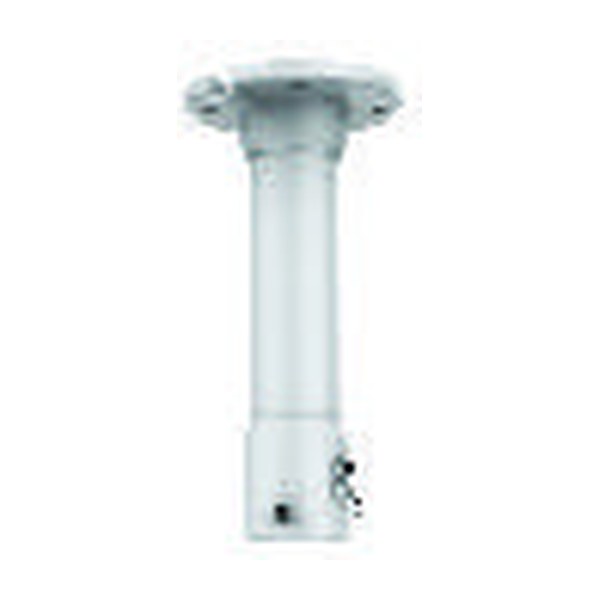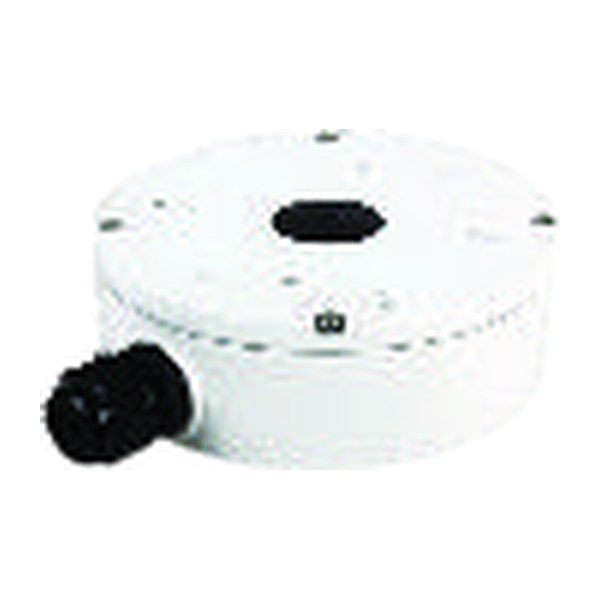
Quick answer: The ceiling material decides the mount, not the camera. On a drop ceiling the tile never carries the load: use a tile bridge supported by the grid and tied to the structure above with its own wire. Drywall takes a toggle or strap anchor, or a backer screwed to a joist; concrete takes a sleeve, wedge or drop-in anchor set with a hammer drill; metal deck is never drilled, so the camera hangs from a beam clamp, channel strut or a pendant mount such as CS-DF21Y. Above every one of them the cable is plenum-rated where the ceiling space moves air, and the pigtail ends in a box such as CS-A22.
Which ceiling is it, and what does that decide?
Walk the site with the ceiling in mind before the camera schedule is final, because the ceiling sets the fixing, the box and the labor. A dome on a tile bridge is a 20-minute job; the same dome on a concrete slab 24 ft (7.3 m) up needs a lift, a hammer drill and a pendant. Height matters as much as material: evidence-grade placement sits around 8 to 9 ft (2.4 to 2.7 m) for face capture at a door, which is why high ceilings get pendants. The height and angle rules are in security camera mounting height and angle.
| Ceiling | What carries the load | Fixing | Box or mount | Watch for |
|---|---|---|---|---|
| Drop ceiling (suspended grid, lay-in tiles) | The grid, with an independent support wire to structure; never the tile | Tile bridge clamped to the grid | Back box on the bridge; pigtail above the tile | Local rules on supporting devices from the grid; verify the local code |
| Drywall (gypsum board on joists or furring) | The joist or a backer; the board itself only for light loads | Screws into the joist; toggle or strap anchors between joists | Surface back box, or a low-voltage bracket for a flush pigtail | 5/8 in (16 mm) fire-rated board on many commercial ceilings; seal penetrations |
| Concrete (slab, precast, waffle) | The slab | Sleeve, wedge or drop-in anchor; adhesive anchor where cracking is a concern | Surface box; pendant on high slabs | Rebar, post-tension cables, embedded conduit; scan before drilling |
| Metal deck and open structure | Bar joists, beams or strut, never the deck | Beam clamps, channel strut spanning two joists | Pendant mount such as CS-DF21Y | Drilling the deck can breach the roof above it |
| Hard-lid high ceiling | Structure above the finished ceiling | Through-bolt to a backer or structure | Pendant mount, conduit drop or a wall mount instead | Height makes focus and cleaning expensive |
Drop ceiling: why the tile never carries the camera
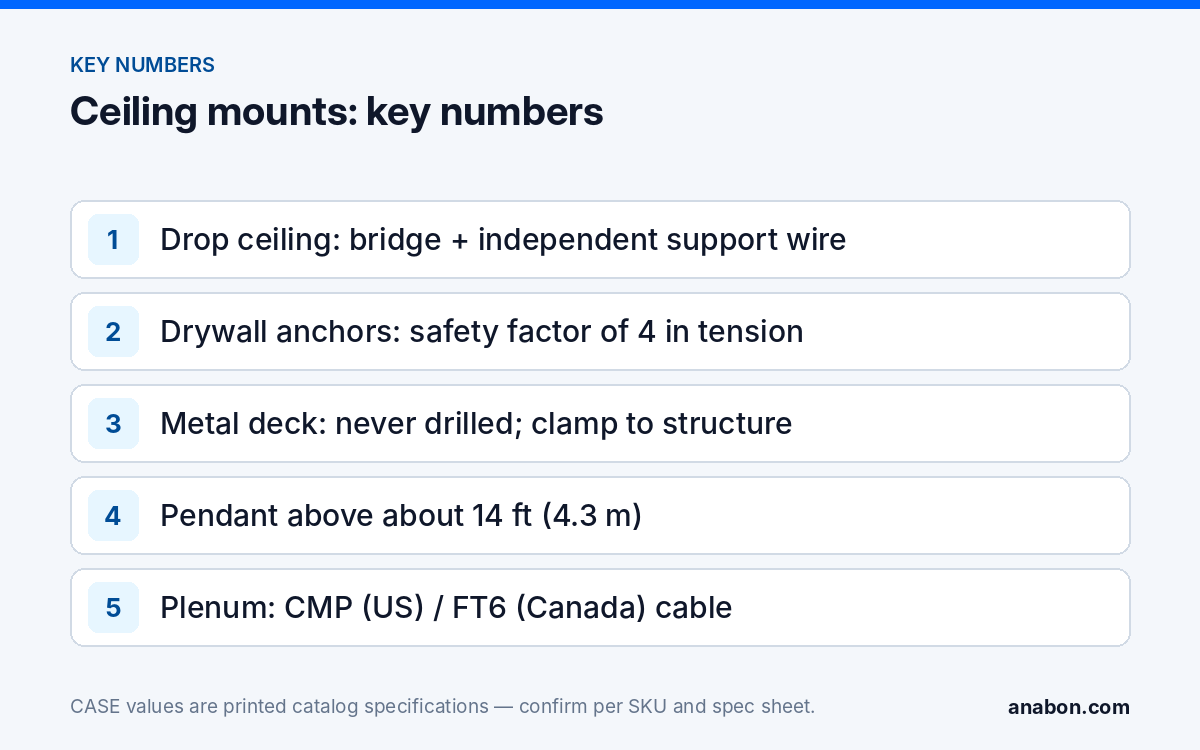
A mineral-fiber tile holds its own weight and little else. A camera screwed to it sags within weeks, the hole tears, and the image drifts until the camera points at the floor. Mounting in a drop ceiling means mounting to a bridge: a metal plate or channel that rests on, or clamps to, the grid tees on either side of the tile, with the tile cut to let the camera base through. The bridge spreads the load to the grid and carries its own hanger wire up to the structure so the camera does not rely on the grid’s hangers alone. Many jurisdictions limit what may hang from a suspended grid without independent support; verify the local code before the first bridge goes in.
- Pick a tile position clear of sprinkler heads, lights and diffusers, then cut the tile from the back with the bridge as a template.
- Set the bridge on the tees, add the independent support wire to structure, and land the camera base on the bridge, not on the tile.
- Leave a service loop of 3 ft (about 1 m) above the tile with the pigtail in a box, so the camera lifts out with the tile for service.
- Use a dome or a turret here; a bullet bracket loads one point of the tile.
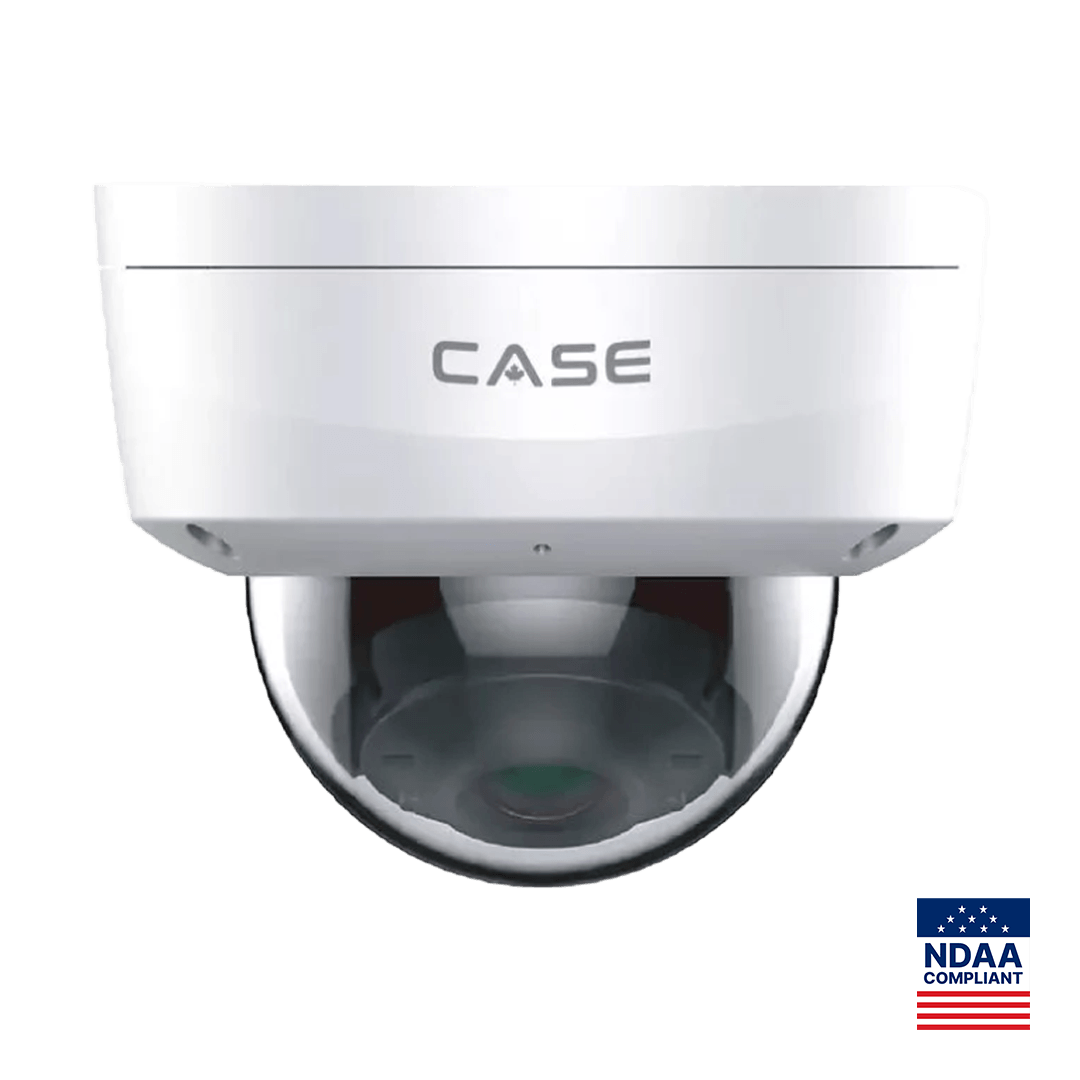
A corridor or lobby ceiling in a public building is also where impact rating earns its keep: CS-I8KS SD-2.8mm prints IP67 and IK10 with a Metal+Plastic housing, 8MP at 3840×2160 and 98 ft (30 m) IR, a reasonable spec on a bridge at 9 ft (2.7 m) in a hallway that sees carts and ladders. Housing choice by job is in bullet vs dome vs turret.
Drywall and concrete: which anchor for which load?
Drywall
Find the joist first; a screw into framing beats any anchor. Between joists, use a toggle bolt or strap toggle rated for ceiling use, and apply a safety factor of at least four to the published anchor rating, because a ceiling anchor is loaded in tension and drywall creeps. For a heavier unit, a varifocal dome with its box, cut a hand hole, screw a plywood backer to the joists above, then patch. Fire-rated assemblies, common on commercial corridors, need the penetration sealed with a listed firestop material after the cable is through.
Concrete
Concrete asks for a hammer drill, the correct bit diameter and the minimum embedment printed on the anchor packaging. Sleeve anchors suit light fixtures in solid concrete; wedge anchors take more load; drop-in anchors give a threaded socket for a pendant rod or strut. Scan before drilling: a post-tensioned slab, common in parking structures and mid-rise buildings, carries cables under tension that must not be cut, and precast planks have hollow cores that hold nothing. Vacuum the hole, set the anchor, and record the anchor type on the camera schedule. A wall position on concrete is often easier than the ceiling; the wall option is covered in junction boxes and mounts: matching CASE boxes and brackets.
Metal deck and open structure: why you never drill the deck
A metal roof deck is the underside of the roof. Above the corrugations sit insulation and the roofing membrane, and a screw or anchor through the deck can puncture both, putting the roofing warranty at risk and starting a leak that appears somewhere else months later. The thin steel also holds a screw poorly in tension. Everything hangs from the structure instead: a beam clamp on a bar-joist chord or beam flange, channel strut spanning two joists with the mount bolted to it, or threaded rod dropped from a clamp. In an open ceiling the cable runs on J-hooks along the joists to a box at the mount, never draped across the deck ribs.
High ceilings: when a pendant mount is the answer
Above about 14 ft (4.3 m), a camera flat against the ceiling sees the tops of heads and the tops of shelves. The pendant brings the camera down to a working height, keeps it clear of trusses and ducts, and gives a dome or turret the slight downward angle it needs without an extreme tilt. CS-DF21Y is the CASE pendant mount for this job, listed as a pendant mount for CASE cameras with compatibility confirmed per camera specification sheet, so check the exact camera SKU against the sheet before it goes on the order. Fix the pendant to structure using the concrete or steel methods above, run the cable through the pendant where its design allows (per the specification sheet), and keep the drop short enough that the camera does not sway in the draft of a warehouse door. CASE accessories, including mounts and boxes, carry unlimited warranty.
A long pendant with a heavy camera is a lever on the anchor, so use a drop-in or wedge anchor in concrete and a clamp on steel, never a toggle in drywall. A pendant camera is also expensive to reach, so finish the focus and the night check before the lift leaves, following dome camera focus and angle.
Cable concealment: plenum, pathways and the box
The space above a drop ceiling is often used to return air to the HVAC system, which makes it a plenum. In the US, cable in a plenum must be plenum-rated, marked CMP, under the NEC (in Canada, FT6 is the plenum rating under the CEC; verify the local code), because ordinary jacket produces dense smoke in a fire. Riser-rated cable is for vertical shafts between floors. If the drawings do not say whether the ceiling is a plenum, ask the mechanical contractor rather than pulling the run twice.
- Support the cable on J-hooks or in cable tray every 4 to 5 ft (1.2 to 1.5 m); never rest it on the grid, the tiles or the light fixtures.
- Keep it 12 in (300 mm) from fluorescent ballasts and unshielded power runs, and cross power at right angles.
- Firestop every penetration through a rated wall or floor with a listed system.
- End the pigtail in a box above the tile or behind the camera, such as CS-A22 (compatibility per camera specification sheet), with a service loop.
- On hard ceilings with no access, use surface raceway or conduit painted to match, and agree the route with the customer before cutting.
- Label both ends and record the cable type on the camera schedule.
The wiring choices behind this list, shielding, grounding and surge, are in the security camera wiring guide for installers.
What to tell your customer
“Each camera is fixed to the building structure, not to the ceiling tile or the roof deck, so nothing sags and nothing leaks. Where the ceiling space carries air, we used plenum-rated cable as the code requires, and every cable connection sits in a box that can be serviced by lifting one tile. Warranty and service on the CASE equipment run through us as your installer.”
FAQ
Can a security camera be screwed directly to a drop ceiling tile?
No. A mineral-fiber tile cannot hold a camera; it sags, the holes tear and the image drifts. Mount the camera on a tile bridge that rests on or clamps to the grid tees, and tie the bridge to the structure above with its own support wire. Many jurisdictions restrict what may hang from a suspended grid without independent support, so verify the local code.
Do I need plenum-rated cable above every drop ceiling?
Only where the ceiling space is used to move air for the HVAC system, which is common in commercial buildings. In the US that calls for CMP-marked cable under the NEC; in Canada, FT6 is the plenum rating under the CEC. Verify the local code, and if the drawings do not state whether the space is a plenum, ask the mechanical contractor before pulling cable.
What anchor should I use for a camera on a concrete ceiling?
A sleeve anchor for a light fixed camera in solid concrete, a wedge anchor for more load, or a drop-in anchor where you need a threaded socket for a pendant rod or strut. Drill with a hammer drill at the anchor’s specified diameter and embedment, scan first for rebar and post-tension cables, and vacuum the hole before setting. Record the anchor type on the camera schedule.
When does a high ceiling need a pendant mount instead of a surface mount?
When the camera flat against the ceiling would be too high to capture faces or would sit among trusses and ducts, typically above about 14 ft (4.3 m). A pendant mount such as CS-DF21Y brings the camera down to a working height; confirm compatibility with the exact camera SKU on the specification sheet, fix the pendant to structure, and finish focus before the lift leaves.