Quick answer: Start NVR alarm wiring with the exact model’s electrical documentation. An alarm-input count does not tell you the input type, and a relay is not a general-purpose power supply or gate-safety controller. Confirm interfaces, ratings and event behavior before connecting a sensor, siren or operator.
On this page
Read the correct alarm I/O row
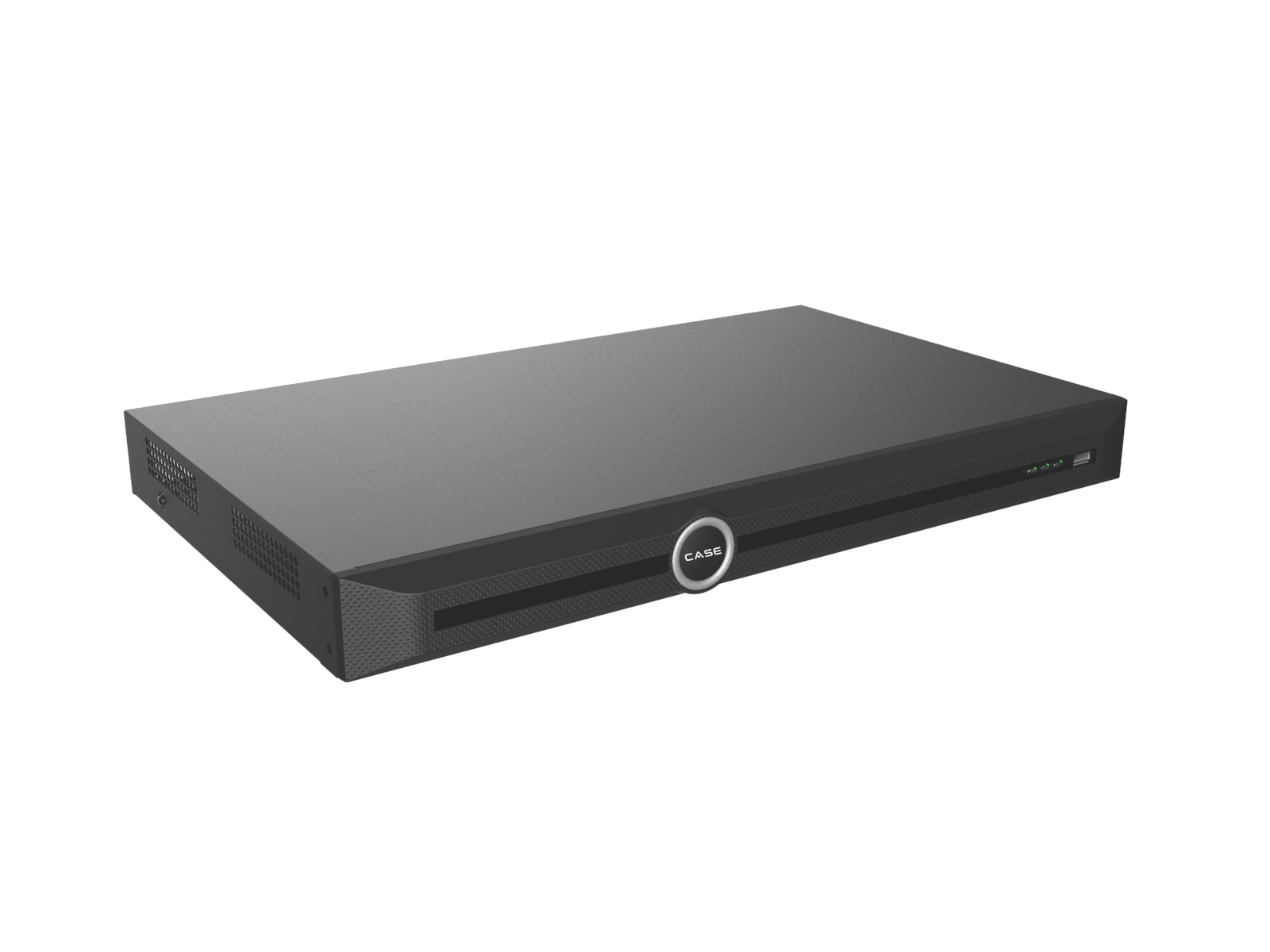
The current catalog prints different I/O arrangements across the recorder range. Keep the complete SKU and revision in the wiring record. Do not transfer a small recorder’s contact rating to a larger model that prints only counts.
| Model | Printed row | Information still needed |
|---|---|---|
| CS-N105 P4 / CS-N110 P8 | One relay output, 1A/24 VDC | Actual terminal arrangement, permitted load category and installation instructions. |
| CS-N105 P4H-AI / CS-N110 P8H-AI / CS-N220 P16H-AI | Four TTL inputs, 3 mA/3.3 VDC; one relay output, 1A/24 VDC | Input interface/wiring diagram and relay load requirements for the actual revision. |
| CS-N440 M-AI | Alarm I/O N/A | Do not plan recorder terminals that are not listed. |
| CS-N880 N / CS-N880 H-AI | 16alarm inputs /4 outputs | Electrical input type, output/contact ratings and approved wiring diagram. |
The 40-channel PoE model also lists 16 inputs/4 outputs, but its identifier differs between index CS-N440 P16H-AI and product page CS-N440 P16-H-AI. Confirm the orderable SKU and its actual electrical sheet before using it in a wiring schedule.
A TTL label is not a wiring diagram
The printed 3.3 VDC/3 mA TTL wording describes a logic-level interface. It does not by itself prove the terminal’s pull-up arrangement, permitted dry-contact connection, polarity or behavior. Obtain the approved diagram and confirm the sensor interface before connecting it.
Do not apply an alarm panel’s 12 V or 24 V output to a recorder input without documentation explicitly permitting that interface. A compatible isolated relay/interface may be required, with its power, contact type and grounding arranged according to both manufacturers’ instructions.
Confirm normally-open/normally-closed behavior, any monitoring requirements and the intended event when a wire opens or power fails. Do not claim a simple contact circuit provides supervised alarm protection unless the whole arrangement supports and tests it.
Keep the relay within its documented job
An output contact switches a compatible circuit; it does not supply the siren’s power. Check voltage, current, load type, inrush and suppression requirements. A printed 1 A/24 VDC figure does not authorize mains switching or every inductive load below that current.
For a siren or strobe, use a suitable separate supply and approved interface where required. Have a qualified installer resolve circuit protection, isolation and local requirements. Do not publish a generic pin-to-pin diagram for terminals whose revision-specific instructions have not been confirmed.
A gate trigger is a request, not a safety system
If a gate operator accepts a documented compatible trigger input, the NVR may form part of an approved request path. It must not replace the operator’s safety controls, entrapment protection or emergency arrangements. Do not switch the motor or its supply through the recorder.
Coordinate with the gate/access-control professional and follow the operator’s instructions and applicable requirements. License-plate search on an NVR does not establish plate-triggered opening. A working video analytics event is not proof of a safe vehicle-access system.
Confirm the complete event and notification path
A wired input must be supported by the firmware’s event configuration. Check which channel recording, snapshot, output or notification actions are actually available. Camera-side I/O is a separate interface: confirm whether the selected NVR/integration receives and acts on it.
CASE Connect’s catalog alarm-information description does not guarantee every wired event reaches every phone. Confirm the device/software configuration, account, network and power path, then test the expected recipient. Record any delay or failure against the project requirement rather than promising a fixed response.
Commission with a documented test
- Record full SKUs, firmware and the approved electrical diagrams.
- Check interface/load compatibility before connecting or energizing equipment.
- Verify normal and triggered states under the agreed safe test conditions.
- Test the required recording, output and notification actions.
- Test the relevant loss-of-power/network or open-circuit behavior where the project requires it.
- Label terminals/cables and leave the diagram, settings and results in the protected project record.
Use the physical-security and power guide with the handover checklist. Do not leave an unsupported wiring assumption for the next technician to discover.
FAQ
Can I connect a 12 V alarm output to a TTL input?
Not without an explicitly documented compatible interface. Obtain the exact wiring instructions; do not infer compatibility from the word alarm.
Can the relay power a siren?
No power-supply function is established by the relay label. Design the supply and switching interface for the actual load and documented contact requirements.
Does every CASE recorder have alarm terminals?
No. The reviewed CS-N440 M-AI row lists N/A. Confirm the exact recorder and any alternative interface before specification.
Send the recorder SKU/revision, sensor/output specifications and intended event to Anabon technical support before wiring. Compare NVRs against the confirmed I/O requirement.