Quick answer: A camera VLAN, subnet and IP address are different parts of the design. Agree the network with IT, give each device a documented addressing method, and test both permitted access and blocked access. A VLAN label or an NVR PoE port does not by itself prove isolation.
On this page
VLAN, subnet and gateway: keep the jobs separate
A VLAN groups switch traffic into a logical network. An IP subnet describes which addresses a device treats as local. A gateway provides a route to other networks. A firewall or access-control policy decides which routed traffic should be allowed.
These commonly line up as one subnet per VLAN, but entering a different subnet mask does not configure a switch VLAN. Equally, a correctly tagged VLAN can still have broadly open routing to office computers. Agree the complete path, not just a VLAN number.
The camera network segmentation guide compares an NVR PoE segment, shared managed switching and dedicated camera switches. Shared VLAN infrastructure still shares physical capacity and power dependencies.
Write the IP plan before configuring cameras
Ask IT to allocate a private range that does not conflict with existing site or remote-access networks. Do not choose a familiar subnet merely because it worked on the last job. A conventional /24 IPv4 subnet has 254 host addresses; recorder channels, bandwidth, switching and policy usually constrain a camera system before that number becomes useful.
| Device | Address example | Record with it |
|---|---|---|
| Gateway, if the design routes this subnet | 192.168.20.1/24 | Approved router/firewall and permitted traffic. |
| Recorder | 192.168.20.10/24 | Full SKU, MAC, switch/port and management path. |
| Camera 01 | 192.168.20.21/24 | Location, MAC, port and NVR channel. |
| Camera 02 | 192.168.20.22/24 | Location, MAC, port and NVR channel. |
These are documentation examples, not settings to paste into every site. Record subnet mask, gateway where required, DNS/time sources, VLAN, MAC address, location, switch port and recorder channel. Label the physical equipment to match the same schedule.
Static addresses or DHCP reservations?
The aim is stable, documented connectivity. A static address and a DHCP reservation can both serve that goal when managed properly. Dynamic DHCP may also be appropriate where the actual recorder/integration tracks devices reliably; test that behavior instead of declaring every dynamic address unsuitable.
| Method | Useful control | What needs maintenance |
|---|---|---|
| Static address on the device | Predictable address without relying on a lease | Exclude manually assigned addresses from dynamic allocation; prevent duplicates. |
| DHCP reservation | Server assigns a planned address to the device identity | Record the reservation and update it when hardware or identity changes. |
| Dynamic DHCP | Automatic configuration where the integration supports it | Confirm how the recorder rediscovers or tracks a changed address; do not assume it does. |
Coordinate static addresses with the DHCP administrator. A reservation is managed by the DHCP server; do not tell IT to move every reservation outside its configured scope. Replacing a camera can change its MAC address and invalidate a reservation. Update the inventory and retest after replacement.
For an inherited addressing problem, use the existing IP-address conflict guide. Never introduce a second DHCP server on the customer’s LAN without approval.
Confirm how the recorder’s PoE segment behaves
Some PoE recorders manage cameras on a separate internal interface. Confirm the subnet, addressing and any camera-access/proxy function on the exact model and firmware. Test reachability from the office network; do not describe the segment as isolated from its port label alone.
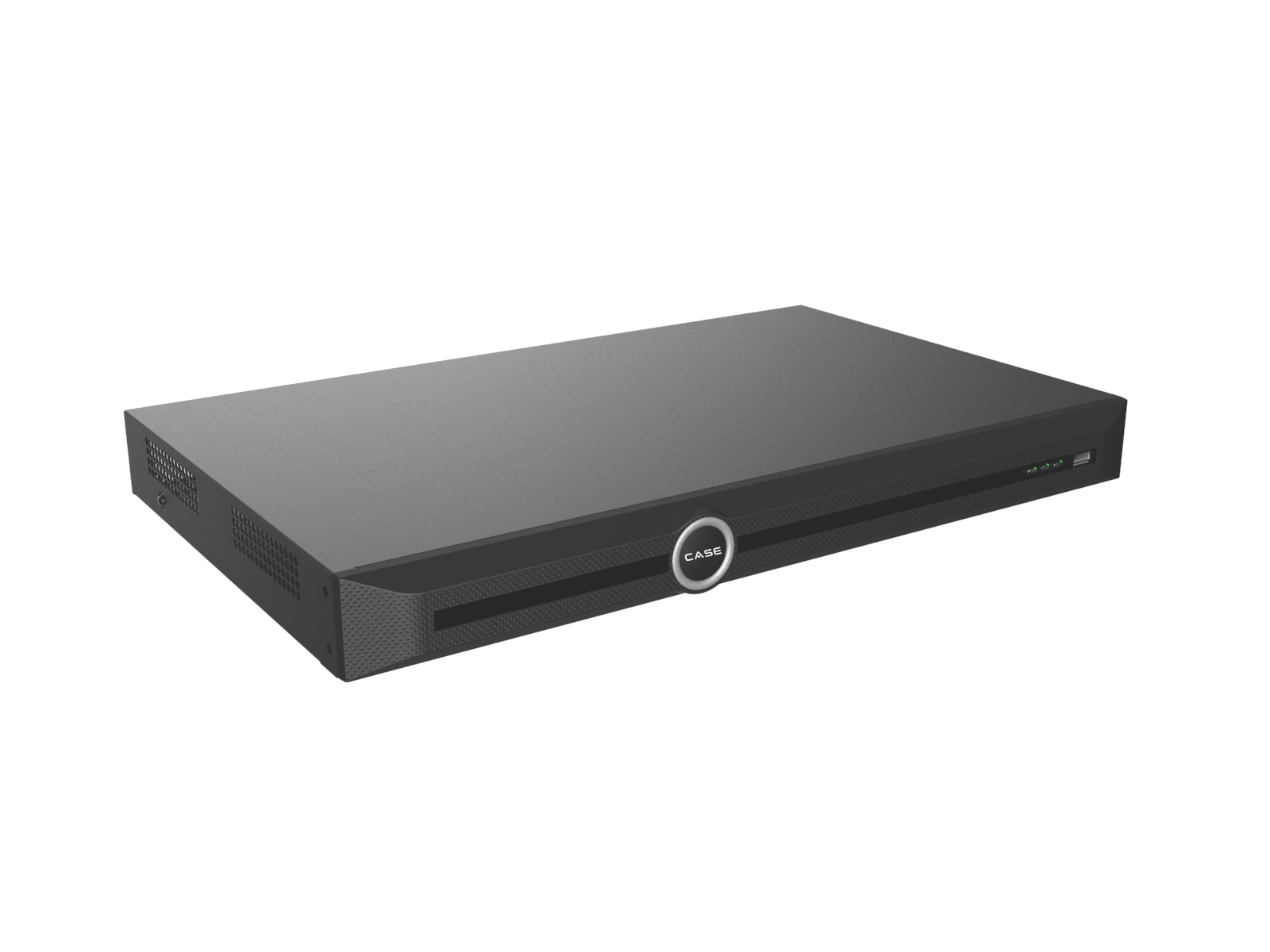
The catalog lists CS-N220 P16H-AI with 20 IP channels and 16 built-in PoE ports. Those are different counts: additional channels require a supported external connection design. One LAN port is not two independent camera/business interfaces. If you need more distribution points, compare PoE switches and confirm VLAN management features separately from power and port counts.
Give IT a short, answerable network request
- Camera count, locations, recorder and switch models, expected stream traffic and PoE loads.
- Proposed VLAN/subnet, addressing owner and required access/trunk ports.
- Approved management/viewing sources and the destinations/services they need.
- Required DNS/time services and the supported remote-access method.
- Change window, test contacts, configuration backups and future ownership.
Do not assume CASE Connect uses a particular P2P path or that all camera internet access is required. Confirm the actual software/device combination. For third-party integration, verify the exact supported ONVIF profile and required functions; no blanket profile list belongs in a network request.
Test the boundary and the service
- Check each planned address, channel and required recording function.
- Test approved management/viewing paths with the intended limited accounts.
- From authorized test devices on office/guest networks, check that prohibited camera interfaces cannot be reached.
- Test the approved remote method and time source, plus any agreed restart/recovery scenario in its maintenance window.
- Save the final port map, configuration references and observed results with the handover record.
FAQ
Do I need a managed switch for VLANs?
The required VLAN tagging and port configuration must be supported somewhere in the approved managed infrastructure. A simple downstream switch on an access port is not itself evidence that it can manage VLANs.
Is a private IP address a security control?
It is part of addressing. It does not replace access restrictions or prove that other networks cannot reach the device.
Can cameras use DHCP?
Yes, where the deployment manages addresses or tracks devices reliably. Record ownership and verify behavior when leases or hardware change.
Review NVR options against the planned topology, then send exact SKUs and network questions to Anabon technical support before committing to a design.