



Evaluate an edge AI box with the actual video stream, event rules and receiving system. Check compatibility, privacy, missed events and operator response.
On this page
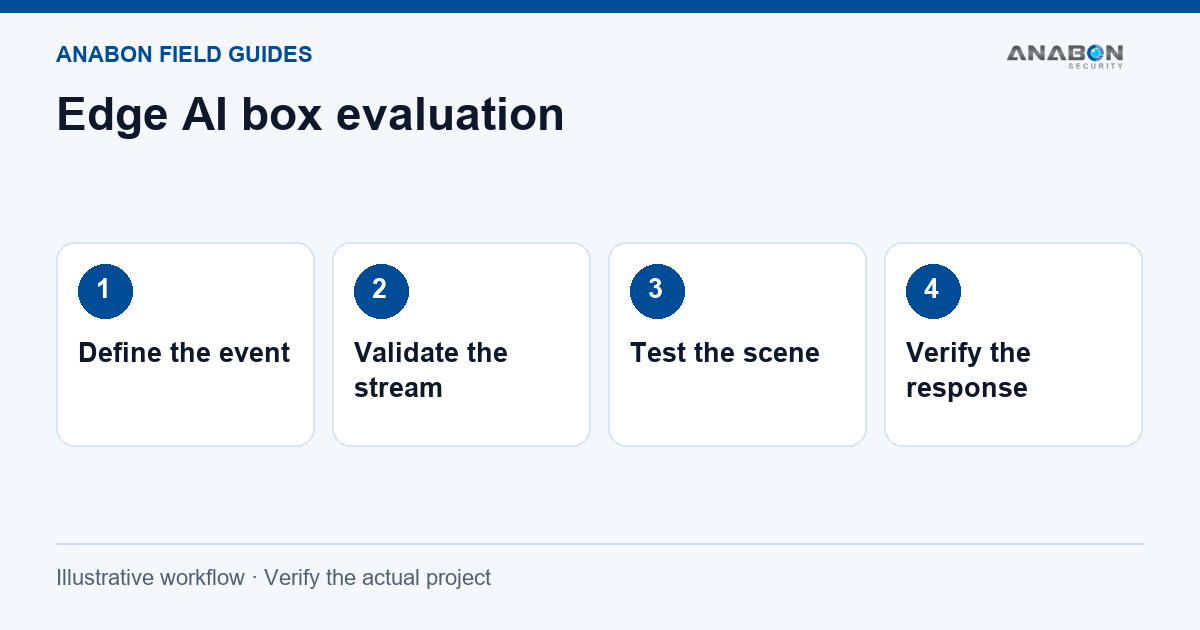
Define the event and the response
An edge analytics device processes supported inputs close to the camera or site network. Its usefulness depends on the event it is expected to detect and the action that follows. Start with a specific scene and an operational question rather than a list of AI features. For recorder-side alternatives, the AI NVR guide explains how recorder analytics differ from camera analytics.
For example, an operator may need to review an after-hours entry to a defined area. Agree on the boundary, schedule, acceptable delay, alert destination and review procedure. General behavior detection must not be presented as a guaranteed emergency or life-safety system.
Confirm the input before the analytics
Obtain the current supported input formats and limits for the exact analytics device and firmware. Check the selected camera’s stream resolution, codec, frame rate, authentication and network route. Confirm how many inputs and functions can run in the intended configuration.
Do not infer compatibility from matching brand names or a generic ONVIF label. ONVIF profiles define particular interoperable functions; they do not establish that a proprietary analytic, metadata event or application integration is supported. Check the registered product, required profiles and the manufacturer’s integration documentation.
Treat each camera view as a separate test
Mounting height, angle, lighting, reflections and obstruction change the information available to an analytic. Test the actual scene, including the difficult periods that matter to the customer. A controlled demonstration cannot establish performance at a different entrance or loading bay. Keep test conditions and sample counts with the result. Avoid reducing a field trial to a universal accuracy percentage.
| Observation | What to capture |
|---|---|
| Intended event missed | Scene, time, target position, configured rule and whether the input video was usable. |
| Unwanted alert | What triggered the alert and whether schedule, boundary or scene conditions explain it. |
| Delayed event | Time at the source and receiver, network state and receiving application behavior. |
| No input | How stream failure is reported and who is responsible for restoring it. |
Verify the event reaches a useful destination
A detection on the analytics device is only part of the workflow. Confirm the supported event format and how the NVR, application or other receiving system uses it. A live stream may work while event searching, alerts or overlays do not.
- Trigger an agreed test event in the configured area.
- Check its timestamp and camera identity on the analytics device.
- Confirm the receiving system shows the intended event or notification.
- Have the operator locate the relevant recording and follow the response procedure.
If the camera itself is unreachable, work through the NVR IP and DHCP checks before changing analytics rules.
Review data access and retention
List which video, images, metadata and logs the system retains or exports. Confirm user roles, administrator access, service access and the process for removing accounts. Processing at the edge does not prove that no information leaves the site. The project owner should approve the purpose and retention policy, especially where people are recorded. Avoid enabling personal attribute or identity features simply because they appear in a menu. Select only the functions needed for the approved use.
Choose equipment after the pilot scope is clear
Compare IP cameras, NVRs and network switches against the actual input, recording and event requirements. Where an external analytics device is proposed, obtain written confirmation of the supported model and firmware combination.
For a remote site, include the device’s power and communications requirements in the solar and 4G design. For sensing beyond video, the IoT and AI guide explains how to separate data collection from analysis and action.
Hand over evidence, limitations and ownership
Record the scene photographs, device versions, rule settings, test cases and results. Document any unsupported function or condition that remains outside the agreed scope. Assign an owner for missed events, stream failures and changes to the scene.
Ask Anabon’s security camera technical support team to review the specific input, analytic and receiving application. Keep the commissioning record with the installation so that future changes can be checked against a known working configuration.