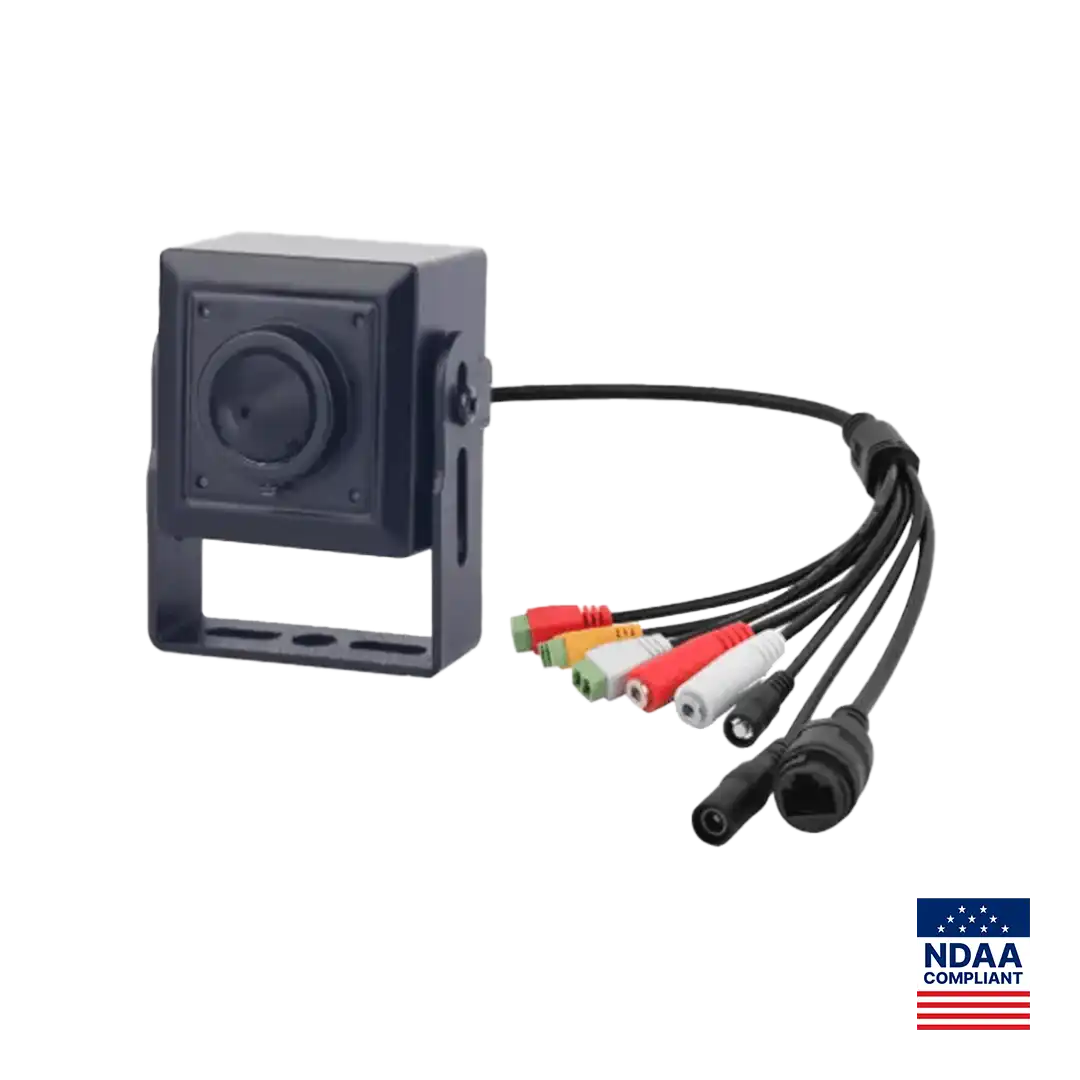
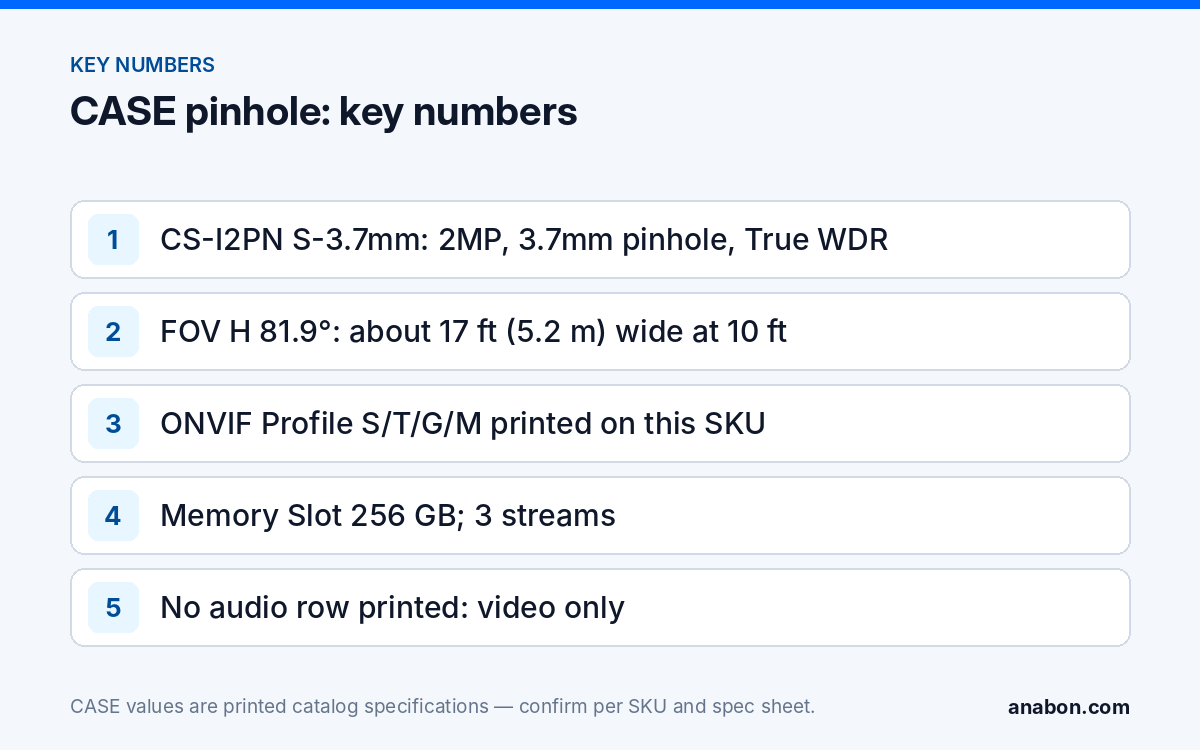
Quick answer: A pinhole camera belongs on a commercial site where the customer has a documented purpose, the people recorded have no reasonable expectation of privacy, and the use is disclosed by policy or signage: ATM fascias, cash and count rooms with employee notice, dispensing counters, server rooms and lobbies where a visible dome is not wanted. It never belongs in restrooms, locker rooms, change rooms or anywhere privacy is expected, and undisclosed employee monitoring is a last resort that needs counsel and a paper trail. The CASE pinhole is CS-I2PN S-3.7mm: 2MP, 3.7mm fixed lens, True WDR, three streams, ONVIF Profile S/T/G/M and a 256 GB memory slot, as printed. This article is not legal advice.
What counts as covert, and why the word matters in the proposal
Two different things get called covert. A discreet camera is small or built into the architecture so it does not dominate the room, but its presence is disclosed: signage at the entrance, a line in the employee handbook, a note in the tenant lease. A covert camera is concealed and undisclosed to the people it records. Almost every legitimate commercial request is the first kind, and the proposal should use that word. A pinhole behind a teller line with a “premises under video surveillance” sign is discreet; the same unit hidden in a staff break room with no notice is covert, and the risk moves from the customer to you.
Write the purpose on the camera schedule next to the position: “cash-handling evidence, disclosed by signage and policy”, “server room access record”. A position you cannot describe in one plain line is a position to question. For what a compliant sign says, see Video Surveillance Signage: US and Canada.
Where is a pinhole camera appropriate on a commercial site?
The common thread is a narrow, high-value view in a space where recording is already expected or disclosed, and where a dome would be obstructed or out of place.
| Position | Why a pinhole rather than a dome | Disclosure that normally applies |
|---|---|---|
| ATM fascia or vestibule | Eye-level face view through a small aperture; a dome would be behind glass or out of reach | Signage at the vestibule; the operator’s own notice |
| Cash office, count room, safe room | Tight room, direct view of hands and the safe door without a ceiling fixture in the way | Employee policy and notice; access-controlled room |
| Pharmacy or dispensing counter | Clear view of the transaction at counter height | Signage; staff policy |
| Server room, IT closet, key cabinet | Records who touched what; a small unit fits above the rack door | IT access policy |
| Heritage lobby, boutique, gallery reception | The owner will not accept a visible housing on the finish | Entrance signage; a dome at the door remains the disclosed primary camera |
| Point of sale at eye level | Face and hands at the till where a ceiling dome shows only the top of a head | Signage; POS integration confirmed per platform |
An investigation camera, placed for a defined period to confirm a specific theft or safety problem, is a different category. It can be legitimate, but only with a written purpose, management and counsel sign-off, a start and end date, a named list of who may view the footage, and a plan for the recordings afterward. No paperwork, no covert camera: propose a disclosed one instead.
Where do privacy rules stop you?
This is not legal advice; verify with counsel and the local code for every project. Some lines are the same across the US and Canada: no camera of any kind in restrooms, locker rooms, change rooms, lactation rooms, hotel guest rooms, residential units, medical examination rooms or anywhere else a person is entitled to expect privacy, and none that can see into such a space from outside.
Beyond those, the two countries differ. In the US, recording laws are set state by state; NCSL tracks the statutes, and several states have specific hidden-camera or video-voyeurism provisions on top of the general rule about reasonable expectation of privacy. Audio is stricter than video almost everywhere; a camera with a microphone in an all-party-consent state is a different legal object from one without. In Canada, PIPEDA governs private-sector collection of personal information federally, with Quebec Law 25, Alberta PIPA and BC PIPA in those provinces. The federal privacy regulator’s guidance treats covert surveillance of employees as a last resort that requires documented reasonable grounds and a demonstrable need that less intrusive measures could not meet. Video Surveillance Privacy in Canada and Security Camera Laws by State go deeper.
Before a pinhole goes on the schedule, the customer should be able to hand you:
- A one-paragraph purpose statement for the position, signed by management.
- Confirmation that the people recorded are notified (signage, handbook, lease) or, for an investigation camera, counsel’s written confirmation that undisclosed recording is permitted for that purpose, period and place.
- The retention period and the named roles who may view or export the footage.
- Confirmation that no audio is to be recorded, or the consent basis if it is.
- A date on which the position is reviewed or removed.
CS-I2PN S-3.7mm: the facts as printed
The CASE pinhole is a Sharp Series special camera with a metal housing, and its spec page is the only CASE page that prints ONVIF profiles: ONVIF profiles supported are S, T, and G, with M on pinhole models; third-party behavior is confirmed per platform and project. Profile M covers analytics metadata and events, which matters when the camera’s detections have to reach a third-party platform rather than a CASE NVR.
| Row (as printed) | Value | What it means on site |
|---|---|---|
| Megapixel / Image Sensor | 2MP, 1/2.8″ Progressive Scan CMOS | Enough for a face at counter distance; not a wide-area camera |
| Lens Type / Zoom | Pinhole, 3.7mm Fixed, F2.0, Fixed Iris | Aim it once at install; there is no zoom to correct a bad position later |
| Field of View | H: 81.9°, V: 40.8° | At 10 ft (3 m) the view is about 17 ft (5.2 m) wide, by geometry, not a printed spec |
| Max. Resolution | 1080×1920 (printed in that order) | Full HD; check the orientation on the bench |
| Min. Illumination | 0.01 Lux@(F2.0, AGC ON); B/W: 0.001 Lux | No IR or white-light distance is printed: plan on the room’s lighting |
| Wide Dynamic Range | True WDR | Needed at ATM vestibules and glass lobbies with daylight behind the subject |
| Multi-Object Detection | Supports Face, Human & Vehicle Detection | Face functions are confirmed for use case, firmware, region and legal requirements first |
| Intelligent Analytics | Intrusion, Single Line Crossing, Double Line Crossing, Loitering, Wrong-Way; alarm triggering by specified target types (Human & Vehicle) | A loitering rule at an ATM is the typical use |
| Streaming Capability | 3 Streams | Main stream to the recorder, a sub-stream for remote viewing in CASE Connect (confirmed per model and software version), a third as needed |
| Interoperability | ONVIF (Profile S/T/G/M), SDK, CGI | Third-party behavior confirmed per platform and project |
| Memory Slot | 256 GB | Edge redundancy during a link loss; the recorder stays the system of record |
| Housing | Metal | As printed |
What is not printed is as important as what is. The page prints no audio row, so do not promise a microphone; no IP rating, so treat it as an indoor unit unless the spec sheet states otherwise; no power row, so confirm the power method on the spec sheet before you count it in a PoE budget. CASE cameras carry a 6-year warranty, and warranty support flows through the installer or dealer. Face Detection is printed, but every face function is a project-review trigger: confirm use case, model, software, region and legal requirements first, and treat a Quebec site as a project-review trigger on its own, as Facial Recognition: When Not to Promise It explains.
How do you install and commission a pinhole without creating a problem later?
- Aim with the live view, not by eye. At 3.7mm the horizontal view is 81.9° as printed; mount at counter or eye height for a face, and check that the frame does not include a doorway into a private space.
- Light the subject, not the lens. With no illuminator printed, the room’s lighting does the work: 0.01 Lux is the printed color threshold, and a backlit vestibule needs the True WDR switched on and tested at midday.
- Record the orientation. The resolution is printed 1080×1920; confirm on the bench whether the camera presents landscape or portrait and set the recorder’s channel accordingly.
- Label it plainly on the recorder. “Cash office, counter” rather than “hidden cam”; the channel name ends up in exports and evidence packages.
- Restrict who can see it. Give the channel to the named roles from the purpose statement only, using the recorder’s user roles rather than the admin login; User Roles and Permissions on CASE NVRs covers the setup.
- File the paperwork with the as-built. Purpose statement, disclosure method, retention and review date go in the handover binder next to the camera schedule.
- Bring the position to review first. A pinhole request deserves a second opinion before quoting; Project Review and Design Support describes how.
What to tell your customer
“A small camera is fine where recording is already expected and disclosed: your cash office, the ATM, the dispensing counter. Where people expect privacy it is not fine at any size, and if you want an undisclosed camera for a specific investigation we need a written purpose, a time limit and your lawyer’s confirmation before we touch a ceiling tile. The unit we specify records video only, as printed on its specification sheet, and only the people you name will be able to view it.”
FAQ
Is a covert security camera legal in a commercial building?
It depends on the place, the purpose and the disclosure, and this is not legal advice. Disclosed cameras in public and work areas with no reasonable expectation of privacy are the norm; cameras in restrooms, change rooms and similar spaces are prohibited everywhere; undisclosed cameras aimed at employees are a last resort that needs counsel’s sign-off, especially under state law (US) and PIPEDA and Quebec Law 25 (Canada). Verify with counsel and the local code.
Does CS-I2PN S-3.7mm record audio?
The spec page prints no audio row, so do not promise a microphone or two-way audio for this SKU. That is also the safer design: audio recording is governed more strictly than video in most US states and in Canada, and a video-only unit keeps the position inside the customer’s documented purpose. Confirm any audio requirement on the spec sheet and with counsel.
Which ONVIF profiles does the CASE pinhole support?
The spec page prints ONVIF (Profile S/T/G/M), SDK and CGI. ONVIF profiles supported are S, T, and G, with M on pinhole models; third-party behavior is confirmed per platform and project. Profile M covers analytics metadata and events, so this is the SKU to look at when the customer’s platform needs detections, not only video, from the camera.
What is the alternative when the owner refuses a visible dome?
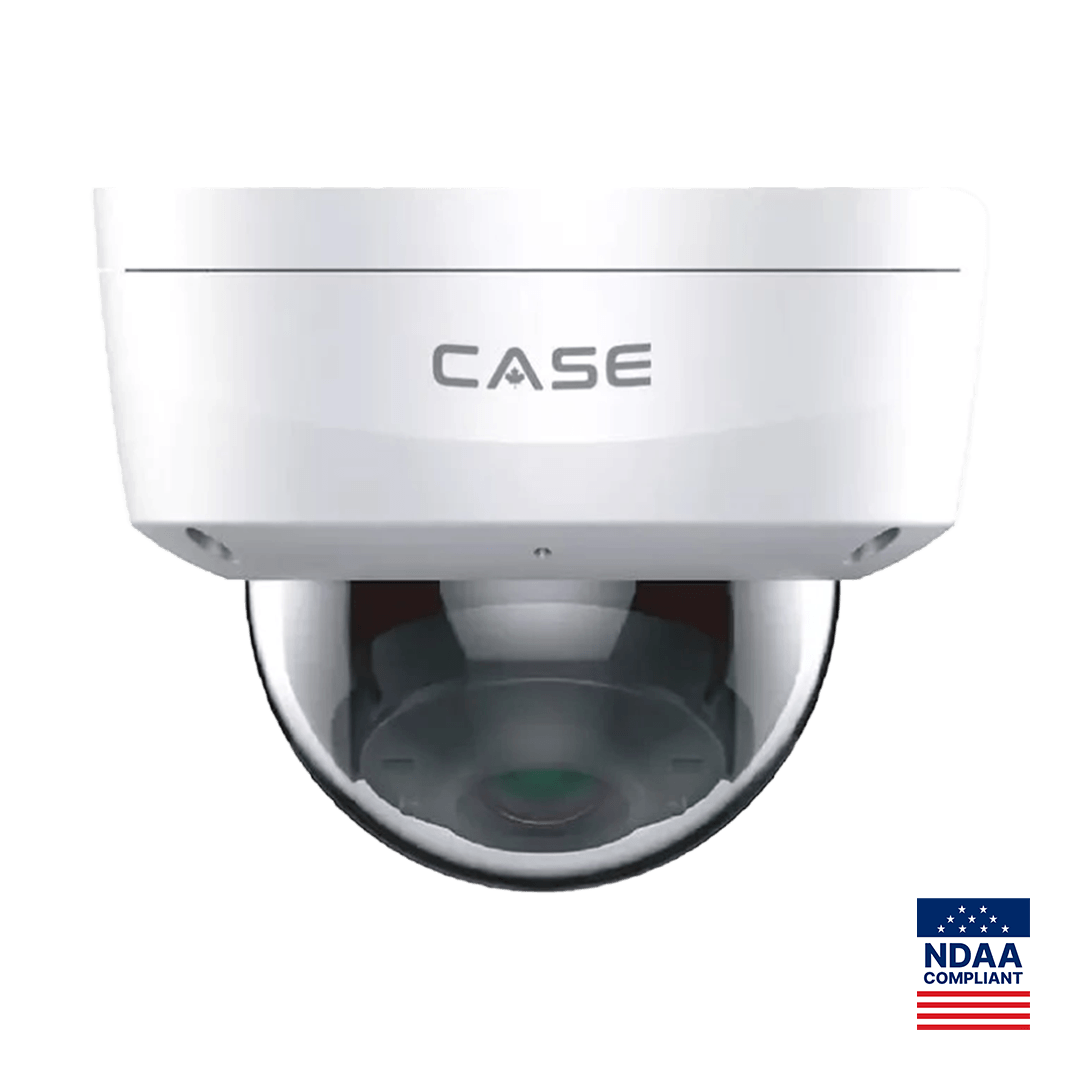
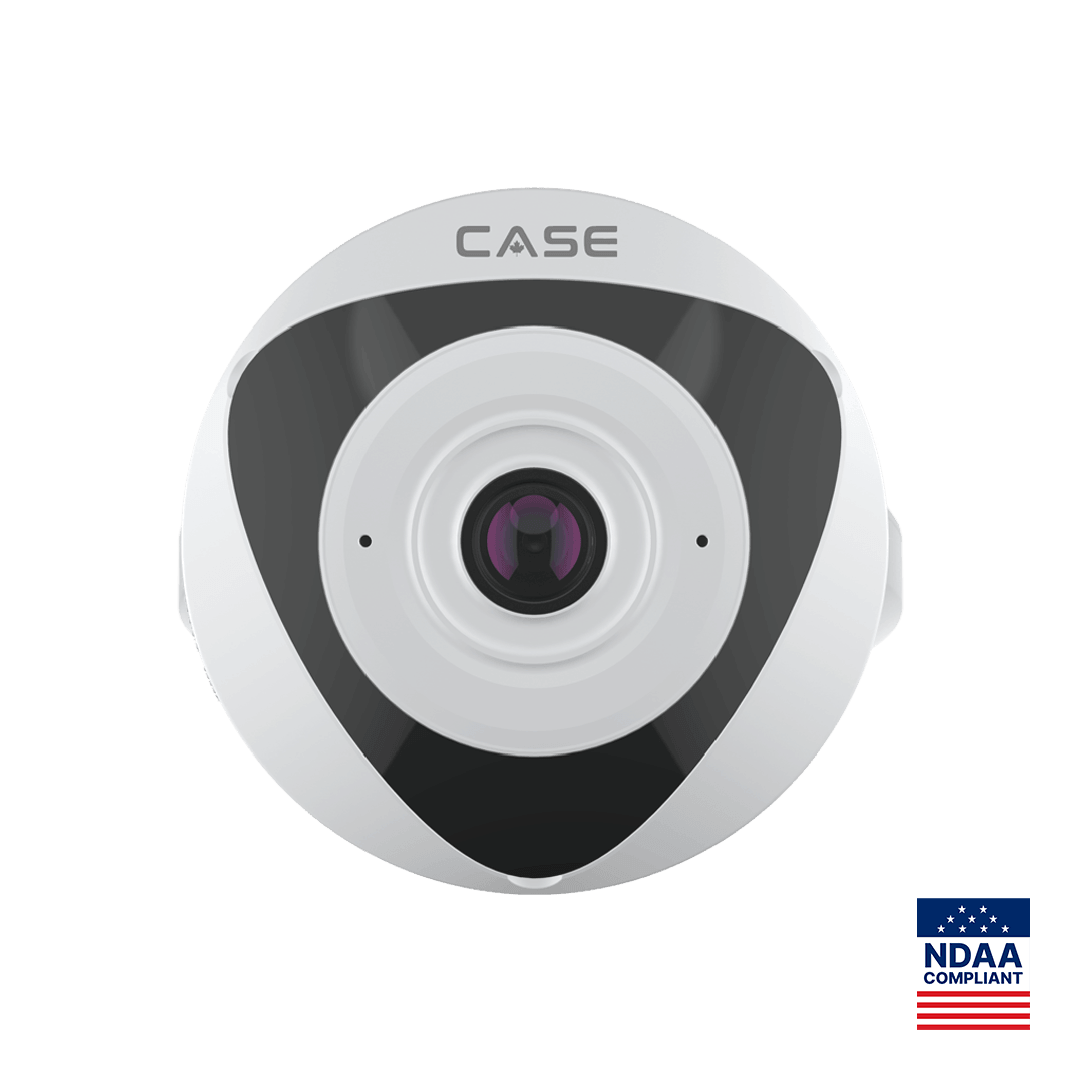
A disclosed small-form camera is still the first answer: a fixed dome such as CS-I4KS L-2.8mm, or indoors the 1.4mm wide-view CS-I5VN S-1.4mm (printed Indoor Usage) on a ceiling, with signage at the entrance. Reserve CS-I2PN S-3.7mm for the narrow, high-value view where its size solves a real placement problem, not for hiding the system.