Quick answer: ONVIF profiles are fixed feature bundles that a device or a client is tested against: Profile S covers basic video streaming and PTZ control, Profile T covers advanced streaming with H.264 and H.265, imaging settings and events, Profile G covers recording and retrieval on the device, and Profile M covers analytics metadata and events. A product is ONVIF conformant only when it is registered on the ONVIF conformant-products list for that profile and firmware version; “ONVIF compatible” on a datasheet is a vendor’s description, not a conformance. For CASE: ONVIF profiles supported are S, T, and G, with M on pinhole models. Third-party behavior is confirmed per platform and project.
Why do ONVIF profiles exist?
ONVIF was founded in 2008 as an open industry forum to standardize how IP physical-security products talk to each other. In its first years, products declared conformance to a version of the ONVIF specification, which said little about which features a camera and a recorder actually shared. Profiles fixed that. A profile is a defined set of mandatory and conditional features, tested with the ONVIF test tool, so that a device conformant to Profile S and a client conformant to Profile S interoperate on every mandatory feature of that profile. Conformance is tied to a specific firmware or software version, and ONVIF’s own rule is that only registered products with conformance to a profile are considered ONVIF conformant. Everything else on a datasheet is description.
A procurement reviewer, an IT department or a VMS support desk will not accept “ONVIF compatible”; they will ask for the profile, the registered model and the firmware version. The same discipline that applies to NDAA documentation applies here: the document is the answer.
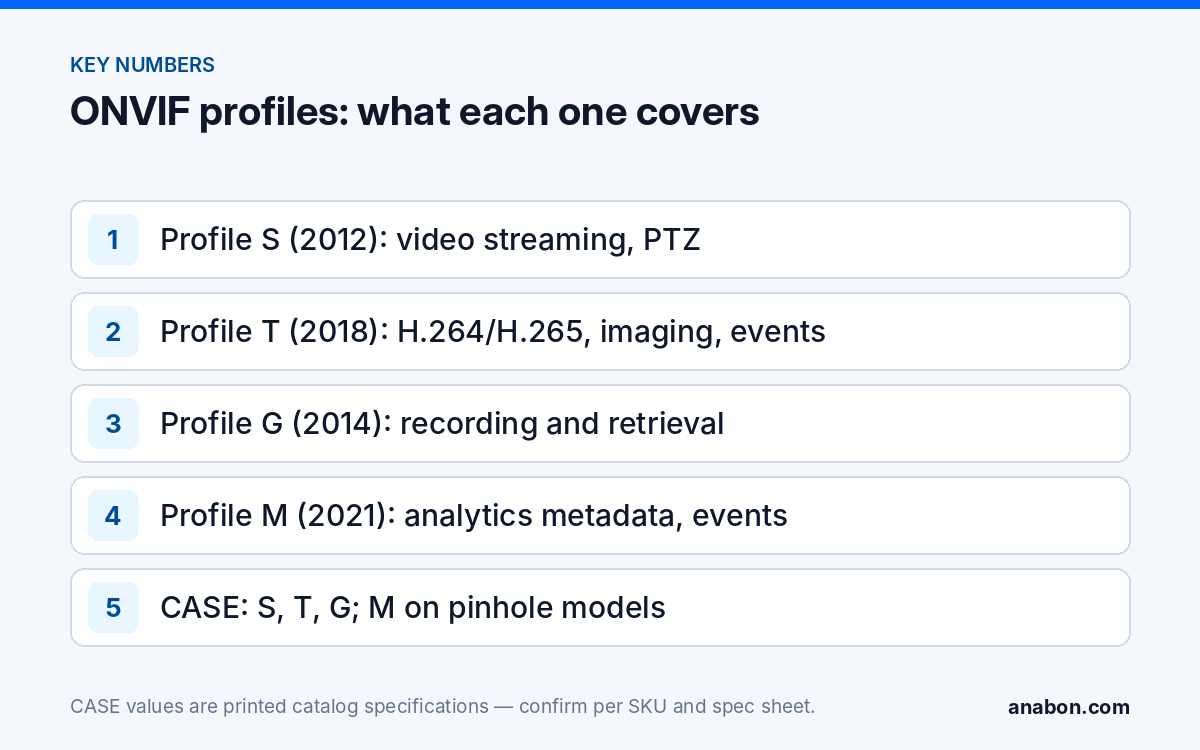
Profile S, T, G and M: what each one covers
| Profile | Released | Scope (as ONVIF describes it) | Device side | Client side | What it buys you on a job |
|---|---|---|---|---|---|
| Profile S | January 2012 | Video streaming: video and audio streaming, PTZ control, relay outputs, video configuration, multicast | IP cameras, encoders | NVRs, VMS | Live view, basic recording and PTZ from the client |
| Profile T | October 2018 | Advanced video streaming: H.264 and H.265, imaging settings, motion alarm and tampering events, metadata streaming, bidirectional audio | IP cameras, encoders | NVRs, VMS | H.265 and image control through the client; the baseline for new cameras |
| Profile G | June 2014 | Video recording and storage: recording control, search and retrieval of recordings and metadata held on the device | Cameras with edge storage, NVRs | VMS | Pull footage from a camera’s memory card or a recorder into the VMS after a network outage |
| Profile M | June 2021 | Metadata and events for analytics applications: analytics configuration, object-classification metadata, event handling including MQTT | Cameras and devices with analytics | VMS, analytics and event platforms | Camera analytics consumed by a third-party platform as data, not just video |
Two more families exist for completeness: Profiles C, A and D cover access control, and Profile Q, a quick-install profile, had its support ended in July 2021 and should not appear in a new spec. Profile S and Profile T are both video profiles and a camera can conform to both; Profile T does not automatically include everything in S, so when a legacy client needs S, make sure S is listed as well.
Profile S or Profile T: which one goes in the specification?
Write Profile T for new cameras and for any client (recorder or VMS) you expect to drive them. Profile T brings H.265, imaging settings and tamper events into the standardized interface, which your customer notices as storage savings and as exposure control from the VMS instead of the camera’s own web page. Keep Profile S in the specification for existing recorders and encoders registered against S, and remember that a profile only works when both sides carry it: a Profile T camera on a Profile S client interoperates on the shared features and nothing more. The same applies to G and M; the client must be registered for the profile as a client.
Checklist for the spec section
- Name the profile per device type: cameras Profile T (and S where legacy clients exist); recorders Profile T as client, Profile G as device if the VMS must retrieve recordings.
- Ask for Profile M only where a third-party platform will consume analytics metadata; otherwise it adds a requirement nobody will test.
- Require the registered model number and the tested firmware version, not a brand statement.
- Require a bench test of the actual camera and client combination before the submittal is approved.
How do you check conformance on onvif.org?
- Open the ONVIF conformant-products search (linked in the references) and filter by company, model and profile.
- Open the product entry and record three things: the profiles listed, the tested firmware or software version and the declaration date.
- Compare the tested firmware with the firmware on the unit in your hand; conformance is tied to the version named in the entry.
- Repeat for the client: the NVR or VMS must appear with the same profile as a client.
- Save the entry as a PDF or screenshot into the project file with the camera schedule, so the RFP compliance matrix points at evidence rather than a datasheet line.
- If the model is not listed, ask the distributor for a written, per-SKU ONVIF statement and treat any “ONVIF compatible” wording without a profile as unverified.
What ONVIF does not cover
ONVIF standardizes the interface, not the features that make one camera different from another. On a third-party platform, expect the following to stay outside ONVIF and to be confirmed per platform and project:
- Deterrence logic. EW and AEW are deterrence features. Availability is confirmed per SKU. The light-and-audio response and its human-versus-vehicle trigger are configured in the CASE camera and recorder, not through an ONVIF client.
- Recorder-side AI. AI by NVR and VCA Search belong to the CASE AI NVRs and their software. A third-party VMS pulling the camera stream over Profile T does not inherit them.
- Proprietary codecs. S+265 is a CASE codec; a third-party client should take an H.264 or H.265 stream, and whether a given VMS decodes anything else is per platform.
- Metadata content. Profile M standardizes how analytics metadata and events are carried, not which object classes a given device sends; that is per device and firmware.
- Apps and remote access. CASE Connect is the official app experience for CASE systems. App features and remote access options should be confirmed by model, software version, and project configuration.
- Everything non-protocol. PoE budget, cybersecurity hardening, warranty and compliance documentation are separate checks.
The CASE ONVIF statement, per SKU
ONVIF profiles supported are S, T, and G, with M on pinhole models. Third-party behavior is confirmed per platform and project. That sentence is deliberately narrower than a brand-level ONVIF badge, because profile conformance is a property of a model and a firmware version, and the per-SKU spec sheet is the document we point to.
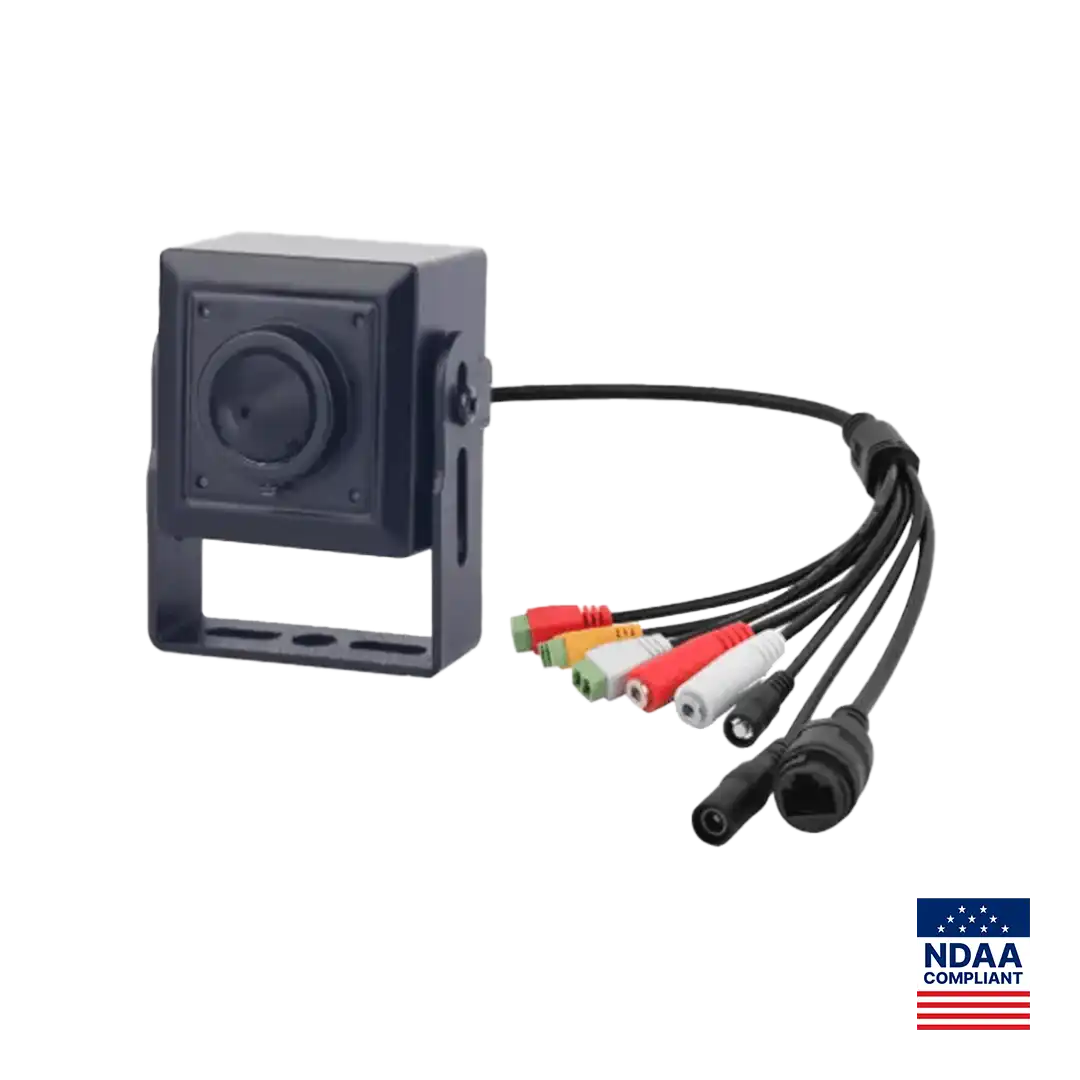
The printed Profile M example is the CS-I2PN S-3.7mm. Its spec page prints ONVIF (Profile S/T/G/M), SDK, CGI, together with 2MP resolution, a 3.7mm fixed pinhole lens, True WDR, a field of view of H: 81.9° and V: 40.8°, 3 streams, face, human and vehicle detection, a 256 GB memory slot and a metal housing. Profile G is the row to notice on a covert camera: where the client supports it, recordings on the memory card can be searched and retrieved by a Profile G client, which matters when the pinhole unit sits on a link that is not always up. CASE cameras carry a 6-year warranty.
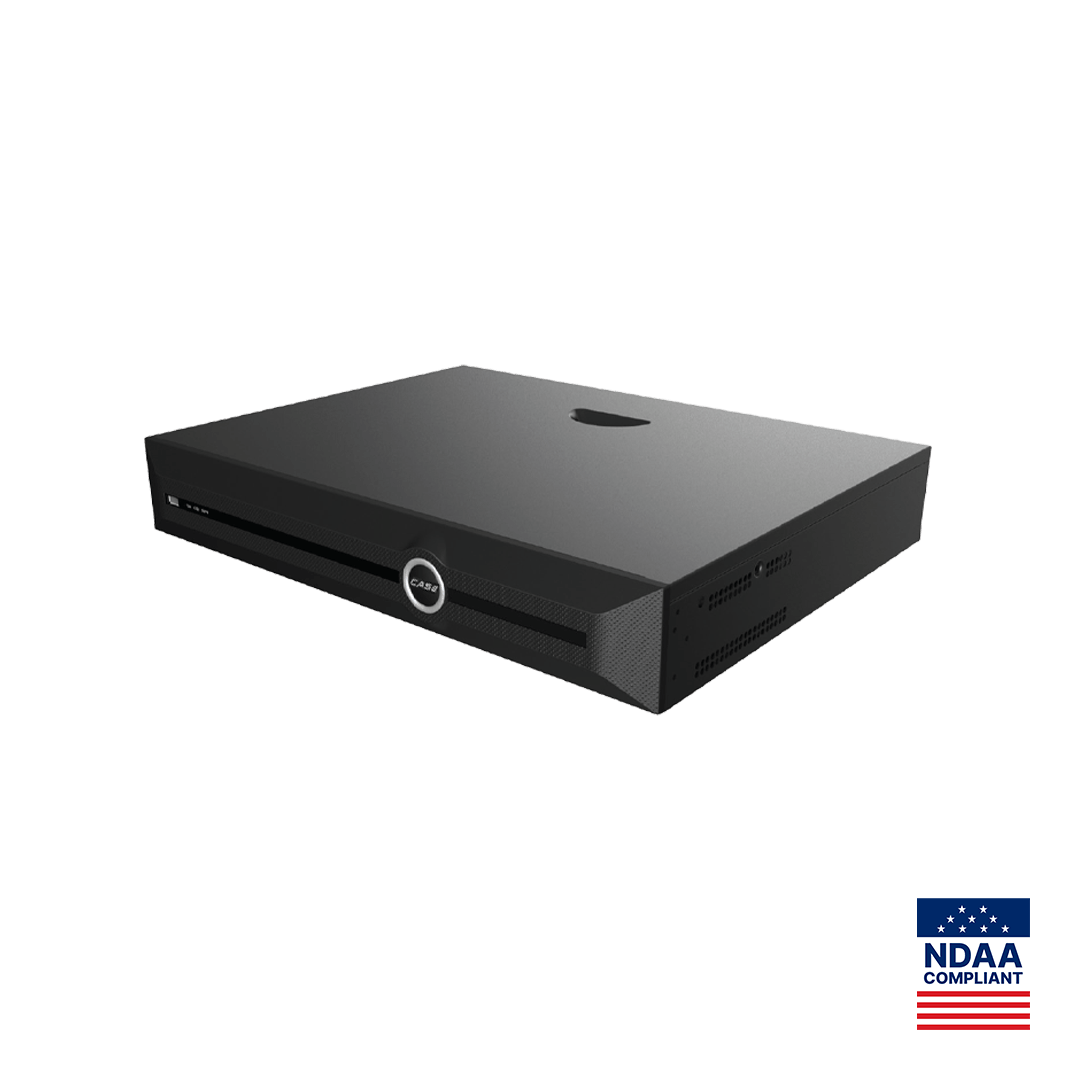
For recorders, take the same approach. The CS-N440 P16H-AI prints 40CH, 16 PoE ports and 400Mbps / 400Mbps bandwidth (AI on: 200Mbps / 200Mbps), but its catalog page does not print an ONVIF profile list. Whether it accepts a third-party ONVIF camera onto a free channel as a client, and which functions survive, is confirmed per platform and project; request the SKU statement before the specification is written. For the IP recorder architecture, see NVR vs DVR for commercial jobs; for help with a specific combination, use technical support.
What to tell your customer
“ONVIF is a set of tested interface profiles, not a promise that any camera works with any software. We specify the profile each device needs, verify the registered model and firmware on the ONVIF list, and bench-test the exact camera and recorder combination before we order. The camera brand’s own features, such as deterrence and AI search, run in its own recorder and software, and we confirm those separately for your site.”
FAQ
Is ONVIF compatible the same as ONVIF conformant?
No. ONVIF states that only registered products with conformance to a profile are considered ONVIF conformant, and that the profile symbols may be used only by ONVIF and its members for conformant products. A datasheet line saying ONVIF compatible or ONVIF supported is the vendor’s own description. For a bid, the evidence is the entry on the conformant-products list or a written per-SKU statement.
Do I need Profile T if the VMS only supports Profile S?
A Profile T camera and a Profile S client interoperate only on the features both share; Profile T features such as H.265 streaming, imaging settings and tamper events are not assured through a Profile S client. Check the client’s own listing: if the recorder or VMS is Profile T as a client, write Profile T for the cameras; if it is Profile S only, plan on Profile S features.
Which CASE camera prints Profile M?
The CS-I2PN S-3.7mm pinhole covert camera. Its spec page prints ONVIF (Profile S/T/G/M), SDK and CGI, alongside 2MP resolution, a 3.7mm fixed pinhole lens, True WDR, 3 streams, face, human and vehicle detection and a 256 GB memory slot. The CASE statement is that profiles supported are S, T and G, with M on pinhole models; every other SKU is confirmed from its own spec sheet.
Does ONVIF make CASE AI functions work inside a third-party VMS?
Not by itself. ONVIF carries video, audio, PTZ, recording and, with Profile M, analytics metadata and events; it does not carry EW light-and-audio deterrence logic, AI by NVR or VCA Search, which belong to the CASE recorder and software. Where Profile M is printed, which object classes and events a device sends is still per device and firmware. Third-party behavior is confirmed per platform and project.