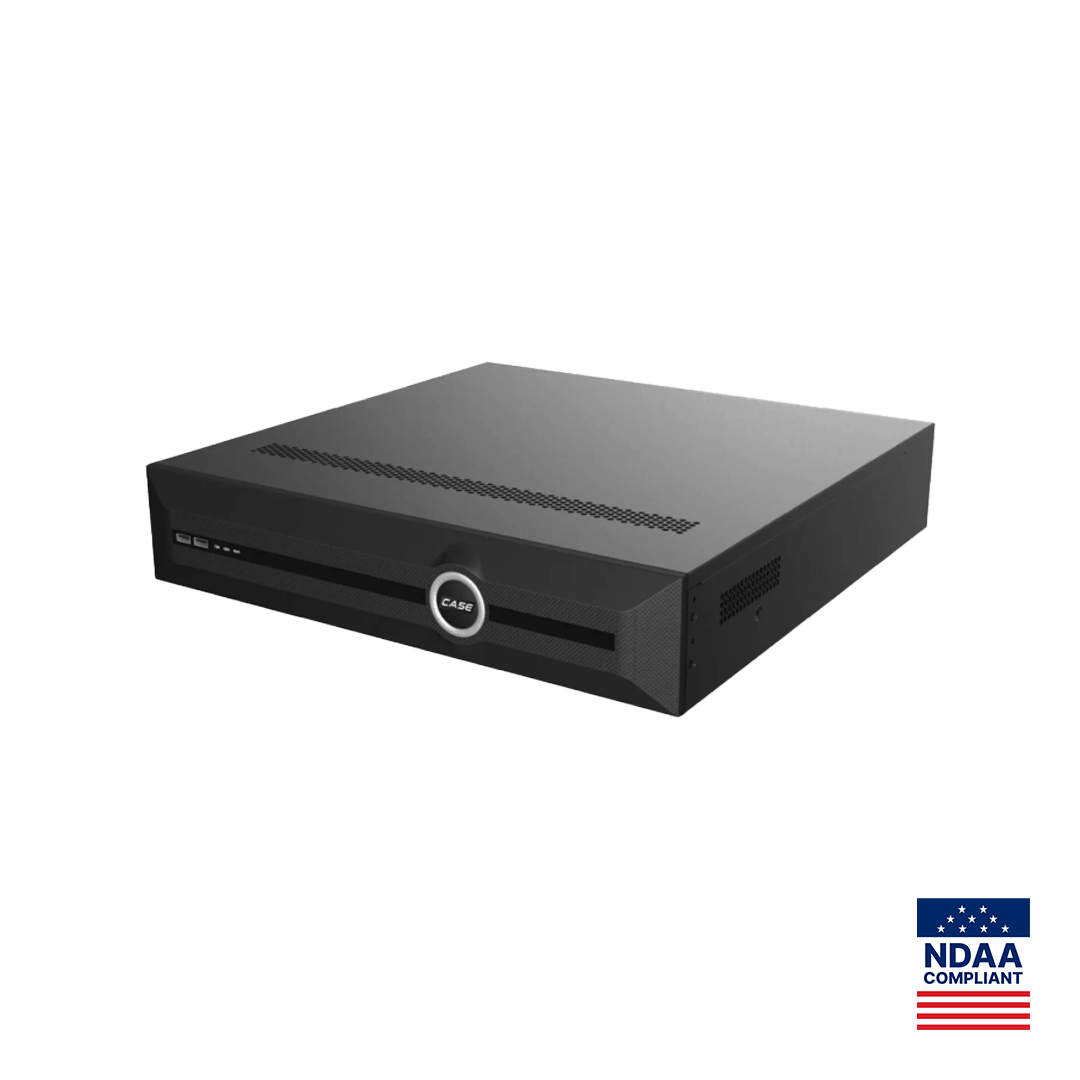
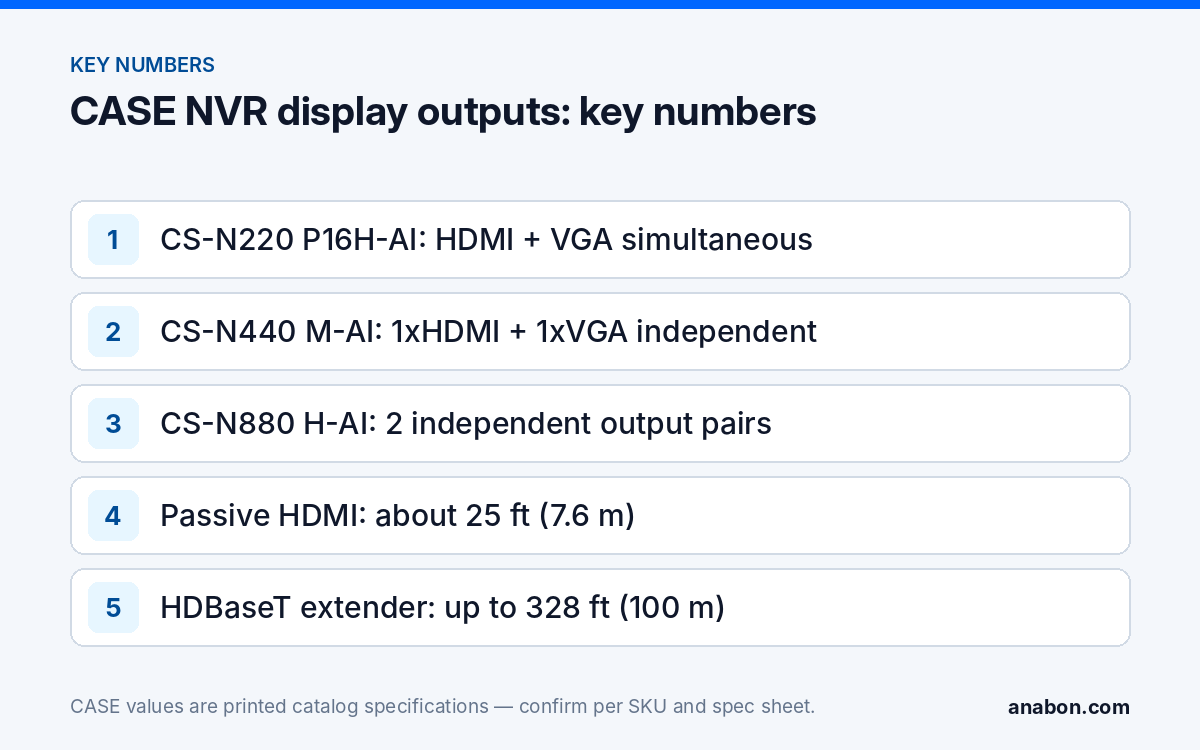
Quick answer: On the CS-N105 P4, CS-N105 P4H-AI, CS-N110 P8, CS-N110 P8H-AI and CS-N220 P16H-AI the HDMI and VGA ports are printed as simultaneous: both carry the same picture. On the CS-N440 M-AI and CS-N440 P16H-AI they are printed as independent: two different layouts from one recorder. The CS-N880 N and CS-N880 H-AI print two independent output pairs (HDMI1 and VGA1, HDMI2 and VGA2). Output resolution is not printed in the catalog table, so confirm it on the SKU spec sheet before you buy monitors; anything beyond two independent images is a decoder, PC or VMS job.
Simultaneous or independent: what do the two words mean on a recorder?
Every CASE NVR has at least one HDMI and one VGA port, and the catalog uses one of two words for how they behave. Simultaneous means both ports show the same image: the live grid, the playback screen or the menu appears on both. That is one output with two connectors, useful for a desk monitor plus a second screen showing the same view, not for two different views. Independent means each output has its own layout: a sixteen-camera grid on one screen and an enlarged channel, a playback session or a different camera set on the other. That is what nvr dual monitor output means in practice, and it decides whether a guard can watch the lot while a manager reviews yesterday’s footage on the next screen.
The CS-N880 N and CS-N880 H-AI print two independent pairs: HDMI1 with VGA1, and HDMI2 with VGA2. Read that as two independent images, each available on an HDMI and a VGA connector; whether both connectors of a pair can be driven at once, and at what resolution, is confirmed on the SKU spec sheet. Which menus and layouts appear on a second output is confirmed per model and firmware, so test the combination before the demonstration, not during it.
Which CASE NVR has which display output?
The Display Ports row is printed per SKU in the CASE Catalog 2027 Q1 and is reproduced below. The catalog prints no output resolution for any model; request the spec sheet for the maximum resolution per port and match the monitor to it.
| SKU | Channels | Display Ports (as printed) | Independent images |
|---|---|---|---|
| CS-N105 P4 | 5CH | HDMI and VGA (simultaneous) | 1 |
| CS-N105 P4H-AI | 5CH | HDMI and VGA outputs (Simultaneous) | 1 |
| CS-N110 P8 | 10CH | HDMI and VGA (simultaneous) | 1 |
| CS-N110 P8H-AI | 10CH | HDMI and VGA outputs (Simultaneous) | 1 |
| CS-N220 P16H-AI | 20CH | HDMI and VGA (Simultaneous) | 1 |
| CS-N440 M-AI | 40CH | 1xHDMI and 1xVGA (independent) | 2 |
| CS-N440 P16H-AI | 40CH | 1xHDMI and 1xVGA (independent) | 2 |
| CS-N880 N | 80CH | HDMI1 and VGA1 – HDMI2 and VGA2 Independent Outputs | 2 pairs |
| CS-N880 H-AI | 80CH | HDMI1 and VGA1 – HDMI2 and VGA2 Independent Outputs | 2 pairs |
The consequence: a site that needs two different screens from the recorder itself starts at 40 channels, even with twelve cameras. That is a legitimate reason to specify a CS-N440 M-AI on a mid-size job, along with its printed 400Mbps / 400Mbps bandwidth (AI on: 200Mbps / 200Mbps). The alternative for a 20-channel site is a PC on the network running CASE Station, the desktop VMS, or the NVR’s web interface, with capability confirmed per model and version. The full comparison is in choosing the right CASE NVR.
What does a second output change on a real site?
Three jobs come up again and again, each with a different output arrangement.
- Guard desk plus manager playback. One screen keeps the live grid; the second runs playback or a single enlarged camera. This needs independent outputs: CS-N440 M-AI, CS-N440 P16H-AI or an 80-channel unit.
- Desk monitor plus a public-view monitor. A screen at a retail entrance or a loading-dock door that shows people they are on camera. Simultaneous outputs are enough, because the public screen shows the same grid as the desk; a CS-N220 P16H-AI does this with HDMI to the desk and VGA to the entrance, within cable limits.
- Two rooms, two views. A reception desk watching the lobby and a back office watching the yard. Independent outputs, or a second viewing station on the network, confirmed per model and firmware.
Cable distance decides more installations than channel count. A passive HDMI cable is reliable to roughly 25 ft (7.6 m) at 1080p and often less at higher resolutions; beyond that use an active HDMI cable or an HDBaseT-class HDMI extender over Cat6, rated up to 328 ft (100 m) depending on the model, with a transmitter at the rack and a receiver at the screen. VGA tolerates longer runs but degrades gradually and carries no audio. Whatever the medium, match the monitor’s native resolution to the resolution the NVR is set to output, a menu setting confirmed per model and firmware and bounded by the spec sheet.
How do I lay out a small control room from the NVR outputs?
Most commercial sites have no control room, just a desk with one or two screens in a back office. Design it from the viewing task backward: a sixteen-camera grid on a 24 in screen gives tiles too small to identify a face, so it is for noticing, and the second screen or a double-click to full screen is where identification happens. The table is a starting point; monitor sizes are suggestions, not printed specs.
| Site | Recorder | Screens from the NVR | Screen 1 | Screen 2 |
|---|---|---|---|---|
| Store or small office, up to 16 cameras | CS-N220 P16H-AI | 1 image on HDMI and VGA | Live grid at the desk, 24 to 27 in, 3 to 5 ft (1 to 1.5 m) away | Same image on a public-view or back-office monitor |
| Warehouse or mid-size office, 17 to 40 cameras | CS-N440 M-AI or CS-N440 P16H-AI | 2 independent | Live grid, 27 to 32 in | Playback, single camera or event list |
| Campus or multi-building, up to 80 cameras | CS-N880 N or CS-N880 H-AI | 2 independent pairs | Live grid, 32 in or larger | Second grid, playback or VCA Search results on the AI unit |
Keep screens at eye height for a seated operator, avoid a window behind the operator, and run video cables separately from power. Specify a spare HDMI input on each monitor so a service laptop can be plugged in without disturbing the live view. Lock the recorder itself in a rack or cabinet as described in physical security of the recorder; the monitors can be in the open, the NVR should not be.
When does a monitor wall need more than the recorder?
Two independent images is the ceiling for a single CASE NVR’s rear panel. A wall of four or nine screens, a guard station watching several recorders, or a site spread across buildings moves the display task elsewhere.
- A PC viewing station. CASE Station is the desktop VMS for Windows and macOS, printed with multi-site monitoring and no per-camera licensing; a PC with several graphics outputs can drive several screens from one or more recorders. Layouts, screen counts and features are confirmed per CASE Station version and recorder model.
- Third-party decoders or wall controllers. These pull streams over ONVIF or RTSP. ONVIF profiles supported are S, T, and G, with M on pinhole models. Third-party behavior is confirmed per platform and project. Give the controller its own service account on each recorder.
- A management server. For many recorders across sites, the design conversation belongs in NVR vs VMS and in a project review with Anabon before the quote.
Bandwidth is the hidden limit on any wall. Each displayed channel pulls a stream from the recorder; grids pull sub-streams, enlarged channels pull main streams, and the recorder’s printed outgoing bandwidth, 80Mbps on the CS-N220 P16H-AI and 400Mbps (AI on: 200Mbps) on the CS-N440 M-AI, is shared between the wall, the web clients and CASE Connect users. Size the wall against that printed figure, not against the number of HDMI ports in the room.
Commissioning checklist for NVR display outputs
- Spec sheet read: maximum output resolution per port noted for the exact SKU.
- Output resolution set in the NVR menu to the monitor’s native resolution; a blank screen after a change usually means the monitor does not accept it, so keep a known-good monitor in the truck.
- Cable length within the passive limit, or an active cable or Cat6 extender fitted and tested at full resolution.
- Independent outputs each configured with their own layout and tested together, including playback on one while live runs on the other.
- Public-view monitors set to a grid without menus, with the recorder’s screen lock enabled so a passer-by cannot open settings; options per model and firmware.
- Monitor model, cable route and output assignments recorded in the handover file.
What to tell your customer
“Your recorder drives the screen at the desk directly. On this model the second port shows the same picture, which is fine for a second viewing point; if you want a different view on a second screen, that is the next recorder size or a PC viewing station, and we can quote either. The screen size and resolution are matched to what the recorder outputs, so the picture stays sharp.” For warranty and service, please contact the installer or company that supplied your system.
FAQ
Can a CASE NVR show different cameras on two monitors?
On the CS-N440 M-AI and CS-N440 P16H-AI, yes: HDMI and VGA are printed as independent, so each can carry its own layout. The CS-N880 N and CS-N880 H-AI print two independent output pairs. On the 5-, 10- and 20-channel units HDMI and VGA are printed as simultaneous and show the same image. Layout options are confirmed per model and firmware.
What does “HDMI1 and VGA1 – HDMI2 and VGA2 Independent Outputs” mean on the CS-N880 H-AI?
Two independent images, each presented on a pair of connectors: HDMI1 with VGA1 carries one layout, HDMI2 with VGA2 carries another. Whether both connectors of a pair can be used at the same time, and the maximum resolution of each, are confirmed on the SKU spec sheet. Treat it as a two-screen recorder when you design the desk.
What output resolution do CASE NVRs support?
The catalog table prints no output resolution for any CASE NVR, so this guide does not quote one. Request the SKU spec sheet from Anabon, read the maximum resolution per port, and match the monitor’s native resolution to a value the recorder can output. Set that value in the NVR menu; the menu location is confirmed per model and firmware.
How far can the monitor be from the NVR?
A passive HDMI cable is reliable to roughly 25 ft (7.6 m) at 1080p and often less at higher resolutions. Beyond that, use an active HDMI cable or an HDBaseT-class HDMI extender over Cat6, rated up to 328 ft (100 m) depending on the model, with a transmitter at the rack and a receiver at the screen. Test at the final resolution before closing the ceiling.
How do I build a four-screen wall from CASE recorders?
Not from the rear panel: a single CASE NVR outputs at most two independent images. Use a PC running CASE Station, the desktop VMS printed with multi-site monitoring, or a third-party decoder over ONVIF or RTSP with its own service account, and size the design against the recorder’s printed outgoing bandwidth. Features and layouts are confirmed per version, model and project.