Quick answer: A blurry, milky or glowing-white night image on a security camera is rarely a lens fault. It is infrared bouncing back from a surface within a few feet of the lens, condensation inside a dome, or insects and spider webs lit by the camera’s own IR. Re-aim or move the camera so nothing sits in the IR beam, reseal the dome, schedule cleaning, and where IR keeps causing trouble, spec a turret, a white-light model or a PhotonX model for that location.
Which night problem are you looking at? A one-minute diagnosis
These calls cluster in the first humid nights of summer and the first cold snap of winter. The customer says “night vision is blurry” while the day image is fine, which rules out focus and most lens faults. Pull a night clip from the NVR and match it to the table before you roll a truck; two of the five rows are placement problems that a cleaning visit will not solve.
| Night clip shows | Most likely cause | First fix |
|---|---|---|
| White haze or glowing edge on one side; scene behind it dark | IR reflecting from a soffit, wall, bracket or window pane in the beam | Move the lens past the surface or re-aim; never through glass |
| Even milky veil, worse after rain or at dawn | Condensation inside the bubble, or dew outside | Check inside vs outside; reseal; dew clears by itself |
| Bright drifting strands, motion alarms all night, nobody in the clip | Web or insect inches from the lens, lit by IR | Clean, relocate away from eaves and lights, schedule cleaning |
| Center bright, corners dark, soft at night only | IR bleeding around the lens; dome light shield not seated | Reseat the foam shield; replace a scratched bubble |
| Day image also soft | Focus, dirty window or wrong lens | See dome focus and angle; not a night fix |
Why does IR bounce from nearby surfaces and wash out the image?
At night the camera switches to monochrome and turns on its IR illuminators. Anything close to the lens returns far more light than the scene 50 ft (15 m) away, so exposure control holds back the near reflection and the area you care about sinks into noise: the camera is lighting the wrong object.
Soffits, walls and brackets
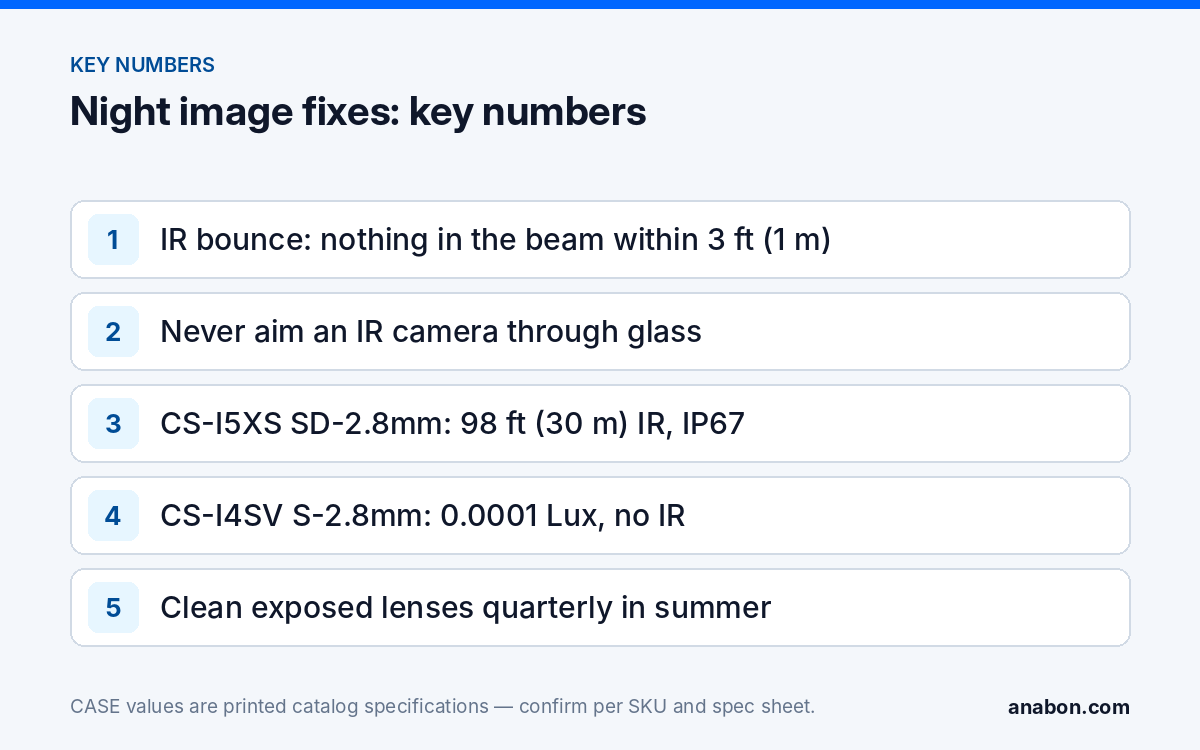
The classic case is a camera under a soffit with the lens still behind the fascia line, or a wall mount tilted so the wall fills the bottom of the frame. A light-colored surface within about 3 ft (1 m) of the lens and inside the IR beam is enough. Get the lens past the edge: a junction box or short wall arm moves it 2 to 4 in (5 to 10 cm) forward, which is often all it takes, then tilt so the nearest surface leaves the frame (CASE boxes and brackets by camera).
Glass
A camera aimed through a window records white glare at night because the pane reflects the IR straight back into the lens. There is no setting for this. Move the camera outside, disable the IR and rely on exterior lighting, or specify a model with no IR for that position; if the customer insists on the interior mount, write the limitation into the handover document.
The dome bubble
Inside a dome the IR LEDs and the lens share one bubble. A foam light shield around the lens must press against the inside of the bubble so IR cannot cross it into the lens. If the shield was pushed aside during focusing, the bubble was refitted off-center, or the bubble is scratched or hazed, the camera lights its own enclosure. Reseat the shield, clean the bubble inside and out with microfiber, replace a scratched bubble, and confirm the fix from a recorded night clip.
How do domes fog, and which seals matter?
Internal fog is humid air that got into the housing and condensed on the coldest surface, the bubble. Outside dew forms on the exterior at dawn and clears as the air warms; if the veil is gone from the recording by 10:00 it was dew, and the fix is placement or accepting an hour of reduced use at dawn.
Internal fog has three entry routes: a cable entry with a loose grommet, a cable too thin for it or an extra drilled hole; a conduit run that breathes as it warms and cools and pushes moist air into the camera every evening; and a bubble gasket pinched, twisted or missing after the dome was opened on site in humid weather.
- Open the dome in dry conditions and dry the inside with a lint-free cloth before closing.
- If the unit shipped with a desiccant pack, fit a fresh one; a pack open for a week is saturated.
- Seal every cable entry: correct grommet, no unused holes, sealant on the box, drip loop on the cable.
- Seal the camera end of any conduit so it cannot breathe into the housing.
- Seat the gasket flat, tighten the screws evenly in a cross pattern, and mount with the cable exit pointing down wherever the box allows.
A protection rating applies to a correctly assembled unit. CS-I5XS SD-2.8mm prints IP67 and an operating range of −31 °F to 149 °F (−35 °C to 65 °C) at 0 to 95 % RH; those figures assume the gasket and grommets are doing their job (see IP66 vs IP67 vs IK10). A unit that still fogs after a careful reseal goes back through your business account as a warranty request; CASE cameras carry a 6-year warranty, and the request comes from the installer, not the end user.
Why do insects and spider webs collect on IR cameras, and what can you do?
Many illuminators have a faint visible glow and the housing is warm; insects gather, and spiders build where insects gather. A web 2 in (5 cm) from the lens is lit by the camera’s own IR and records as a bright strand that moves in every breeze: a night of motion events with nobody in them, and a customer who stops reading alerts.
Placement first, then routine. Cameras under eaves, beside wall-pack lights and above doorways where lights stay on all night collect webs fastest; where you have a choice, mount a few feet from the fixture rather than beside it. Then put cleaning on the service schedule instead of waiting for the call: a microfiber wipe of the lens window and the IR window every quarter in summer at exposed positions is a ten-minute job per camera. No solvents or glass cleaner on the window, and keep sprays off the housing. Periodic site visits are where this belongs.
Classification-based rules are designed to filter out a strand that is neither a person nor a vehicle. CS-I5XS SD-2.8mm prints Human & Vehicle Classification alongside Tripwire and Perimeter; which rule types are available and how they behave is confirmed per model and firmware version.
When should you switch to a turret, white light or PhotonX instead of fighting IR?
Some positions will always be wrong for an IR dome: under a shallow soffit, 2 ft (0.6 m) from a light-colored wall, behind glass, or in the insect-rich corner the customer insists on. After the second visit, change the hardware for that location rather than the settings. Three options, with the printed figures for one CASE model of each:
| Option | Example SKU (printed figures) | Removes | Does not remove |
|---|---|---|---|
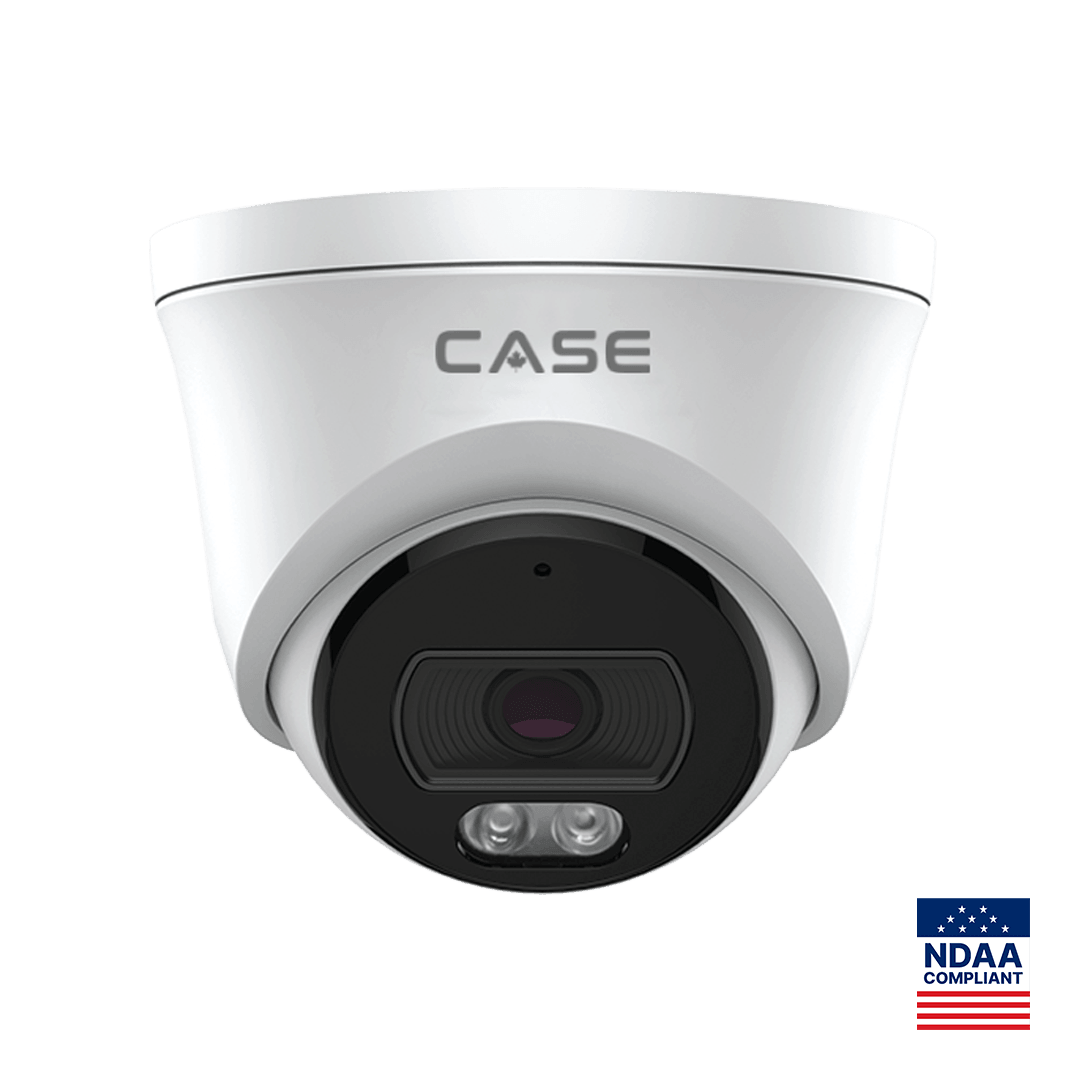
| Turret, IR plus white light | CS-I5XS SD-2.8mm: 5MP, 2.8 mm, 98 ft (30 m) IR, 49 ft (15 m) white light, 0.002 Lux, IP67, Metal+Plastic | The bubble: no IR reflection inside a shared bubble and less internal fogging, visible aim | IR bounce from a surface in the beam; insects |
| Bullet, IR plus white light | CS-I8WS SD-2.8mm: 8MP, 2.8 mm, 164 ft (50 m) IR, 49 ft (15 m) white light, 0.002 Lux, IP67, Metal | The bubble; more standoff from the wall on its own arm | Insects; more visible |
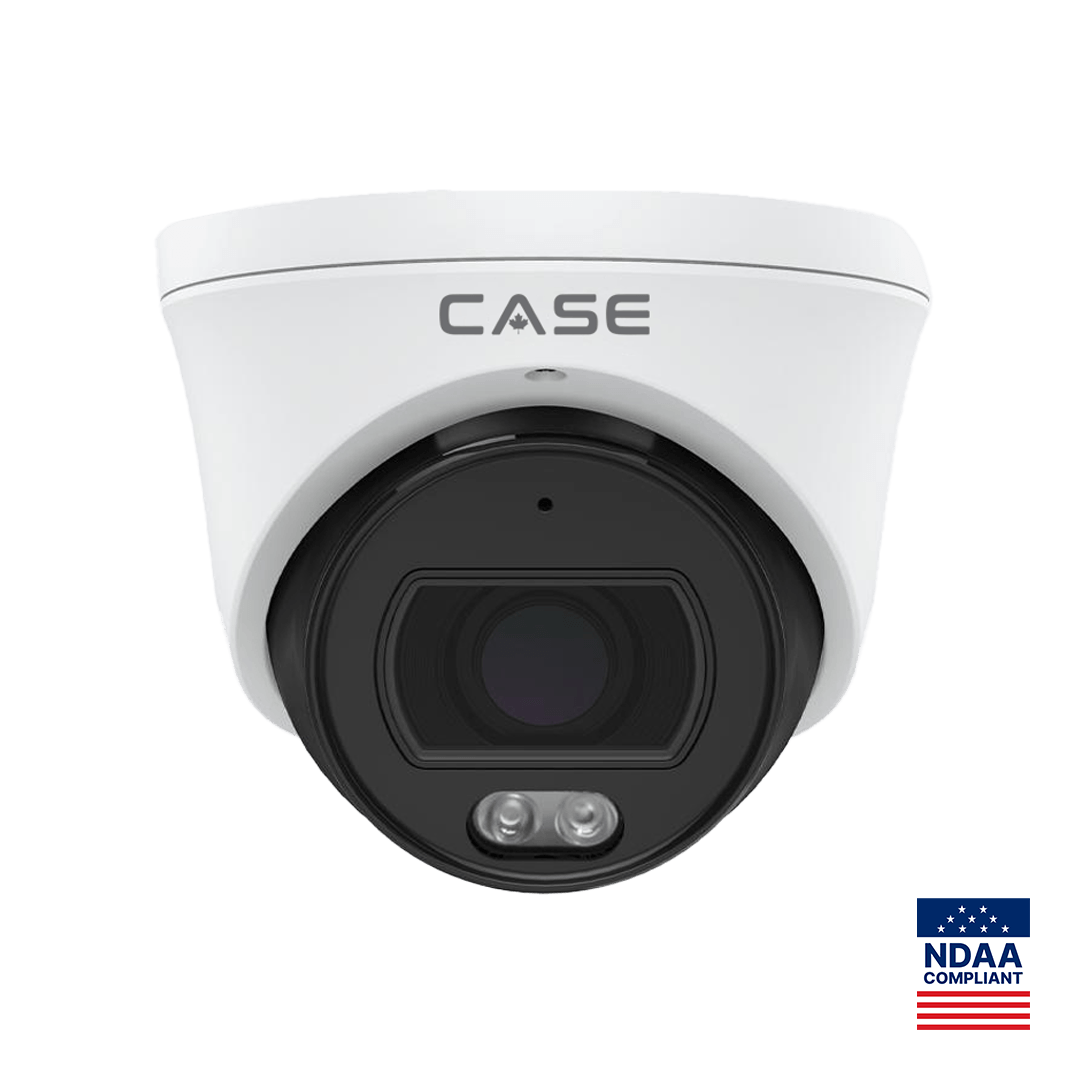
| PhotonX turret, no IR | CS-I4SV S-2.8mm: 4MP, 2.8 mm, IR N/A, 33 ft (10 m) white light, 0.0001 Lux, IP67, Metal, −40 °F to 149 °F (−40 °C to 65 °C) | IR bounce entirely; glass glare; color at night where ambient light allows | Insects while the white light is on |
White light is the answer when the problem is IR itself: no infrared means no IR bounce, and a color image within the printed distance helps identification. How the white light is triggered (always on, on schedule or on event) is set in the camera and confirmed per model and firmware. White light is not the answer for insects; visible light draws them at least as strongly. For the insect corner, the practical combination is a PhotonX model with no IR, which, with its white light set to trigger on events, emits no light of its own for most of the night, plus placement and cleaning. Low-light and full-color behavior is stated per SKU on the specification sheet and should be confirmed for the site; the full color night vision guide and IR range explained cover the imaging side.
What to tell your customer
“The camera is working; at night it is lighting something too close to its own lens, or moisture or a web is sitting in front of it. We will reposition and reseal it and add the exposed cameras to the cleaning schedule. For one location we recommend a camera type that does not use infrared, because that spot will always reflect IR.” If an end user contacts you about a system you did not install: for warranty and service, please contact the installer or company that supplied your system.
FAQ
Why does the night image look white and washed out but the day image is fine?
Infrared is reflecting from something close to the lens: a soffit, a wall, a bracket or a window pane. The camera exposes for that bright near-field reflection and the scene behind it goes dark or milky. Move the camera past the surface, re-aim it, or reseat the dome light shield so the IR cannot leak back into the lens.
The dome fogs on the inside every few days. Is the camera faulty?
Usually not. Internal fog is humid air that entered through an unsealed cable entry, an open conduit or a bubble reseated without its gasket. Dry the unit, reseal every entry, point the cable exit down with a drip loop and refit the bubble. If a correctly sealed unit fogs again, open a warranty request through your business account; CASE cameras carry a 6-year warranty.
Is a turret always better than a dome at night?
For IR reflection and internal fog, a turret removes the bubble that causes both, and it is easier to re-aim. A dome still wins where the camera needs an impact rating or where a visible aim direction is unwanted. Decide per location: a turret such as CS-I5XS SD-2.8mm for soffits and near walls, a dome where the printed IK rating and concealed aim matter more.
Will switching to white light stop the insects?
No. Visible light attracts insects at least as strongly as infrared. White light removes IR bounce and gives a color image within the printed distance, which is the reason to spec it. For insects, keep the camera away from eaves and fixtures, schedule cleaning, and consider a PhotonX model such as CS-I4SV S-2.8mm that prints no IR and can run without its own illumination where ambient light allows.